
Wanderlog Clone
Wanderlog clone · Trip planner app · built by the Vibecode team
This rebuilds Wanderlog with its real name, coral look and words. Open Trip to Tokyo to see the cover-and-title-card header, the Overview, Itinerary, Explore and $ tabs, numbered pins with travel times between stops, and an Optimize route button that reorders a day. The map shows each day's stops and route, the Bookings tab holds boarding-pass style flight and hotel cards, and the budget splits costs between tripmates. Plan a trip with AI turns a destination, dates and a vibe into a real day-by-day itinerary with real places.
- iPhone · Swift
- Hand-built
- Free to remix

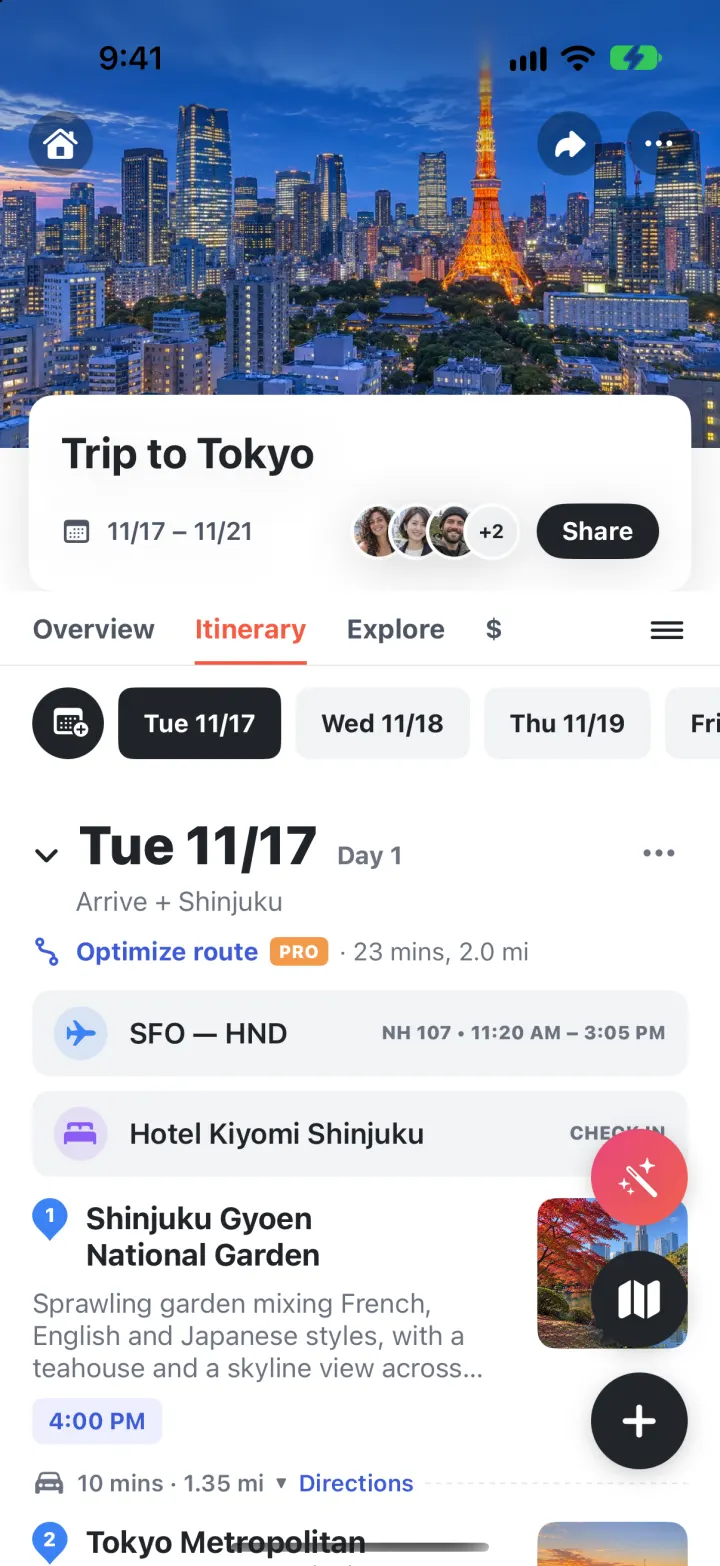
Remix copies the working app into your account for free, exactly as we built it. It runs in Vibecode's cloud iOS simulator, in your browser.
The prompt that builds it
We wrote Wanderlog Clone by hand. This prompt describes the finished app: paste it into a new app to build your own version, or change it first.
Prompt · 1,067 words
Build a polished native iOS clone of Wanderlog, the trip planner, in SwiftUI: trips with a day-by-day itinerary, a full-screen trip map, a bookings hub, a budget with split costs, travel guides, and a real AI itinerary planner.

It is Wanderlog on screen: its name, coral #F75940, and its own words ("Search place or user", "Recently viewed and upcoming", "Reservations and attachments", "Places to visit", "Optimize route" with an orange PRO badge, "Directions", "Add a place", "Add notes, links, etc here", "From the web:", "Debt summary", "View breakdown", "Add expense", "Sort: Date (newest first)"). Draw the Wanderlog logo (two big loops over two small loops joined by a cross, a gap at the top of the left loop) in SwiftUI. Heavy bold system type, white background, light grey #F1F3F5 chips and fields, indigo #3D5AD8 links. The user is Nina Alvarez; tripmates Maya Chen, Jonah Fischer, Priya Shah, Leo Mensah (fictional, generated portraits).

SHELL
Custom bottom bar with icons only: Home (house), Bookings (bed), a red round + button, Explore (compass), Profile. Opens on Home: no onboarding, login, paywall or permission prompt.

SCREENS
1. Home: logo + grey "Search place or user" field (searches trips, places, guides); cream promo carousel with an orange "NEW FEATURE" pill ("Plan your trip with AI" / "Try AI itinerary", "Save money on your trip", "Forward your reservations") with page dots and a close x; "Recently viewed and upcoming" horizontal trip cards (cover photo with an "In 9 days" pill, title, avatar stack, "Nov 17 – Nov 21 · 22 places"); "Your trips" rows with "Plan new trip" and a "Past trips" group; "Explore guides" photo cards.
2. Trip: full-bleed cover photo with a home button, share and "..." in dark circles; a white rounded title card overlapping it (title, calendar icon + "11/17 – 11/21", avatar stack "+2", black "Share" pill). Tabs Overview / Itinerary / Explore / $ with a coral underline and a hamburger; when scrolled, a white bar with the trip title and the tabs sticks to the top. Floating buttons on Overview and Itinerary: pink-to-coral magic wand (AI assistant), black map, black + menu (add place, reservation, expense).
   - Overview: "Reservations and attachments" icon row (Flights, Lodging, Rental cars, Attachment, Trains, Other) with blue count badges that open the reservations; collapsible Notes (bullets, add a note) and lists ("Places to visit", "Foooood 😋") with numbered teardrop pins in each list's colour, bold name, grey blurb, 84 pt photo on the right; "Add a place".
   - Itinerary: day chips ("Tue 11/17") with a black calendar button that scroll to the day; per day a heavy "Tue 11/17" header, "Day 1", a theme line, "Optimize route PRO · 23 mins, 2.0 mi", grey reservation pills ("SFO — HND   NH 107 • 11:20 AM – 3:05 PM", "Hotel Kiyomi Shinjuku   CHECK IN"), numbered stops with lavender time chips, and between stops "walk/car icon 5 mins · 0.26 mi ▾ Directions" with a dashed line. Optimize route reorders the day nearest-neighbour, keeps the time slots in order and shows a dark toast "We saved you 6 minutes of travel time!" with Undo. Tapping a pin marks the place visited (grey check pin, strikethrough, green check on the photo).
   - Explore: search field, Categories grid (Restaurants, Attractions, Cafes, Photo spots), "Top places for Tokyo · Most often-seen on the web", suggestion rows with star rating and a + that adds to Places to visit, and "Get more ideas with AI".
   - $: navy header with the big total "$3,045.10", a budget bar, "Budget: $4,000.00 ✎", invite / "Debt summary" (who owes whom from payer + split) / "View breakdown" (bars by category); Expenses list with category icons, amounts and split avatars; coral "+ Add expense" (amount, category, paid by, split with).
3. Map (full screen): MapKit with numbered pins in each day's colour, dashed route per day, chips All / each day / Places to visit, and a bottom card for the tapped pin: pin icon + name, "From the web: ...", star rating (count), hours, photo, coral Save, Directions (Apple Maps), Details.
4. Place detail sheet: photo (or a map), rating, hours, "From the web" text, Mark visited / Save / Directions, "Add to day" chips, notes.
5. Plan a trip with AI (from the promo, the + button or a guide): Where to? (+ popular chips), start date and a day stepper, vibe chips (Foodie, Culture, Outdoorsy, Nightlife, Relaxed, Shopping, Hidden gems, Family), coral "Build my itinerary". Shows the logo pulsing with "Planning 3 days in Kyoto" and rotating status lines, then opens the new trip on Itinerary with a map cover and real places. The backend calls a real model and returns days of real places with coordinates, times, ratings and tips.
6. AI assistant (wand): prompt chips ("Best dinner spots nearby", "Rainy day ideas"...), a text field; shows the answer and place cards you add to Places to visit or any day.
7. Bookings tab: "Forward email" (trips address with Copy) and "Sync with Gmail PRO"; Upcoming / Past; per trip, boarding-pass cards (SFO → HND, times, "ON SCHEDULE", confirmation, price) and lodging / restaurant / ticket cards.
8. Explore tab: saved places and a 2-column grid of guides (photo, title, author, likes); a guide shows its places on a map with save buttons and "Plan a trip to Kyoto with AI".
9. Profile: photo, name, stats (Trips, Destinations, Places visited, Guides), Passport of rotated round stamps (solid green = been there, dashed coral = planned), Travel preferences quiz (styles, pace, budget; the AI uses them), Wanderlog Pro sheet, Reset demo data.

DATA
Trip to Tokyo in 9 days (5 days: Shinjuku Gyoen, Tokyo Metropolitan Government Building, Omoide Yokocho; Tsukiji Outer Market, Tokyo Skytree, Ueno Park, Sensō-ji, Nakamise; Meiji Jingu, Takeshita Street, AFURI Harajuku, Shibuya Crossing, SHIBUYA SKY; teamLab Planets, Tokyo Tower, Sushi Hayato Ginza; Nakameguro Canal), ANA flights, Hotel Kiyomi Shinjuku, teamLab tickets, $4,000 budget. Lisbon long weekend in 38 days. Iceland ring road two months ago, all visited. Real coordinates, travel photos for every stop. All dates relative to today and shifted forward on launch.

RULES
Every button works and changes state; data persists between launches. No real brand files bundled: logo drawn in code, photos generated.

REMIX-READY
Brand/Theme.swift (name, words, colours), Data/Fixtures files, one small file per feature, README.md with a file map and remix ideas, a -DemoTour launch argument that drives the app for recordings.
More templates
All templates- View template
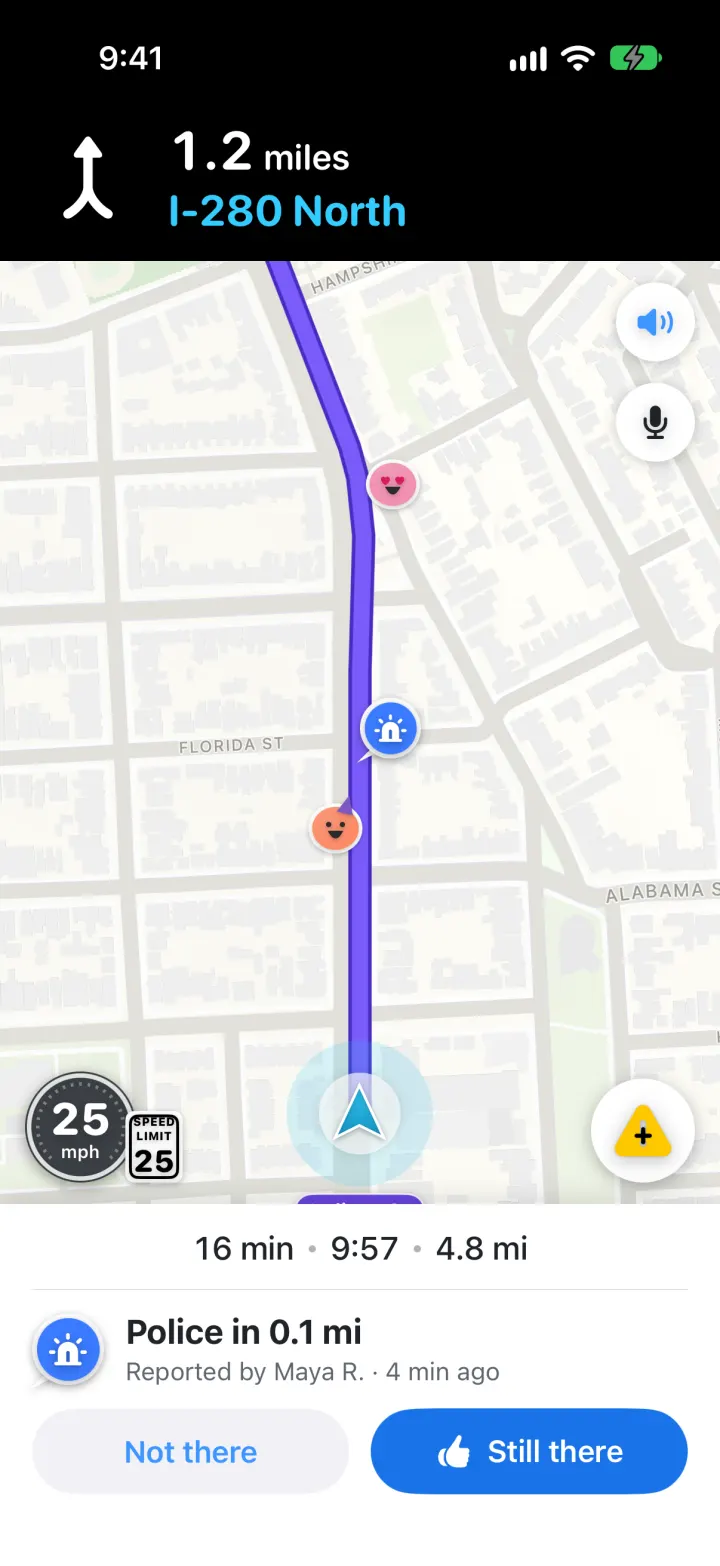
Waze Clone
iOSReal routes, a purple drive line, police alerts you confirm and one-tap hazard reports, all in Waze's look
- View template
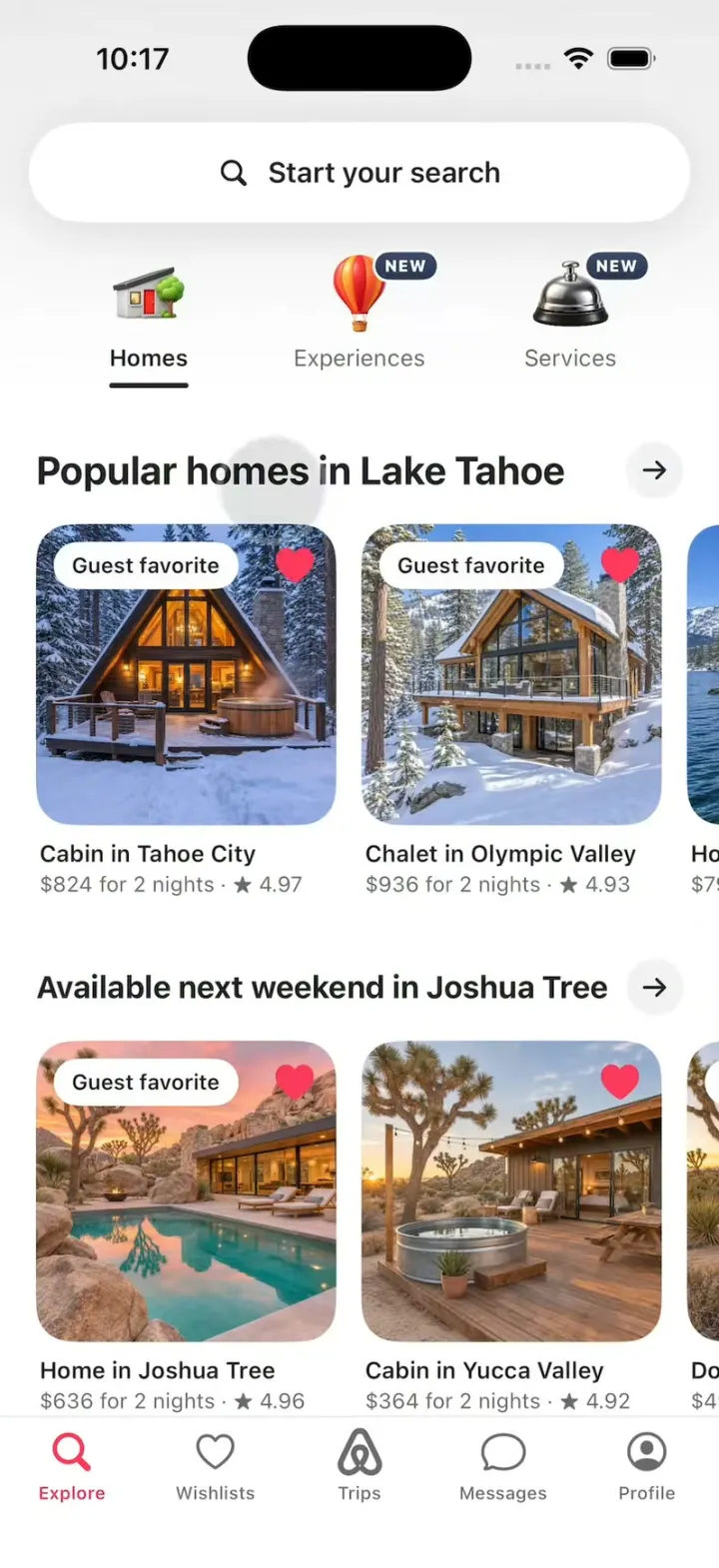
Airbnb Clone
iOSAirbnb's 3D tabs, the Where/When/Who search, the price map, Guest favorite stays, Reserve and Compare.
- View template
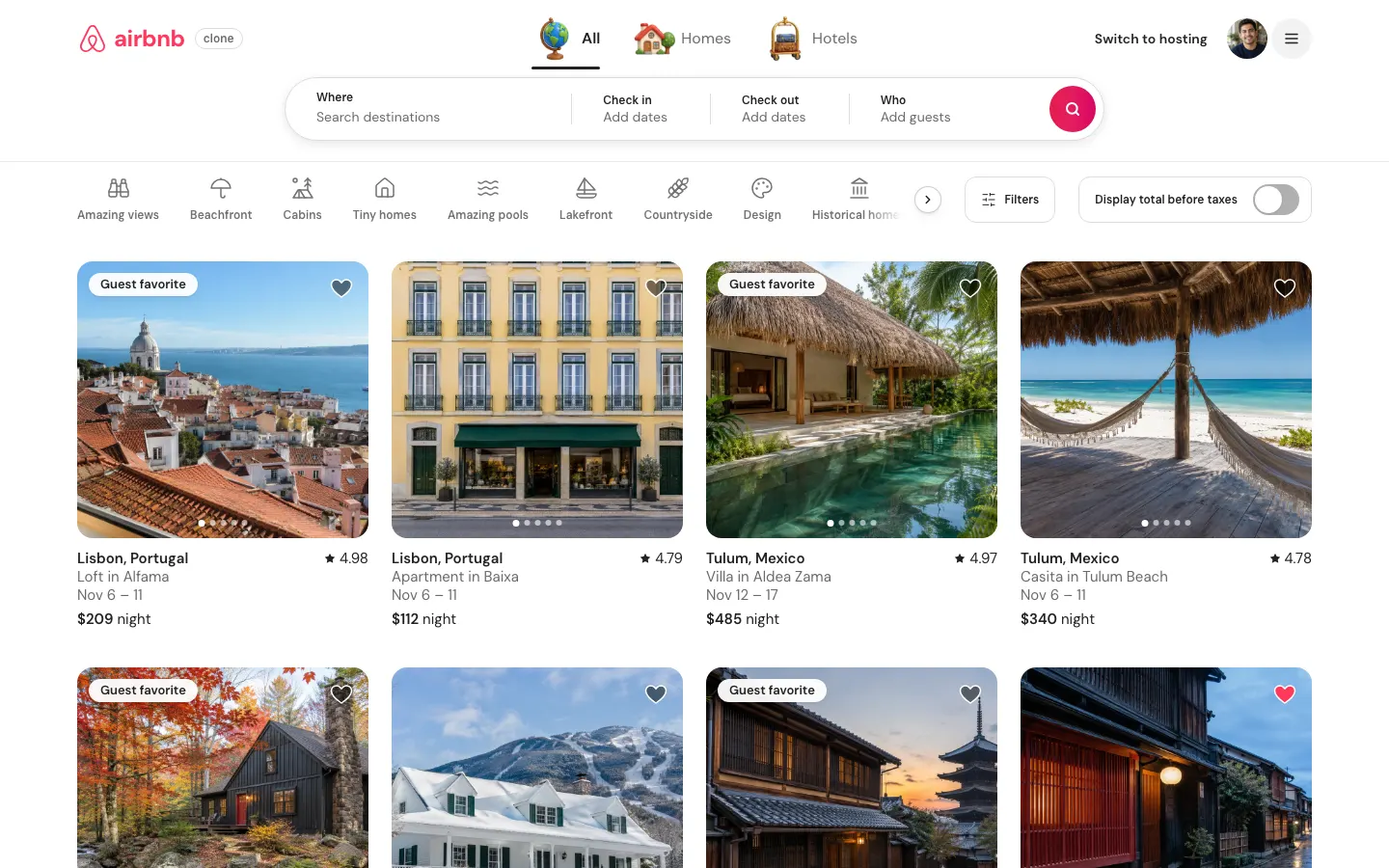
Airbnb Clone (Web)
WebSearch 80 stays on a live price map, save wishlists, book with a test card, then list your own place.
- View template
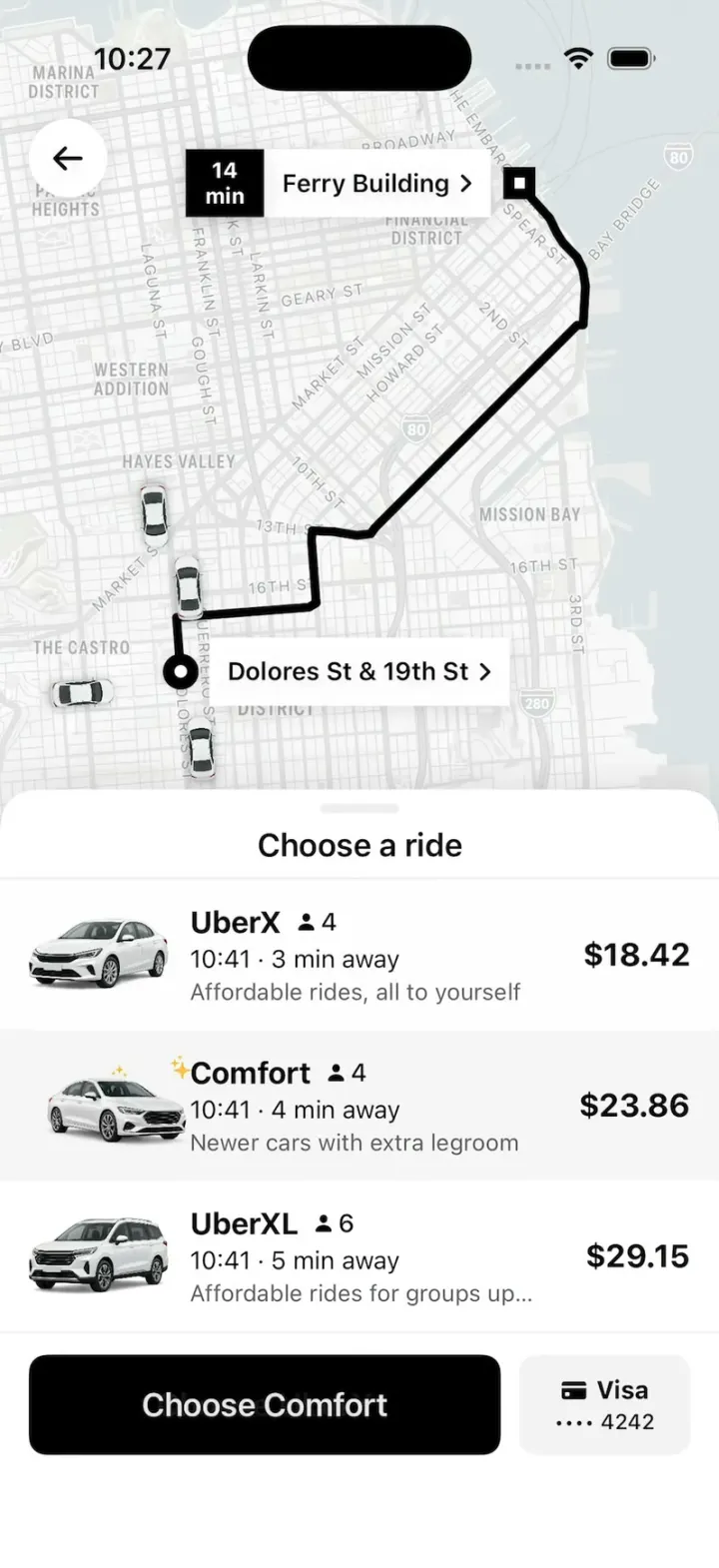
Uber Clone
iOSUber's real look: pick a ride at an upfront price, watch your driver drive up on the map, then rate and tip.