Tab Glass
Design app · from our videos on X
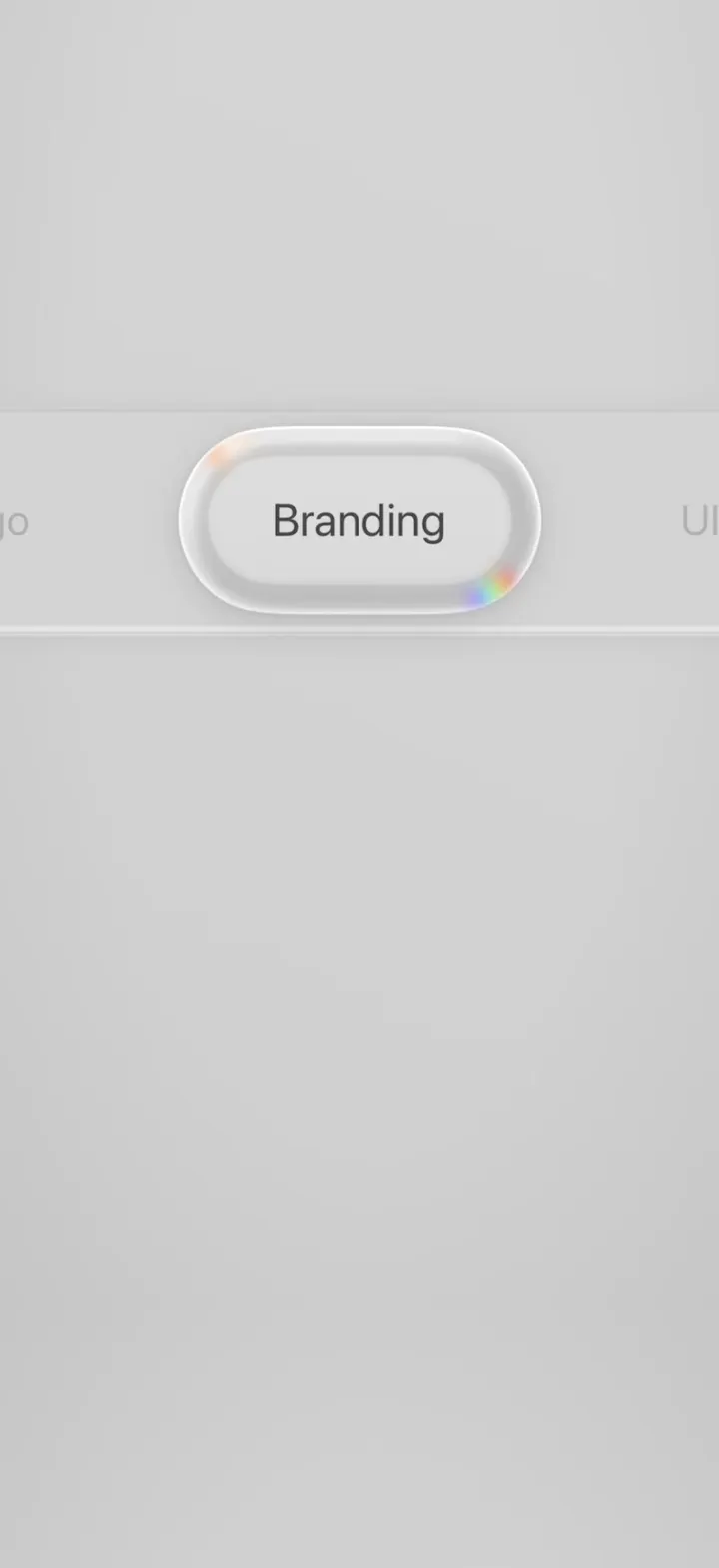
Tab Glass is one giant segmented tab bar, filmed up close: Logo, Branding and UI/UX. The selected tab is a thick, bevelled glass pill with rainbow glints drifting around its curved ends. Tap a tab and the pill glides over, stretching like liquid, while the whole bar pans so it lands back in the middle. The glass is see-through, so mid-slide you read both labels through it, and one long swipe sends it from UI/UX straight back to Logo.
- iPhone · Swift
- Built in 3 prompts
- Free to remix
Remix copies the working app into your account for free, exactly as we built it. It runs in Vibecode's cloud iOS simulator, in your browser.
Watch the video on X@ios_app_builder · Nov 15, 2026The prompt that builds it
We built Tab Glass in 3 prompts. Here they are folded into one, so a single paste into a new app builds the finished version.
Prompt · 1,580 words
Download/reference the app shown in this post and clone it exactly, including the iPhone visual design, layout, interactions, animations, typography, spacing, and all visible states. Make it functional and runnable in the simulator. Match the reference as closely as possible and include any interaction shown in the source. Reference: https://x.com/bestdesignsonx/status/2121513468843163901 (an 8-second macro close-up).

Build a native SwiftUI iOS app named Tab Glass using Opus 5.5. The original is "Tab Liquid Glass" by Ramin Nasibov: a macro close-up of one big segmented tab bar with three tabs (Logo, Branding, UI/UX). The selected tab is a thick, bevelled, see-through glass capsule with prismatic (rainbow) glints on its rim. Tapping another tab makes the glass pill glide over to it, stretching like liquid as it moves, and the whole tab bar slides under a fixed camera so the selected pill always comes back to the middle of the screen. Build it as a real iPhone app with the same macro framing. Do NOT put a fake handset frame inside the actual app; the simulator provides that. No permissions, no backend, no network.

Screen (portrait, light mode only, the whole app is this one screen):
- Background: edge to edge, a very soft grey gradient: #D7D7D7 at the top-right to #CFCFCF at the bottom-left, plus a barely visible darker vignette at the corners. Hide the status bar (.statusBarHidden(true)) and ignore all safe areas: no title, no nav bar, no other UI anywhere. The tab bar is the only object on screen.
- The tab bar sits exactly at the vertical centre of the screen and is HUGE (we are zoomed in on it like the reference): it is much wider than the screen and runs off both edges.

Tab bar geometry (points, for a 402-pt-wide iPhone; scale with screen width):
- Three equal segments, 300 pt wide each, labels "Logo", "Branding", "UI/UX" in that order. The track is one capsule around all three: 300 x 3 + 2 x 14 padding = 928 pt wide, 178 pt tall, corner radius = half its height.
- The selected pill is a capsule 290 pt wide x 150 pt tall, centred in its segment (14 pt inset from the track top and bottom).
- Camera: the track is offset horizontally so the CENTRE of the selected segment sits at the screen's horizontal centre (x = screen width / 2). With Logo selected you therefore see the track's rounded left end on the left and the word "Bran" cut off by the right screen edge; with Branding selected you see the end of "Logo" on the left edge ("go") and the start of "UI/UX" on the right edge ("UI/"); with UI/UX selected you see "ding" on the left edge and the track's rounded right end on the right. Match the reference.
- Labels: SF Pro, 34 pt, regular weight. Unselected labels: light grey #B0B0B0. The label inside the pill: regular weight (not semibold), #464646, same size. Each label is centred in its segment.

Track look:
- Fill #D4D4D4, a hair darker than the background. It reads as a very shallow raised slab: a 1.5 pt lighter (#E6E6E6) edge on the bottom and right, a 1 pt darker (#C6C6C6) edge on the top and left, and a very soft 12 pt blurred shadow (black 6%) offset 4 pt down. No hard outline.

Glass pill look (the hero; it must read as thick glass, not white plastic):
- It is a thick piece of clear glass lying on the track. Flat inner face: #DEDEDE, close to the track colour, with a faint top-to-bottom gradient (lighter at the top), so the rim does the work.
- A wide rounded bevel around the whole rim, about 22 pt thick and greyish: draw it as several stacked capsule strokes / inner shadows so it looks like a rounded glass edge: a bright white 1.5 pt highlight line on the outer top edge, a milky grey band under the top and left edges, a soft shadowed grey (#B8B8B8, blurred) band inside the bottom and right edges, and a faint 1 pt darker line where the bevel meets the flat face.
- Prismatic glints: soft, elongated rainbow smears that live on the CURVED ends of the capsule: one at the upper-left curve (warm: peach, white, soft orange) and one at the lower-right curve (full spectrum: red, yellow, green, cyan, blue, violet), each about 30-40 pt long, following the curve of the rim, heavily blurred (6-8 pt) with feathered ends, no hard edges and no square/pixel blocks, blend mode plusLighter or screen. They sway slowly back and forth around their corner (~6 s cycle), sliding only a little onto the straight edges, and shimmer in brightness like light moving over real glass. Use an AngularGradient of spectral colours masked to the rim with a soft moving mask, or a Metal colorEffect/layerEffect shader (if you add a .metal file, make sure it is in the app target and compiles).
- Under the pill: a soft drop shadow (black 12%, blur 14, y 6) and a tight contact shadow (black 10%, blur 3, y 1).
- Lens: the glass must be see-through. The labels are drawn on the track; wherever the pill covers a label, that part of the label is drawn dark #464646, regular weight and magnified 1.06x about the pill centre; the part outside the pill stays light grey. During a slide you must see two labels half inside the pill (e.g. "Lo" dark at the pill's left edge and "Bra" dark at its right edge), exactly like the reference mid-slide. Do this with masks (pill shape as a mask for the dark copy of the labels, inverse for the light copy), not by swapping text. Near the rim the dark text gets slightly displaced/blurred by the bevel (a subtle refraction smear is a bonus).

Motion (all spring-based; this is the point of the video):
1. Press: when a finger goes down on a tab, the pill's top inner rim lights up with a soft rainbow band (a 60%-wide, 8 pt-tall glowing strip just inside the top edge) that cycles quickly through rose #F4C6C6 -> peach #F6D9B8 -> pale yellow #F5EFC2 -> white -> ice blue #CDE6F2 -> lavender #D9D2F2 over ~0.25 s, then fades as the pill starts moving.
2. Slide: the pill moves to the tapped segment with a spring (response ~0.32, dampingFraction ~0.74), about 0.30 s for one tab and 0.40 s for the two-tab jump. While it moves it stretches like liquid: width grows with speed up to +35% (to ~390 pt) and height shrinks up to -6%, stretching in the direction of travel, then it springs back to 290 x 150 with one small overshoot wobble when it lands. A two-segment jump (UI/UX -> Logo) passes over Branding and stretches the most.
3. Camera: at the exact same moment the whole track (with labels and pill) slides horizontally so the new selection ends up centred, on a slightly slower spring (response ~0.40, dampingFraction ~0.88), so the pill leads a little: its on-screen offset from the centre peaks at about 18% of the screen width (~70 pt) on a one-tab move and ~35% on the two-tab jump. Clamp the camera so the pill always stays fully on screen (at least 12 pt from either edge). Everything settles ~0.25 s after the pill lands.
4. Landing: when the pill arrives, a warm white glow (pale yellow #FFF6D8) flashes along the bottom inner rim for ~0.4 s and fades. When moving left, the flash is on the top inner rim instead.
5. Idle: the glints keep drifting/shimmering all the time, so the pill looks alive even when nothing is touched.

Gestures:
- Tap anywhere on a segment (including the part peeking in at the screen edge) selects it.
- Drag the pill horizontally: it follows the finger with rubber-band stretch. On release use predictedEndTranslation, not velocity: target = the segment nearest to (pill position at release + predictedEndTranslation.width), clamped to the first/last tab, and any swipe longer than 1.2 segment widths always reaches two tabs away (so from UI/UX one long swipe left goes straight to Logo, passing over Branding, and Logo straight to UI/UX).
- Horizontal swipes anywhere else on the screen work the same way.
- Light haptic (UIImpactFeedbackGenerator .soft) on each landing.
- The app always launches with Logo selected and the camera centred on it.

Observed video sequence (0-8 s), which must be reproducible by tapping:
0.0-1.95 Logo selected, idle, glints drifting. 1.95-2.05 press: rainbow band on the top inner rim. 2.05-2.35 the pill slides right to Branding, stretched, covering parts of "Logo" and "Branding" at once, then lands stretched while the track pans left. 2.35-2.6 settle, bottom rim flash. 2.6-4.55 Branding idle. 4.55-4.75 press glow. 4.75-5.1 the pill slides right to UI/UX, camera pans, settles. 5.1-7.0 UI/UX idle. 7.0-7.2 press glow. 7.2-7.6 one long slide LEFT all the way to Logo passing over Branding, stretched the most, camera pans right. 7.6-8.0 Logo idle again.

Build it in small source files, in this order: the background and static track with labels, then the glass pill look, then the masks/lens, then the slide/stretch/camera springs, then the press and landing glows and drifting glints, then gestures. Keep SwiftUI types simple and split complex view bodies so the compiler is fast. Build fully, run compile/build validation, resolve all errors, and launch in the web simulator. Prioritize fidelity to the reference and the slide/stretch motion. Deliver complete implementation rather than a plan.
More templates
All templates- View template
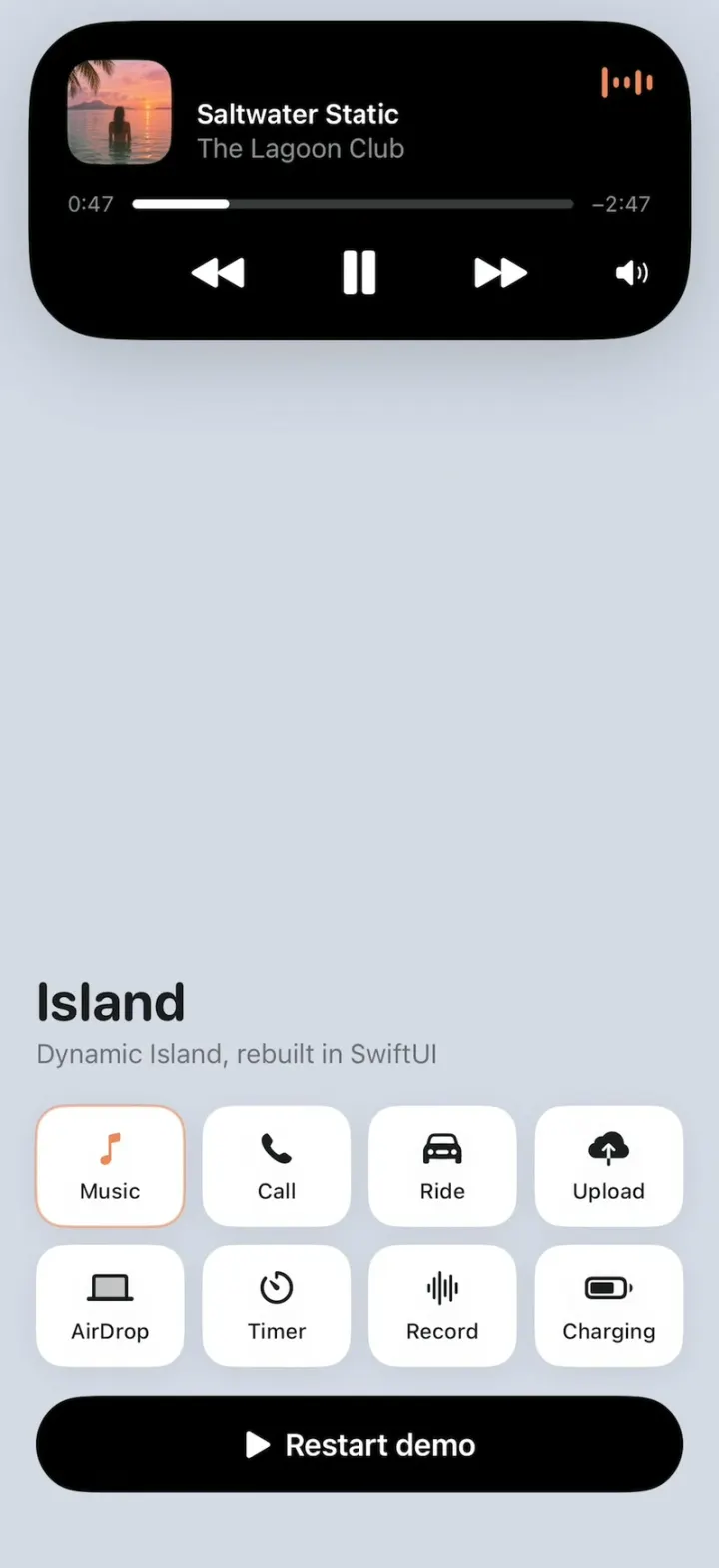
Island
iOSApple's Dynamic Island, rebuilt: one black pill springs into music, calls, rides, uploads, AirDrop and more.
- View template
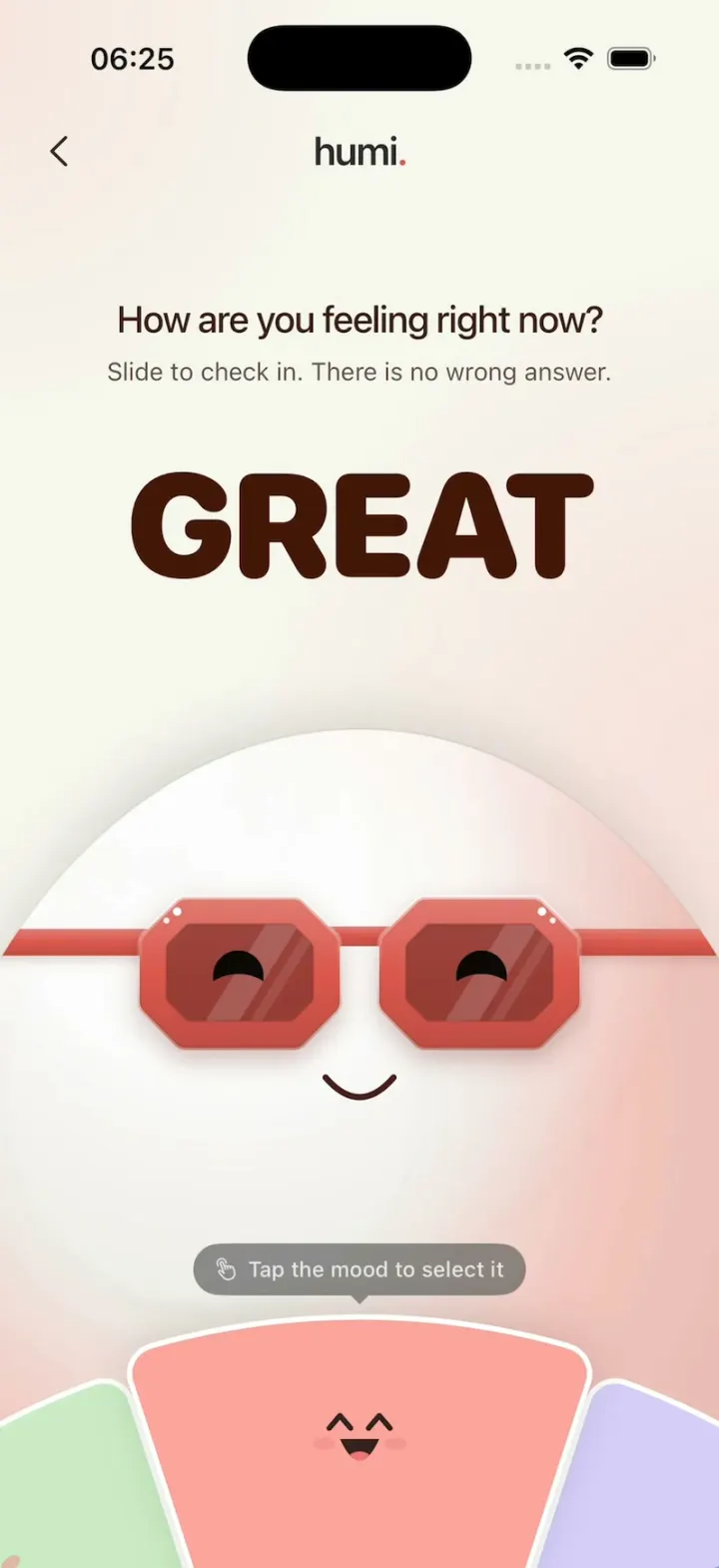
Humi
iOSA glossy egg in sunglasses checks your mood: turn the wheel and everything recolors, then log it gently.
- View template
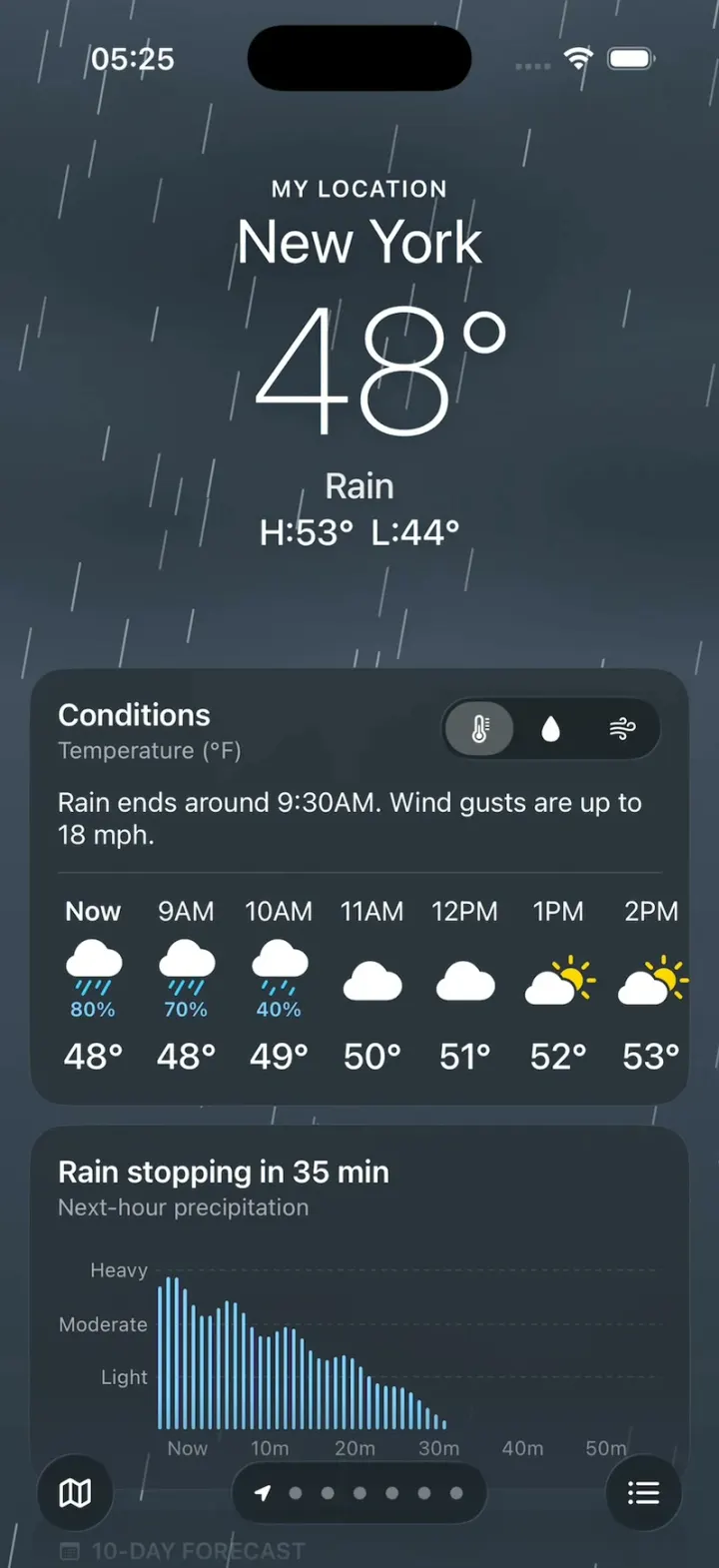
Apple Weather Clone
iOSThe iPhone Weather app: live animated skies, hourly and 10-day forecasts, glass tiles and a rain map.
- View template
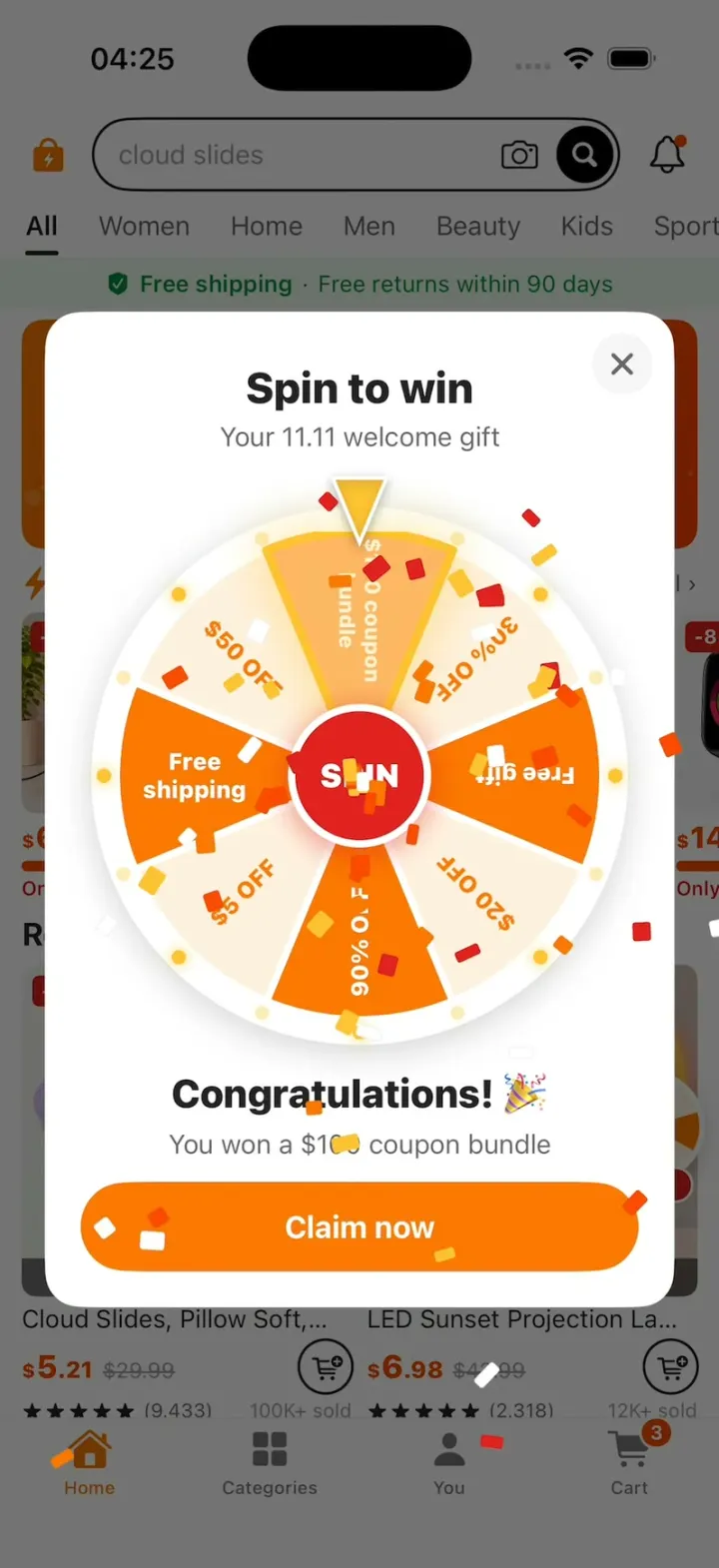
Temu Clone
iOSA Temu-style deals app: lightning-deal countdowns, a spin-to-win coupon wheel, fly-to-cart and checkout.