Humi
Lifestyle app · from our videos on X
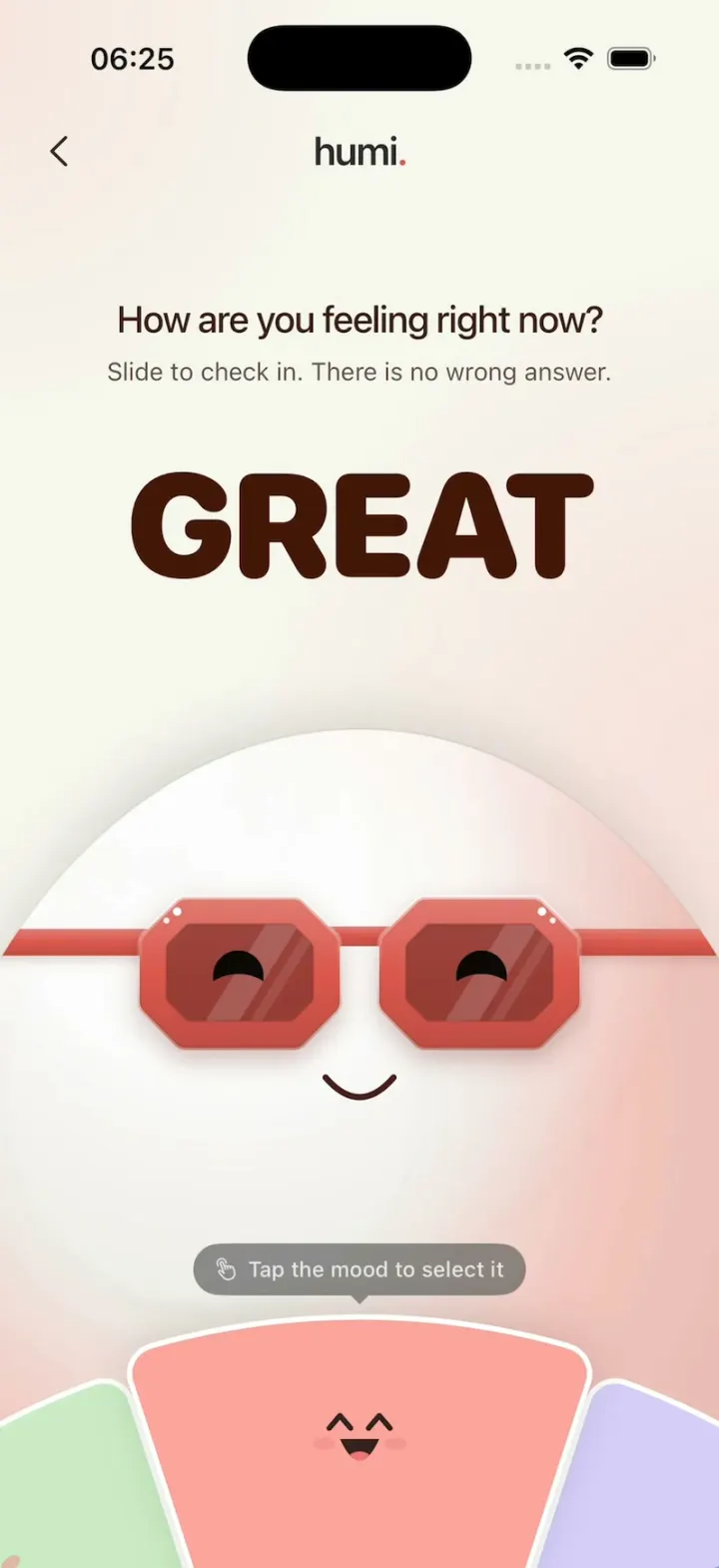
Humi is a playful mood check-in. A big glossy egg in chunky octagon sunglasses sits above a mood wheel; turn it or tap a neighbouring wedge to move between Okay, Good, Great, Low and Rough, and the big word slides across with a motion blur while the glasses, eyes, mouth, wheel and background glow all change colour. Tap the mood on top to log it and the screen settles into "Noted, gently." with a kind line for that mood. Breathe with me opens a slow four-in, four-out breathing exercise led by the egg, and Done starts a fresh check-in.
- iPhone · Swift
- Built in 1 prompt
- Free to remix

Remix copies the working app into your account for free, exactly as we built it. It runs in Vibecode's cloud iOS simulator, in your browser.
Watch the video on X@ios_app_builder · Nov 13, 2026The prompt that builds it
We built Humi in one prompt. Paste it into a new app to build your own copy, or change it first.
Prompt · 1,681 words
[image attached][image attached][image attached][image attached][image attached][image attached][image attached][image attached][image attached][image attached]
Download/reference the app shown in this post and clone it exactly, including the iPhone visual design, layout, interactions, animations, typography, spacing, and all visible states. Make it functional and runnable in the simulator. Match the reference as closely as possible and include any interaction shown in the source. Reference: https://x.com/BThreeAgency/status/2120884210991050818. The 10 attached screenshots are frames of the 10-second video, in order (t = 0.33 s, 1.5, 2.0, 2.6, 4.0, 6.0, 6.8, 8.0, 8.6, 9.8). Read every one of them before writing code.

Build a native SwiftUI iOS app named Humi using Opus 5.5. It is a playful mood check-in: a big glossy white egg character wearing chunky sunglasses sits in the middle of the screen, and a mood wheel at the bottom turns to pick how you feel. Each mood recolors everything (glasses, wheel, word, background glow) and changes the character's face. Do NOT put a fake handset frame inside the actual app; the simulator provides that. Use deterministic local state, no permissions or backend. Draw everything with SwiftUI shapes and gradients (no image assets needed). Do not publish externally.

Observed video sequence (0-10 s):
- 0.0-0.8 s: entrance on a pale warm screen. The header fades in first, the egg character rises from below the middle while going from blurred to sharp, the word "OKAY" fades and scales in (0.95 -> 1.0), the title and subtitle fade in, the wheel rises up from the bottom edge, and the tooltip fades in last. Staggered, about 0.8 s in total.
- 1.9 s: the wheel turns COUNTER-CLOCKWISE one step, so the green GOOD wedge that was on the right comes up to the top centre. At the same time "OKAY" slides out to the LEFT with a strong horizontal motion blur and fades, while "GOOD" slides in from the RIGHT, also blurred, and sharpens as it lands. The glasses, pupils, mouth, word colour and background glow cross-fade to green. About 0.35-0.4 s, spring.
- 3.3 s: counter-clockwise again: GOOD -> GREAT (pink-red). Word exits left, new word enters from the right.
- 4.5 s: CLOCKWISE (wheel turns the other way): GREAT -> GOOD. The word now exits to the RIGHT and the new one enters from the LEFT.
- 5.1 s: clockwise: GOOD -> OKAY.
- 5.7 s: clockwise: OKAY -> LOW (blue).
- 6.3 s: clockwise: LOW -> ROUGH (lavender purple).
- 7.1 s: counter-clockwise: ROUGH -> LOW.
- 7.8 s: tap on the selected LOW wedge: its little face shrinks into a frosted white circle and a thin ring ripples out from it (~0.3 s).
- 8.2-9.0 s: the check-in turns into the logged screen. The title and subtitle cross-fade into "Logged just now · Low" (small grey) and "Noted, gently." (big), with "Low moments pass. Small things still count today." under it. The big word "LOW" stays in place for a moment and fades out. The egg character first rises ~60 pt with a thin pale ring expanding behind its top like a halo, then settles back down lower on the screen. The wheel and tooltip slide down out of the screen. Two buttons slide up from the bottom: "Breathe with me · 1 min" and "Done".
- 9.0-10 s: hold on the logged screen.

Wheel order (it is a ring, so it wraps): going to the RIGHT of OKAY you get GOOD, then GREAT, then ROUGH, then LOW, then OKAY again. So OKAY's left neighbour is LOW and GREAT's right neighbour is ROUGH.

Visual details (iPhone portrait, light mode only):
- Background: warm off-white #F7F6EF, with a soft mood-coloured glow (big blurred radial gradients) along the right edge and the lower part of the screen, cross-fading with the mood. Glow tints: OKAY #F5E9C8, GOOD #DCEFD8, GREAT #F7DCD7, LOW #D9E6F5, ROUGH #E4DDF5.
- Header (top, below the status bar): a thin dark "<" chevron at the far left (does nothing on this screen), and centred the wordmark "humi." in 22 pt semibold, colour #2B2B2B, with the final period in yellow #F2B705.
- Title: "How are you feeling right now?" centred, 21 pt medium, #2A2A2A, slightly tight tracking. Subtitle under it: "Slide to check in. There is no wrong answer." 14 pt regular, #6E6E6E.
- Big mood word, centred below the subtitle (its centre at ~33% of the screen height): "OKAY", "GOOD", "GREAT", "LOW" or "ROUGH" in a very heavy rounded geometric sans (system .rounded, weight .black, ~82 pt, tracking -2), each in a deep shade of its mood: OKAY #3C2B08, GOOD #133314, GREAT #431507, LOW #1C2E4C, ROUGH #231E49.
- The character: the top of a huge glossy white sphere ("egg"), wider than the screen so its sides run off both edges; its top is at ~47% of the screen height and it fills the screen down to the wheel. Shade it like 3D: bright white highlight on the upper left, soft grey-white body #F1EFEA, and a mood-coloured rim light on the right and lower edges.
- Sunglasses on the egg at ~62% of the screen height: two chunky octagonal frames (rounded-corner octagons, each ~120 x 90 pt, ~16 pt thick rims) in the mood colour with a lighter bevel on top and two tiny white sparkle dots near each frame's outer top corner; a short bridge between them; straight temple arms that run out to both screen edges. Lenses are smoky dark tinted glass (the mood colour darkened, ~70% opacity) with a soft diagonal glare stripe. Glasses colours: OKAY #DAA125, GOOD #56A94B, GREAT #DB564E, LOW #4982D1, ROUGH #8068DD.
- Eyes are black pupils inside the lenses: OKAY and GOOD round ovals looking straight ahead; GREAT happy closed arcs (upside-down U); LOW droopy (top third cut flat like a heavy lid, looking down); ROUGH droopy and tilted, sadder. Pupils animate between shapes with the mood.
- Mouth: a small dark rounded line ~40 pt under the glasses: OKAY flat dash, GOOD gentle smile, GREAT wider smile, LOW small frown, ROUGH frown.
- Mood wheel at the bottom: a big disc whose centre sits ~300 pt below the bottom edge of the screen (radius ~430 pt), so only its top band shows, from ~84% of the screen height to the bottom. It is split into 10 equal wedges of 36 degrees that repeat the five moods twice around in ring order (OKAY, GOOD, GREAT, ROUGH, LOW, OKAY, GOOD, ...). Wedge fills: OKAY #FFD77F, GOOD #A0DB98, GREAT #FDA39B, ROUGH #B6A6F7, LOW #A0C8FA. White 3 pt separators between wedges, softly rounded corners. The selected wedge at the top centre is full colour and lifted ~10 pt outward with a soft shadow and a white outline; the others are paler (mixed ~45% with white). Each wedge carries a small kawaii face near its outer edge, rotated with the wedge, drawn in a dark tone of its colour: OKAY dot eyes + flat mouth; GOOD dot eyes + smile + pink blush; GREAT ^ ^ eyes + open laughing mouth + blush; LOW worried brows + frown; ROUGH worried brows, frown and a tiny tear.
- Tooltip: a dark grey capsule (#5A5A5A, 85% opacity) with a small white "hand.tap" symbol and "Tap the mood to select it" in 12 pt white, with a tiny downward caret, sitting just above the top edge of the selected wedge. It fades in ~0.3 s after the wheel settles and fades out as soon as the wheel moves.

Interactions:
- Horizontal drag anywhere on the lower half (character or wheel) turns the wheel with the finger (about 110 pt of drag per 36-degree step) and springs to the nearest wedge on release. Dragging LEFT turns it counter-clockwise (moves to the mood on the right, e.g. OKAY -> GOOD); dragging RIGHT turns it clockwise. Each time the selection changes, play the word/colour/face transition above and a selection haptic.
- Tapping a side wedge (left or right neighbour) turns the wheel one step toward it with exactly the same animation as a drag. This is important for filming.
- Tapping the selected top wedge logs the mood: the press animation, then the logged screen described in the sequence, using that mood's name and colours.
- Logged screen copy per mood (headline is always "Noted, gently."; the small line is "Logged just now · <Mood>" in title case): OKAY "Okay is a fine place to be. One thing at a time." GOOD "Good to hear. Hold on to what helped today." GREAT "Love that. Notice what made today shine." LOW "Low moments pass. Small things still count today." ROUGH "Rough days are real. Be soft with yourself today." Headline 28 pt semibold #2A2A2A, body 15 pt #6E6E6E, centred, two lines.
- Buttons (bottom, full width minus 20 pt margins, 52 pt tall capsules, 12 pt apart): "Breathe with me · 1 min" filled with the mood's wedge colour at 80%, dark text; "Done" white with a soft shadow, dark text. Breathe opens a simple full-screen breathing view: the egg character slowly grows and shrinks (4 s in, 4 s out) with "Breathe in" / "Breathe out" text and an x button that returns to the logged screen.
- "Done" restarts the app from the very beginning: back to OKAY with every piece of state reset, and the 0.8 s entrance animation plays again. The app also opens on OKAY with that entrance.

Use native spring animations and gestures, not static screenshots. The word slide is the hero animation: horizontal offset of ~70% of the screen width plus a horizontal blur (scale the blur with speed, ~12 pt at peak) and opacity, about 0.38 s.

Keep every file you create inside /home/user/workspace (fonts, generated images, scripts): tool access to /tmp and other paths outside the workspace is denied in this sandbox.

Build it in small source files (models/colours, the character, the glasses, the wheel, the check-in screen, the logged screen), keep SwiftUI types simple and split complex view bodies. Build fully, run compile/build validation, resolve all errors, and launch in the web simulator. Prioritize fidelity to the attached screenshots and the main interaction flow. Deliver complete implementation rather than a plan.
More templates
All templates- View template
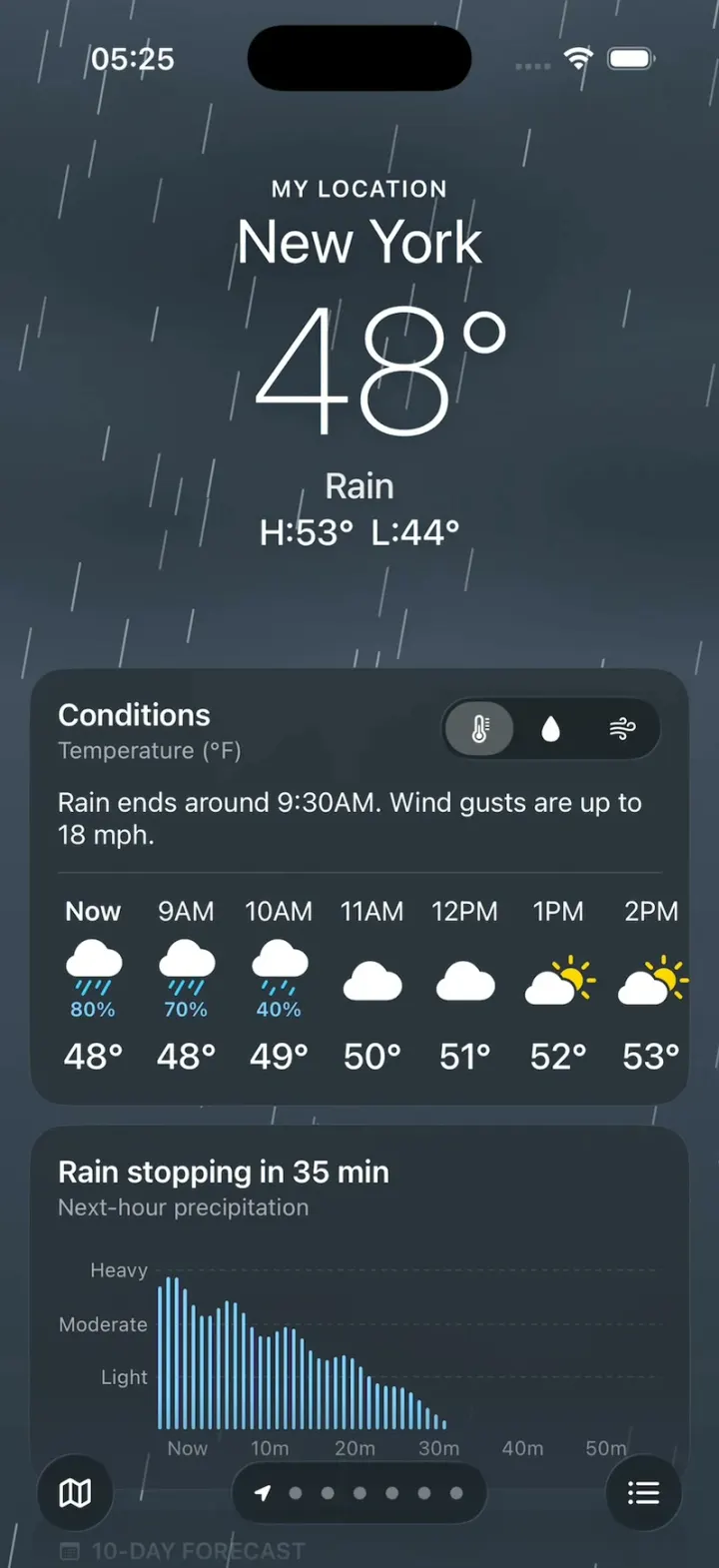
Apple Weather Clone
iOSThe iPhone Weather app: live animated skies, hourly and 10-day forecasts, glass tiles and a rain map.
- View template
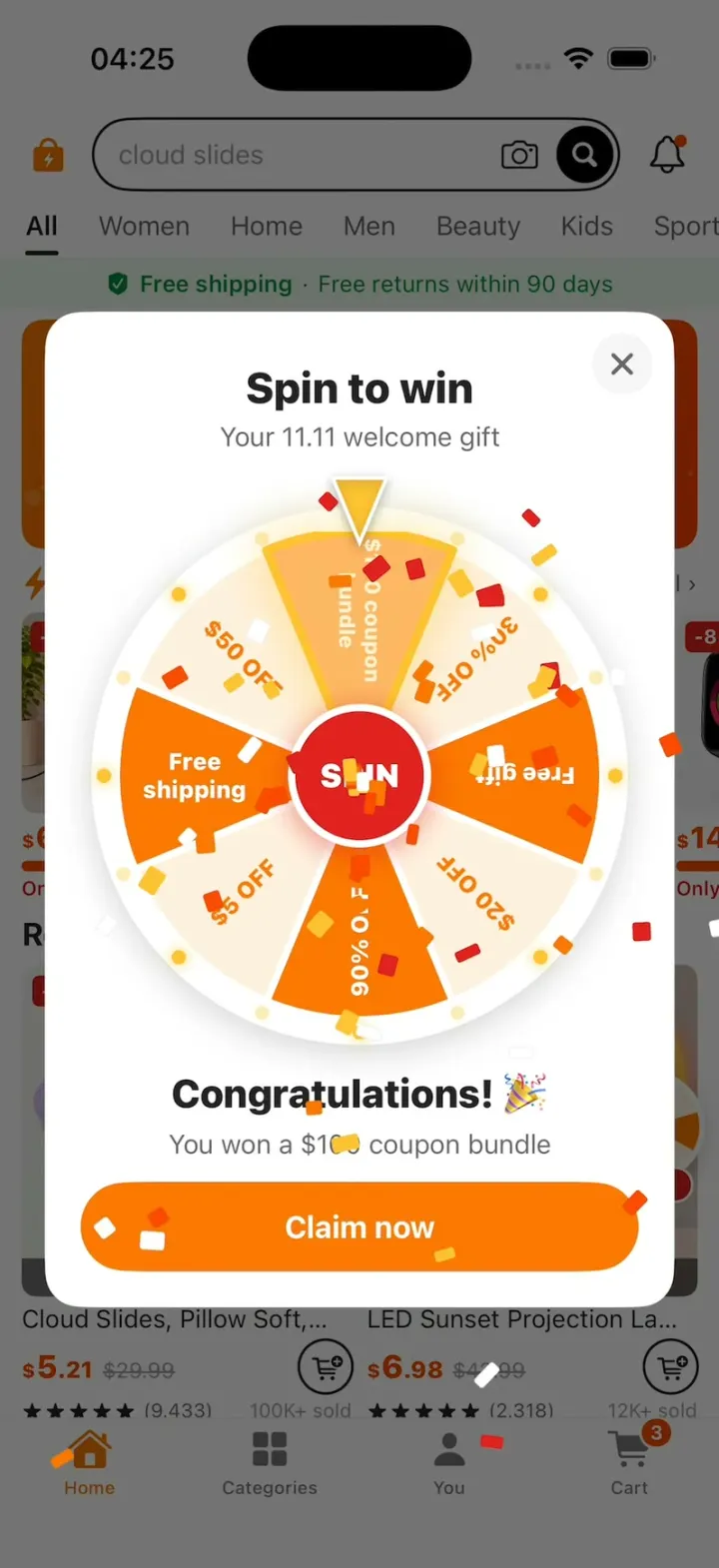
Temu Clone
iOSA Temu-style deals app: lightning-deal countdowns, a spin-to-win coupon wheel, fly-to-cart and checkout.
- View template
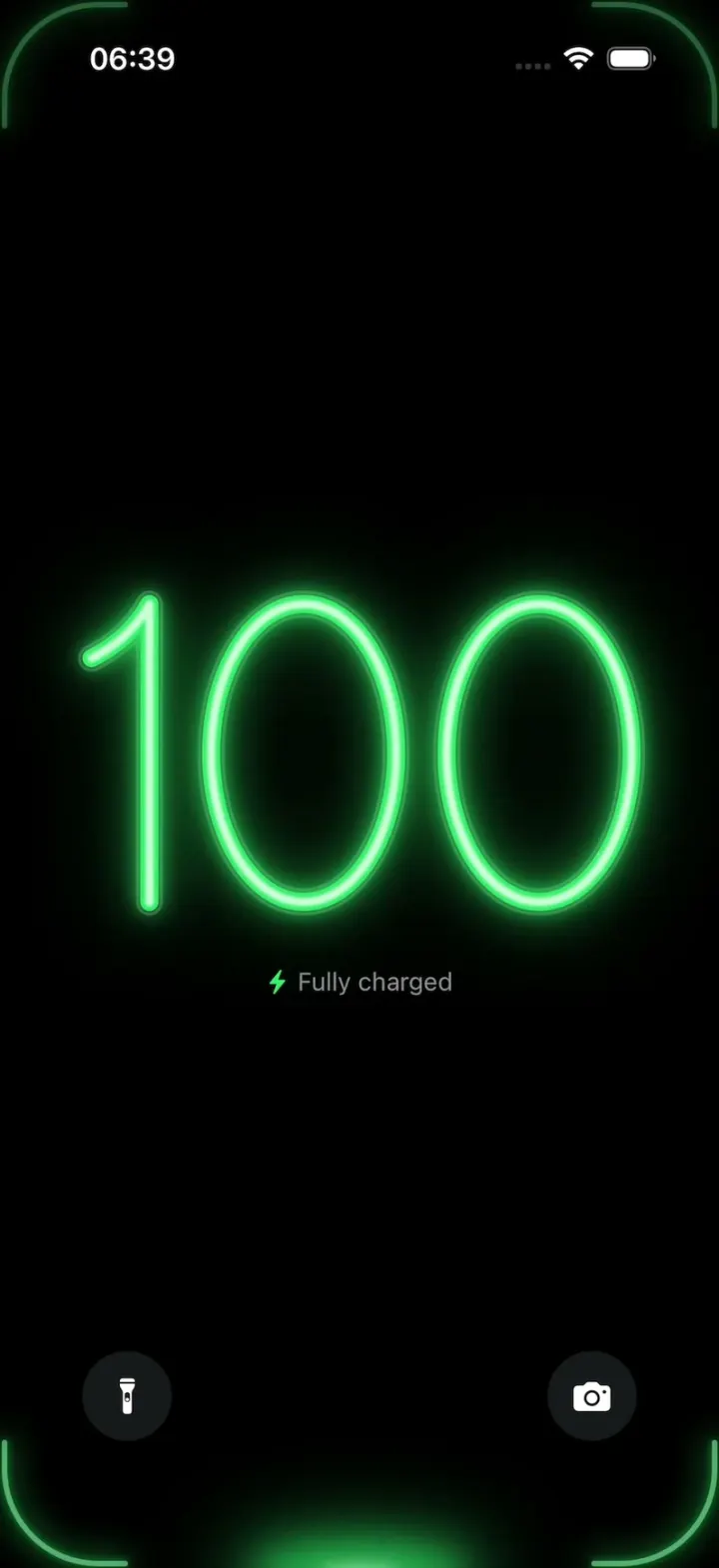
Liquid
iOSA neon drop falls from the Dynamic Island and fills glass-tube battery digits, from red to amber to green.
- View template
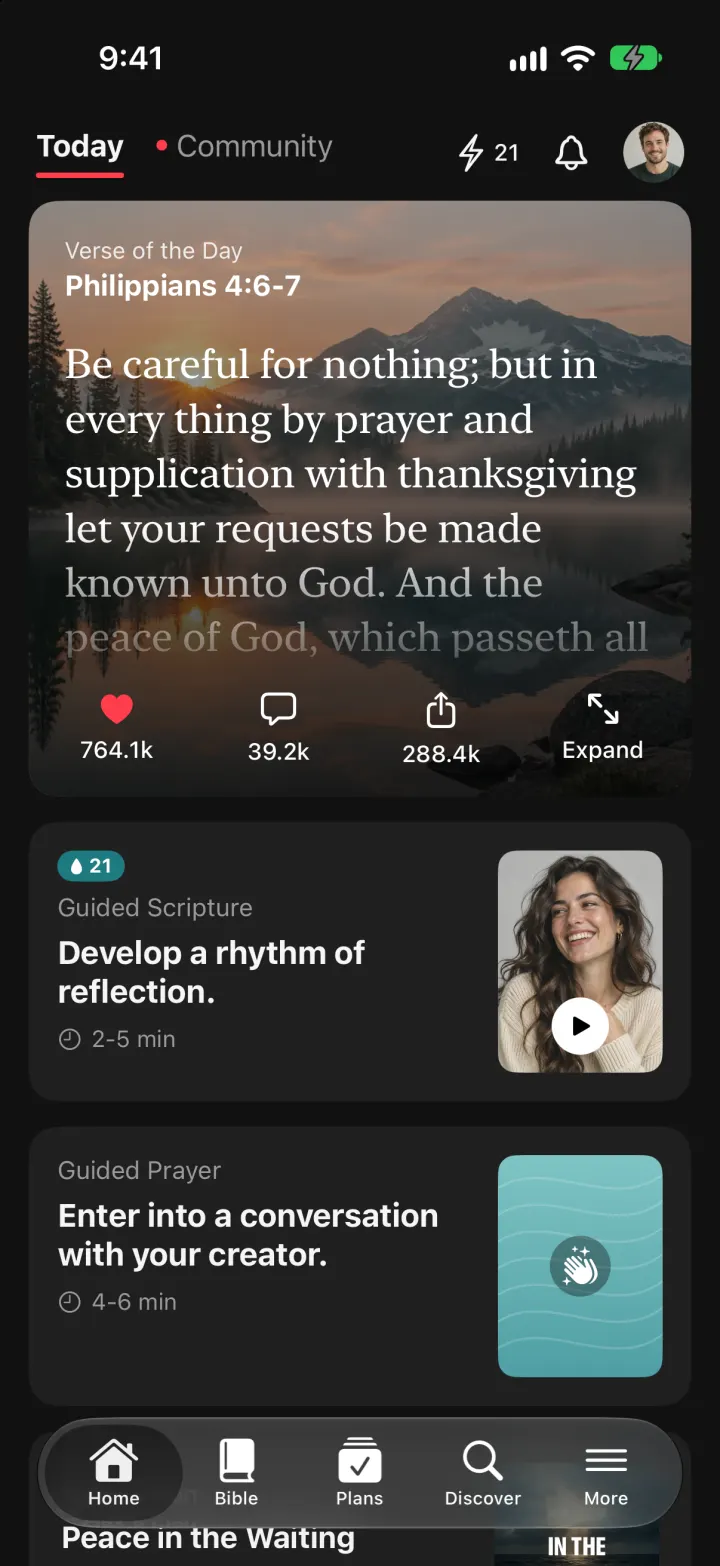
YouVersion Bible App Clone
iOSThe whole KJV and WEB Bible: highlight verses, hear them read aloud, and keep a reading plan streak.