Nike Clone
Nike clone · Shopping app · built by the Vibecode team
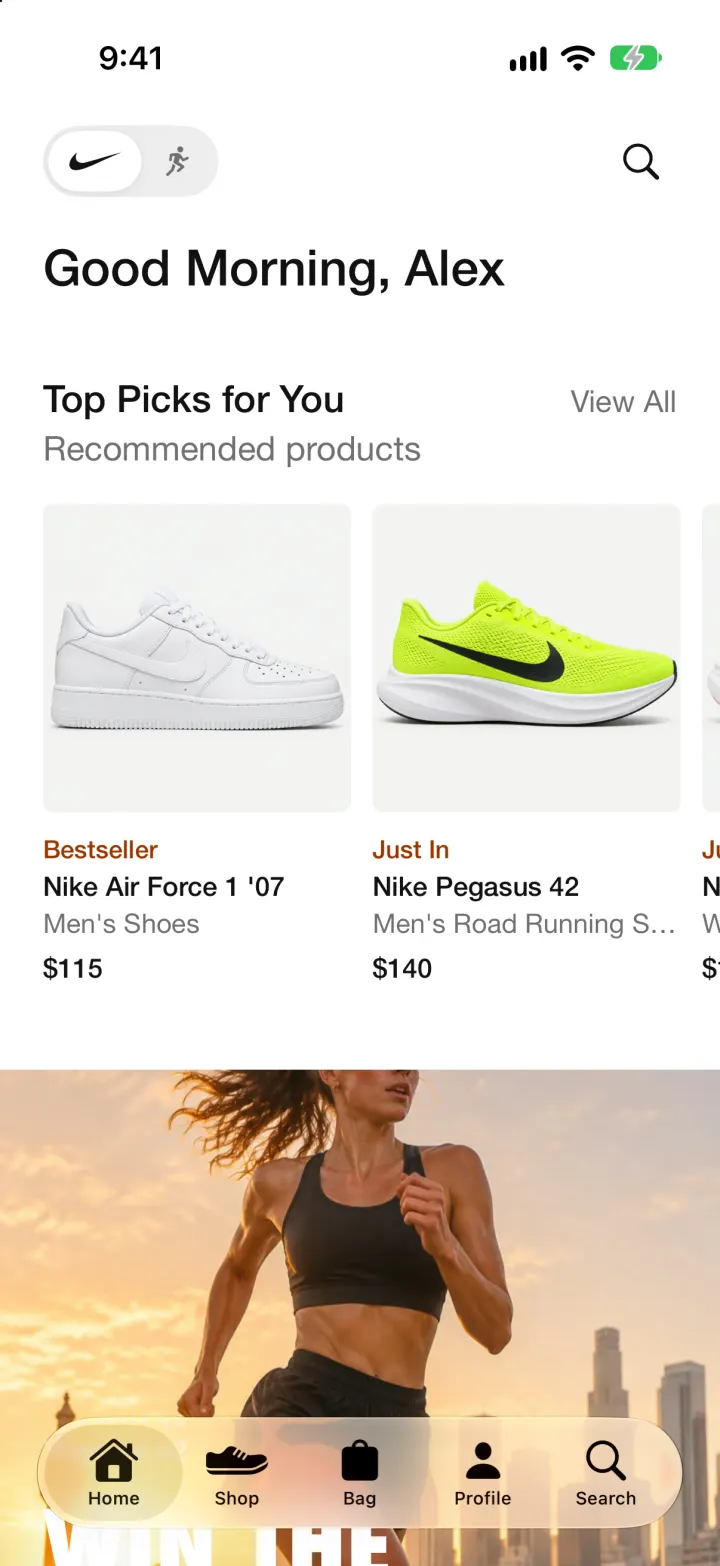
This rebuilds the Nike app with its real name, swoosh, white layout and words. Browse Home's Top Picks and campaign stories, switch Men, Women and Kids in Shop, open a product to choose a colourway and size, and add it to your Bag. Check out as a member or guest with Apple Pay, card, PayPal or cash on delivery, then follow the order's tracking timeline. Owners get a Store Admin to edit products, prices and stock and to move orders from placed to delivered.
- iPhone · Swift
- Hand-built
- Free to remix

Remix copies the working app into your account for free, exactly as we built it. It runs in Vibecode's cloud iOS simulator, in your browser.
The prompt that builds it
We wrote Nike Clone by hand. This prompt describes the finished app: paste it into a new app to build your own version, or change it first.
Prompt · 749 words
Build a polished native iOS clone of the Nike app in SwiftUI: a complete store with Home, Shop, product pages, Bag, checkout, order tracking, Favorites and an owner-only Store Admin.

It is Nike on screen: its name, the swoosh drawn in SwiftUI, white everywhere, ink #111111, grey #707072, product photos on #F5F5F5 tiles, sale green #007D48, badge brown-orange #9E3500 ("Just In", "Bestseller"), and Nike's words ("Good Morning, Alex", "Top Picks for You", "Recommended products", "View All", "Select Size", "Size Guide", "Add to Bag", "Favorite", "Added to Bag", "Free Delivery and Returns", "Summary", "Estimated Shipping & Handling", "Checkout", "Member Since"). Helvetica Neue Medium for titles, Futura Condensed ExtraBold for uppercase campaign headlines, Bodoni 72 italic for the sale art. Fictional member Alex Rivera, Boulder CO. US prices ("$115", sale "$67.97 $90 24% off").

SHELL
iOS 26 glass tab bar: Home, Shop, Bag (count badge), Profile, plus the separate Search tab. Opens on Home: no splash, login or paywall.

SCREENS
1. Home: a grey capsule with the swoosh top-left, search top-right, "Good Morning, Alex" (greeting follows the clock), Top Picks carousel (square grey tiles, badge, name, subtitle, price), full-bleed 4:5 campaign stories (photo, eyebrow, Futura headline like "WIN THE MORNING", body, white "Shop" pill) that open product lists, "Sneakers of the Week" card with paging dashes, a "Happy You Month" member card on a fiery orange mesh.
2. Shop: "Shop" with Men / Women / Kids underline tabs (sliding underline), "Wrap Up the Season" banner drawn in code (orange mesh, "END OF SEASON SALE", swoosh, "SELECT STYLES", "Finish strong." in big Bodoni italic, "Dec 26 - Jan 5", "Up To 45% Off Select Styles"), Shoes / Clothing / Accessories / Sale photo tiles, New & Featured, Shop by Sport, Best Sellers.
3. Product grid: centred title, filter button (sort Featured / Newest / Price, Sale & Offers toggle), All / Sportswear / Running / Training underline chips, "N Results", 2-column grid with colour counts.
4. Product page: photo pager with dots, colourway thumbnails, name, subtitle, price, 3-column size grid (sold-out sizes greyed), "Please select a size." error, black Add to Bag capsule, outlined Favorite with a heart, description, "Shown:" and "Style:", expandable Size & Fit, Free Delivery and Returns, Reviews with stars, You Might Also Like. Add to Bag slides up "Added to Bag" with View Bag (n) and Checkout.
5. Bag: rows with photo, colour, size, quantity pill (trash at 1), move to Favorites; free-delivery progress bar; Summary; Checkout pinned at the bottom.
6. Checkout (full screen): Member / Guest Checkout switch, Free Standard vs Express delivery with dates, shipping address card with Edit, payment methods (Apple Pay, card, PayPal, Cash on Delivery), items and totals, Pay / Place Order with a spinner, then "Thanks, Alex. Your order is in." with the order number, View Order and Continue Shopping.
7. Search: Recent Searches, big grey Popular Search Terms, live results grid.
8. Profile: initials avatar, name, Edit Profile, Orders / Pass / Favorites / Settings row, Inbox, Member Rewards, Store Admin, Favorites carousel. Orders list and order detail with a tracking timeline (Order Placed, Shipped, Out for Delivery, Delivered with times), UPS tracking number, summary and Cancel Order. Favorites grid with Edit. Settings: Country/Region (USD, GBP, EUR, INR, SGD), Owner mode, Reset demo data.
9. Store Admin: Today's Sales, To Fulfil, Products, Low Stock cards, Last 7 Days bar chart, Products (search, stock, hidden items, + to add) with an editor (photo picker, name, category, audience, sport, badge, price, sale price, stock, visible), Orders filtered To Fulfil / In Transit / Delivered / All, and an order screen with "Mark as Shipped" that moves the shopper's tracking along.

DATA
25 products (Air Force 1 '07, Pegasus 42, Vomero 18, Air Max 90, Dunk Low, Alphafly 3, Air Max Plus, Air Max 95, Metcon 10, Blazer Mid '77, Cortez, Zoom Fly 6, V2K Run, Invincible 3, kids' shoes, Tech Fleece, fleece crew, shorts, leggings, sports bra, tee, socks, backpack, cap) with AI-generated studio photos, 1-2 colourways each, real-looking sizes. Eight demo orders from fictional customers that stay recent.

RULES
SwiftData for products, bag and orders. Money in integer USD cents, converted only when shown. Orders keep a snapshot of their lines. Placing an order empties the bag and lowers stock; cancelling restocks.

REMIX-READY
Brand.swift (name, colours, fonts, words, payment methods, guest checkout, shipping, tax), Fixtures.swift (catalog), Editorial.swift (member, stories, tiles, demo orders), features in small files, a README, and a -DemoTour launch argument that shops, checks out and ships an order.
More templates
All templates- View template
Liquid
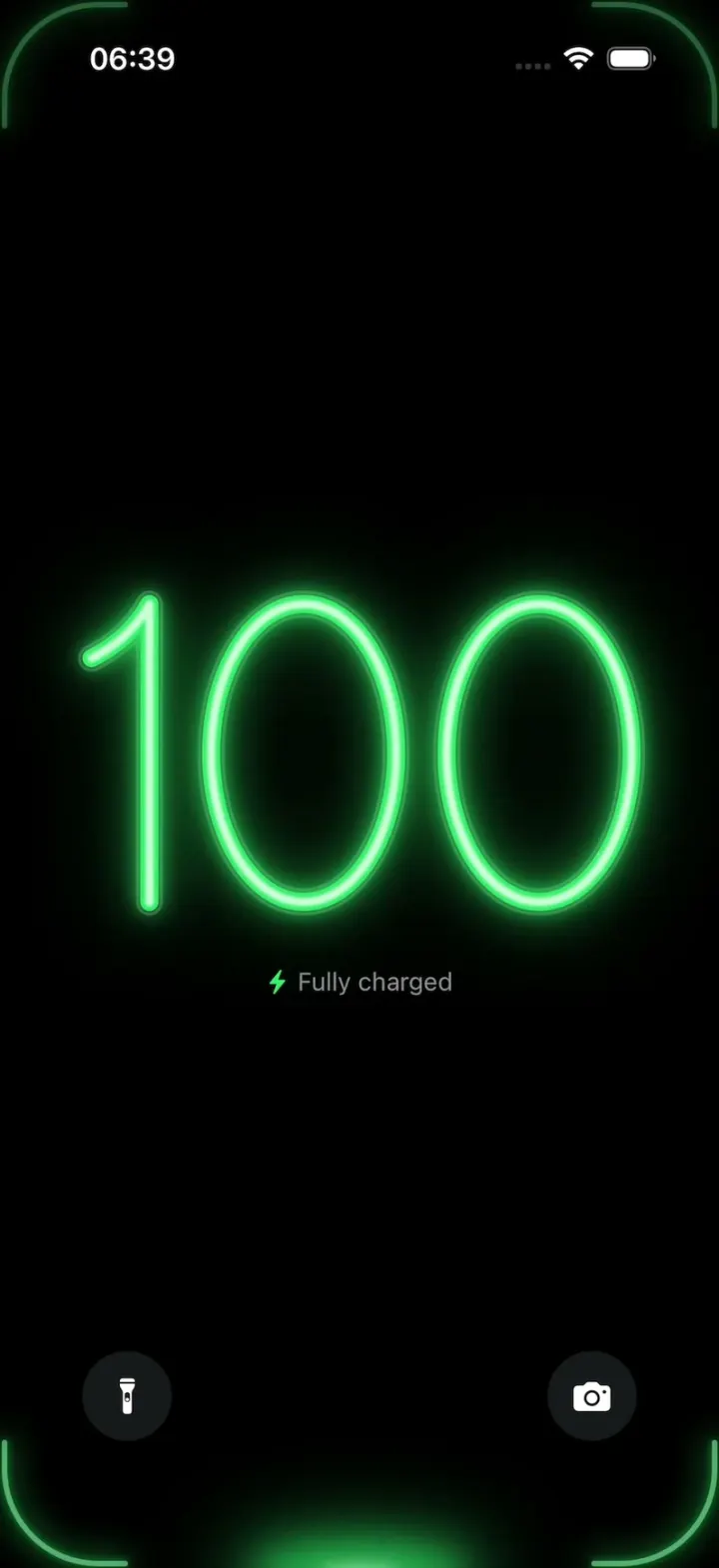
iOSA neon drop falls from the Dynamic Island and fills glass-tube battery digits, from red to amber to green.
- View template
YouVersion Bible App Clone
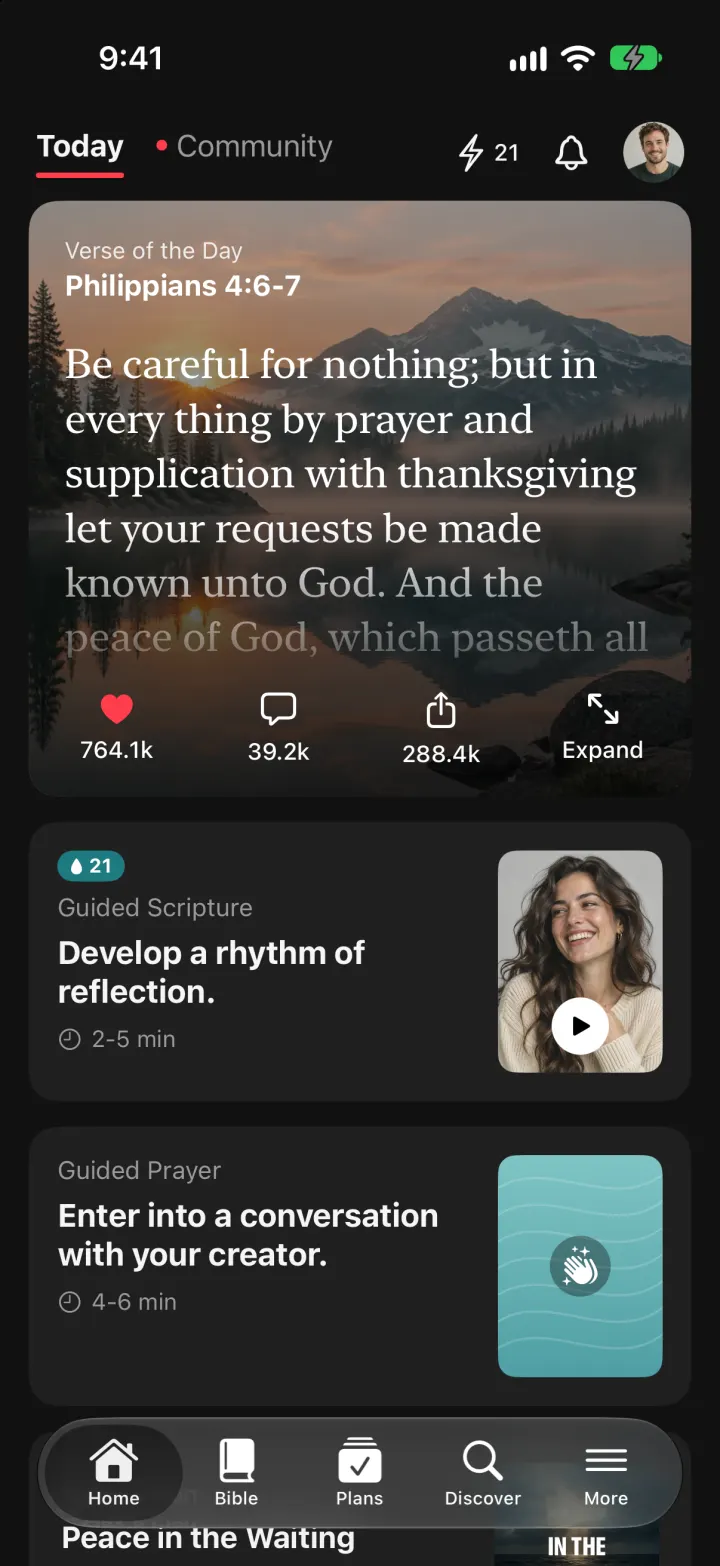
iOSThe whole KJV and WEB Bible: highlight verses, hear them read aloud, and keep a reading plan streak.
- View template
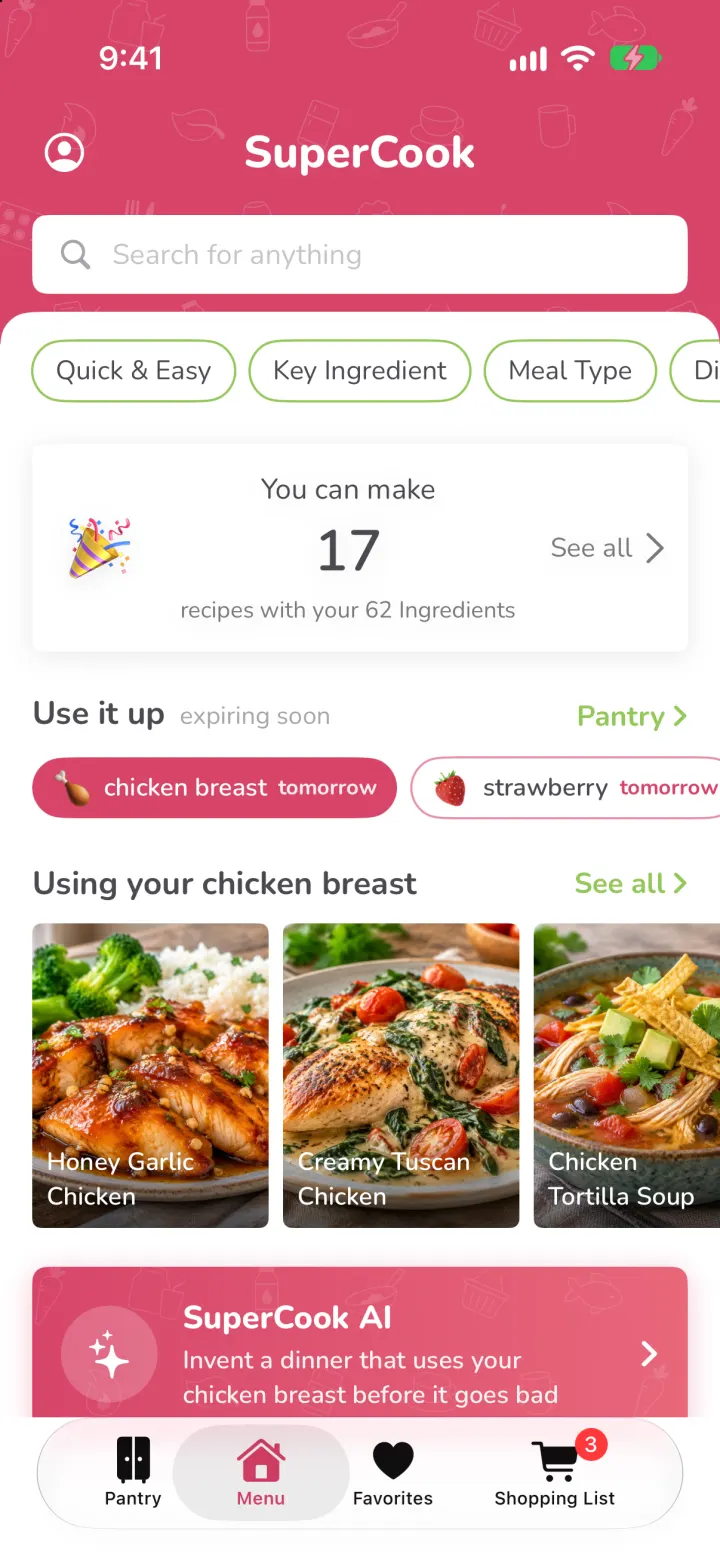
SuperCook Clone
iOSTick what's in your fridge and see only recipes you can cook tonight, with expiry alerts and AI fridge scan.
- View template
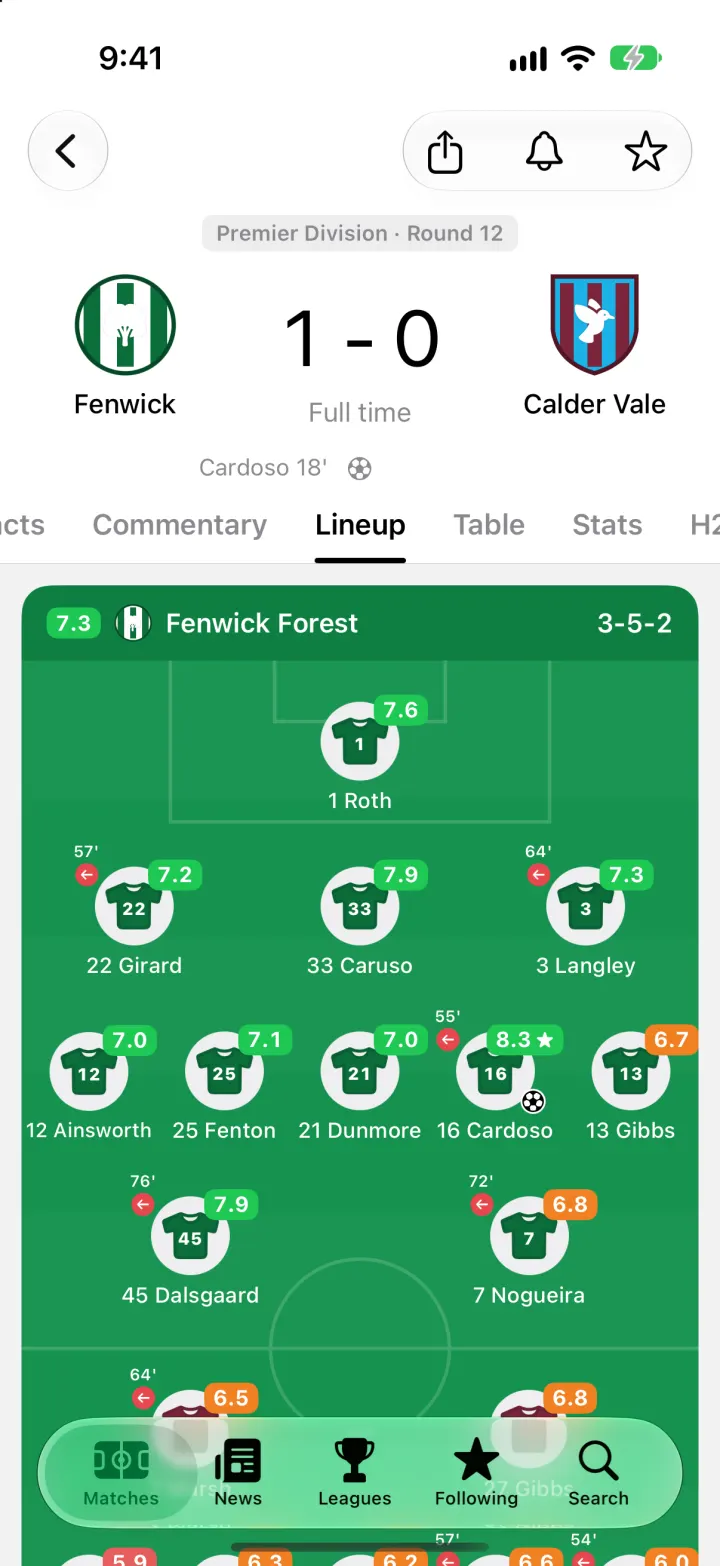
FotMob Clone
iOSFotMob with its real look: live scores that tick, goal flashes, rated lineups, tables and scouting notes.