Netflix Clone
Video app · from our videos on X
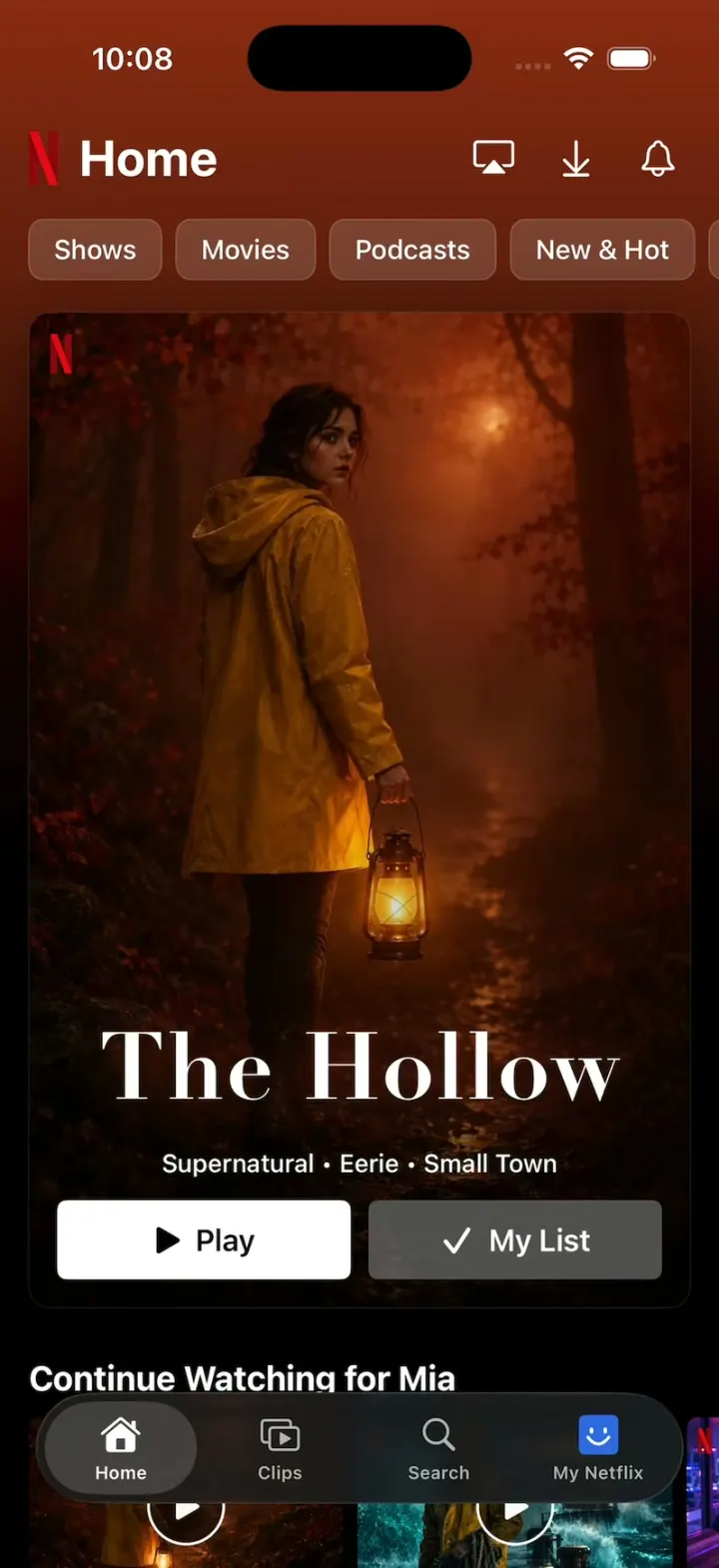
Netflix Clone rebuilds Netflix's iPhone app with its real name, red N, dark theme and words. Home opens on a big hero card for The Hollow, and the Shows and Movies chips cross-fade it to Saltwater or Orbit while the page takes on each hero's colour; below sit Continue Watching for Mia, the Top 10 with giant outlined numerals, New on Netflix, Mobile Games and Podcasts. Tap a poster for the title page with its trailer playing, then Rate it Not for me, I like this or Love this!; Play zooms the card into the full-screen player with Skip Intro. Clips is a vertical feed of looping clips, and My Netflix has Moments You've Saved, My List and Who's watching?. Every show, game, podcast and person is fictional, with generated key art and free stock clips.
- iPhone · Swift
- Built in 2 prompts
- Free to remix

Remix copies the working app into your account for free, exactly as we built it. It runs in Vibecode's cloud iOS simulator, in your browser.
Watch the video on X@vibecodeapp · Oct 30, 2026The prompt that builds it
We built Netflix Clone in 2 prompts. Here they are folded into one, so a single paste into a new app builds the finished version.
Prompt · 1,633 words
Build a polished native iOS clone of Netflix in SwiftUI: Home with the Shows / Movies chips and a big hero card, rows (Continue Watching, Top 10, Mobile Games, Podcasts), the title page with an autoplaying preview and Rate, the player, Clips, Search, My Netflix and Who's watching?.

It is Netflix on screen, in its dark theme: its name, the red N, Netflix red and its own words ("Home", "Shows", "Movies", "Podcasts", "New & Hot", "Categories", "Play", "My List", "Clips", "Search", "My Netflix", "Continue Watching for Mia", "Top 10 TV Shows in the U.S. Today", "Mobile Games", "Podcasts: Now on Netflix", "See All", "Moments You've Saved", "Starts at 12:40", "Not for me", "I like this", "Love this!", "Rate", "Share", "Download S1:E1", "Episodes", "More Like This", "Skip Intro", "Next Ep.", "Who's watching?", "Manage Profiles", "Coming Soon", "Remind Me"). Copy the real app's layouts and words, but every show, game, podcast and person is fictional (the list below); never use real titles. Draw the N logo as a shape (two red uprights and a darker diagonal ribbon) and NETFLIX as condensed bold red text. The viewer is Mia.

SHELL
A floating capsule tab bar over the content (dark glass, the selected tab in a lighter pill): Home, Clips, Search, My Netflix (Mia's avatar). Opens on Home: no splash, profile gate, onboarding, login, paywall or permission prompt. The status bar stays visible.

SCREENS
1. Home: the N + "Home" (bold 28 pt), cast / download / bell icons; chips (rounded rects, translucent dark, white text; the selected one white with black text) Shows, Movies, Podcasts, New & Hot, Categories. Chips are single-select filters that stay in place: tapping one swaps the hero card (0.3 s cross-fade) and the rows; tapping it again clears it. Hero card: a portrait key-art card (2:3, 16 pt margins, 12 pt corners) with a small red N top-left, the title drawn as type over the art, its three tags joined by " • ", white "Play" and grey "My List". The whole page behind takes the hero's tint (a gradient from the hero's colour at the top to black by mid-screen) and eases to a new hero's tint in 0.4 s. A hero swap is a straight cross-fade: the incoming card fully drawn under the outgoing one, never darker than either. A title with a heroClip plays it muted and looping inside the card instead of the art. Rows: Continue Watching for Mia (16:9 stills, red progress bars, "S1:E3"), Top 10 TV Shows in the U.S. Today (giant outlined numerals 1-10 half behind each poster), New on Netflix, Mobile Games (rounded icons, name, genre), Podcasts: Now on Netflix, Only on Netflix. Top 10 posters carry a red TOP 10 corner badge.
2. Title page (full-screen sheet from any poster or the hero card): the trailer autoplays muted at the top (a 16:9 still with a slow zoom when there is none), cast + close buttons; "N SERIES" or "N FILM"; the title; "2026  TV-14  1 Season  HD" (rating in a grey box, HD outlined); "#1 in TV Shows Today" with the Top 10 badge when ranked; white "Play"; dark "Download S1:E1"; synopsis; Starring / Creators; My List / Rate / Share / Download icons; "Episodes" / "More Like This" tabs with a red bar; episode rows (still, "1. The Lantern", "52m", one line).
3. Rate: the pill "Not for me / I like this / Love this!" (thumb down, thumb up, double thumbs) slides out from the Rate button, just above the My List / Rate / Share row and centred on the Rate icon, over a dimmed page; the choice pops (scale 1.3 then 1.0, 0.25 s), the pill closes 0.5 s later and the Rate icon shows it.
4. Player: black, full screen; Play zooms the hero card into it over 0.25 s (the clip keeps playing from where the card was; Home's header never shows over it). The video aspect-fills a vertical clip and aspect-fits a landscape one. Back closes it to the screen it opened from. Chrome: back chevron, title "Saltwater  S1:E1 “Undertow”", cast; 10 s back / pause / 10 s forward; the red progress bar with its knob and the time left, counting down in real time (52:04 left of a 52:40 episode); Speed (1x), Episodes, Audio & Subtitles, Next Ep.; "Skip Intro" (white outline) slides in at the bottom right 1.0 s after the player opens.
5. Clips: a vertical paging feed of looping clips; bottom left the title (bold), genres, a synopsis with "...more"; right column mute, +, share, a round poster that opens the title page.
6. Search: "Search games, shows, movies…", then "Recommended TV Shows & Movies" rows (16:9 still, title, play circle); typing filters.
7. My Netflix: Mia's avatar + "Mia ▾" (opens Who's watching?: Mia, Sam, Jordan, Kids, Add Profile; smiley avatars drawn as shapes in blue, yellow, red, green squares; Manage Profiles), Moments You've Saved (two 16:9 cards: "15s", "Starts at 12:40", "The Hollow | S1:E3"), My List, Downloads.
8. New & Hot (chip): Coming Soon cards with dates and "Remind Me". No dead buttons: others open small sheets.

TITLES (fictional; tint hex; tags): The Hollow (series, #8A2A12, Supernatural • Eerie • Small Town, Top 10 #1, a girl in a yellow raincoat holding a glowing lantern on a foggy forest path at night); Saltwater (series, #0F5A66, Thriller • Coastal • Gritty, #2, a fisherman in a yellow coat on a storm-lashed pier with a lighthouse); Orbit (film, #10285E, Space • Survival • Visually Striking, #3, an astronaut drifting over a blue Earth); Night Shift (series, #3A1F5C, Workplace • Witty, #4, two nurses laughing in a neon hospital corridor); The Last Heir (series, #4A3A22, Period Piece • Romance • Lavish, #5, a woman in a gown in a candlelit ballroom); Kitchen Wars (series, #7A1E1E, Competition • Food, #6, chefs over flames); Red Line (film, #5C0A0A, Heist • Fast, a car's red light trails at night); Paper Crowns (series, #6B3A5A, Teen • Coming-of-Age, teens on a rooftop at sunset); Wild Frontier (series, #2E4A2A, Nature • Breathtaking, a snow leopard on a cliff); Little Monsters (film, #5A3A0A, Family • Halloween • Heartwarming, cute cartoon monsters trick-or-treating). Home's hero is The Hollow; Shows' is Saltwater; Movies' is Orbit. Games: Tile Quest, Pocket Racers, Daily Crossword, The Hollow: Lantern Run. Podcasts: The Rewatch, Deep Cuts, After Hours (bold typographic tiles).

MEDIA
curl https://vibecode-netflix-media.beacon.host/clone.zip once into the app's resources (Pexels clips, H.264): hollow-trailer.mp4 and saltwater-trailer.mp4 (16:9, the two trailers), clip-hollow.mp4, clip-saltwater.mp4, clip-forest.mp4 (9:16; Clips feed: The Hollow, Saltwater, Wild Frontier). Saltwater's heroClip is clip-saltwater.mp4. Every player is created and prerolled at launch and kept alive, with a still of each clip's first frame (AVAssetImageGenerator) drawn under its video view until the player layer is ready for display, so a card, title page, Clips page or player never shows black.

HOOK (the video's first 3 seconds)
- HOOK MODE: tapping an invisible 44x44 pt area centred at the top, just below the status bar, above everything on every screen (the player and every sheet included; a tap closes whatever is open), plays this run through the real chip, hero and player code, identical every time (seconds from the tap): 0.00 close everything, Home at the top, no chip selected, The Hollow hero held still; 0.35 select Movies (Orbit); 0.95 select Shows (Saltwater, its clip playing in the card); 1.60 tap Play; 1.60-1.85 the player opens (the card zooms to full screen) on Saltwater's trailer; 2.60 Skip Intro slides in; hold to 5.0. The player controls stay visible for the whole run.
- Holds use these times, never the app's normal delays. Motion stays in the middle 80% of the screen. Warm up haptics, images and players at launch. Every screen is fully drawn on its first frame. Decode images off the main thread.

LOOK
Black #000000, page #141414, cards #232323, chips #FFFFFF26, secondary text #B3B3B3, Netflix red #E50914 (N, progress, badges, tab accents). SF Pro; titles bold; the hero titles drawn in display fonts (Didot, Futura Condensed ExtraBold, Avenir Next Condensed Heavy) per title.

RULES
- Native SwiftUI, iOS 26 (keep the template's target), iPhone portrait; AVPlayer + AVPlayerLooper, muted.
- Deterministic fixtures. No backend, login, permissions, analytics or network calls (media is bundled). No persistence: delete the SwiftData starter, no UserDefaults or files.
- Images with gpt-image-2.5-flare (run env; POST https://api.openai.com/v1/images/generations with the project's OPENAI_API_KEY): 2:3 key art per title and 16:9 stills for Continue Watching and episodes, cinematic, fictional people. No logos, text or celebrities. A dark placeholder with the title until each exists.
- Springs under 350 ms, haptics on key taps, pressed states, nothing hidden under the tab bar.
- Files under 300 lines, big bodies split into subviews, no long chained expressions.

REMIX-READY
Theme/Brand.swift (name, the N, a Copy enum with every word), Theme/Theme.swift (role colours, fonts; no colour literals elsewhere), Data/Fixtures.swift (titles as id/name/kind/year/rating/seasons/tags/synopsis/cast/tint/poster/still/trailer/heroClip/clip/rank/episodes, chips with their hero and rows, games, podcasts, profiles), Data/DemoScript.swift (HOOK MODE timings). Codable models with String ids behind one AppDataSource protocol (FixtureDataSource) feeding one @Observable AppStore; views never read Fixtures. Features/<Tab>/, Components/. README.md under 80 lines: file map; how to rename, recolour, add a title or a chip (one fixture + its media); 3 one-prompt remixes ("Netflix for X"). "Read README.md first." atop CLAUDE.md and ios/AGENTS.md; replace ios/CLAUDE.md's structure block with this app's files. No scratch folders.

FILMING
Long-press the N on Home to reset everything to launch.

BUILD
Theme, Brand, Fixtures, then each screen in small files, a one-line status per screen; launch in the simulator every two or three files. Fetch clone.zip once Home runs, and start the images as a background job; check each file exists, never view them. Walk each flow once and fix what breaks; no pixel measuring or debug modes. Deliver the whole app, not a plan.
More templates
All templates- View template
Suite TV
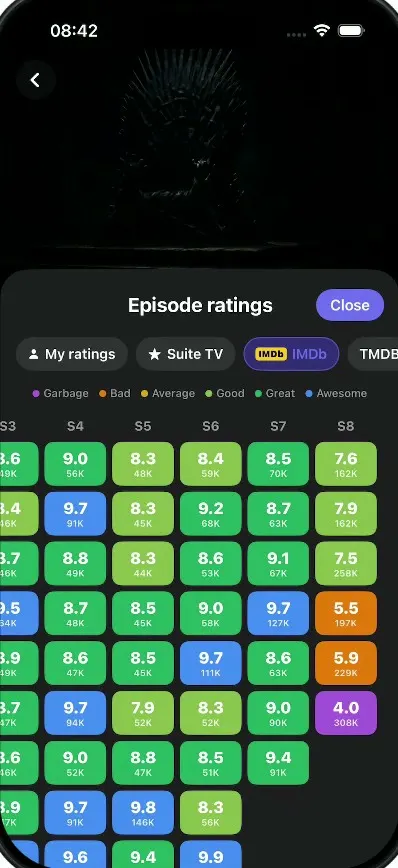
iOSA dark TV show tracker: tick off episodes, rate and react, see where a show fell apart, import your history.
- View template
Xeyo
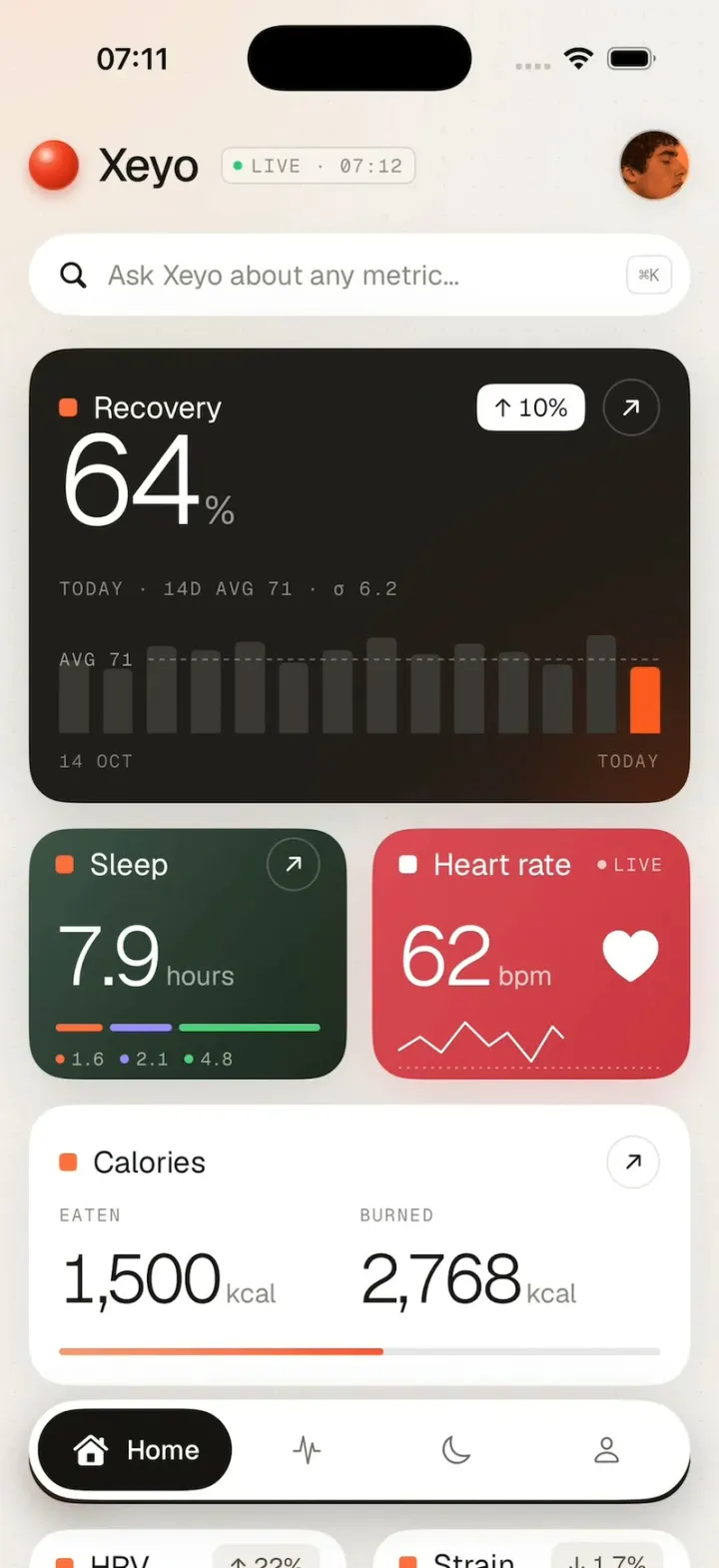
iOSRecovery, sleep and heart rate count up into place on a calm health dashboard, then scroll down to your week.
- View template
Uber Clone
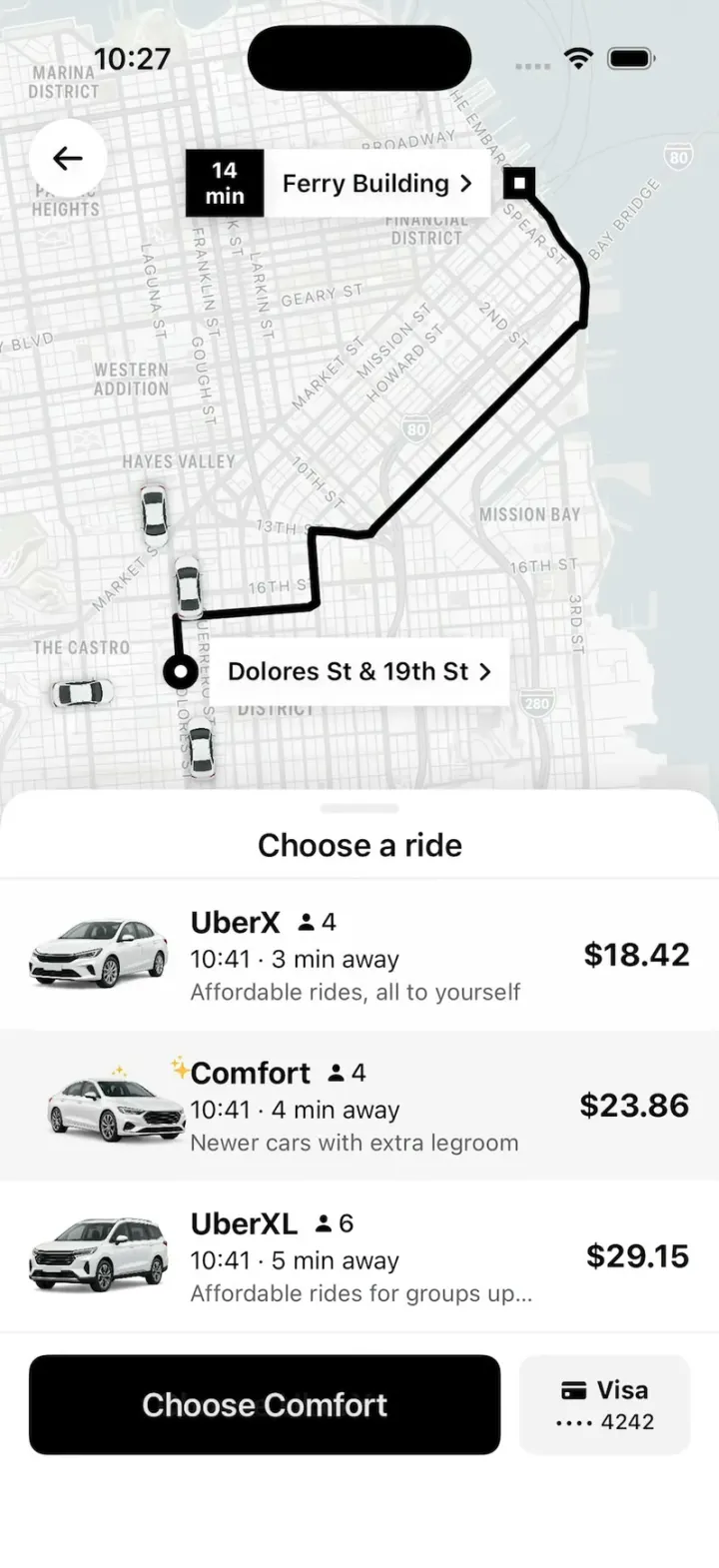
iOSUber's real look: pick a ride at an upfront price, watch your driver drive up on the map, then rate and tip.
- View template
Are.na
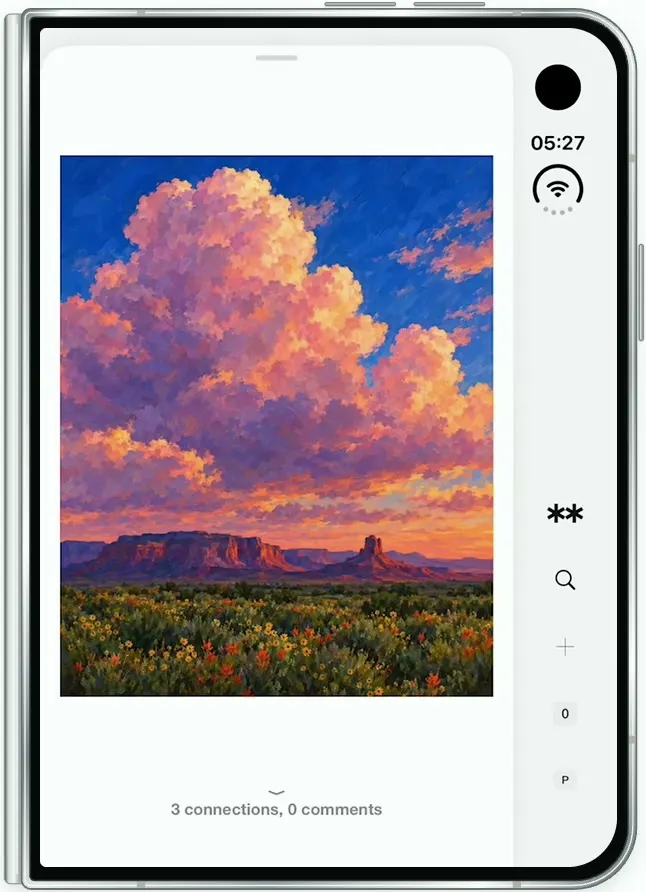
iOSAre.na on the folded iPhone Duo: channels of art, a swipeable block viewer, full-screen images and details.