Xeyo
Fitness app · from our videos on X
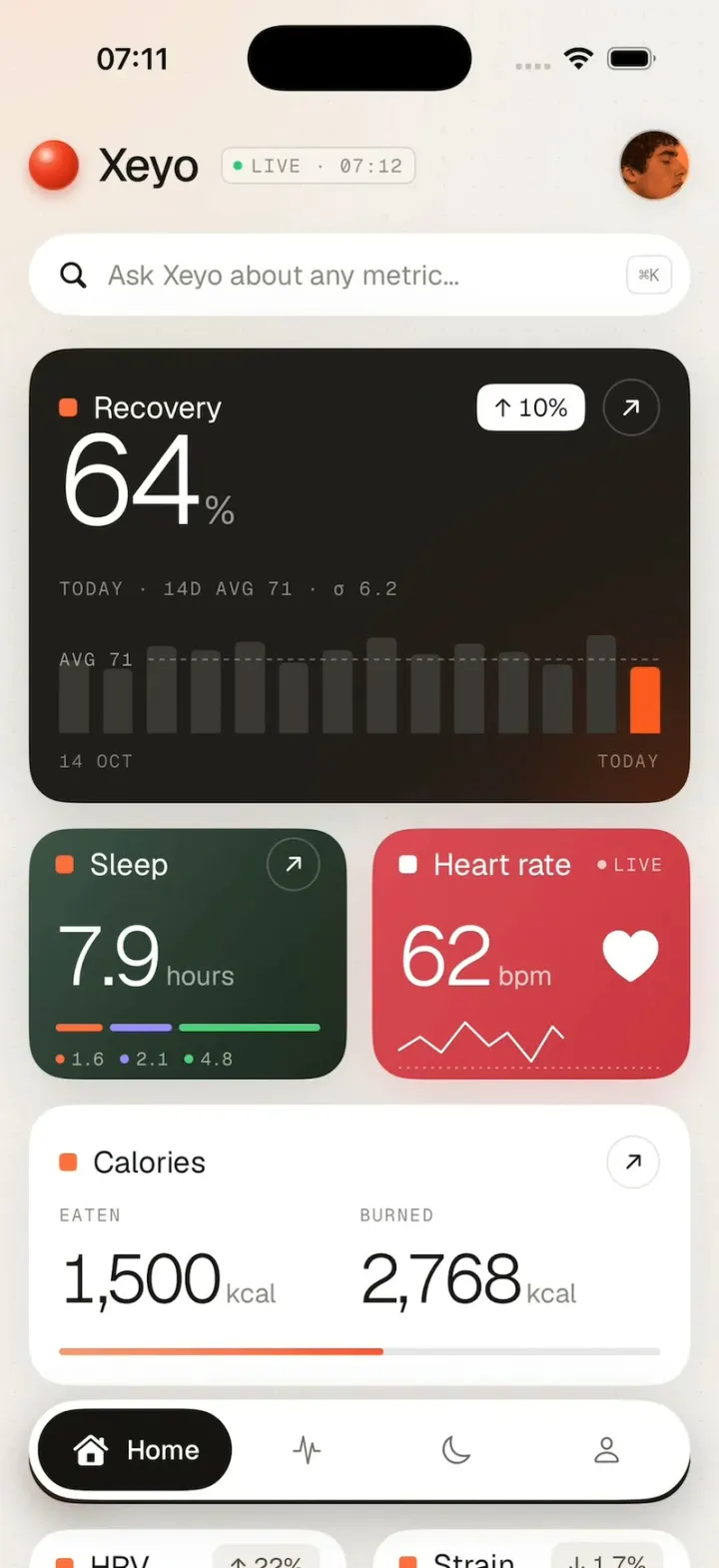
Xeyo is a calm, premium health dashboard on one scrolling Home screen. Tap the red orb and the page blurs in while recovery counts up to 64%, sleep to 7.9 hours and heart rate to 62 bpm, with the bars growing in behind them. Scroll down for calories, HRV and strain, a weight ruler you can drag, a week-at-a-glance table and an orange October card. Check in opens a sheet where you rate how you feel and tag your day.
- iPhone · Swift
- Built in 2 prompts
- Free to remix

Remix copies the working app into your account for free, exactly as we built it. It runs in Vibecode's cloud iOS simulator, in your browser.
Watch the video on X@ios_app_builder · Oct 30, 2026The prompt that builds it
We built Xeyo in 2 prompts. Here they are folded into one, so a single paste into a new app builds the finished version.
Prompt · 1,808 words
Download/reference the app shown in this post and clone it exactly, including the iPhone visual design, layout, interactions, animations, typography, spacing, and all visible states. Make it functional and runnable in the simulator. Match the reference as closely as possible and include any interaction shown in the source. Reference: https://x.com/tobiadonadon_/status/2115849655468597454. It recreates the FINAL design in that 12.6-second video (the "unslopped" health app named Xeyo). The brief below describes every screen in full; treat it as the source of truth. Ignore the older gradient design shown in the first half of the video; build only the Xeyo design.

Build a native SwiftUI iOS app named Xeyo using Opus 5.5. This is a calm, premium health dashboard (recovery, sleep, heart rate, calories, HRV, strain, weight, a weekly table and a monthly card) on a single scrolling Home screen, demonstrated on iPhone. Do NOT put a fake handset frame inside the actual app; the simulator provides that. Use realistic deterministic fixture data so every screen is rich and usable without permissions, HealthKit or a backend. No login.

Observed video sequence (the Xeyo part, 5.4-10.3s):
5.40-5.55 The Home screen appears with a quick blur-in: the whole content goes from blurred (radius ~12) and faded to sharp in ~0.15 s.
5.55-6.10 Every number counts up at once with an ease-out: Recovery 55 -> 64, Sleep 7.4 -> 7.9, Heart rate 58 -> 62, Calories eaten 1,370 -> 1,500 and burned 2,622 -> 2,768. Integers step through every value (55, 56, 57 ... 64). At the same time the 13 grey recovery bars grow up from the baseline, staggered left to right, and the Sleep segment bar and the calorie progress bar fill from the left.
6.10-6.35 The last (orange, TODAY) recovery bar grows up last.
6.4-7.0 Hold on the top of the Home screen (first screenshot).
7.0-7.7 Scroll down ~470 pt: Calories card now at the top under the status bar, then Check in, HRV + Strain, Weight and the top of Your week (second screenshot).
7.8-8.5 Hold.
8.6-9.0 Scroll down to the end of the page: Weight, Your week and the October 2026 card sitting just above the floating tab bar (third screenshot).
9.0-10.2 Hold at the bottom. 10.2 scroll back up.

Visual details (all screens):
- Page background: warm off-white #F2EFEC with a very subtle dot grid (1 pt dots, ~16 pt spacing, ~8% black) and a soft peach radial glow (#FFD9C2 at ~35% opacity) behind the header at the top-left. Cards float with soft, wide shadows (black 6-8%, radius ~18, y 8).
- Font: Geist for all text and Geist Mono for the small uppercase labels. Download both from Google Fonts or the vercel/geist-font GitHub release into the workspace and bundle them (register in Info.plist / UIAppFonts). If the download is impossible, fall back to SF Pro and SF Mono with the same weights. Big numbers are Geist Light (weight 300) with tight tracking; labels are Geist Regular/Medium; mono labels are ~10-11 pt, uppercase, tracking +1, grey #8A8580.
- Every card title has a small 9 pt rounded orange square (#FF6E3D, corner 2) before the title text. On the red Heart rate card that square is white.
- Side margins 16 pt, gaps between cards 14 pt, card corner radius 22 (continuous).
- Accent orange #FF6E3D / #FA5330; dark cards #201E1C; text near-black #161412.

Header (top, below the status bar): left, a glossy red 3D sphere logo (radial gradient #FF8A6A highlight top-left -> #F2401F -> #B8230F rim, 28 pt), then "Xeyo" (Geist Medium 26 pt), then a small bordered pill in Geist Mono "● LIVE · 07:12" (green dot #2EC373, grey text, 1 pt #D9D4CE border, corner 6). Right: a 40 pt circular avatar photo (the same young man as the October card, a square crop of his face with the same black-and-orange duotone). Below: a white search field, full width, 46 pt tall, capsule, magnifier icon, placeholder "Ask Xeyo about any metric...", and a small rounded "⌘K" key chip on the right.

Recovery card (dark #201E1C with a warm orange glow #5A2410 fading in from the bottom-right corner, ~236 pt tall): orange square + "Recovery" (white, 17 pt). Top-right: a white pill "↑ 10%" (black text) and a 32 pt circular outlined button with "↗". Big "64" (Geist Light ~68 pt, white) followed by a small grey "%". Below it the mono line "TODAY · 14D AVG 71 · σ 6.2" with a lowercase sigma (uppercase only the plain letters, so the σ stays lowercase). Then a 14-bar chart: bars dark grey #3B3837, rounded tops, heights for 15-28 Oct = 70, 62, 84, 80, 88, 68, 80, 92, 76, 86, 78, 66, 94, 64 (percent of chart height); the last bar is orange #FC591F. A dashed horizontal line at the average labelled "AVG 71" (mono, left). Under the chart, mono labels "14 OCT" left and "TODAY" right.

Sleep card (left half, ~140 pt tall, dark green gradient #3F544B top-left -> #1C281E bottom-right): orange square + "Sleep" (white) and a 30 pt outlined circular "↗" button. "7.9" (Geist Light ~46 pt, white) + "hours" (white 60%). A segmented bar: orange (1.6), purple #9B8CFF (2.1), green #4CD07D (4.8) with 4 pt gaps, then the mono legend "● 1.6 ● 2.1 ● 4.8" with the three colours.

Heart rate card (right half, red gradient #DB4A54 -> #CA343F): white square + "Heart rate" (white) and a mono "● LIVE" on the right. "62" (Geist Light ~46 pt, white) + "bpm", a filled white heart icon on the right, and a white zigzag line chart with a dotted baseline below it.

Calories card (white): orange square + "Calories", outlined "↗" button. Two columns: mono "EATEN" over "1,500" (Geist Light ~38 pt) + "kcal" (grey), and mono "BURNED" over "2,768" + "kcal". A full-width 4 pt progress bar: orange gradient fill to 54% on a #E6E6E6 track.

Check in bar (black #1F1F1A capsule, 52 pt): a 40 pt orange circle with a white "+", "Check in" (white, 18 pt Medium), and on the right mono "● SYNCED 07:12" with a green dot.

HRV card (white, left half): orange square + "HRV", grey pill "↑ 22%"; "71" (Geist Light ~46 pt) + "ms"; a black zigzag sparkline over a dashed grey baseline.
Strain card (white, right half): orange square + "Strain", grey pill "↓ 1.7%"; "11.5" + "/ 21" (grey); 11 light-grey rounded bars of varied height with the last one orange.

Weight card (white): orange square + "Weight", black capsule button "Save today" (white text) on the right. Below: a rounded outlined box with "70.0" (Geist Light ~38 pt, grey #8A8580) + "kg", and beside it a light grey rounded ruler with tick marks (tall tick every 5) and an orange needle with a round knob in the middle. Dragging the ruler left/right changes the value in 0.1 kg steps with a selection haptic; "Save today" briefly shows "Saved ✓".

Your week card (white): orange square + "Your week", then on the right "Summary" (underlined text) and an orange capsule button "Check in". A 7-column table: mono day headers "THU 22, FRI 23, SAT 24, SUN 25, MON 26, TUE 27, WED 28" (two lines each: day, date). WED 28 has a pale peach column background (#FDEDE5, rounded) and orange header text. Rows, with the row label on the left (unit in grey after it):
"Recovery %": 75, 80, 64, 69, 82, 68, 64
"Sleep h": 8.7, 7.7, 7, 8.4, 8.2, 6.9, 7.9
"Strain": 9.1, 14.3, 13.2, 8.3, 10.6, 15, 11.5
Under every value a short 3 pt rounded bar whose length follows the value (light grey; orange in the WED column).

October card (the last item on the page, ~280 pt tall, corner 22): a full-bleed photo: a tight close-up of a young man's head in profile facing RIGHT, eyes closed, calm, dark curly hair filling the top-left, his face at the right-centre, cropped at the neck. Give it an exact black-and-orange duotone in code (grayscale, then map shadows to near-black #1E0B04 and highlights to #FF7A3D, e.g. CIColorControls saturation 0 + CIFalseColor, baked into the asset) so the whole card reads as one orange image with a dark silhouette. The head fills the card: the top of the hair near the card's top edge, the chin and neck behind the frosted panel. Over its lower half a frosted rounded panel with a thin white border: "October 2026" (Geist Light ~30 pt, white), a row of dates "19 20 21 22 23 24 25 26 27 28" (white mono-ish, 28 bold), small white dots under 19, 20 and 21 and a fainter one under 22, then three outlined white capsule chips: "Sleep goals", "Check-ins", "Blood results".

Floating tab bar (always on top at the bottom, 16 pt side margins, white capsule 56 pt tall with a soft shadow): a black capsule with a house icon + "Home" (white) selected, then outline icons for activity (waveform pulse), sleep (moon) and profile (person). Content scrolls under it; at the bottom of the scroll the October card ends ~24 pt above the tab bar. The other tabs open simple, matching placeholder screens (Activity, Sleep, Profile) built from the same card style.

Images: generate the avatar and the October card photo with gpt-image-2.5-flare. Run env and use the project's proxied OPENAI_API_KEY with https://api.openai.com/v1/images/generations, save them into the app's assets.

Intro animation (this is the hook, it must be exact): when the Home screen appears, and every time the red sphere logo is tapped, play: scroll to top instantly, content starts blurred (12) at 40% opacity with all numbers at their start values, all bars at 0 height and both progress bars empty; then within 0.15 s the blur clears and opacity goes to 1; then over 0.55 s (ease-out) every number counts up to its final value, reaching it at the very end of the 0.55 s (not early), stepping through every integer (and through tenths for 7.4 -> 7.9), the 13 grey recovery bars grow from the baseline staggered 25 ms apart, the sleep segments and calorie bar fill; then, the instant the numbers land, the orange TODAY bar grows over 0.25 s (no pause). Use monospaced digits so the numbers don't jitter. Light impact haptic on the logo tap. The Home screen must scroll smoothly with standard momentum (a plain vertical ScrollView, no paging, no snapping), and the scroll position starts at the very top.

Use native spring animations and gestures, not static screenshots.

Build it in small source files, in this order: theme + fonts, header, each card, tab bar, intro animation. Keep SwiftUI types simple and split complex view bodies, and get a first version compiling and running before polishing. Build fully, run compile/build validation, resolve all errors, and launch in the web simulator on iPhone. Prioritize fidelity to the reference and the functional main interaction flow. Deliver complete implementation rather than a plan.
More templates
All templates- View template
Strava Clone
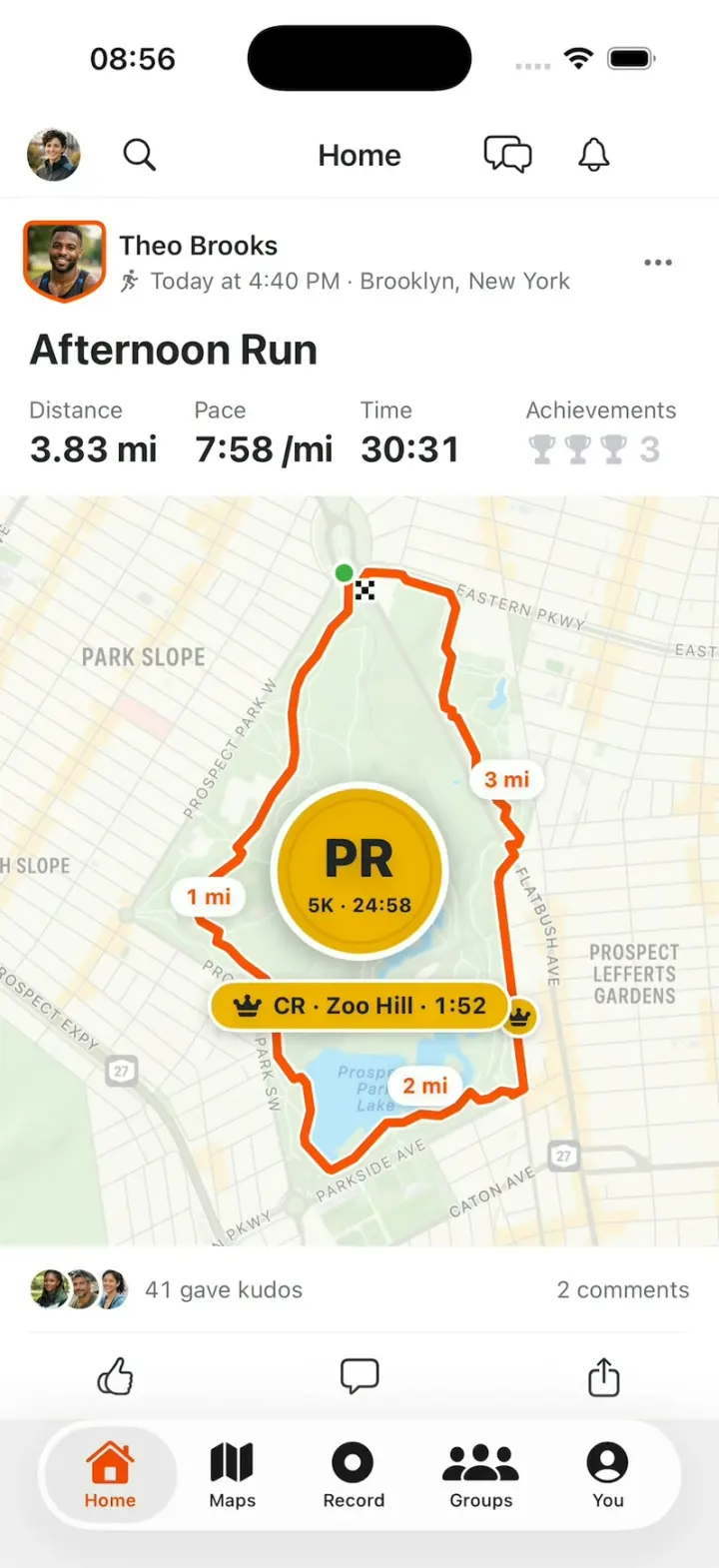
iOSStrava with its real look: give Kudos, replay a run's route on the map, then chase PRs and Course Records.
- View template
Pulse
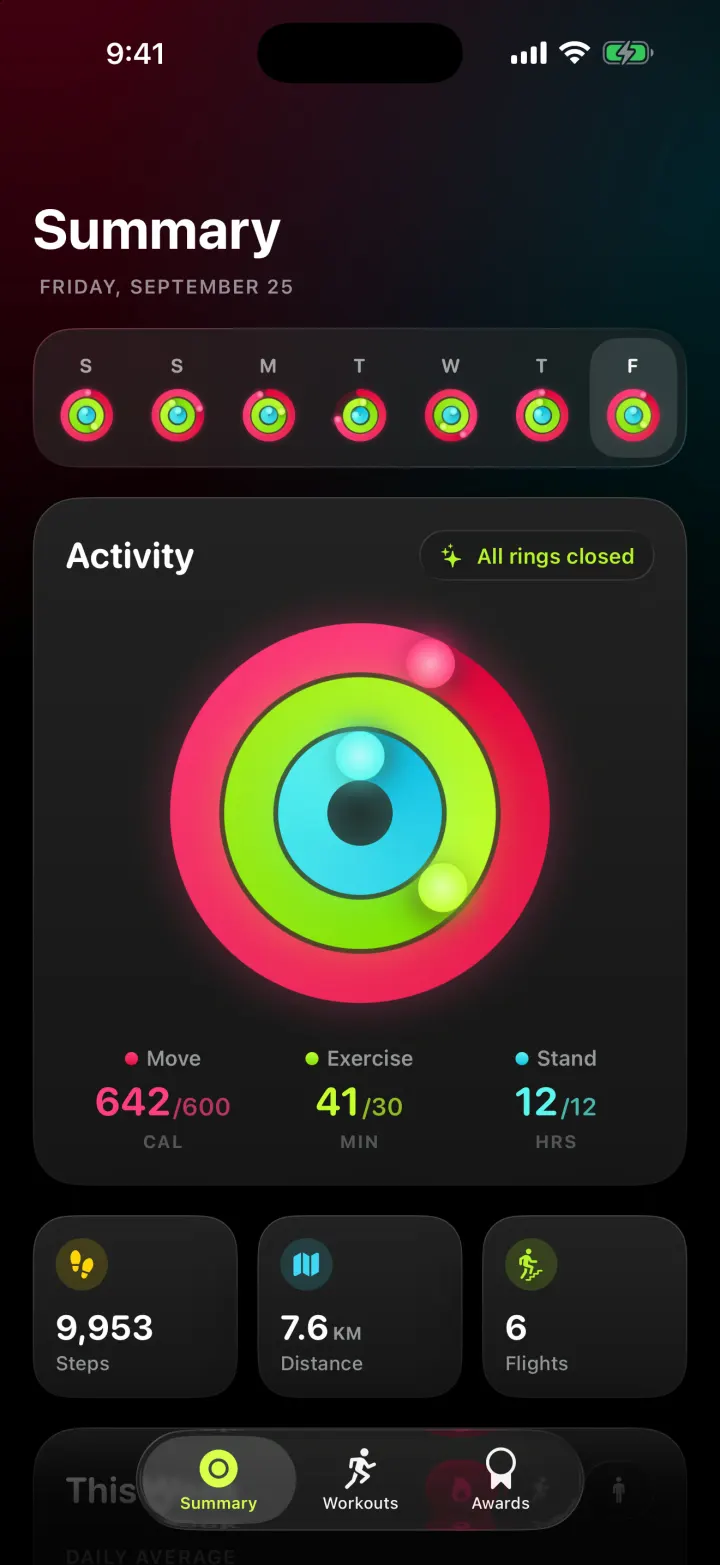
iOSAn Apple Fitness-style tracker with animated activity rings, weekly charts and workouts with a route map.
- View template
Keepy
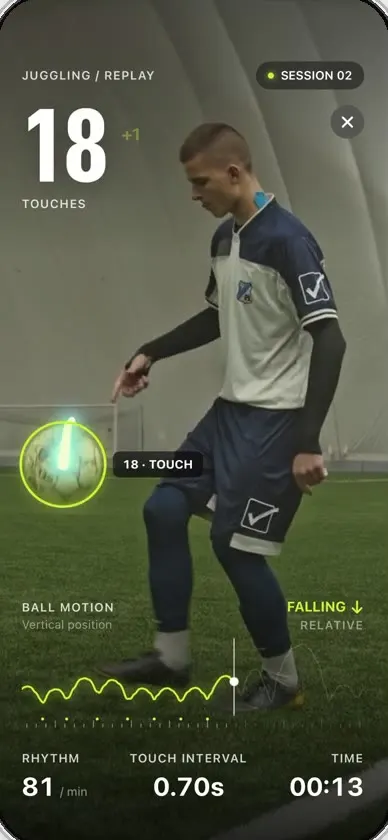
iOSCounts your football juggling touches from a clip or the live camera, with ball tracking and rhythm stats.
- View template
Steps Duo
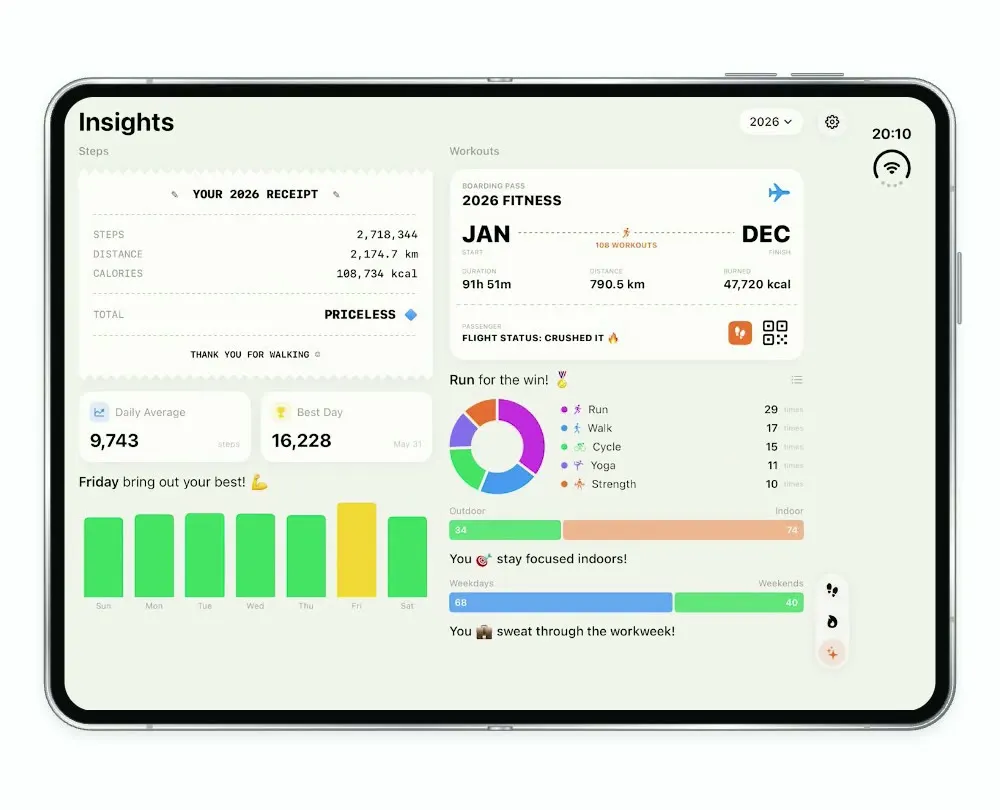
iOSA step and workout tracker for the foldable iPhone Duo, with a calendar, run maps and shareable stat cards.