Are.na
Productivity app · from our videos on X
Are.na recreates the visual bookmarking app on the iPhone Duo's cover display, with its nav rail tucked into the camera strip on the right. Open a channel from a profile and its blocks sit in a two-column grid with captions. Tap one and a sheet springs up over the blurred channel; swipe sideways through the artworks, tap an image to go full screen on black, then scroll down for the block's title, description, metadata and connections. Swipe the sheet away to land back on the grid.
- iPhone Duo · Swift
- Built in 1 prompt
- Free to remix
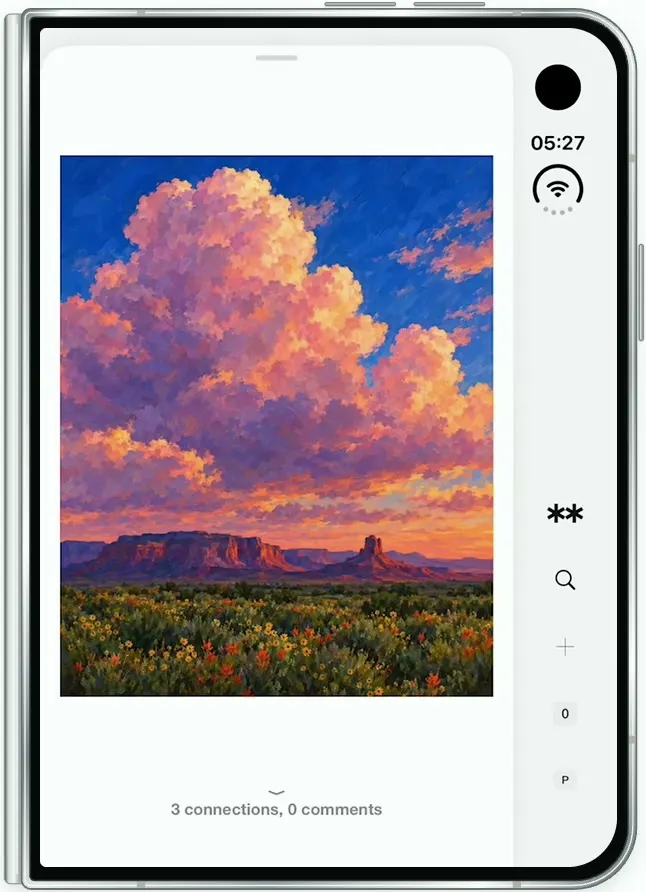
Remix copies the working app into your account for free, exactly as we built it. It runs in Vibecode's cloud iOS simulator, in your browser.
Watch the video on X@ios_app_builder · Oct 29, 2026The prompt that builds it
We built Are.na in one prompt. Paste it into a new app to build your own copy, or change it first.
Prompt · 2,053 words
[image attached][image attached][image attached][image attached][image attached][image attached][image attached][image attached][image attached][image attached][image attached]
Download/reference the app shown in this post and clone it exactly, including the iPhone Duo visual design, layout, interactions, animations, typography, spacing, and all visible states. Make it functional and runnable in the simulator. Match the reference as closely as possible and include any interaction shown in the source. Reference: https://x.com/AREdotNA/status/2115606108161347958. The attached screenshots are frames of that 15-second video, in order: read every one of them carefully before writing code.

Build a native SwiftUI iOS app named Arena using Opus 5.5. This is the Are.na app (a visual bookmarking platform: users collect images, links and text as "blocks" inside "channels") demonstrated on the iPhone Duo FOLDED, on its cover display. Design for the cover display first; when unfolded, show the same single-column layout with the same rail. Do NOT put a fake handset frame inside the actual app; the simulator provides that. Use realistic deterministic fixture data so every screen is rich and usable without permissions or backend. No login. Do not publish externally.

Observed video sequence (0-15.5s):
0.0-1.2 Profile screen of "Pierre Marteau", Channels tab, list of channel cards. 1.2 tap the first thumbnail of the "Cloud art" card.
1.3-1.6 Push to the "Cloud art" channel page: a quick blur cross-fade (the profile slides ~15% left while blurring and fading out; the channel page fades in from a blur). About 0.3 s.
1.6-2.6 Channel page: header, then a 2-column grid of blocks. 2.65 tap the first block (the painting of a window).
2.65-3.0 Block viewer opens as a sheet: the channel page behind it blurs and dims slightly, and a white card with rounded top corners springs up from the bottom with the image in it. The right-hand rail stays visible and sharp beside the card.
3.0-7.4 Swipe left through the blocks one by one (horizontal paging, the next image slides in from the right): block 1 "23 connections, 0 comments", block 2 "33 connections, 0 comments", block 3 "70 connections, 0 comments", block 4 "3 connections, 0 comments".
7.45 Tap the image: immersive full screen. In ~0.25 s the white goes grey then black, the image grows to the full width of the WHOLE display (edge to edge, over the right strip too), centred vertically with black above and below; the card, the rail and the status bar disappear (only the camera stays).
8.65 Tap again: the black fades back through grey to white, the image shrinks and the sheet springs back up from the bottom into its normal position (~0.6 s), rail and status bar return.
9.7-12.4 Swipe up inside the sheet: it scrolls vertically, the image moves up and out, revealing the block's details (title, description, bullets, link, metadata, buttons, Connections tab and connection cards). While the details are scrolled into view the rail icons fade to light grey; they return to black when the image is back at the top.
12.4-13.0 Scroll back to the top: the image returns.
13.8-14.2 Swipe down on the sheet: it slides down off the bottom and the channel page behind unblurs. The channel page has scrolled so the grid's first row sits at the top of the screen (header scrolled out of view), showing grid rows 1-3 and the top of row 4.

Layout on the cover display: the cover display has a strip along its RIGHT edge where the system camera, "9:41" and Wi-Fi sit at the top (the simulator draws those). The app's nav rail lives in that same strip column, BELOW the status items: draw the screen with FullScreenLayout and place the rail in the strip column, five items stacked vertically and centred in the strip, from about 57% to 90% of the display height, evenly spaced: (1) the Are.na logo (two bold black six-point asterisks side by side, "✱✱", ~30 pt wide), (2) a magnifying glass, (3) a thin plus "+", (4) "0" in a small light grey (#EFEFEF) rounded square (notifications), (5) "P" in a small light grey circle (avatar). Thin black line icons, no labels. Everything else lives in the content column to the left of the strip, with ~16 pt left margin and ~16 pt gap before the strip.

Visual details: white background (#FFFFFF), text near-black (#1A1A1A), secondary text grey (#8A8A8A). Type is a plain neo-grotesk like Arial/Helvetica (use Arial or Helvetica Neue, not SF Rounded): titles bold, body regular. Buttons are flat light grey (#F2F2F2) rectangles with ~4 pt corners, no shadows. Cards are light grey (#F6F6F6) rectangles with ~4 pt corners. Thin dividers #E8E8E8.

Screen 1, Profile (screenshot 1): top line, large (~22 pt): "Are.na" grey + " / " grey + "Pierre Marteau" bold black + a small navy (#1F2A6B) filled circle with a white asterisk badge. Under it, left: "Joined August 2011" (grey, ~16 pt); right: three grey buttons "Edit ✎" (pencil icon), a magnifier, "···". Tabs row: "Channels" bold + "82" in a light grey pill (selected, black 2 pt underline under the left half) and "Blocks" grey + "228" in a light grey pill; a hairline under the whole row. Then channel cards, full column width, ~12 pt apart, each: title left (~18 pt, e.g. "Cloud art") and owner right "Pierre Marteau"; a row of 4 square thumbnails with small gaps; footer left "8 blocks", right "36 minutes ago". Cards: "Cloud art" (8 blocks, 36 minutes ago; thumbs = its first 4 blocks), "Clouds" (15 blocks, 36 minutes ago; thumbs: a white text tile reading "Cloud art by Pierre Marteau" centred in small type with a hairline border, a view above a sea of clouds, an orange sunset cumulus, grey clouds on blue), "Birds" (9 blocks, 2 months ago; thumbs: a flock of birds over clouds, a sepia photo of a small bird held in a hand, a grey pigeon on a wicker chair, a pink spoonbill with wings spread against green leaves). Tapping any part of a card opens that channel (only Cloud art needs real content; others can reuse it with their own titles).

Screen 2, Channel "Cloud art" (screenshot 2): breadcrumb (~22 pt) "Are.na" grey / "Pierre Marteau" grey / "Cloud art" bold black. Metadata, two columns (labels grey, values dark grey, ~16 pt): "Started   about 1 hour ago", "Modified   about 1 hour ago", "Length   8". Then "This channel appears in:" and on the next line "Clouds ... " + "View all channels" bold. Then a right-aligned row of grey buttons: "Connect →", "Edit ✎", magnifier, "···". Then the block grid: 2 columns, ~16 pt gutter, each cell a SQUARE with a 1 pt #EEEEEE border, the image aspect-fit inside it (letterboxed with white), and a grey centred caption under each (~15 pt, one line, truncated). The 8 blocks in order:
1 "Robert Tinney, 1986": a painting of a wood-panelled room, a window with dark red curtains looking out on white clouds and blue mountains, a second framed window on the right, a beige 1980s computer on a desk whose screen shows the same blue mountains, a wooden stool on the left. Portrait 0.72.
2 "Cumulus, Ian Fisher": photo of a big billboard on wooden legs in a dry golden wheat field under a deep blue sky; the billboard shows a painting of white cumulus clouds. Landscape 1.18.
3 "The-Battle-of-the-Argonne-" (truncated like that): surreal Magritte-style painting, twilight blue sky with a thin crescent moon, a pink-white cloud on the left and a floating grey granite boulder on the right, a flat dark horizon with a pink glow. Landscape 1.23.
4 "Southwestern Sky Poster, Pink Cumulus Cloud Painting, Cobalt Blue Desert Mesa Wall Art, Mauve Sunset Landscape Print, Living Room Decor" (caption shows "Southwestern Sky Poster,"): painting of towering pink-mauve cumulus clouds against cobalt blue sky over a desert mesa at sunset, a dark green field with yellow wildflowers in front. Portrait 1122 x 1402.
5 "Jef Geys at Micheline": photo of two small landscape paintings hung one above the other on a white wall (top: snowy mountain and green meadow, bottom: soft white clouds over orange haze); this is a LINK block: small link icon in a light grey square at the cell's bottom-right.
6 "9_cyanometer-11-jpg": a circular cyanometer, a ring of numbered paper swatches going from white to dark navy, framing a photo of a white cumulus cloud on pale blue in the middle. Square.
7 "Cloud - Wikipedia": screenshot of a Wikipedia article page (link block).
8 "Blue": a flat bright sky-blue image.
Generate every image with gpt-image-2.5-flare (run env and use the project's proxied OPENAI_API_KEY with https://api.openai.com/v1/images/generations), matching these descriptions and the attached screenshots, and bundle them in Assets. Also generate the 7 thumbnails for the Clouds and Birds cards.

Screen 3, Block viewer sheet (screenshots 3-6): a white card covering the content column from ~2% below the top of the display to the bottom, rounded top corners (~24 pt), a short grey grabber pill at top centre. Behind it, the channel page blurred (radius ~12) with a light white veil. The image is aspect-fit to the card's width minus 16 pt margins, its top ~10% down the display. At the bottom of the card: a small grey "⌄" chevron and, under it, centred grey semibold "23 connections, 0 comments" (per block: 23, 33, 70, 3, 5, 12, 2, 4; comments always 0). Horizontal paging across all 8 blocks in channel order (paging TabView or paged ScrollView, ~24 pt gap between pages, spring snap). Opening the viewer from a grid cell starts on that block.

Screen 4, Full screen (screenshot 7): tap the image in the sheet: background animates to black, the image goes edge to edge across the whole display width, ignoring all safe areas, centred vertically; status bar hidden, rail hidden. Tap anywhere to return to the sheet with the spring described above. Paging keeps working in full screen.

Screen 5, Block details (screenshots 8-10), below the image in the same vertical scroll inside the sheet: title in regular weight ~22 pt black, 4 lines: "Southwestern Sky Poster, Pink Cumulus Cloud Painting, Cobalt Blue Desert Mesa Wall Art, Mauve Sunset Landscape Print, Living Room Decor". Paragraph (~16 pt): "Museum-quality posters made on thick matte paper. Add a wonderful accent to your room and office with these posters that are sure to brighten any environment." Bullets: "• Paper thickness: 10.3 mil", "• Paper weight: 189 g/m₂", "• Opacity: 94%", "• ISO brightness: 104%", "• Paper is sourced from Japan". Link in bold: "https://posterxclub.etsy.com/listing/4543193656". Metadata rows with hairlines between (label grey left, value right): "Added — 3 months ago", "Updated — about 1 hour ago", "By — untitled form" (value bold), "Dimensions — 1122 × 1402". Button row: "Connect →" and "···" on the left, a square button with two diagonal inward arrows on the right. Tabs: "Connections" bold + "3" pill (selected, black underline under the left half) and "Comments" grey + "0" pill. Section header "Your connections" left, "October 2026" right (grey), then a grey card "Cloud art  8" left and "Pierre Marteau" right. Section header "All connections" / "July 2026", then cards "river  189" / "M GO" and "posterxclub.com  451" / "untitled form". Every block gets details (short invented title/description/metadata for the other 7, same layout, e.g. block 1 "Robert Tinney, 1986", "By — Pierre Marteau", "Dimensions — 1200 × 1680").

Close: dragging the sheet down from its top (or flinging down) slides it off the bottom with the background unblurring; on close the channel page scrolls so the grid's first row is at the top of the screen and the last viewed block is visible.

Filming reset: tapping the ✱✱ logo in the rail returns to the Profile screen with every state reset (viewer closed, all scroll positions at the top, page 1). Launch always opens on the Profile screen scrolled to the top.

Use native spring animations and gestures, not static screenshots. Keep every file you create inside /home/user/workspace (fonts, generated images, scripts): tool access to /tmp and other paths outside the workspace is denied in this sandbox.

Build fully, run compile/build validation, resolve all errors, and launch in the web simulator on the iPhone Duo, folded. Prioritize fidelity to the attached screenshots and the functional main interaction flow. Build it in small source files, one screen at a time, and get a first version compiling before polishing. Deliver complete implementation rather than a plan.
More templates
All templates- View template
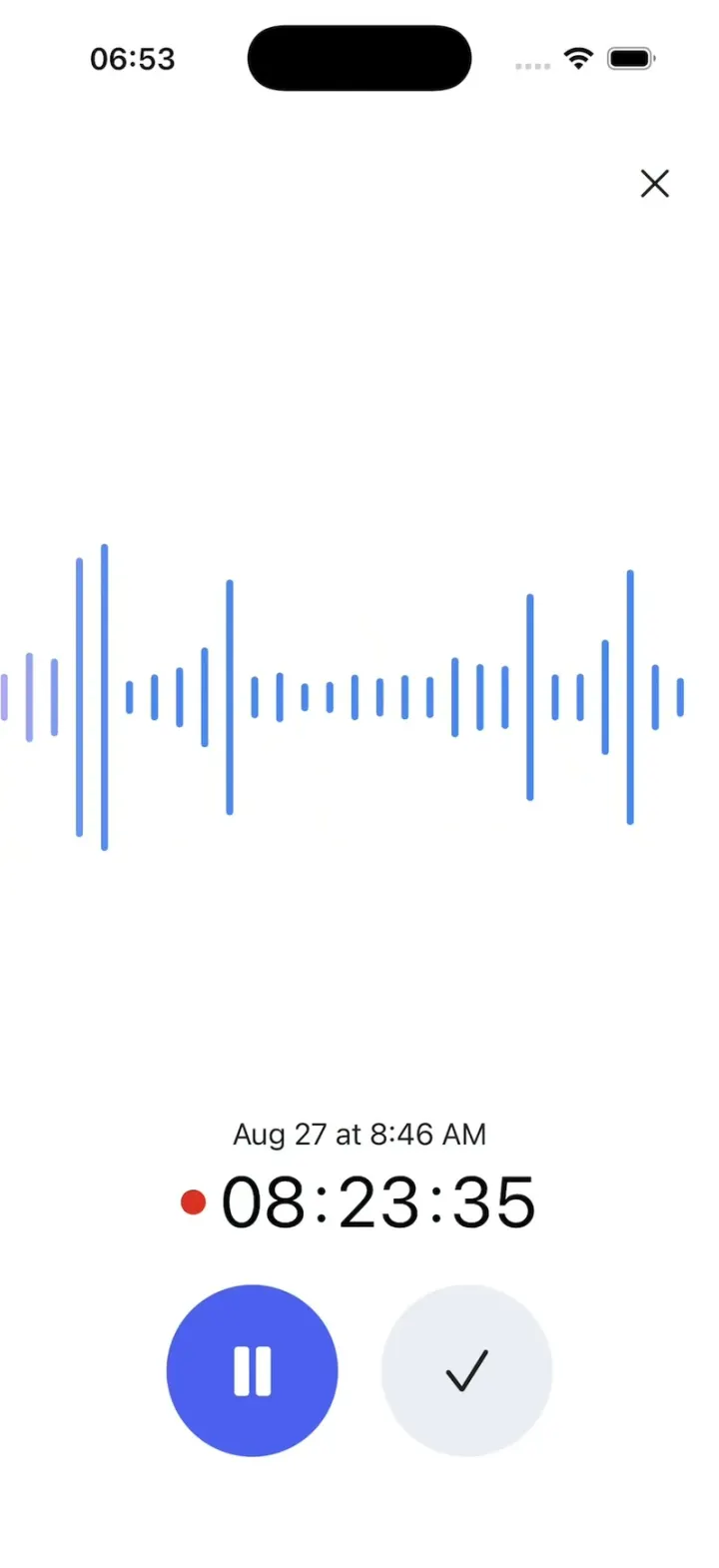
Gemini Notebook
iOSRecord a lecture with a live waveform, then ask it anything and get answers cited back to the transcript.
- View template
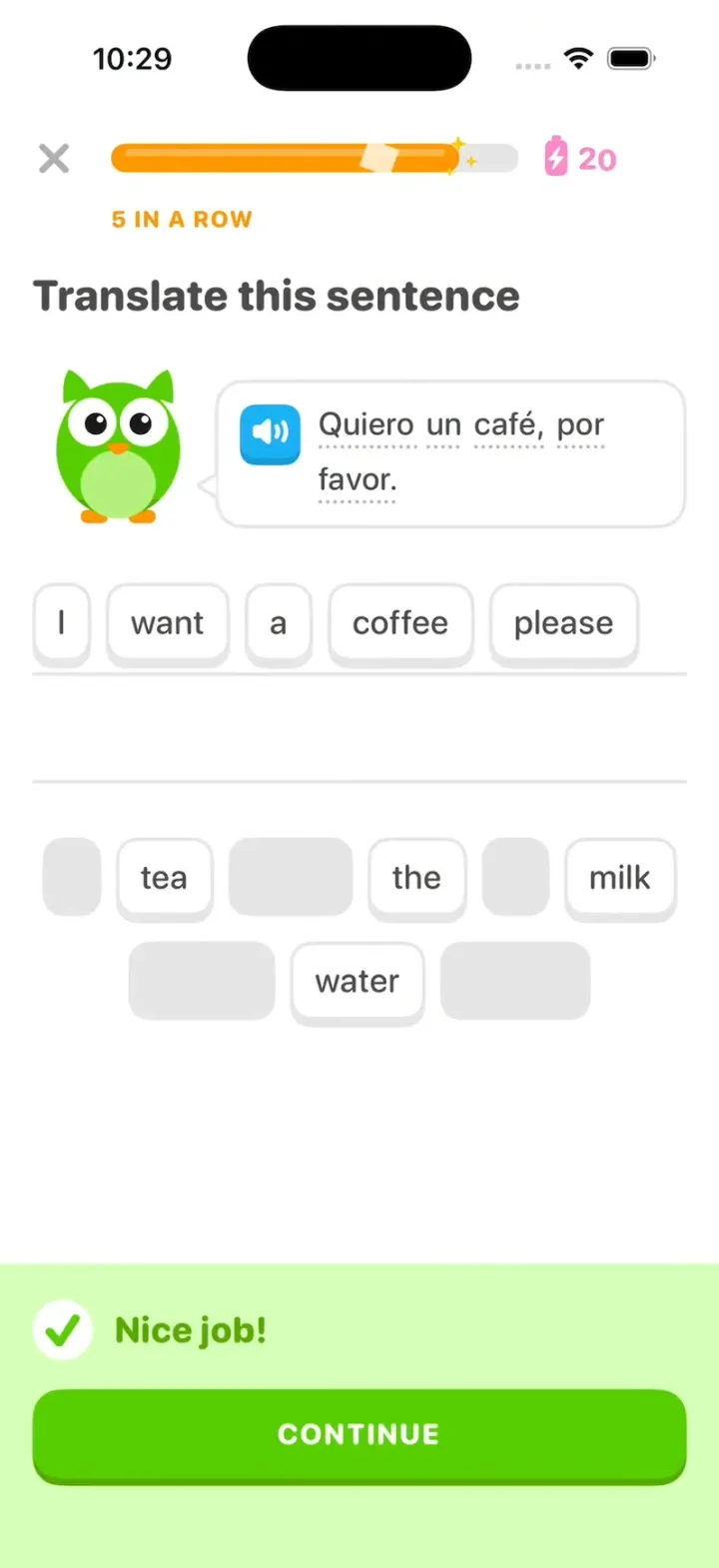
Duolingo Clone
iOSDuolingo with its real look: word chips fly to the line, "Nice job!" slides up and your streak rolls to 28.
- View template
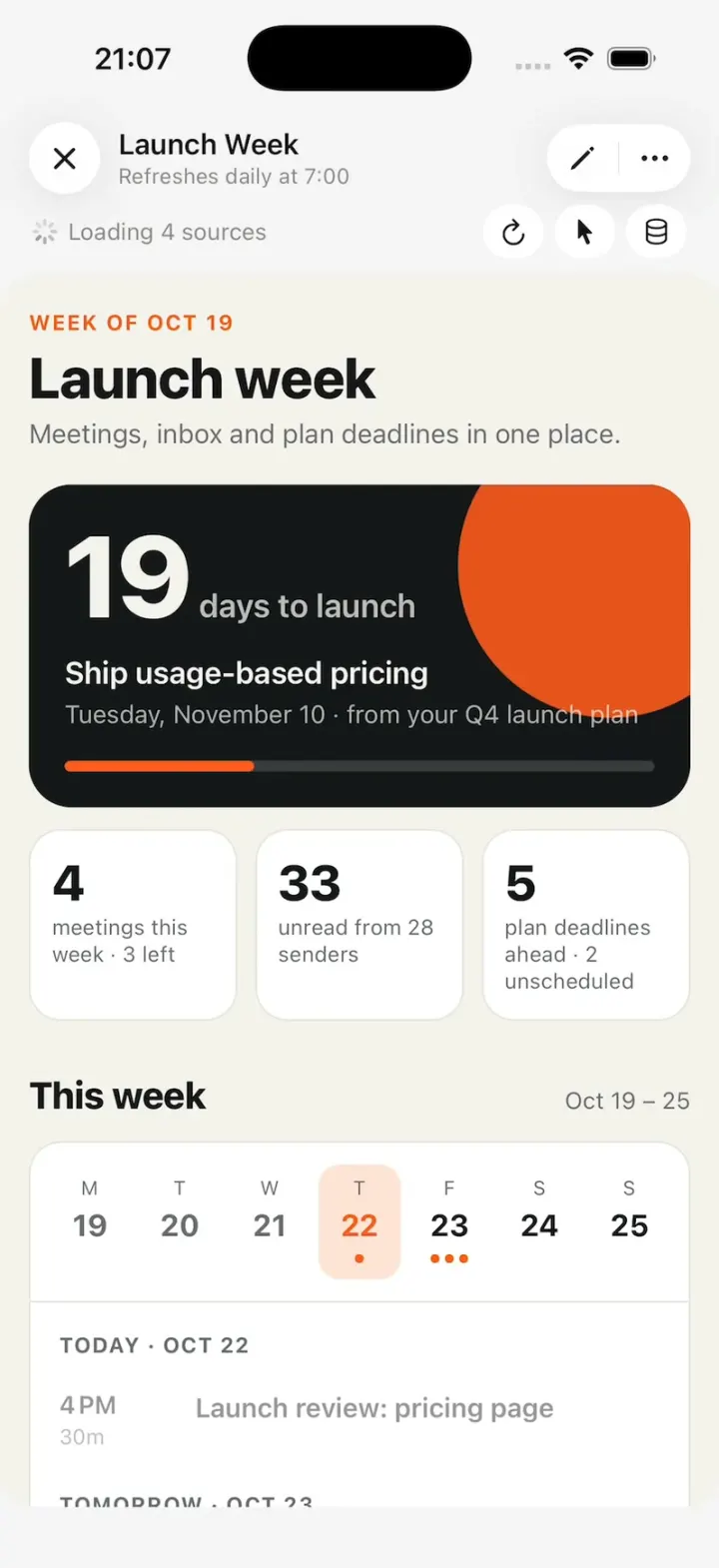
Claude Duet
iOSA working Claude Duet: it reads your inbox and calendar, runs tasks in the background, asks before it sends.
- View template
Claude Duet
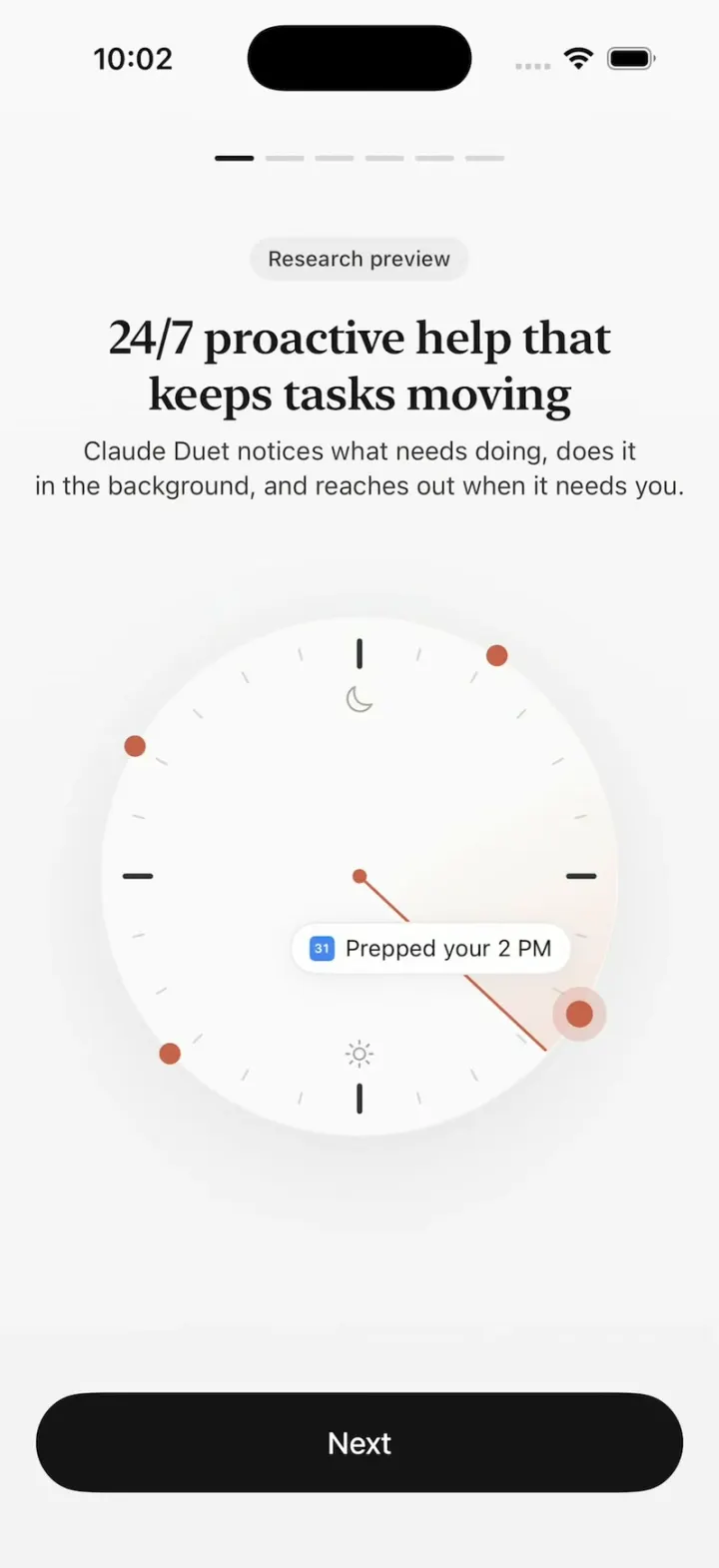
iOSClaude Duet's onboarding: a clock sweeping through your day, tools flying in, Claude filling out a form.