Duolingo Clone
Education app · from our videos on X
Duolingo Clone rebuilds Duolingo with its real name, Feather Green, energy battery and words, and Duo the owl drawn in SwiftUI. A winding path of gold and green nodes leads into a seven-exercise Spanish lesson: picture cards, word chips that fly from the bank to the answer line, matching pairs and fill-in-the-blank, each judged with CHECK and a green "Nice job!" or red "Correct solution:" banner. Finishing shows "Lesson complete!" with TOTAL XP, AMAZING and SPEEDY boxes, then the flame ignites and the streak rolls 27 to 28 as the week's circles fill. Leaderboards (Sam overtakes two rows in the Ruby League), Daily Quests with chests and a profile with Wildfire, Sage and Scholar are all there.
- iPhone · Swift
- Built in 2 prompts
- Free to remix

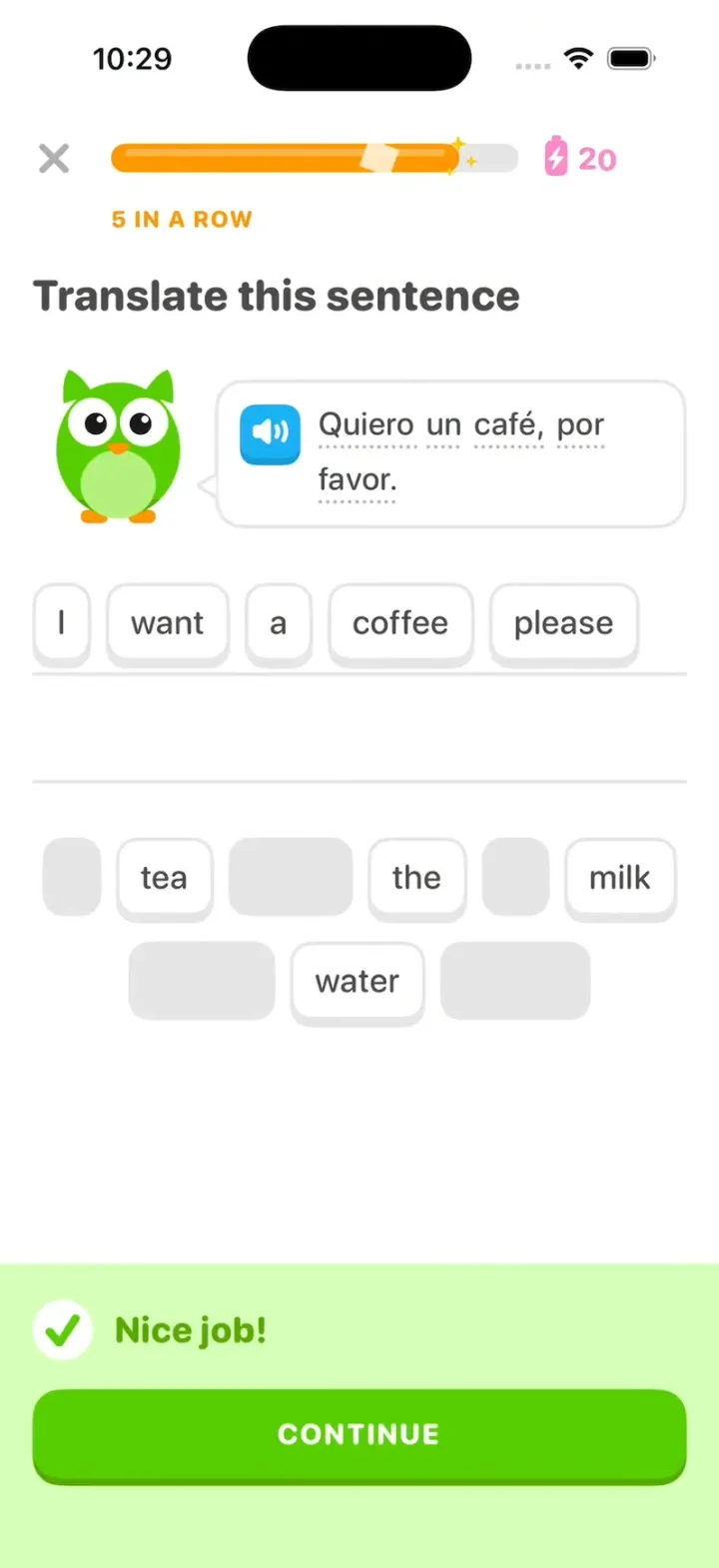
Remix copies the working app into your account for free, exactly as we built it. It runs in Vibecode's cloud iOS simulator, in your browser.
Watch the video on X@vibecodeapp · Oct 24, 2026The prompt that builds it
We built Duolingo Clone in 2 prompts. Here they are folded into one, so a single paste into a new app builds the finished version.
Prompt · 1,270 words
Build a polished native iOS clone of Duolingo in SwiftUI: the path, lessons with word-bank chips and the "Nice job!" banner, energy, the streak, Leaderboards, Quests and Profile.

It is Duolingo on screen: its name, colours and words, and Duo the owl drawn in SwiftUI (round green body, lighter belly, big white eyes with black pupils, small orange beak, ear tufts, small wings, orange feet; poses: idle with a blink, cheer, sad, wave). The learner is Sam Rivera, on a 27-day Spanish streak.

SHELL
Tabs (icons; selected in a Macaw-blue outlined tile): Learn (house), Leaderboards (shield), Quests (chest), Profile (face). Opens on Learn: no splash, onboarding, login, paywall or permission prompt. Top bar: Spanish flag, orange flame "27", gem "505", pink energy battery with a bolt "25".

SCREENS
1. Learn: a green unit banner "SECTION 1, UNIT 2" / "Order food and drinks" with a "GUIDEBOOK" button; a winding path of round 3D nodes: 3 done (gold), node 4 current (green star) with a bouncing "START" bubble (fully visible above it, drawn above every node and the path, never overlapping another node), locked grey nodes, a chest and a trophy; Duo stands beside the path and waves. Node 4 opens a popover "Order food" / "Lesson 2 of 4" / "START +10 XP".
2. Lesson (full screen): X, a green progress bar that steps with a white shine (Fox orange with sparkles after 3 right in a row), energy at the right dropping 1 per CHECK. Seven exercises:
a) "Select the correct image": a blue speaker button + "el café"; 2x2 picture cards café, té, agua, leche (selected = Macaw border, #DDF4FF fill).
b) "Translate this sentence": Duo beside a speech bubble (blue speaker icon, dotted underlines) "Un café con leche, por favor."; two ruled answer lines; bank: A, coffee, with, milk, please, tea, the, water.
c) "Tap the matching pairs": café/coffee, té/tea, agua/water, pan/bread, leche/milk.
d) "Complete the sentence": "Yo ___ un café." quiero / quieres / quiere.
e) "Select the correct image": "la manzana" (apple, bread, cheese, orange).
f) "Translate this sentence": "Quiero un café, por favor." = I want a coffee, please (bank adds tea, the, milk, water).
g) "Translate this sentence": "Me gusta el café." = I like coffee (bank adds tea, you, milk).
Chips: white, 2 pt Swan border, 4 pt bottom edge, 19 pt text, 48 pt tall; a tapped chip visibly travels to its place on the line over 0.30 s (one floating copy in an overlay at the lesson's root, drawn above everything, animating between the two measured positions), leaving a grey slot; tap it to fly it back. CHECK (full width, Feather Green) is grey until there is an answer. CONTINUE is one clean page slide: the whole old exercise (header, Duo, bubble, its answer still on the line, its bank) moves left off screen as one piece while the new one comes in from the right, both over 0.25 s ease-in-out, nothing fading or overlapping; the banner is gone within 0.18 s; the top bar stays still. Right: a #D7FFB8 banner slides up with a white round check, praise ("Nice job!", "Amazing!", "Great job!") and a green CONTINUE. Wrong: a #FFDFE0 banner, "Correct solution:" and the answer, a red GOT IT; the picked card shakes.
3. Lesson complete: Duo jumps in confetti, "Lesson complete!", three stat boxes (coloured header, white body): TOTAL XP 15 (gold), AMAZING 86% (green), SPEEDY 2:14 (blue), CLAIM XP. Then the streak: a big flame with Duo, the orange number rolls 27 to 28 over "day streak", a Su Mo Tu We Th Fr Sa row whose orange check circles fill in turn up to today, today last, Duo's bubble "Keep it up! I'm off to brag about your streak.", CONTINUE back to Learn with node 4 done and node 5 current.
4. Leaderboards: "Ruby League", a row of league shields, "Top 10 advance to the next league", "3 days"; 30 learners (initial avatars, XP), PROMOTION ZONE and DEMOTION ZONE dividers, Sam 6th. After a lesson Sam's row slides up past two rows: "You moved up to 4th place!".
5. Quests: "Daily Quests" (Earn 30 XP 15/30, Get 10 in a row 3/10, Score 90% or higher in 2 lessons 1/2) with chests; a lesson updates them and full chests pop open.
6. Profile: "Sam Rivera", "SamRivera927", "Joined March 2025", Statistics (Day streak 27, Total XP 4,120, Ruby, 2 top 3 finishes), Achievements Wildfire 27/30, Sage 4,120/5,000, Scholar 214/250.

HOOK (the video's first 3 seconds)
- HOOK MODE: tapping an invisible 44x44 pt area at the top right, just below the status bar, on every screen, plays this run through the real lesson code, identical every time (seconds from the tap): 0.0 close everything and open the lesson at exercise f, 5 of 7 done, 4 in a row (orange bar), energy 21, "I want a" already on the line, held still; 0.40 "coffee," flies; 0.62 "please" flies; 1.00 CHECK; 1.05 "Nice job!"; 1.40 CONTINUE: the banner drops and g slides in from the right over 0.25 s; 1.75, 1.88, 2.01 "I", "like", "coffee" fly; 2.32 CHECK; 2.37 "Amazing!", the bar fills to 100% with a shine; 2.75 CONTINUE: Lesson complete, XP counts 0 to 15; 3.30 CLAIM XP: the flame ignites, 27 rolls to 28 by 3.75; the circles fill 3.75 to 4.10, today last with a pop.
- Holds use these times, never the app's normal delays. Every screen is fully drawn on its first frame (no whole-screen fades); only its contents animate. A chip stays visible through its whole flight; praise holds at full opacity until CONTINUE. Flashes at most 0.12 s at 35%. Motion stays in the middle 80% of the screen. Warm up haptics at launch.

LOOK
White; text #4B4B4B; Feather Green #58CC02 (edge #58A700), #89E219, Macaw #1CB0F6, red #FF4B4B (#EA2B2B text), gold #FFC800, Fox #FF9600, energy #FF86CD, borders #E5E5E5, #F7F7F7. SF Pro Rounded, heavy for titles and numbers. Buttons and nodes have a 4 pt darker bottom edge that sinks when pressed.

RULES
- Native SwiftUI, iOS 26 (keep the template's target), iPhone portrait; standard TabView, NavigationStack and sheets, so it also runs on iPhone Duo.
- Deterministic fixtures. No backend, login, permissions, analytics or network calls. No persistence: delete the SwiftData starter, no UserDefaults or files, so every launch starts the same.
- Picture cards: emoji first; once the app runs, flat gpt-image-1.5 illustrations (run env; $OPENAI_BASE_URL/images/generations with the project's OPENAI_API_KEY; white background, no text), curl-checked, never reviewed by eye, decoded off the main thread.
- Springs under 350 ms, haptics on key taps, pressed states, no dead buttons.
- Files under 300 lines, big bodies split into subviews, no long chained expressions.

REMIX-READY
Brand.swift (name, Duo views, a Copy enum with every word), Theme.swift (role colours, fonts; no colour literals elsewhere), Fixtures.swift (course, lessons, exercises, league, quests, profile), DemoScript.swift (HOOK MODE run and timings). Codable models; exercise kinds as an enum with one view each; one AppDataSource protocol (FixtureDataSource) behind an @Observable store; views never read Fixtures. Feature folders. README.md under 80 lines: file map; how to rename, recolour, swap the course; 3 one-prompt remixes ("Duolingo for X"). "Read README.md first." atop CLAUDE.md and ios/AGENTS.md; replace ios/CLAUDE.md's structure block with this app's files. No scratch folders.

FILMING
Long-press the top bar's flag to reset everything to launch.

BUILD
Theme, Brand, Fixtures, then each screen in small files, a one-line status per screen; launch in the simulator every two or three files. Images only after the app runs. Walk each flow once and fix what breaks; no pixel measuring or debug modes. Deliver the whole app, not a plan.
More templates
All templates- View template
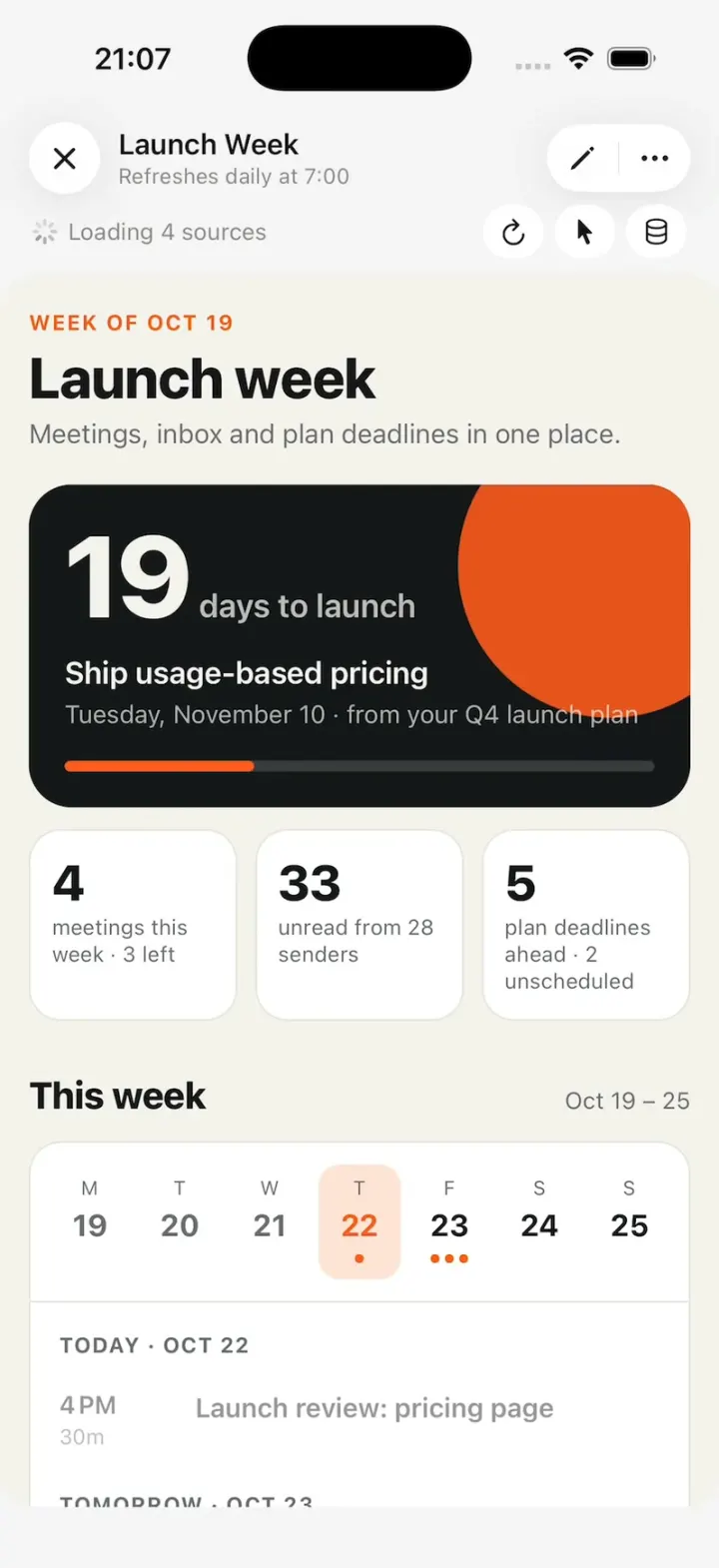
Claude Duet
iOSA working Claude Duet: it reads your inbox and calendar, runs tasks in the background, asks before it sends.
- View template
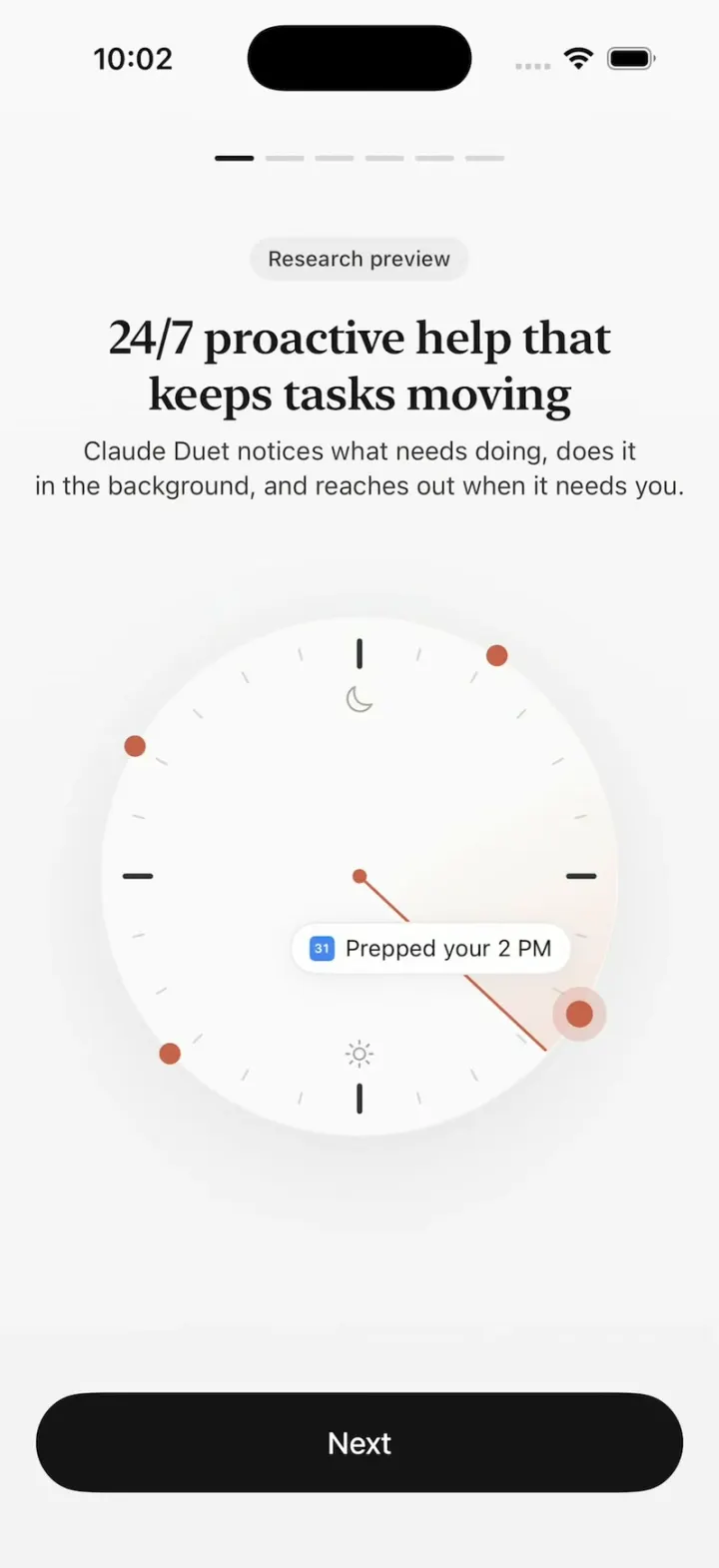
Claude Duet
iOSClaude Duet's onboarding: a clock sweeping through your day, tools flying in, Claude filling out a form.
- View template
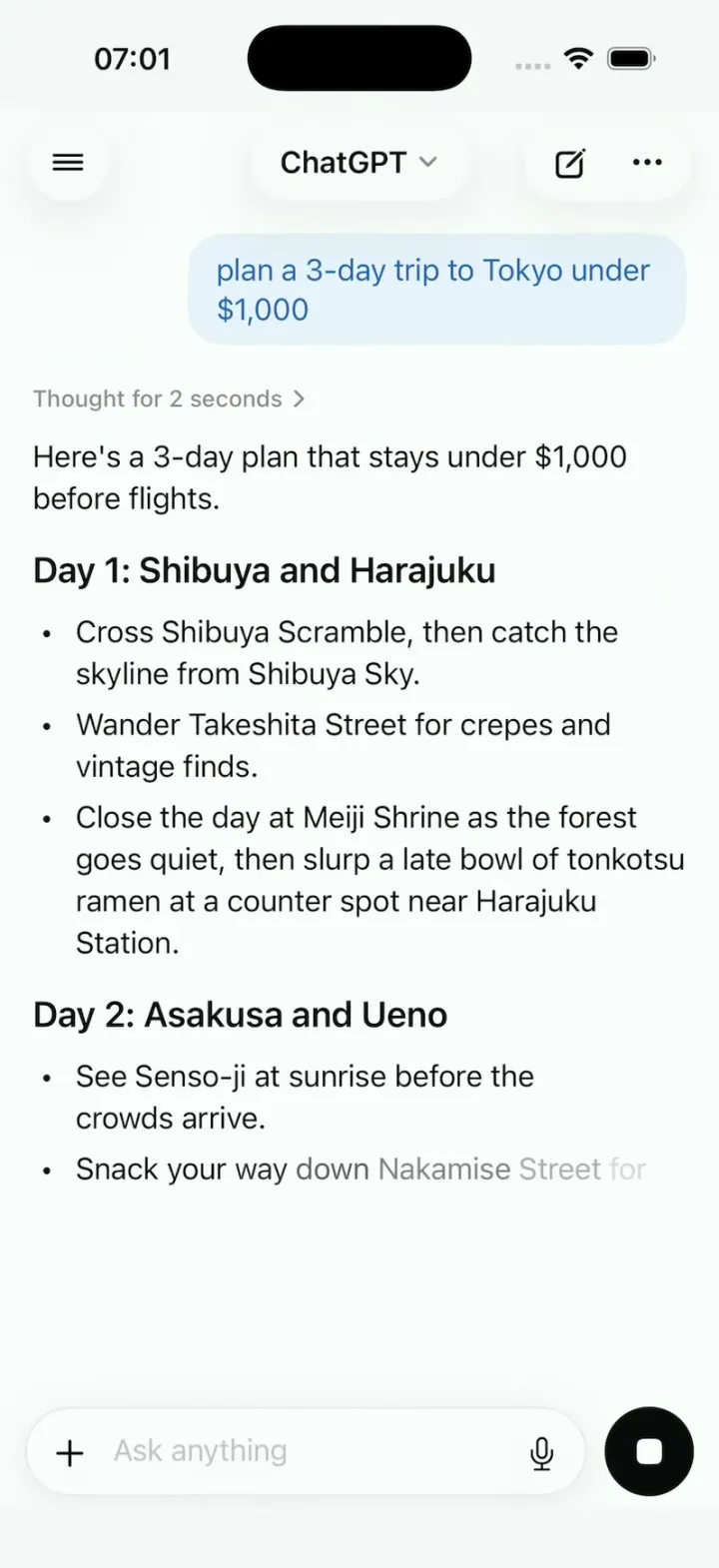
ChatGPT Clone
iOSChatGPT on iPhone: answers stream in word by word, a Tokyo map sharpens from a blur, and voice mode breathes.
- View template
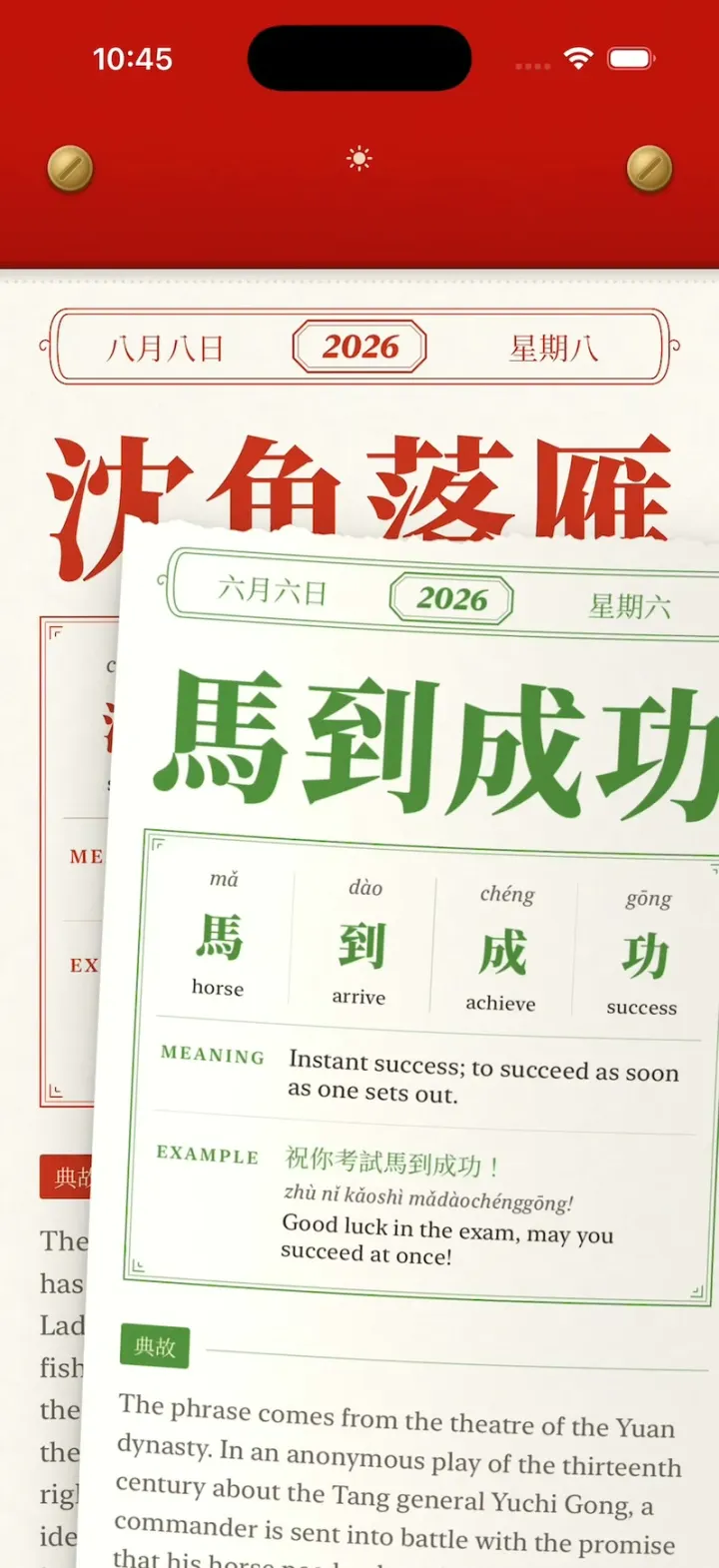
Chengyu Calendar
iOSA Chinese tear-off calendar: peel today's idiom with your finger, tear it off, flip through every torn page.