
Huckleberry Clone
Huckleberry clone · Baby tracker app · built by the Vibecode team
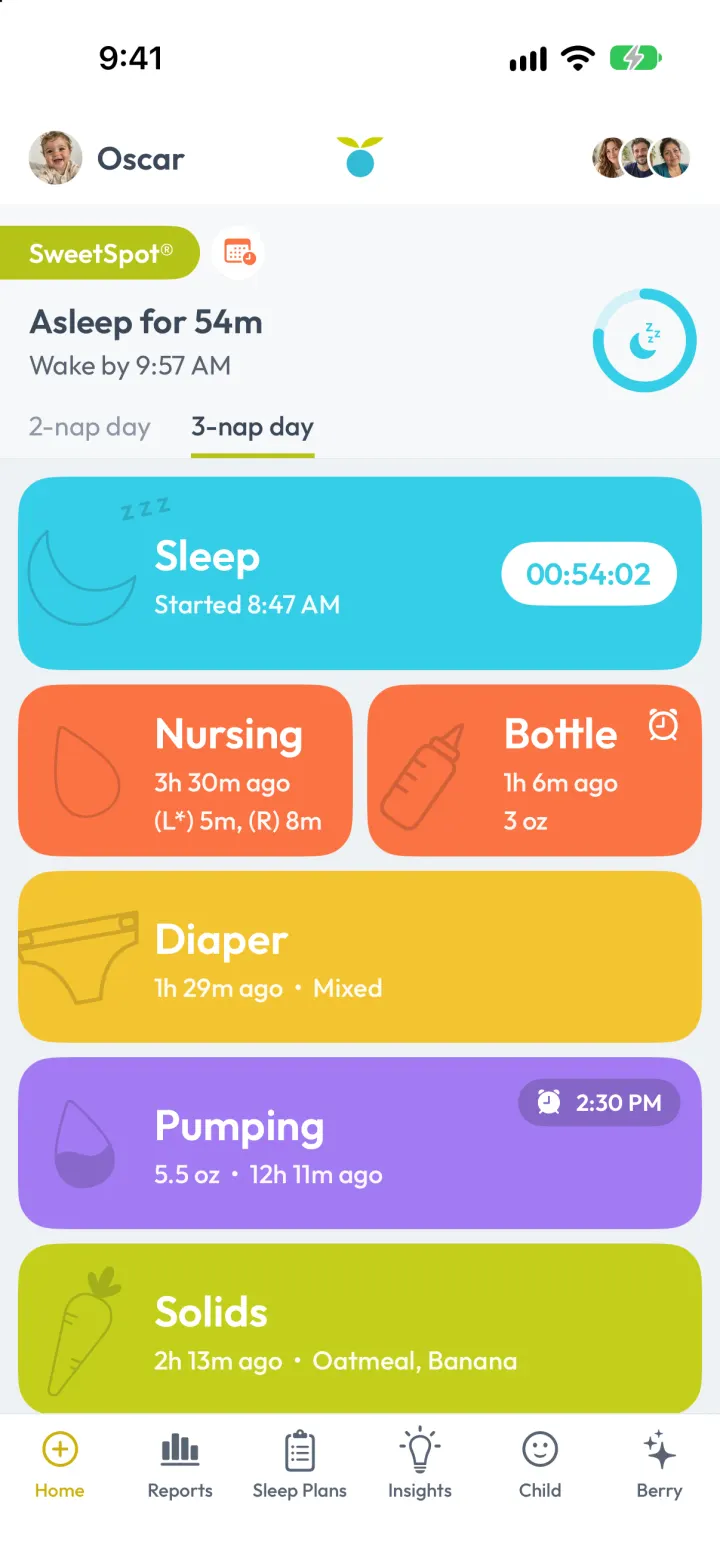
This rebuilds Huckleberry, the baby tracker, with its real name, colourful tiles and SweetSpot® nap predictions. Tap a tile to start a sleep or nursing timer or log a bottle, diaper, pumping session, solids, growth or medicine, and SweetSpot works out when the next nap or bedtime should start. Reports show the day as a timeline, the week as a sleep chart, every log as a list, and trends with a growth chart. Sleep Plans, Insights tips, photo milestones, vaccines and caregiver sharing are all there, and Berry, the AI coach, answers questions using the baby's real logs and can add logs from a daycare note.
- iPhone · Swift
- Hand-built
- Free to remix

Remix copies the working app into your account for free, exactly as we built it. It runs in Vibecode's cloud iOS simulator, in your browser.
The prompt that builds it
We wrote Huckleberry Clone by hand. This prompt describes the finished app: paste it into a new app to build your own version, or change it first.
Prompt · 939 words
Build a polished native iOS clone of Huckleberry, the baby tracker, in SwiftUI with a small backend for its AI: one-tap logging tiles with live timers, SweetSpot® nap predictions, Reports (day timeline, week chart, list, trends, growth chart), Sleep Plans, Insights, a Child profile with photo milestones, vaccines and caregiver sharing, and Berry, the AI parenting chat.

It is Huckleberry on screen, in its light theme: its name, its words ("SweetSpot®", "Nap time near", "Bed time near", "3-nap day", "Add diaper", "Add feeding", "Last Side", "Manual entry", "Optional details", "Sleep Trends", "Daily total avg", "Weight to Age - Boy", "Tips", "Miniplans", "Read more", "Berry", "Powered by AI", "What's on your mind?"), slate text #3B4859 on pale grey #EEF1F4, and its tile colours: Sleep cyan #35CDE6, Nursing and Bottle orange #FA7344, Diaper yellow #F4C430, Pumping purple #A27BF3, Solids lime #C3CF1C, Growth teal #46B7A0, Medicine pink #F07AA0. Save buttons green #7CC242, selected tab gold #CDB10C. Font: Outfit (OFL, bundled), a rounded geometric sans like the real app's. Draw the logo in SwiftUI: two lime leaves over a cyan berry. The family is fictional: Oscar (7 months) and his sister Mila (2), parents Hannah and Marcus, nanny Rosa; photos are generated.

SHELL
Six tabs in a flat white bar, icon over label: Home, Reports, Sleep Plans, Insights, Child, Berry (a custom bar, since the system TabView folds 6 tabs into More). Opens on Home: no splash, onboarding, login or paywall. Header on Home, Reports and Insights: child photo + name (menu to switch child), berry logo centred, caregiver avatar stack on the right.

SCREENS
1. Home: the SweetSpot® card (lime pill, calendar chip, "In 14 minutes" / "Nap time near 9:55 AM" or "Asleep for 54m" / "Wake by 9:57 AM", a countdown ring, "2-nap day | 3-nap day" tabs with a lime underline) above big rounded tiles with white text and outline illustrations a shade darker than the tile: Sleep (full width, "2h 3m ago • 1h 30m", a white pill timer "00:54:02" while asleep), Nursing | Bottle side by side ("7m ago", "(L*) 4m, (R) 1m"; "5 oz" with an alarm icon), Diaper ("1h ago • Poo"), Pumping ("5.5 oz • 2h ago" with a "2:30 PM" reminder pill), Solids ("Oatmeal, Banana"), Growth | Medicine. Then a "Today so far" card (sleep, feeds, diapers, meals). Every "ago" ticks live.
2. Add sheets (X, centred title, alarm-plus button, Save capsule at the bottom): Add sleep (big cyan START/STOP timer, "Where" chips, Manual entry with start/end); Add feeding (Nursing | Bottle green toggle; LEFT and RIGHT orange play circles with per-side times, a "Last Side" badge, a running total; Bottle: Breast milk/Formula, ounces with -/+); Add diaper (Diaper | Potty; round Pee/Poo/Mixed/Dry choices, selected Poo fills brown; size Little/Medium/Large and six colour dots for Poo/Mixed; rash toggle); Add solids (search, Recents chips, "Solids to try next" photo cards with allergen tags, Loved it/Liked it/Neutral/Disliked); Add pumping (left/right oz); Add growth (lb/in with live percentiles); Add medicine.
3. Reports: Day | Week | List | Summary (green fill). Day: totals row, then a 24-hour vertical timeline with cyan sleep bars and labelled event dots, a now line. Week: 7 columns midnight to midnight, cyan sleep blocks and orange/yellow/lime ticks, averages and last night's stretch. List: every log grouped by day, "Oscar slept 11h 42m · 7:28 PM - 7:10 AM", who logged it, filter chips, swipe to delete. Summary: Sleep/Feed/Solids/Diaper/Pump/Growth tabs, 7D/14D/30D chips, Sleep Trends (nap and night averages, a "Daily total avg" ring, change vs the previous period, stacked bars with an average line), foods tried, and a navy "Weight to Age" chart with percentile bands and a Today marker.
4. Sleep Plans: today's schedule (woke up, each nap done / NOW / predicted, bedtime), the nap-count switch, age guidance (wake windows, naps, total sleep) and a note on what SweetSpot learned from the child's rhythm, plus a gentle (no cry-it-out) checklist plan.
5. Insights: Tips | Miniplans. A paging card with a cyan frame, NEW badge and 4 illustrated steps ("How to use the "transport response""), then personalised teasers with SLEEP/SOLIDS chips and "Read more >"; detail sheet with "Ask Berry about this". Miniplans with progress.
6. Child: photo, age and birthday, child switcher; milestone photo grid (add one with a photo from the library), growth with percentiles, vaccination schedule (done, due, upcoming), caregivers. Caregivers sheet: everyone who can log, invite by email or code, and a recent-activity feed of who logged what.
7. Berry: teal glow with the logo and "What's on your mind?", suggestion cards, "Type a message" with a mic button. Questions go to the backend with the last 48 hours of logs, 10 days of totals and whether the baby is asleep, and Berry answers using the child's real numbers. Paste a daycare note and Berry adds those logs (shown in an "Added to Oscar's log" card).

RULES
SweetSpot: age-based wake windows per nap count (3 naps: 2h30, 2h45, 2h30, then 2h15 to bedtime), nudged by the median of the child's real first wake window over the last week; the next nap or bedtime counts from the last wake. Naps count on the day they start, night sleep on the morning it ends. Timers persist across launches. Demo history (30 days for each child) is regenerated on every launch from a seeded RNG so it always ends now; Oscar's wake-ups drift earlier this week. User logs are never touched.

REMIX-READY
Brand/Theme file (name, words, colours, font), Fixtures and Library files for all demo data, one small file per feature, a README with the file map and remix ideas, and launch arguments -DemoTour, -DemoScreen <name>, -DemoTime 09:41, -ResetDemo.
More templates
All templates- View template
Liquid
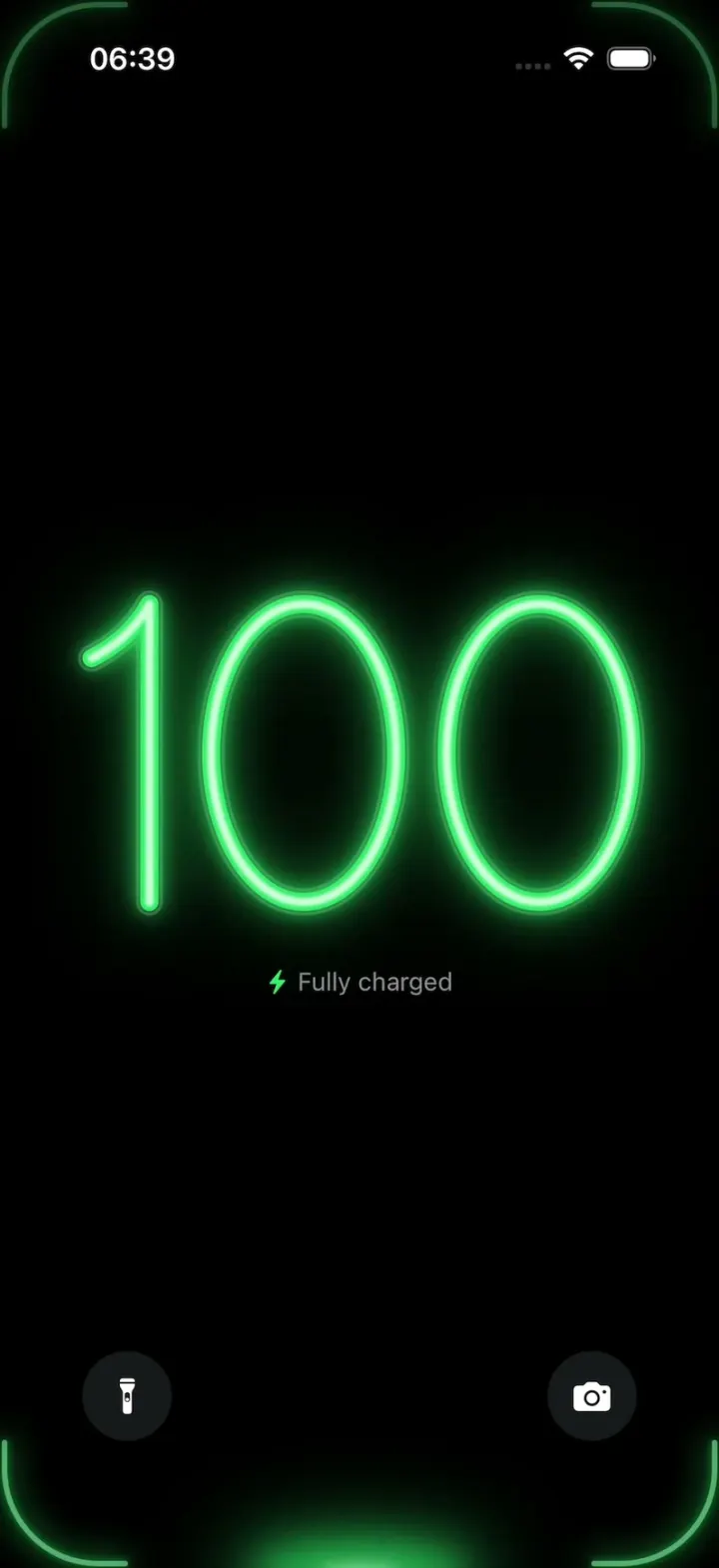
iOSA neon drop falls from the Dynamic Island and fills glass-tube battery digits, from red to amber to green.
- View template
YouVersion Bible App Clone
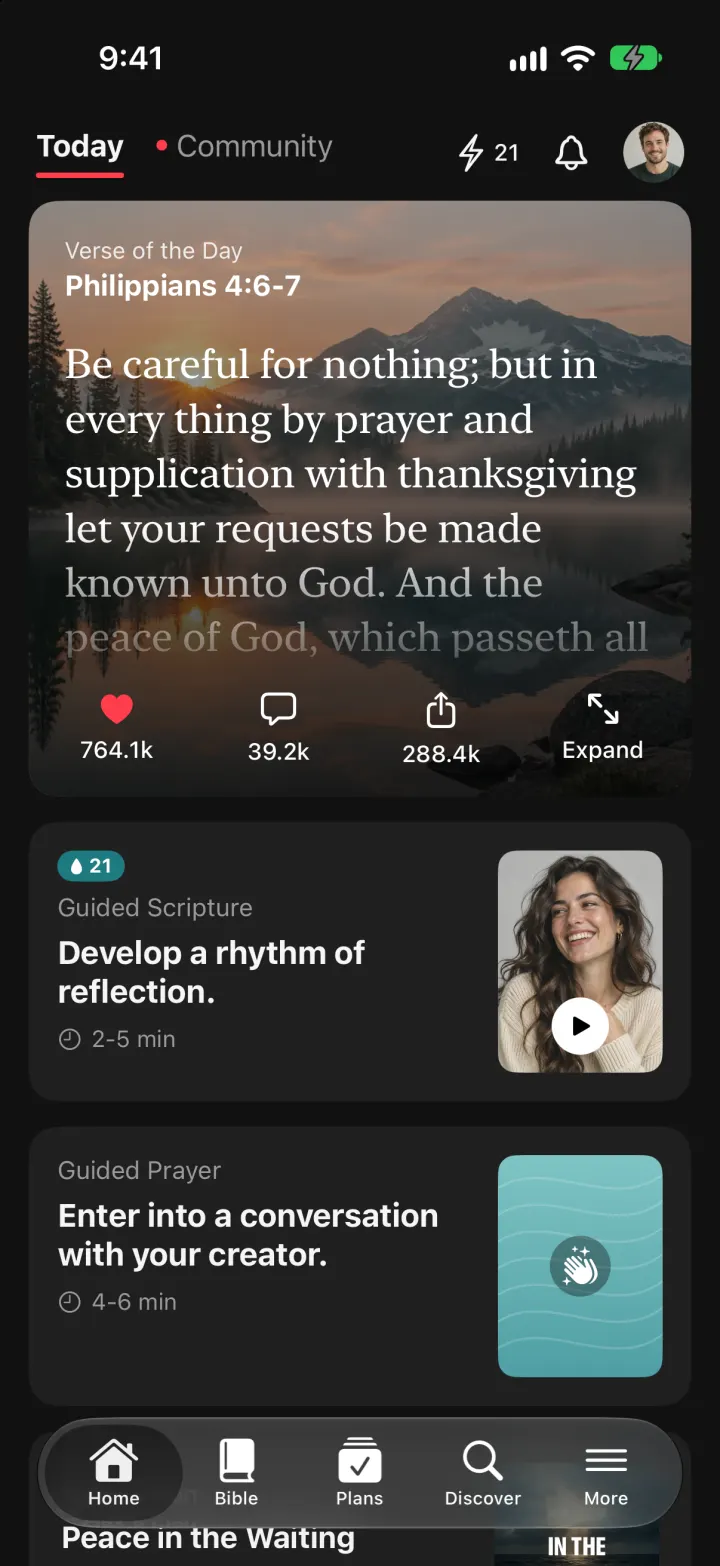
iOSThe whole KJV and WEB Bible: highlight verses, hear them read aloud, and keep a reading plan streak.
- View template
SuperCook Clone
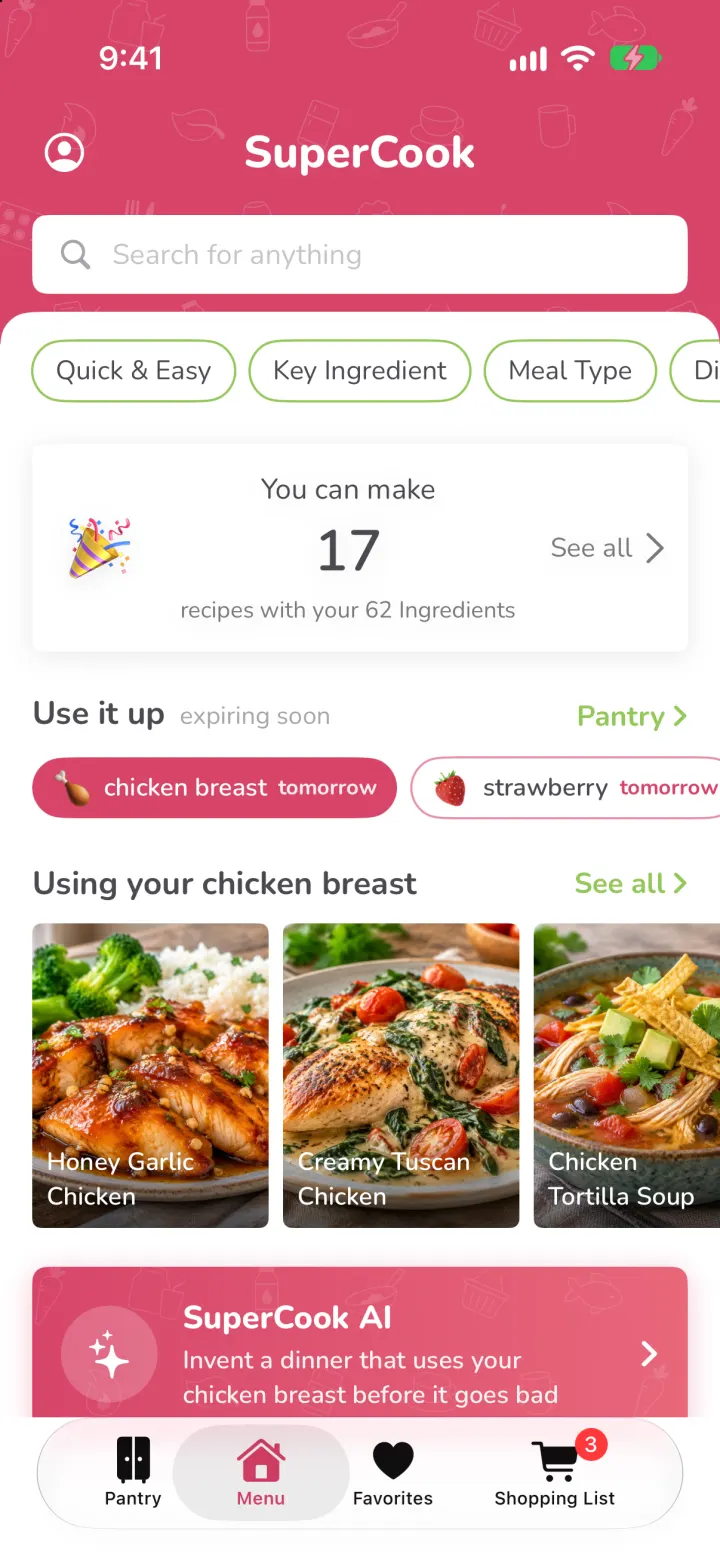
iOSTick what's in your fridge and see only recipes you can cook tonight, with expiry alerts and AI fridge scan.
- View template
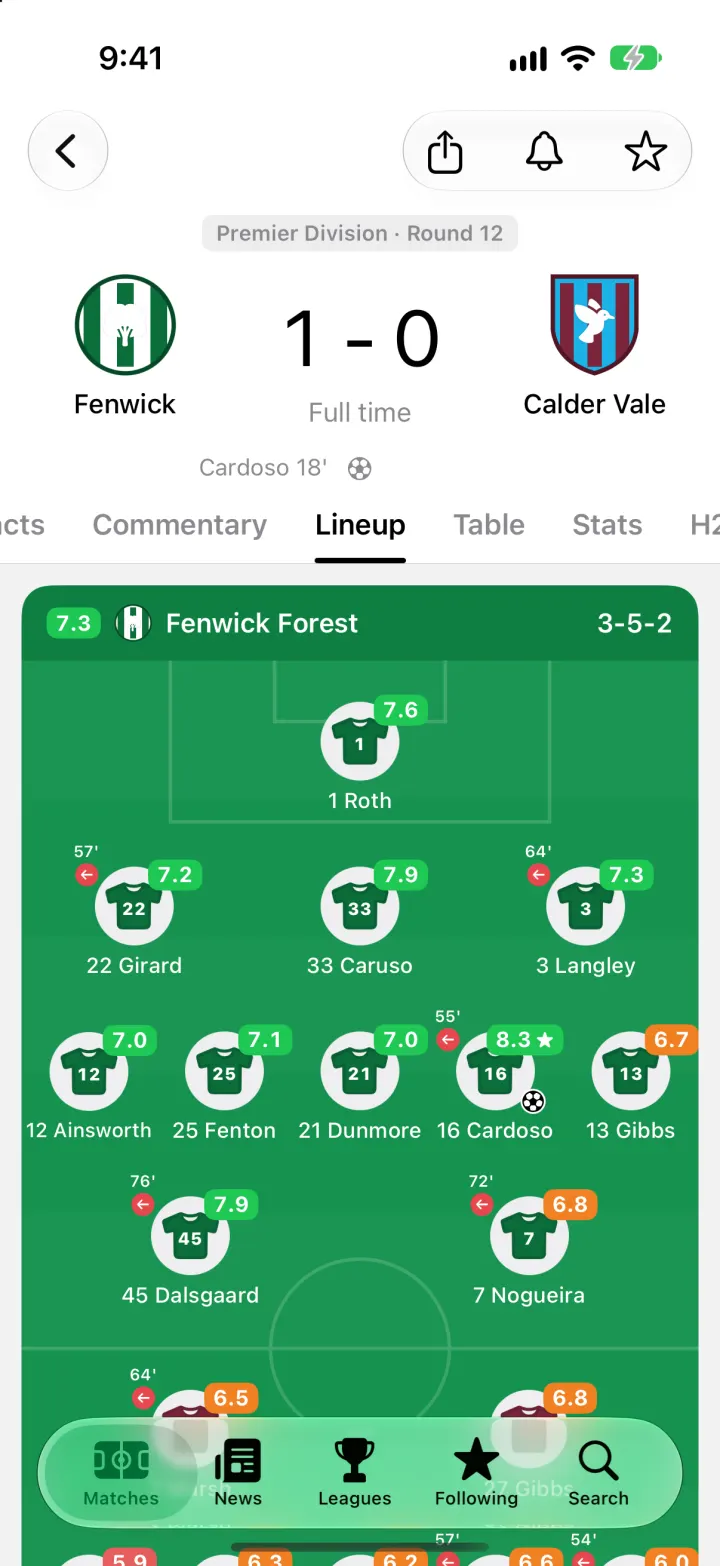
FotMob Clone
iOSFotMob with its real look: live scores that tick, goal flashes, rated lineups, tables and scouting notes.