
Higgsfield Clone
Higgsfield clone · AI video generator app · built by the Vibecode team
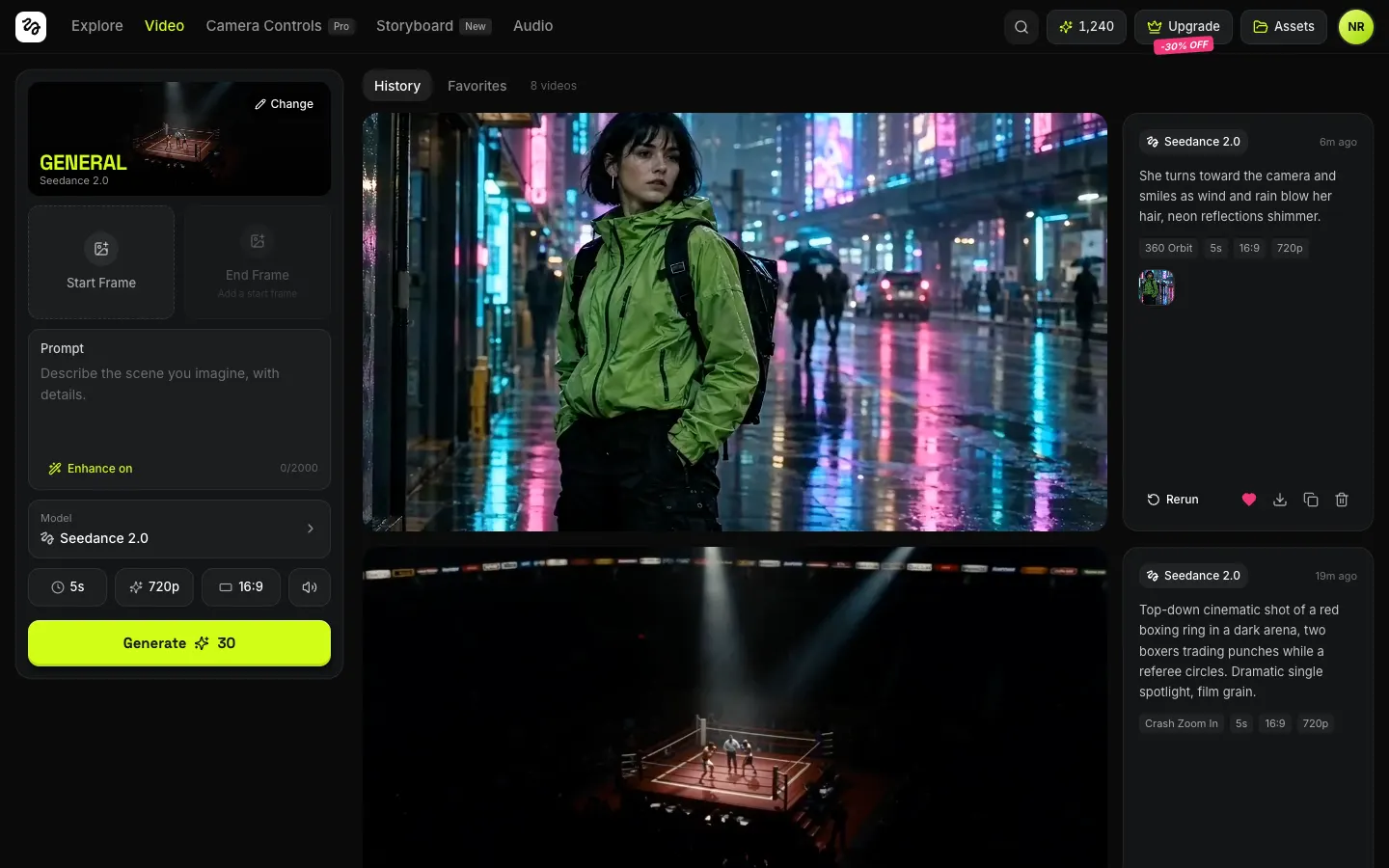
This rebuilds Higgsfield's AI video studio with its real name, lime-on-black look and words. Write a prompt or drop in a start frame, choose a Camera Controls move and a model, and hit Generate: the clip queues with a live progress card and lands in your history, ready to rerun or download as an MP4. The Storyboard turns an idea into scenes with Claude, keeps one character in every shot, adds ElevenLabs voiceover and stitches the film into one MP4. Audio makes voiceovers and sound effects, and credits run down until the Upgrade paywall tops them up.
- Web app
- Hand-built
- Free to remix
Remix copies the working app into your account for free, exactly as we built it. It runs in your browser.
The prompt that builds it
We wrote Higgsfield Clone by hand. This prompt describes the finished app: paste it into a new app to build your own version, or change it first.
Prompt · 963 words
Build a polished web clone of Higgsfield, the AI video studio, in React + Tailwind with a Bun/Hono backend that calls REAL video models: a Video workspace for text-to-video and photo-to-video, Camera Controls presets, a multi-scene Storyboard with one locked character and voiceover, Audio (voiceover + sound FX), Explore and Assets.

It is Higgsfield on screen, in its dark theme: its name, the lime #D1FE17 accent on #0B0B0B, Space Grotesk 700 uppercase for display type and Inter for UI, and its own words ("Generate", "Change", "Start Frame", "End Frame", "Enhance on", "Camera Controls", "Crash Zoom In", "Bullet Time", "Rerun", "Upgrade", "Assets", "-30% OFF"). Draw the squiggle logo glyph as an SVG in a white rounded square. The user is Noa Reyes with 1,240 credits.

SHELL
Sticky 56px header: logo, nav Explore / Video / Camera Controls (Pro pill) / Storyboard (New pill) / Audio, lime when active; on the right search, a credits pill "✦ 1,240", "Upgrade" with a crown and a tilted pink italic "-30% OFF" badge under it, "Assets", a lime avatar. Opens straight on Video: no splash, login or paywall.

SCREENS
1. Video (/): left 340px sticky panel. A preset card (118px, the preset's clip looping, its name huge in lime uppercase, model name under it, "Change" pill) opens the Camera Controls dialog. Start Frame / End Frame upload tiles (drop, click; End Frame only for Seedance and only after a Start Frame). Prompt card ("Describe the scene you imagine, with details.", "Enhance on/off" toggle, 0/2000 counter). Model row ("Model" over the name, chevron) opening a list: Seedance 2.5 (New), Seedance 2.0, Kling 2.5 Turbo (Fast), Veo 3.1 Fast, each with maker and one-line blurb; switching clamps duration, aspect and resolution to what it supports. Pills: duration, resolution, aspect, sound on/off. Lime "Generate ✦ 30" with a stacked soft shadow; cost = credits per second x duration x resolution multiplier. Right: History / Favorites tabs + count, then rows: a 16:9 stage (vertical clips centered on a blurred copy) + a 260px info card (model chip, time ago, prompt, "Show enhanced prompt", chips for preset / duration / aspect / resolution / sound, frame thumbnails, Rerun, heart, download MP4, copy prompt, delete). A new generation appears at the top as a shimmering card with the pulsing glyph, "In queue" then "Generating 42%" and a lime progress bar (estimated from elapsed time vs the model's typical time), then becomes the video. Failures say why (e.g. blocked by the safety filter) and refund the credits.
2. Camera Controls dialog and page (/camera-controls): giant lime "CAMERA CONTROLS", the subtitle "AI-crafted cinematic moves like crash zooms and crane shots, fully controllable.", uppercase chips for every move, then a grid of 3:4 looping clips with the move name in white uppercase and TOP / NEW tags: General, Crash Zoom In, Dolly In, Dolly Out, 360 Orbit, Bullet Time, FPV Drone, Crane Up, Crane Over The Head, Arc Left, Dolly Zoom In, Whip Pan, Head Tracking, Earth Zoom Out, Snorricam, Low Shutter, Dutch Angle, Robo Arm, Hyperlapse, Lazy Susan, Car Grip, Through Object In, Handheld, Aerial Pullback. Each preset appends a camera sentence to the prompt. Picking one on the page sets it and goes to Video.
3. Storyboard (/storyboard): sidebar with Idea + scene count 2-5 + "Write scenes" (Claude writes title, scenes with prompt, preset, voiceover line and duration as JSON); Character photo + description with "Locked in every scene" (photo becomes each scene's start frame, description is appended); Narrator voices Sarah, George, Adam, Rachel; model and aspect. Main: editable title in big uppercase, "Play film", "Export MP4", lime "Generate 3 scenes ✦ 90". Scene cards: clip or "Generate scene", number badge, editable title, preset dropdown, prompt, voiceover line with generate/play, Regenerate, delete, "+ Add scene". Play film plays the clips back to back with each voiceover and the line as a subtitle; Export stitches clips + voiceover with ffmpeg on the server into one MP4 and downloads it. Demo: "Last Light Delivery", Mara the courier in a lime windbreaker, 3 scenes.
4. Audio (/audio): Voiceover / Sound FX toggle, text box, 4 voices or a duration slider, "Generate ✦ n"; a list of clips with a lime play button, a seeded waveform that fills while playing, download, delete.
5. Explore (/explore): 3 feature cards (SEEDANCE 2.5, CAMERA CONTROLS, STORYBOARD) with looping clips, the "PERSONAL 30% OFF APPLIED FOR mm:ss" banner with a live countdown, 6 tool tiles with NEW badges, and "MADE WITH HIGGSFIELD" community masonry with handles and view counts.
6. Assets (/assets): All / Videos / Audio / Favorites chips; grid of every finished video (hover: model, prompt, download) and the audio list.
7. Upgrade dialog: "PERSONAL 30% OFF", plans Starter $15 / Plus $39 (Most popular) / Ultra $99 with struck-out prices and perks; buying (demo checkout) adds the credits. It opens when a generation costs more than the balance.

BACKEND (real, keys via the Vibecode proxy)
POST /api/video submits to fal's queue (Seedance 2.5/2.0 text- or image-to-video with start/end frames, Kling 2.5 Turbo, Veo 3.1 Fast), GET /api/video/:id polls and caches the MP4 under /api/media. Jobs are tied to an anonymous x-client-id. POST /api/ai/enhance and /api/ai/storyboard use Claude. POST /api/audio/tts and /api/audio/sfx use ElevenLabs. POST /api/export runs ffmpeg.

LOOK
Dark panels #141517 / #1C1D20 with 7% white hairlines, 12-16px radii, the lime CTA with a stacked shadow and an inner bottom edge, pink italic promo badges, clips everywhere autoplaying muted in loops.

RULES
Every button works. Demo history (8 videos), audio (4 clips) and the storyboard ship as real generated media in public/media; their dates shift forward on every boot; ?reset=1 restores them. Credits persist in localStorage.

REMIX-READY
brand.ts (name, colours, fonts, nav, plans, words), data/ (models, presets, voices, fixtures), small feature folders, a README with a file map.
More templates
All templates- View template
CapCut Clone
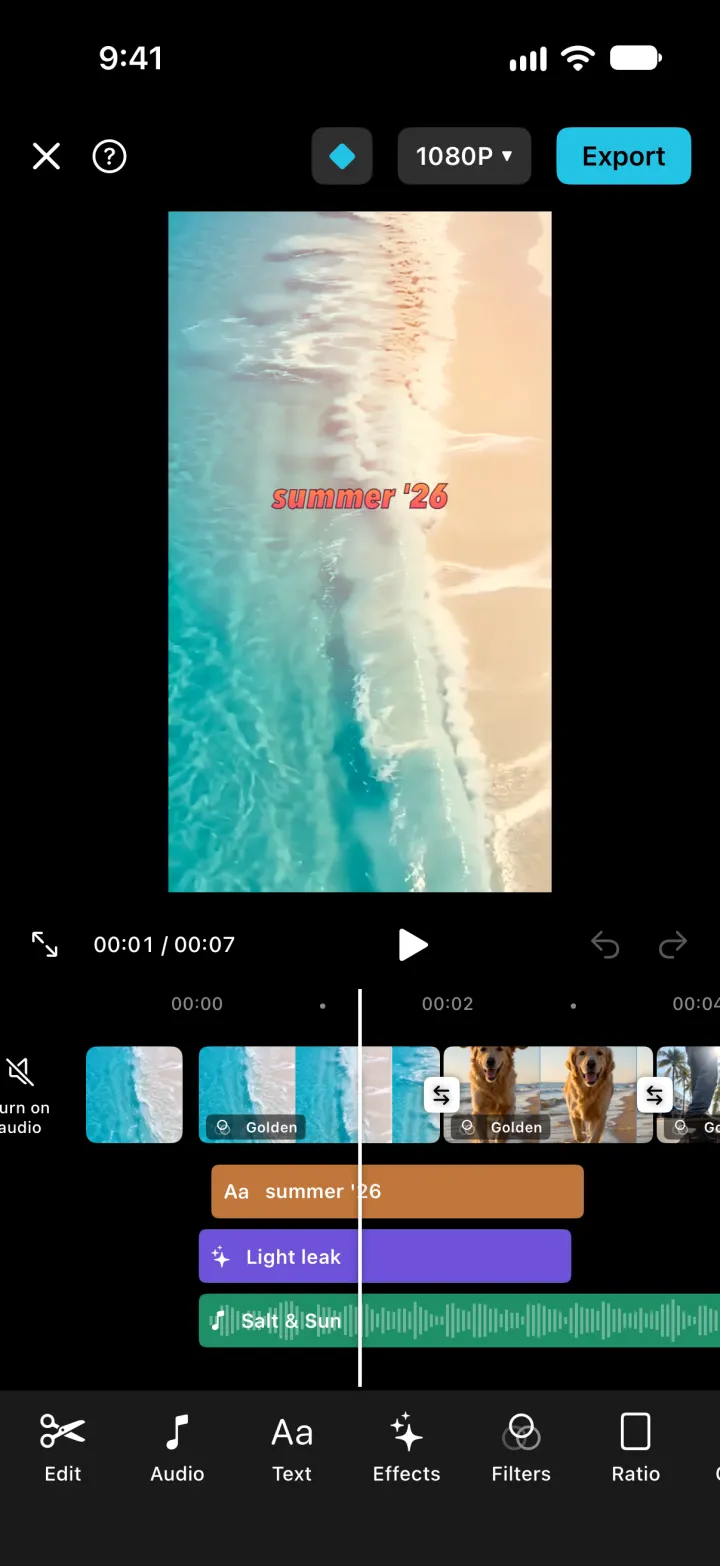
iOSCapCut with its real look: cut clips on a scrolling timeline, add transitions, text and music, export an MP4.
- View template
Netflix Clone
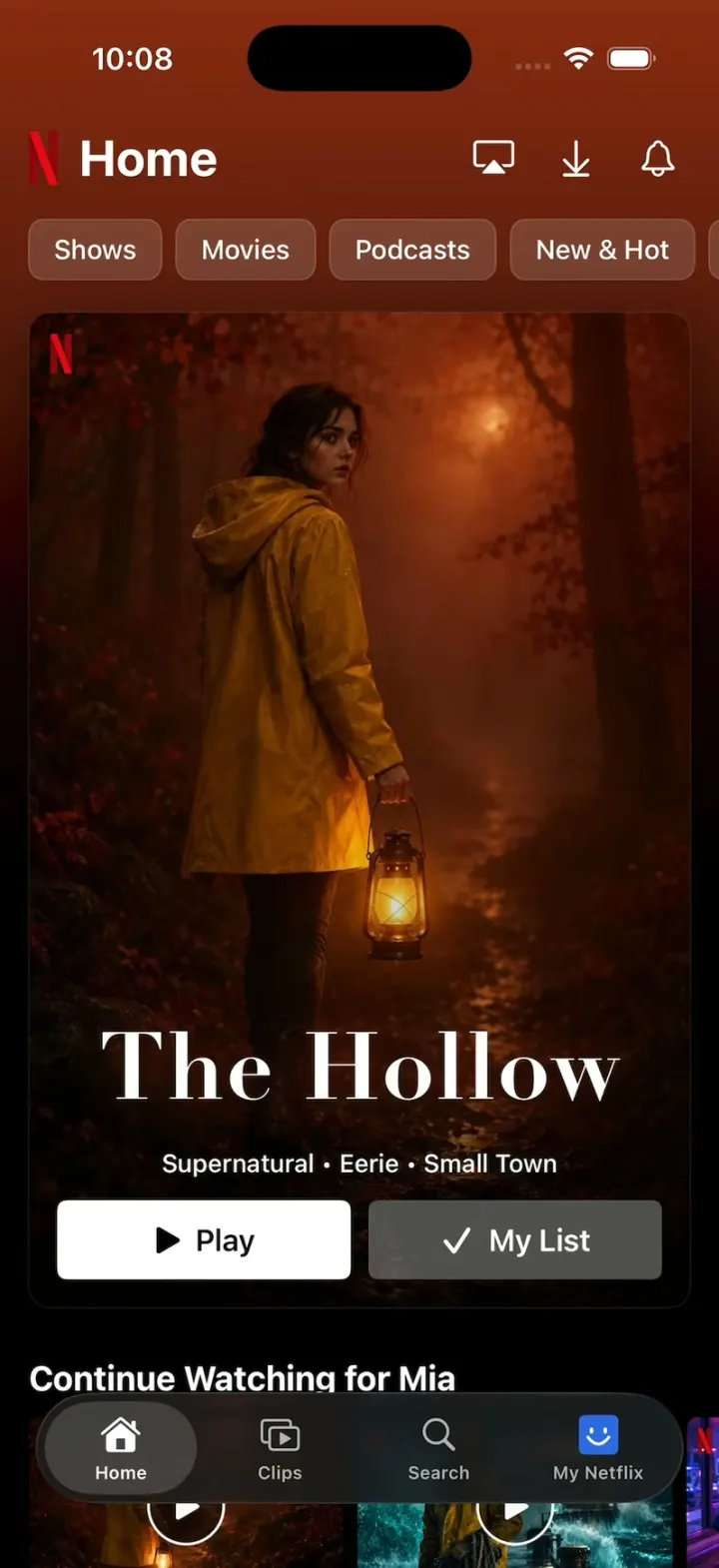
iOSNetflix's real look: chips swap the hero and its colour, giant Top 10 numerals, trailers, Clips and Love this!
- View template
Suite TV
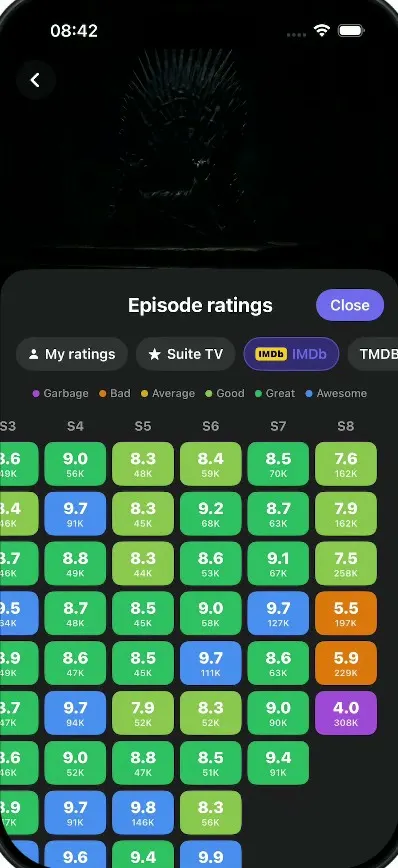
iOSA dark TV show tracker: tick off episodes, rate and react, see where a show fell apart, import your history.
- View template
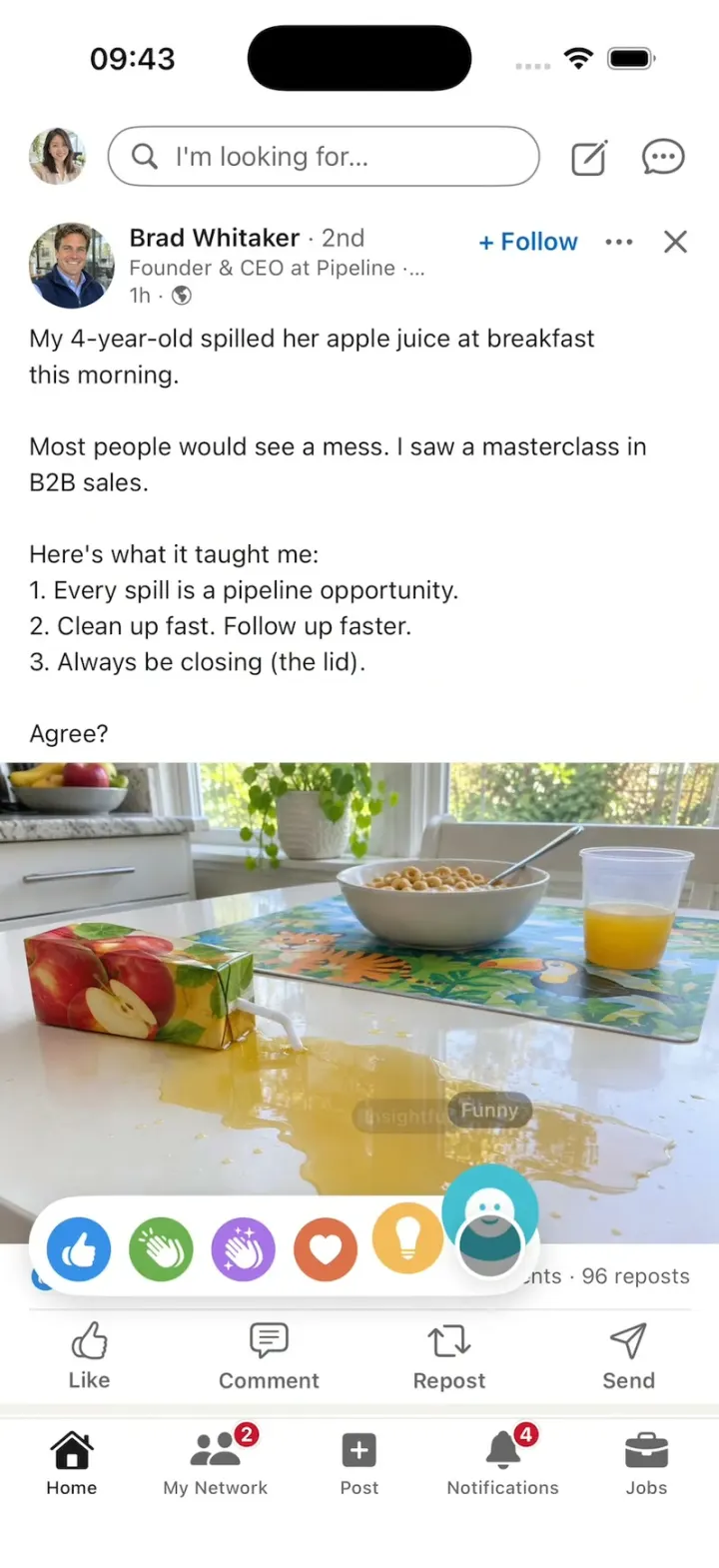
LinkedIn Clone
iOSA LinkedIn-style feed with all six reactions, Connect, Quick Apply and “See translation” on foreign posts.