CapCut Clone
CapCut clone · Video editor app · built by the Vibecode team
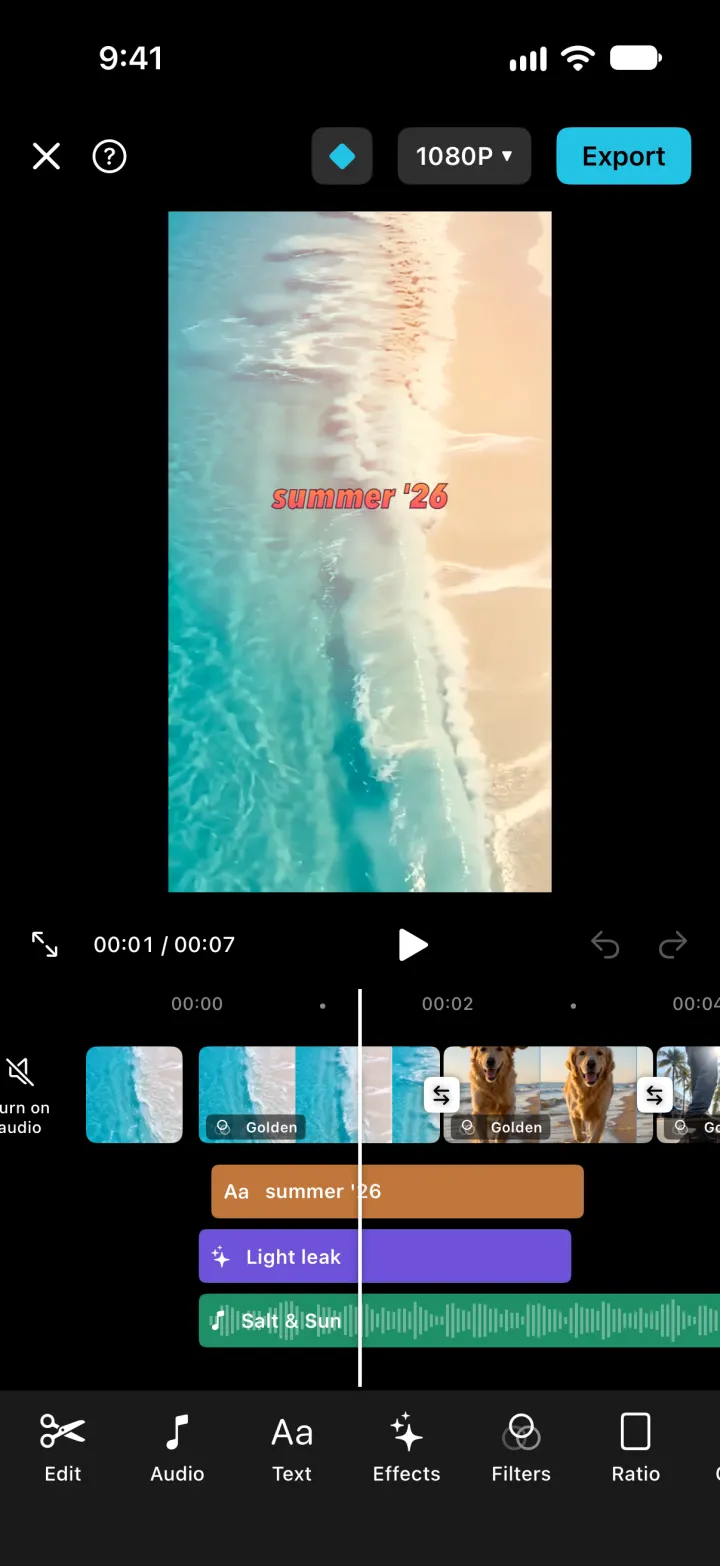
CapCut Clone rebuilds CapCut with its real name, light home and black editor. Pick clips from the bundled samples or your library and they land on a timeline that scrolls under a fixed playhead: split, trim with handles, change speed and volume, and drop transitions at every cut. Filters, ten video effects, styled text you drag on the preview, and songs with real waveforms all render live, with undo and redo. Templates and AutoCut recut your own clips into finished edits, and Export renders a real MP4 that saves to Photos.
- iPhone · Swift
- Hand-built
- Free to remix

Remix copies the working app into your account for free, exactly as we built it. It runs in Vibecode's cloud iOS simulator, in your browser.
The prompt that builds it
We wrote CapCut Clone by hand. This prompt describes the finished app: paste it into a new app to build your own version, or change it first.
Prompt · 860 words
Build a polished native iOS clone of CapCut in SwiftUI + AVFoundation: a real mobile video editor with a scrolling multi-track timeline, split and trim, transitions, filters, effects, text, music, aspect ratios, templates, AutoCut and MP4 export. Bundle sample clips and royalty-free songs so it works with an empty camera roll.

It is CapCut on screen: its name and its words ("New video", "AutoCut", "Templates", "Projects", "Export", "Mute clip audio", "Cover", "Add audio", "Add text", "Apply to all", "Use template", "Saved to device and Projects"). The home is light, the editor is black. Draw the CapCut mark (two brackets crossed by two diagonals, cut flat on the right) in code. Fictional creators and user (Maya Lin, @maya.makes).

SHELL
Flat white tab bar (icon over label, black selected, grey others): Edit (scissors), Templates, Projects, Me. Opens on Edit: no splash, login, paywall or permission prompt. The editor, media picker, template preview and export open full screen.

SCREENS
1. Edit (home): sky-blue gradient hero with a polaroid collage of real clip frames and stickers ("summer dump"), a translucent "Try Pro free for 7 days" pill and a search circle, "Trending now / Make a summer recap in one tap >" (opens a template); two big frosted cards "New video" (+ in a black rounded square) and "AutoCut"; a 3-column grid of thin line-icon tools (Templates, Auto enhance, Text, Music, Effects, Filters, Speed, Resize, Transitions) that open the picker and then the editor on that tool; a "Projects" row of recent drafts.
2. Media picker (black): "Recents", Videos tab and a Device button (PhotosPicker, copies videos into the app), 3-column grid with durations and numbered cyan selection circles, bottom tray of picked thumbs and a cyan "Add (n)" (templates: "Select 4 clips", "Use (3/4)").
3. Editor (black): X, help, cyan diamond, "1080P v" resolution menu (720P/1080P/2K), cyan "Export". The preview keeps the project ratio. Transport row: full screen, "00:03 / 00:14", play/pause, undo, redo. Timeline: ruler "00:00 . 00:02 .", fixed white playhead in the middle, the edit scrolls under it (drag to scrub, pinch to zoom). Left of the first clip: "Mute clip audio" and a "Cover" tile. Main track: square filmstrip frames from each clip, white transition buttons at every cut, white "+" at the end. Rows under it: orange text bars, purple effect bars, green music bars with a real waveform; empty rows show "+ Add text" / "+ Add audio". Tap a clip: white frame with trim handles and a length badge, and the tool bar becomes Split, Speed, Volume, Filters, Adjust, Add, Duplicate, Delete. Main tool bar: Edit, Audio, Text, Effects, Filters, Ratio, Canvas, Adjust.
4. Panels (dark sheets with a check mark): Transitions (Trending/Movement/Basic: Mix, Pull in, Slide left, Push up, Wipe, Blur, Flash, Black fade, Apply to all; plays the cut after you pick one), Filters (thumbnails of the clip's own frame: Vivid, Fresh, Golden, Retro, Film, Mono, Teal Orange, Candy, Moody, strength slider, Apply to all), Video effects (Light leak, Flash, Shake, RGB split, Zoom lens, VHS, Film grain, Vignette, Blur, Mirror; dropped at the playhead for 2.5 s), Text (keyboard field + "Aa" style grid of 10 looks + size), Sounds (mood chips, play preview, cyan "Use"), Speed (0.25x-4x), Volume (0-200), Adjust (brightness, contrast, saturation), Ratio (9:16 TikTok, 16:9 YouTube, 1:1, 4:5, 3:4, 2:1), Canvas (Blur, black, white, pink, sky). Selected text gets a box on the preview: drag to move, corner to resize, pencil to edit, x to delete.
5. Export: progress ring with "Exporting... Don't lock your screen or switch apps", then the real MP4 loops with "Saved to device and Projects", size line, cyan "Share video", Done.
6. Templates: search, chips (For you, Trending, Travel, Vlog, Beat, Aesthetic), two-column staggered cards (real frame + the template's own title style, scissors use count, Pro badge, creator avatar). Preview plays the template's real edit full screen with Like/Share and a cyan "Use template" that recuts your picked clips into its slots.
7. Projects: "New project", drafts with cover, "Edited 2 days ago", length, clip count, ratio, and a ... menu (Rename, Duplicate, Delete). Me: profile, stats, Liked templates and Projects grids.

ENGINE
Clips alternate between two video tracks of an AVMutableComposition so transitions overlap; a custom AVVideoCompositing draws every frame with Core Image (fit + canvas, clip filter and adjust, transition, time-based effects, text images with a pop-in), so preview and export match. AVPlayer plays the audio (clip audio + music with fade-out) and owns the clock; preview frames come from AVAssetReaderVideoCompositionOutput into an AVSampleBufferDisplayLayer on the player's timebase. Export uses AVAssetExportSession and saves to Photos (add-only permission asked at export).

DATA
8 bundled 5 s vertical clips (coast road, turquoise waves, beach dog, neon rain, latte art, palm-street skate, alpine sunrise, night market) and 5 instrumental songs (Salt & Sun, DRIFT MODE, Slow Sunday, Neon Highway, Higher Ground). 8 templates, 4 starter drafts saved as JSON whose dates slide forward each day. Every edit is one undo step. Launch args -DemoTour YES, -DemoScreen <name>, -ResetDemo YES.

REMIX-READY
Brand.swift (name, words, colours), Catalog.swift (filters/effects/transitions/text styles), Fixtures.swift (clips, songs, templates, drafts), one feature per folder, files under 300 lines, README with the file map.
More templates
All templates- View template
Higgsfield Clone
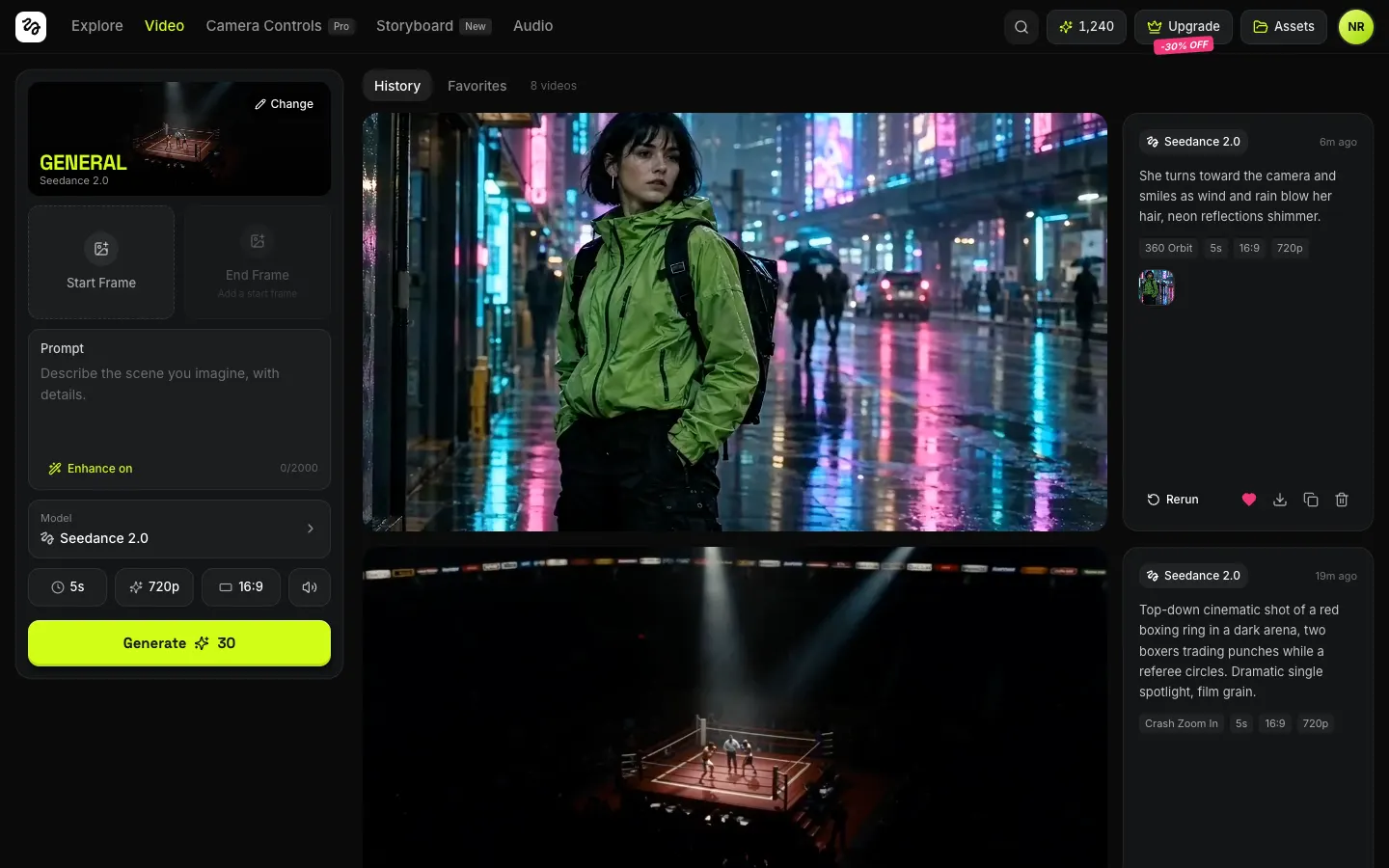
WebType a shot, pick Bullet Time or a Crash Zoom, and get a real Seedance, Kling or Veo video back.
- View template
Netflix Clone
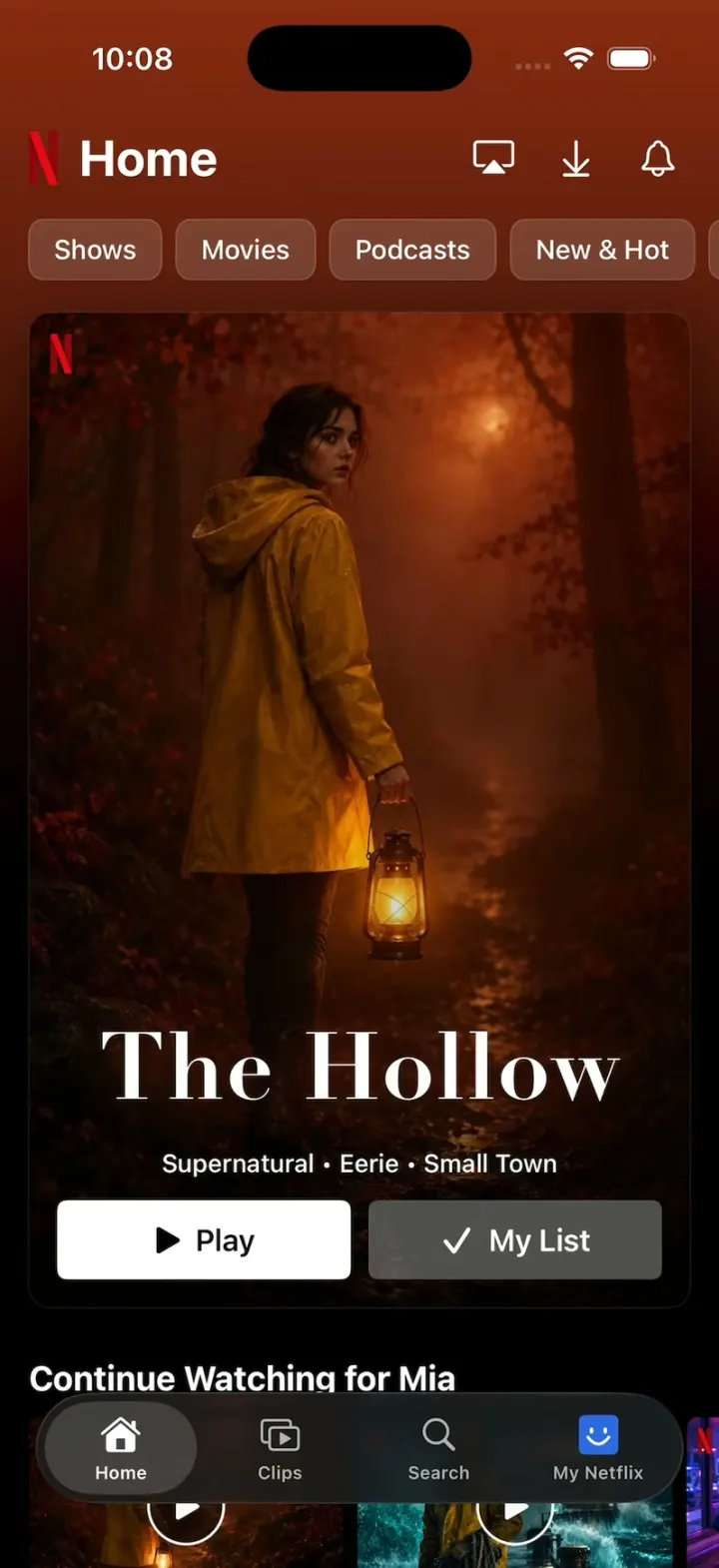
iOSNetflix's real look: chips swap the hero and its colour, giant Top 10 numerals, trailers, Clips and Love this!
- View template
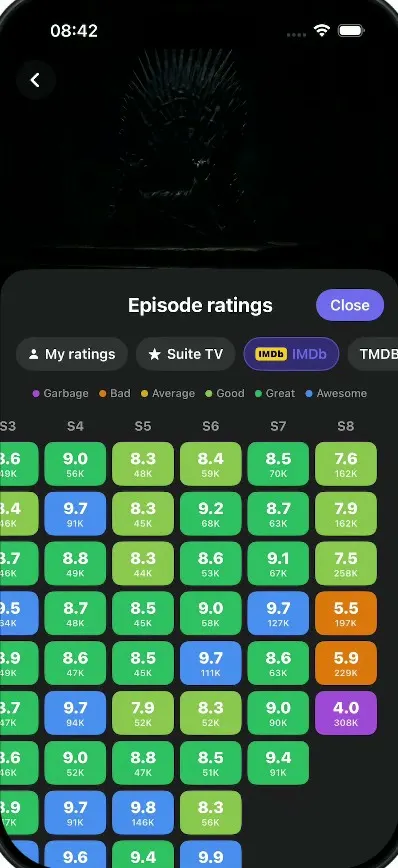
Suite TV
iOSA dark TV show tracker: tick off episodes, rate and react, see where a show fell apart, import your history.
- View template
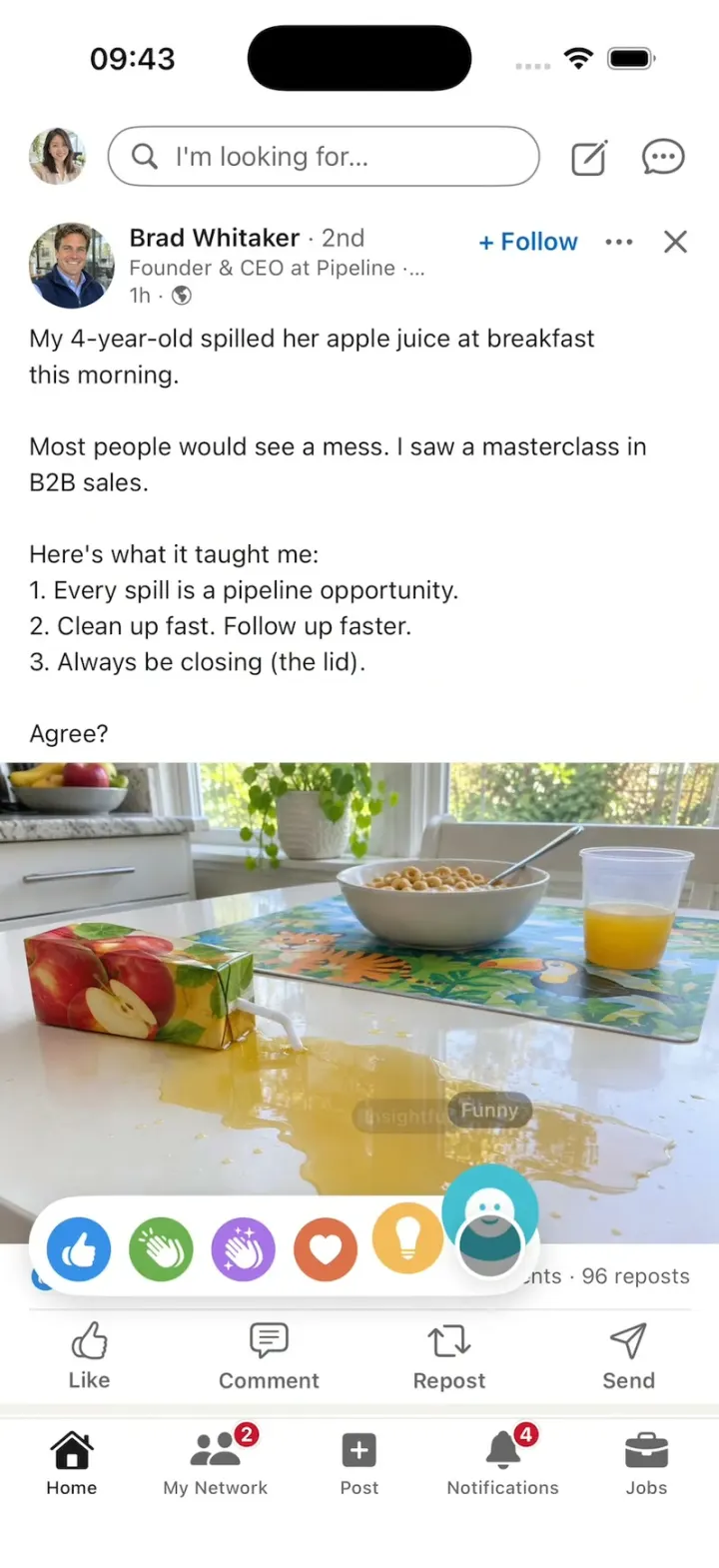
LinkedIn Clone
iOSA LinkedIn-style feed with all six reactions, Connect, Quick Apply and “See translation” on foreign posts.