Hevy Clone
Hevy clone · Workout tracker app · built by the Vibecode team
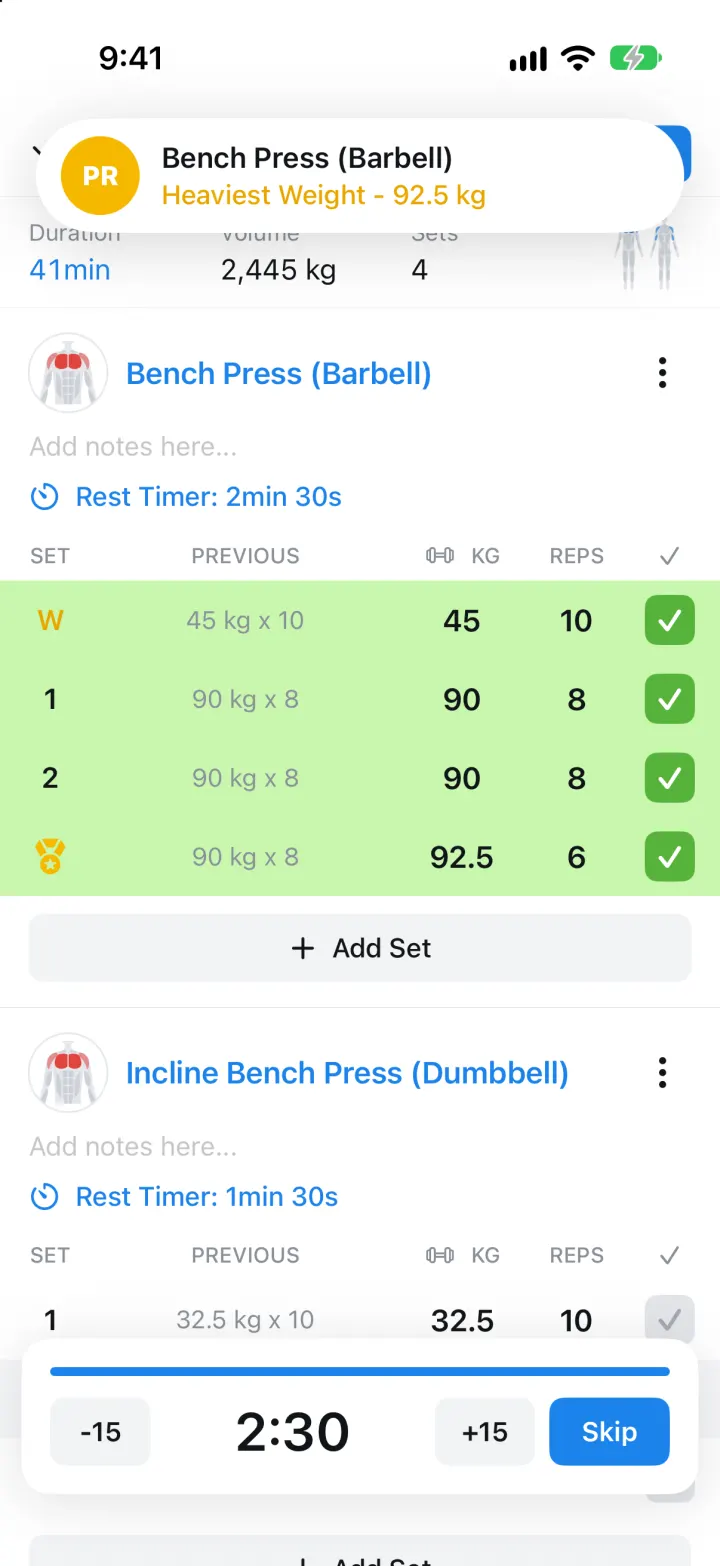
This rebuilds Hevy, the gym workout tracker, with its real name, blue-and-white look and words. Start a routine like Push Day, tick sets against last session's numbers, rest on a -15 / +15 countdown, and a PR banner drops in when you beat your best. Finished workouts post to a Home feed with likes and comments from gym friends. Every exercise has a body chart drawn in code, a progress chart and personal records, and the Profile shows 12 weeks of history, statistics, measures and a calendar.
- iPhone · Swift
- Hand-built
- Free to remix

Remix copies the working app into your account for free, exactly as we built it. It runs in Vibecode's cloud iOS simulator, in your browser.
The prompt that builds it
We wrote Hevy Clone by hand. This prompt describes the finished app: paste it into a new app to build your own version, or change it first.
Prompt · 925 words
Build a polished native iOS clone of Hevy, the gym workout tracker, in SwiftUI: a Home feed of workouts, a Workout tab with Quick Start and routines, a live "Log Workout" set logger with previous-set history, a rest timer and live PR detection, an exercise library with muscle charts, and a Profile with progress charts.

It is Hevy on screen, in its light theme: its name, Hevy blue #1C83EB on white with #F2F3F6 grey fills, and its own words ("Quick Start", "Start Empty Workout", "Routines", "New Routine", "Explore", "My Routines", "Start Routine", "Log Workout", "Finish", "Add notes here...", "Rest Timer: 2min 30s", "Add Set", "Add Exercise", "Discard Workout", "Save Workout", "Heaviest Weight", "One Rep Max", "Best Set Volume", "Dashboard"). Draw the Hevy mark (two brackets joined by an S curve, white on black) in SwiftUI. Metric units (kg). The user is Alex Rivera (@alexrivera); friends are fictional (maya.lifts, jordan_k, coach.priya, ben.squats, tasha_trains) with initials avatars.

SHELL
A flat white tab bar (outline icon over label, blue when selected): Home, Workout, Profile. Opens on Home: no splash, onboarding, login, paywall or permission prompt. While a workout is minimized, a "Workout in progress · Push Day · 24min" bar with a blue Resume button sits above the tab bar.

SCREENS
1. Home: the Hevy mark + "Hevy", search and bell. A "12 week streak / 4h 14min trained this week" banner with a blue Train button. Feed cards on light grey: avatar, username, "Today, 7:00 AM", "..."; bold title ("Heavy Squat Day"); Time / Volume / Sets (or Records with a gold medal); "Workout" list of "5 sets Squat (Barbell)" rows with round exercise thumbnails, "See 1 more exercise"; liker avatars + "3 likes", "0 comments"; thumbs-up (fills blue and bounces), comment, share. Tapping a card opens Workout Detail: stats, a front/back muscle map of the session, every set with PR medals, comments and a comment box; your own workouts can be saved as a routine or deleted.
2. Workout: Quick Start "+ Start Empty Workout"; Routines "New Routine" and "Explore"; collapsible "My Routines (4)": Push Day, Pull Day, Leg Day, Upper Body cards with grey exercise names, a "..." menu (edit, duplicate, delete) and a blue "Start Routine" button. Explore lists Beginner / Strength / At Home programs (Full Body A/B, 5x5 Strength A/B, Dumbbell Only Full Body, Glute Focus) with Save Routine. The routine editor sets title, exercises, sets, kg and reps.
3. Log Workout (full screen): chevron-down (minimize), stopwatch, "Log Workout", blue Finish. Duration (live, blue) / Volume / Sets and a mini front/back muscle map. Each exercise: thumbnail + blue name, "..." (remove), "Add notes here...", "Rest Timer: 2min 30s" menu, a table SET | PREVIOUS | KG | REPS | check. W (amber) warm-up rows, D drop, F failure (tap the set number to change). PREVIOUS shows last session's "90 kg x 8"; tap it to copy. Ticking a set turns the row light green (#C9F6AE) with a green check, fills empty fields from last time, adds its volume, and starts the rest timer: a bottom card with a blue progress bar, -15, a big 2:30 countdown, +15 and Skip. Beating your heaviest weight or best 1RM swaps the set number for a gold medal and drops a "PR / Bench Press (Barbell) / Heaviest Weight - 92.5 kg" banner. "+ Add Set", blue "+ Add Exercise" (multi-select picker with search, All Equipment / All Muscles filters, Recent and All Exercises), Minimize and red Discard Workout.
4. Save Workout: editable title, Duration / Volume / Sets, When, add photo, description, Visibility. Save posts it to the top of Home and shows "Well done! This is your 45th workout" with a bouncing gold trophy and a summary.
5. Exercise: tabs Summary / History / How to. Front and back body charts with the primary muscle red and secondary muscles light red, Primary / Secondary, "90 kg Nov 2", a line chart with chips Heaviest Weight / One Rep Max / Best Set Volume / Session Volume, and Personal Records. History lists every session's sets; How to has numbered steps.
6. Profile: "Edit Profile", username, share, settings. Avatar, Alex Rivera, Workouts / Followers / Following, "4h 14min this week" over a 12-week bar chart (this week lighter) with Duration / Volume / Reps chips; Dashboard tiles Statistics (muscle heatmap + sets per muscle), Exercises (library), Measures (body weight chart, history, add a weigh-in), Calendar (months with workout days in blue circles and the week streak); then your workouts.

LOOK
SF Pro, bold 20-24 pt titles, grey 13 pt labels over 16 pt values, hairline separators, blue text buttons and filled blue CTAs with 8 pt corners. Exercise thumbnails are round crops of a body chart drawn in code (SVG-style paths) with the worked muscle in red. Springy check, PR banner and trophy animations.

RULES
Only completed sets count toward volume, sets and records. A PR beats your heaviest weight or best Epley 1RM for that exercise. Seed 12 weeks of history from the four routines (Mon Push, Tue Pull, Thu Legs, Sat Upper, about 1.2% stronger a week, a few skipped days) plus friends' sessions from the last 4 days, all relative to today, and slide demo dates forward on every launch so the data never looks stale. Save everything locally.

REMIX-READY
A Brand file (name, colours, units, words), a Fixtures file (people, routines, schedule, Explore programs), an ExerciseLibrary file, features in small files under 300 lines, a README with a file map, and launch arguments -DemoTour YES / -DemoScreen <name> / -ResetDemo YES.
More templates
All templates- View template
Cal AI Clone
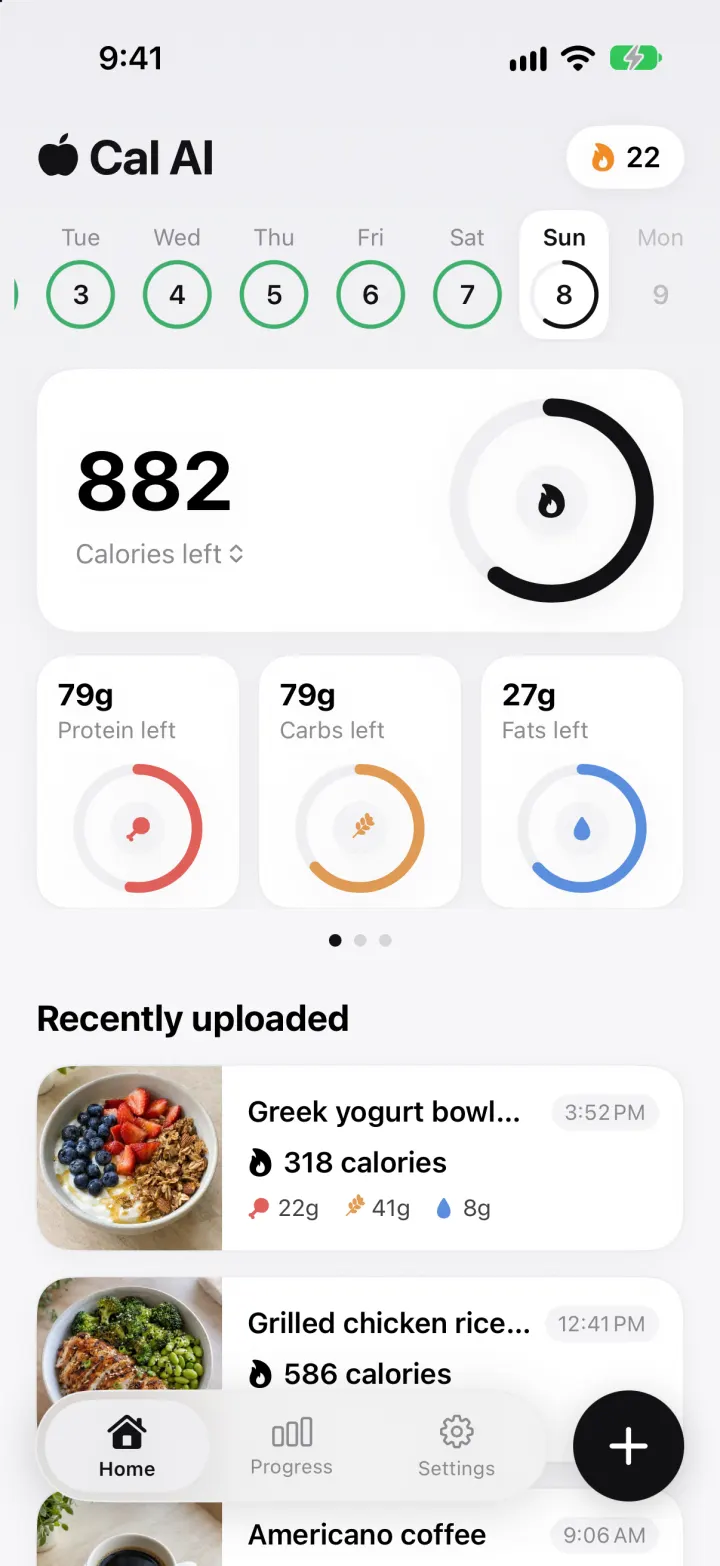
iOSSnap a meal and a real vision model returns calories, macros and a health score, in Cal AI's look.
- View template
Medisafe Clone
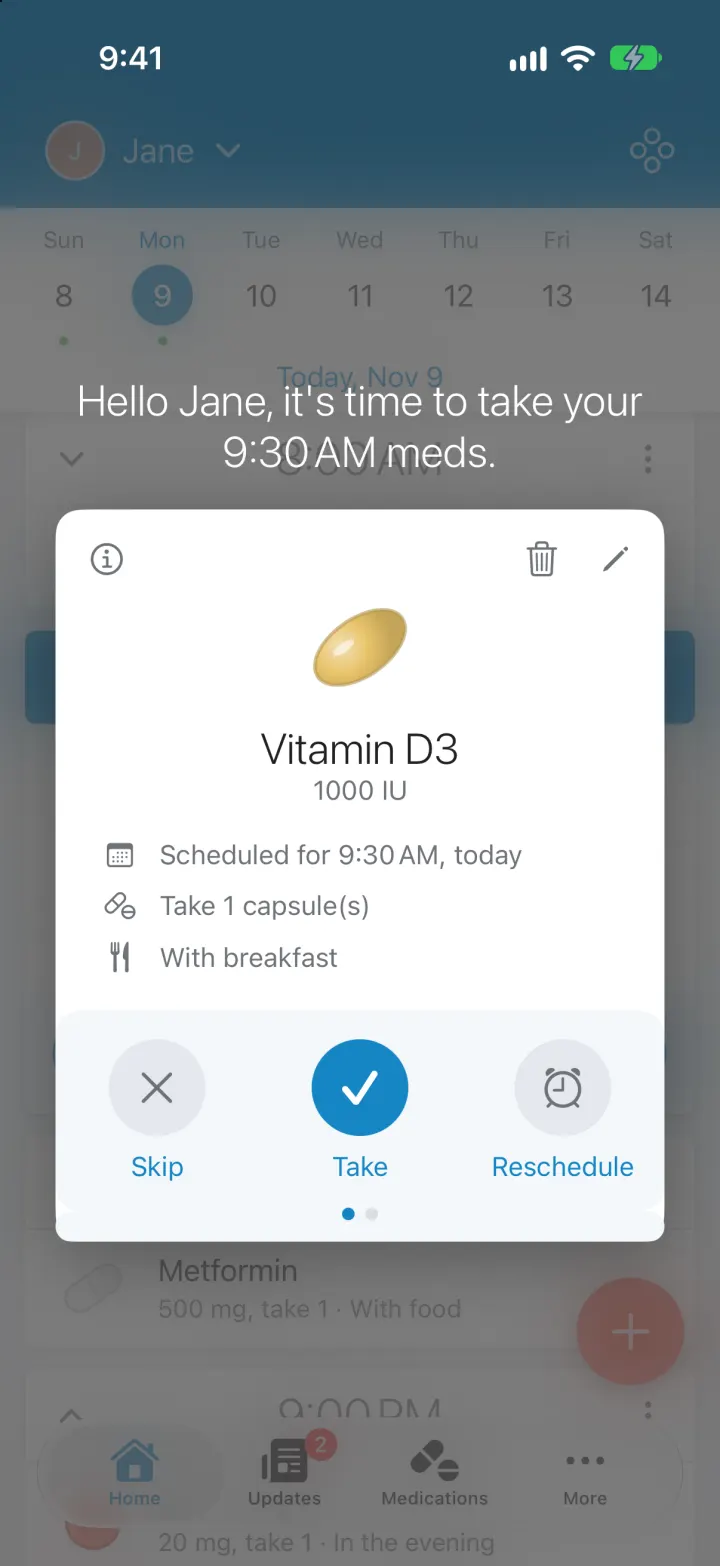
iOSNever miss a med: a dose timeline, Take/Skip/Reschedule card, real reminders, refills and caregiver alerts
- View template
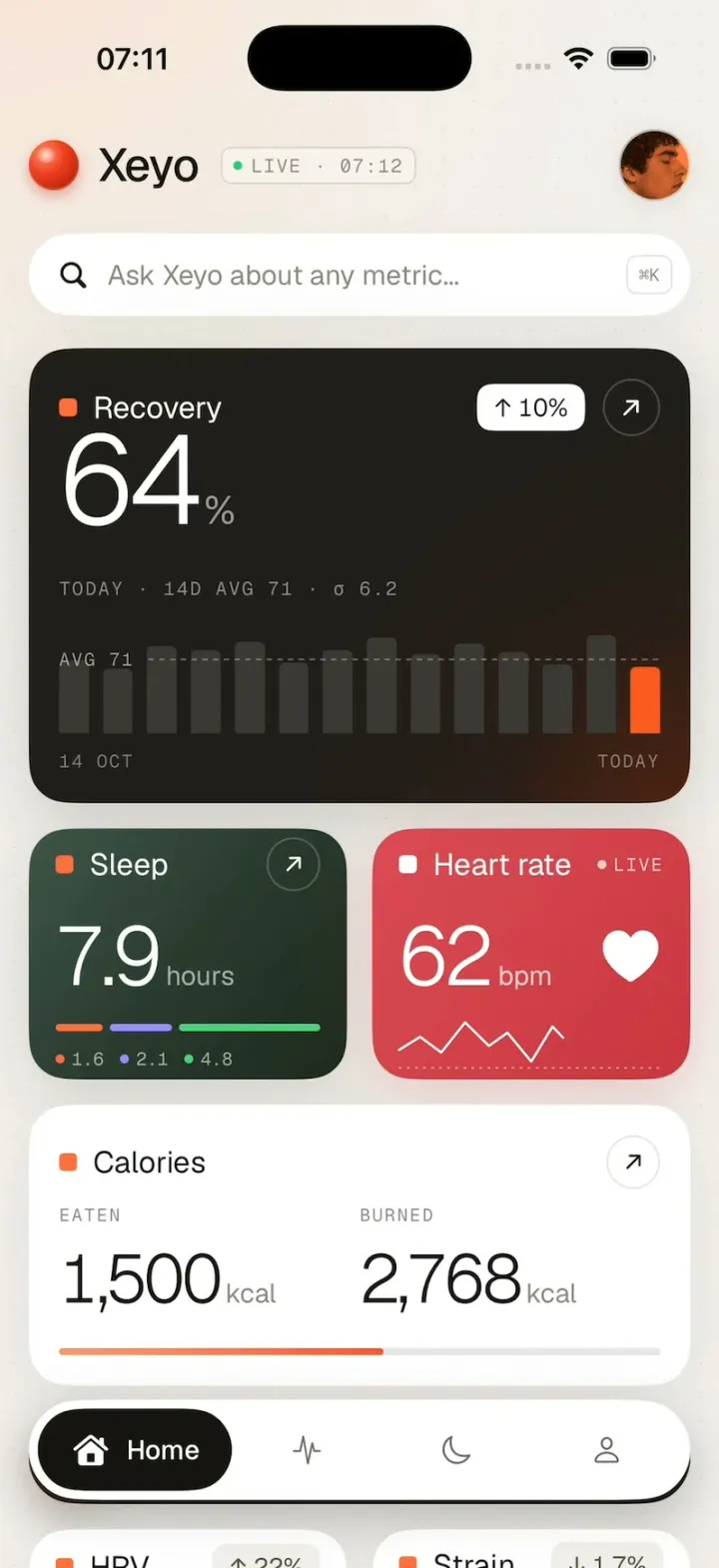
Xeyo
iOSRecovery, sleep and heart rate count up into place on a calm health dashboard, then scroll down to your week.
- View template
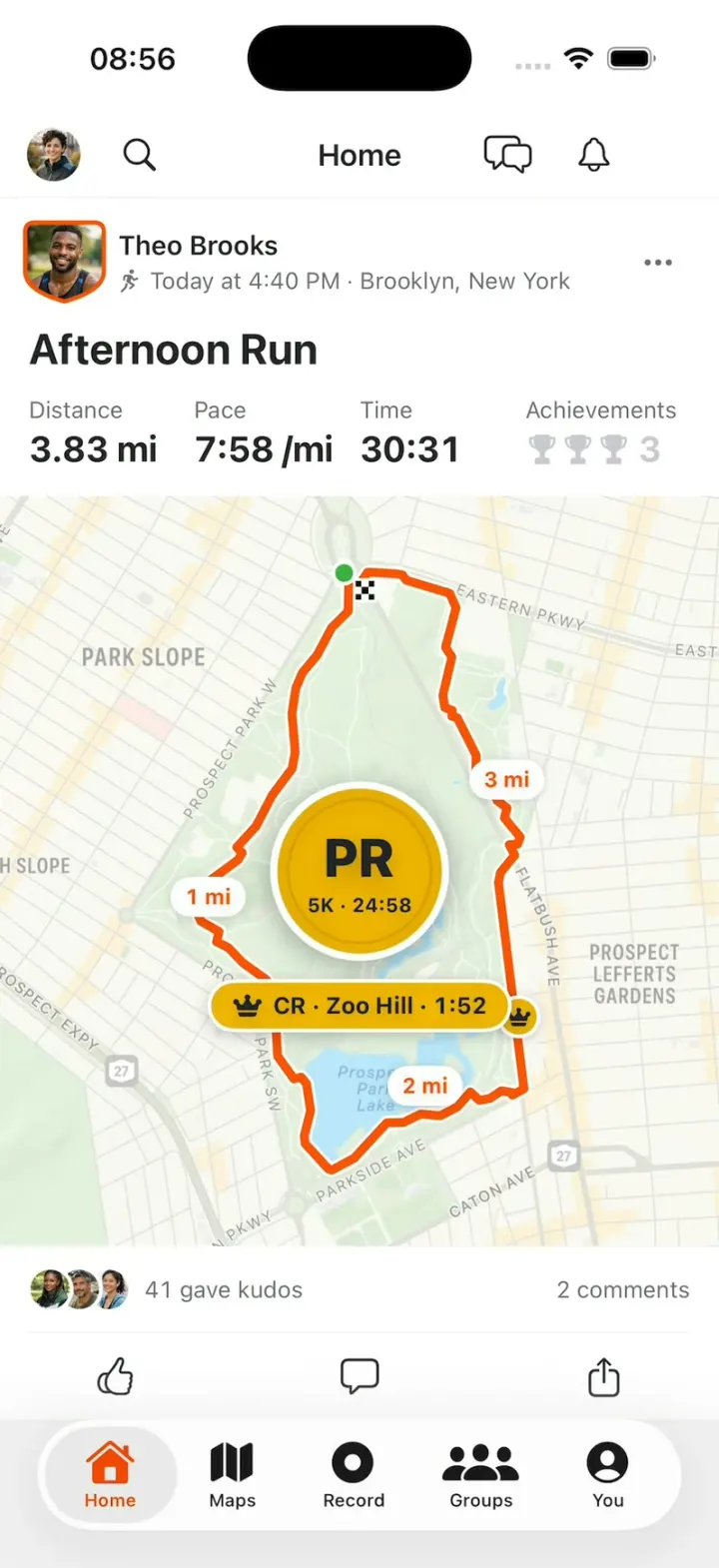
Strava Clone
iOSStrava with its real look: give Kudos, replay a run's route on the map, then chase PRs and Course Records.