Google Home Clone
Google Home clone · Smart home app · built by the Vibecode team
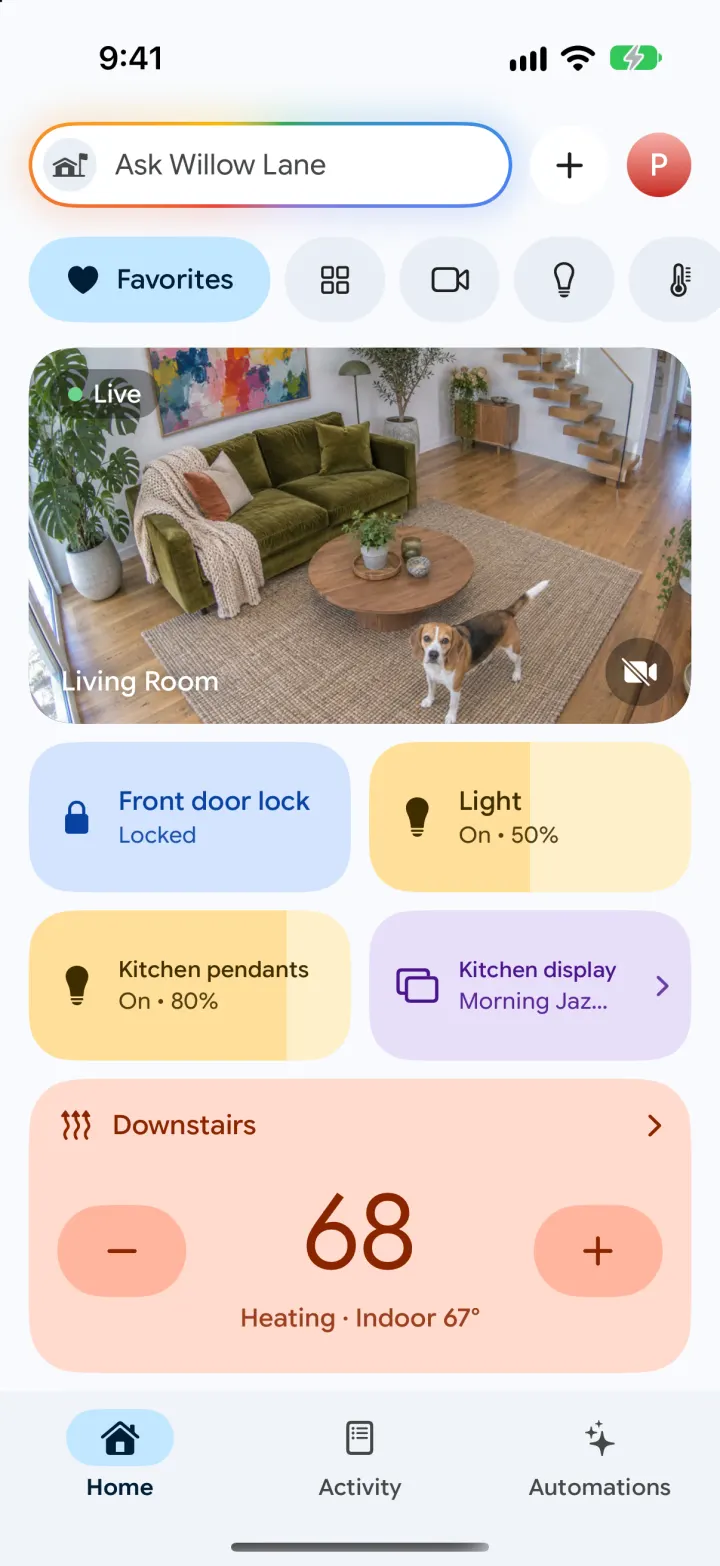
This rebuilds Google Home with its real name and 2026 Material look: an Ask bar with Gemini's glow, Favorites with a live camera, tinted device tiles and the peach thermostat card. Tap or slide tiles to control 28 devices across 10 rooms, drag a Nest-style thermostat dial, and replay a package delivery on the doorbell's event timeline. Sensors update live with charts and threshold alarms, Energy shows usage by hour and day, and everything exports to CSV. Ask Willow Lane is real Gemini: it answers about the home, changes devices and writes the daily Home Brief.
- iPhone · Swift
- Hand-built
- Free to remix

Remix copies the working app into your account for free, exactly as we built it. It runs in Vibecode's cloud iOS simulator, in your browser.
The prompt that builds it
We wrote Google Home Clone by hand. This prompt describes the finished app: paste it into a new app to build your own version, or change it first.
Prompt · 900 words
Build a polished native iOS clone of Google Home in SwiftUI: a smart-home device manager with Favorites, devices by room, a Nest-style thermostat dial, live cameras with an event timeline, Activity with a Gemini-written Home Brief, Automations, live sensors with threshold alarms, energy charts, Wi-Fi and CSV export. "Ask <home>" is real Gemini that answers about the home and changes devices.

It is Google Home on screen, in its 2026 Material 3 light design: its name and words ("Ask Willow Lane", "Favorites", "Activity", "Automations", "Home Brief", "Household routines", "Upcoming", "Live", "Go live", "Comfort", "Eco", "Gemini can make mistakes, so double check it."). Google Sans Flex (OFL) for all text. Page #F8FAFD, off tiles #E9EEF6, selected pills and nav indicator #C2E7FF with ink #001D35. Tiles tint when on: lock blue #D3E3FD / #0842A0, light yellow (brightness = filled width, #FFDF99 over #FFF0C9, ink #3F2E00), thermostat peach #FFDBCF with #FFB59E round buttons and #8A2500 numbers (eco green, cool blue, off grey), media lilac. Draw the rainbow house logo in code. The demo home is "Willow Lane" in Berkeley; the user is Priya Raman; household Priya, Dev, Arjun.

SHELL
Top: a white "Ask Willow Lane" pill with a Google-colour gradient stroke and soft glow, a round + menu (create automation, add device, export CSV) and the avatar (Settings). Material bottom bar: Home, Activity, Automations, with a pill behind the selected icon. Opens on Home > Favorites: no onboarding, login or permission prompt.

SCREENS
1. Home: pill filters (Favorites with label; icon pills that expand when picked): Favorites, Devices, Cameras, Lighting, Climate, Energy, Wi-Fi.
- Favorites: big "Live" Living Room camera tile (still image that drifts slowly), 2-up tiles (Front door lock, Light, Kitchen pendants, Kitchen display), the Downstairs thermostat card ("–  68  +", "Heating · Indoor 67°"), two live sensor tiles with sparklines (Office CO₂, Garage freezer), Berkeley weather + Outdoor AQI chips (live Open-Meteo), Reorder / Edit (favourites editor with hearts and drag order).
- Tiles: tap toggles lights, locks, plugs, TV, garage, blinds; slide across a light to dim it; press and hold (or chevron tiles) opens controls.
- Devices: 28 devices in 10 rooms with a room summary ("68.2° · 1 light on"), sensors and cameras per room. Cameras: four big live tiles. Lighting: all lights + Turn all off. Climate: both thermostats + every sensor row (name, metric · source like Matter/Thread/ESPHome/MQTT, 24 h sparkline, live value; red when in alarm, "1 alarm" badge). Energy: "Using now 1.66 kW" live, today kWh + cost, today by hour vs yesterday's dashed line, last 7 days bars, "Where it goes today", Export CSV. Wi-Fi: Online, download/upload, an animated speed test, devices with pause, guest network.
2. Light: tall rounded brightness slider you drag, %, power button, White (warm-cool) / Color swatches.
3. Thermostat: 270° ring dial with a draggable knob and indoor tick, big setpoint, – / +, Heat / Cool / Heat · Cool / Eco / Off, indoor, humidity, last 24 h chart with the setpoint line. Indoor temperature creeps toward the setpoint while heating.
4. Lock: big round lock button, battery, auto-lock, history. Other devices (speaker, display, plug, garage, blinds, vacuum, router, smoke alarm) get a round primary button and their history.
5. Sensor: live reading, 6H/24H/7D chart with the alarm band shaded, min/avg/max, threshold alarm toggle with above/below steppers, "Export 24 hours as CSV" (share sheet).
6. Camera (full-screen dark): live feed, Today timeline of events with thumbnails (tap to replay, "Go live"), talk button, floodlight, other cameras.
7. Activity: Devices / Events / Date dropdown filters that work; "Monday's Home Brief" card written by Gemini from today's events (See more, thumbs, refresh); Today / Yesterday event rows with icon, title, "8:41 AM • Front Door" and a camera thumbnail.
8. Automations: Upcoming cards (big "10:30 PM", "Today • Bedtime", first one blue with skip X), Household routines (Away, Home), Your automations (Espresso warm-up, Good morning, Wind down, Movie night, Bedtime, Keep basement dry) with round play buttons that really run them (banner + device changes); + Add opens an editor: name, starter (time + weekdays, sunset, sunrise, someone home, everyone away, a phrase, a sensor alarm), actions with per-device controls, run, delete.
9. Ask Willow Lane: favourite device chips, suggestions ("What happened today?", "Create an automation", "Is the front door locked?"), chat with Gemini's spark. Replies come from the backend with the whole home as context; device changes it returns are applied and shown as live tiles under the reply; "create an automation" adds one and shows a card to open it.

LIVE DATA AND ALARMS
Sensors tick every second around a deterministic daily curve; history is generated from the clock so it always ends now. Crossing a threshold fires a top banner ("Office CO₂ is high · 1014 ppm · alarm set at 1000 ppm"), logs an alarm in Activity and runs any automation started by that sensor. Device changes are logged too. State saves to a JSON file.

BACKEND
POST /api/home/ask (question, history, home snapshot as lines) -> {reply, actions[{deviceId,on,brightness,setpoint,mode,locked,open,volume}], runAutomation, automation}, and POST /api/home/brief (today's events) -> {title, text}; both Gemini Flash in JSON-schema mode.

RULES
Fictional people and addresses; camera stills are generated (no real people or brands). Every button works. US units.

REMIX-READY
Brand/Theme.swift (name, home, colours, fonts), Data/Fixtures.swift (rooms, devices, sensors, automations, event script), small feature files, README with a file map and remix ideas, -DemoTour / -DemoScreen launch args.
More templates
All templates- View template
Liquid
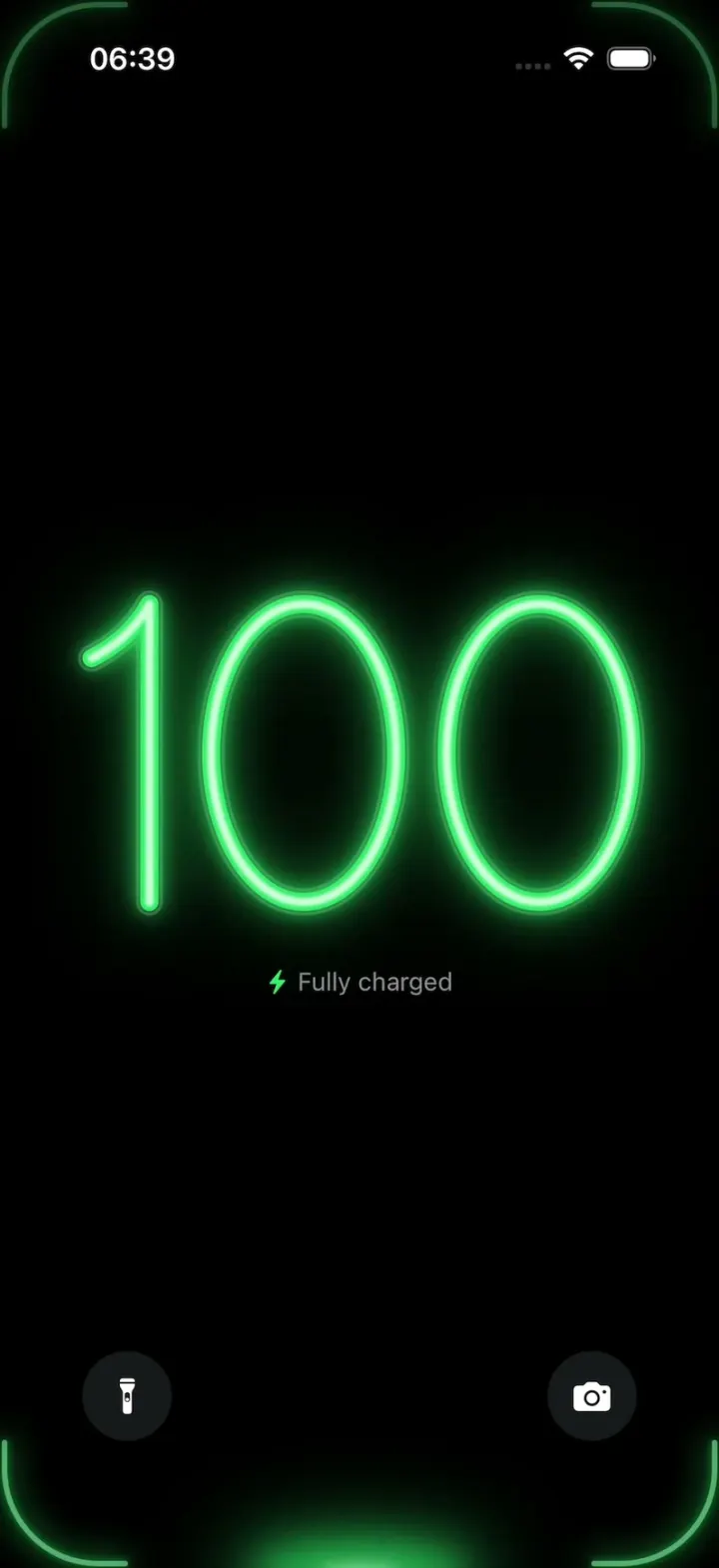
iOSA neon drop falls from the Dynamic Island and fills glass-tube battery digits, from red to amber to green.
- View template
YouVersion Bible App Clone
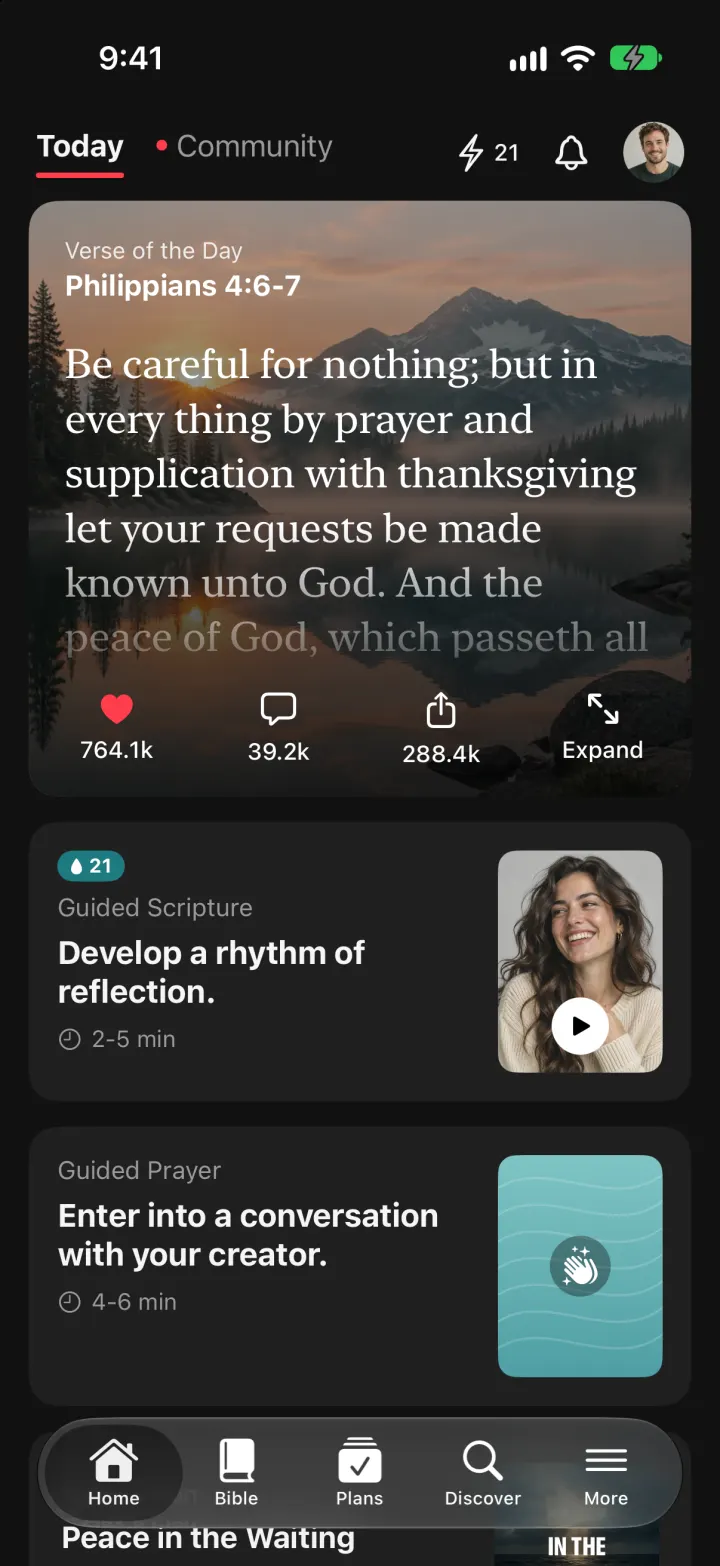
iOSThe whole KJV and WEB Bible: highlight verses, hear them read aloud, and keep a reading plan streak.
- View template
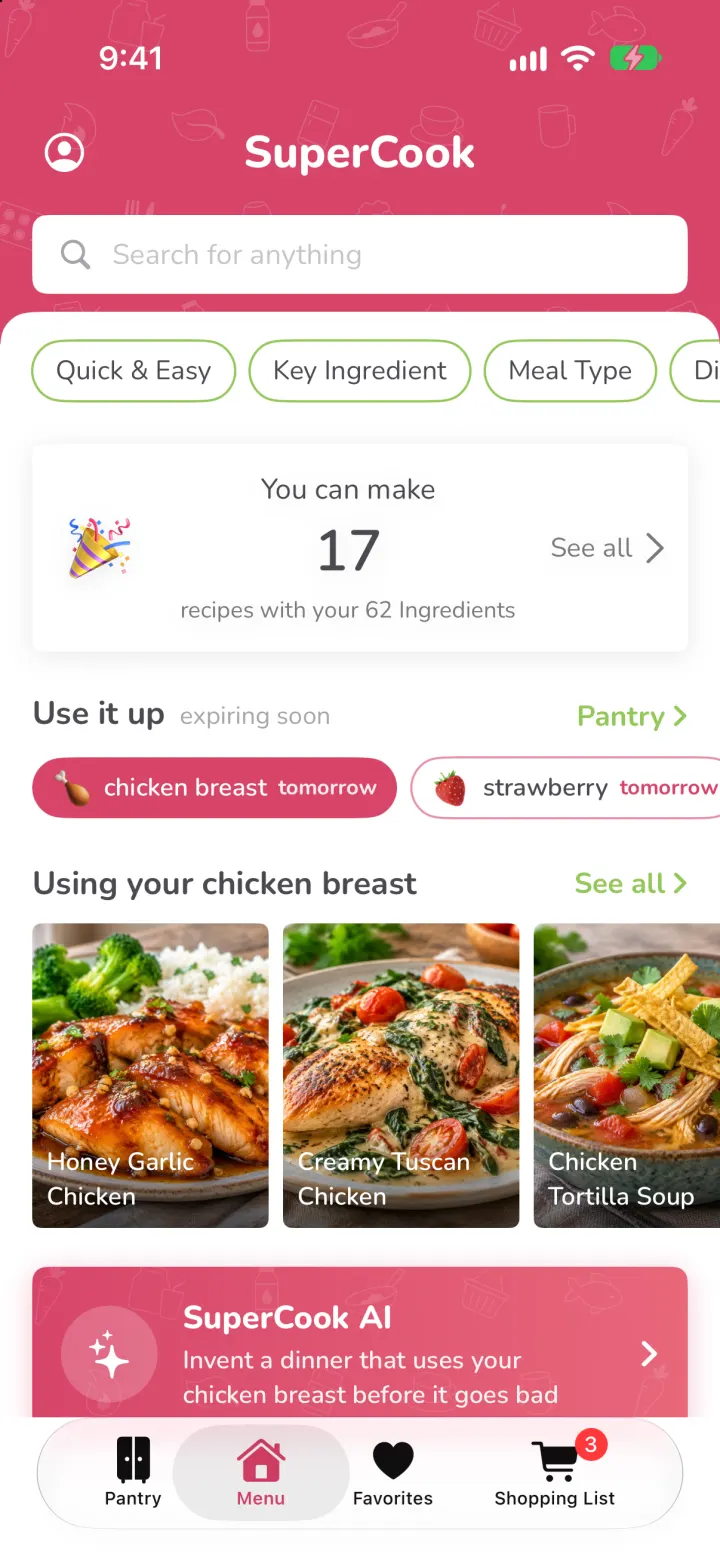
SuperCook Clone
iOSTick what's in your fridge and see only recipes you can cook tonight, with expiry alerts and AI fridge scan.
- View template
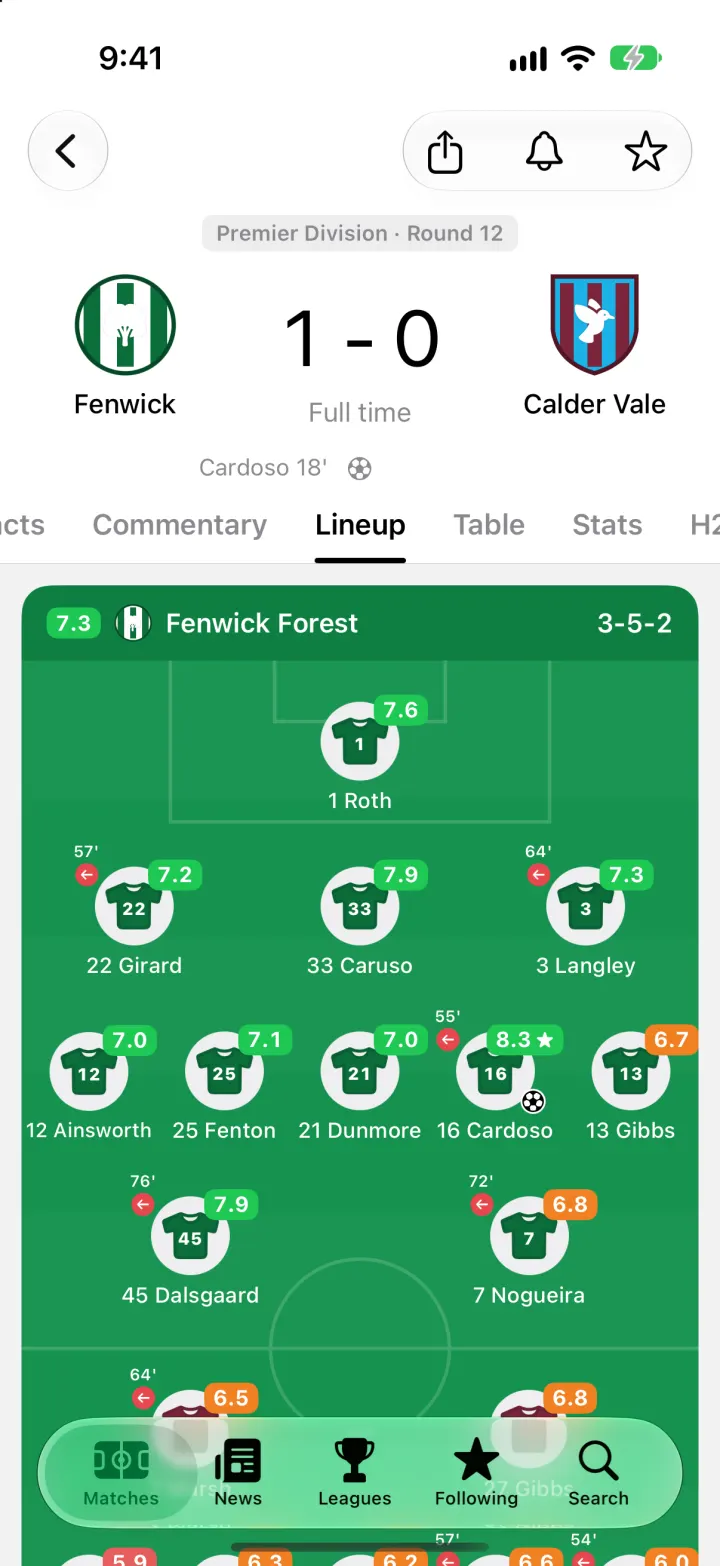
FotMob Clone
iOSFotMob with its real look: live scores that tick, goal flashes, rated lineups, tables and scouting notes.