Cash App Clone (Moolah)
Cash App clone · Payments app · from our videos on X
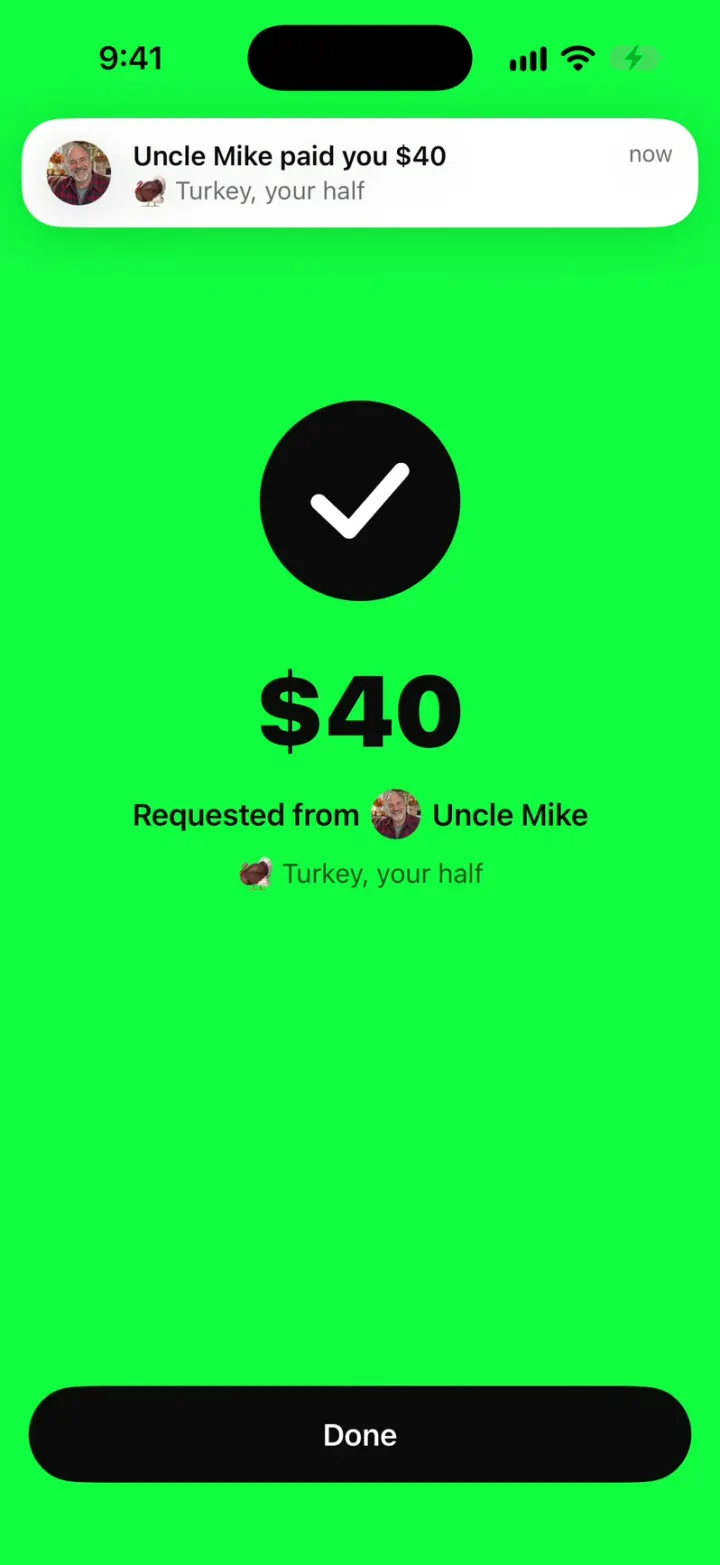
Cash App Clone is a Cash App-style money app rebuilt in SwiftUI as Moolah, with its own name and a code-drawn logo. Type an amount on the full-bleed lime keypad, tap Request or Pay, pick a person and watch the success screen draw its check, and a request gets paid a few seconds later. Activity lists every payment with incoming requests you can pay or decline, Money holds your balance, a savings ring, a bitcoin chart you can scrub and a Friendsgiving pool you chip into until it fills with confetti. The Card tilts, flips to its number and opens a studio where you recolor it, draw on it and drop stickers. Every person, payment and balance is fixture data; no real money moves.
- iPhone · Swift
- Built in 1 prompt
- Free to remix
Remix copies the working app into your account for free, exactly as we built it. It runs in Vibecode's cloud iOS simulator, in your browser.
Watch the video on X@vibecodeapp · Nov 24, 2026The prompt that builds it
We built Cash App Clone (Moolah) in one prompt. Paste it into a new app to build your own copy, or change it first.
Prompt · 3,140 words
Build Moolah, a polished native iPhone app in SwiftUI: a Cash App-style peer-to-peer money app. The home screen is a full-bleed lime keypad with a giant black dollar amount; you type an amount, tap Request or Pay, pick a person, and a success screen draws a check. Money holds your balance, savings, bitcoin and a Friendsgiving pool, the Card lets you design your debit card by drawing on it, and Activity lists every payment. The user is Danny Reyes ($dannyreyes) in Brooklyn. Today is Tuesday, November 24, 2026, Thanksgiving week.

ASSETS
curl -L once and unzip flat: https://vibecode-moolah-media.beacon.host/media.zip (moolah-icon.png: the app icon; portraits 512x512: me, mom, grandma, mike, linda, maya, sam, priya, leo, nina, jordan (.jpg); friendsgiving.jpg 1200x800). Add them all to the asset catalog. No image generation is needed.

SHELL
Opens on the keypad: no splash, onboarding, sign-in or permission prompts. Light only (force .light), the status bar visible with dark text on every screen. Root = one ZStack: the current tab's screen, a custom tab bar, the cover layer (To screen, Success screen), the sheet layer, the banner layer, the touch dot, and the HOOK MODE window. Screens under a cover, sheet or banner stay rendered at all times.
Custom tab bar (not TabView styling): three items, building.columns (Money), dollarsign (the keypad, the default), clock (Activity), 26 pt icons, no labels; selected ink, others ink 45%. Its background is the current screen's background (lime on the keypad, white elsewhere), no divider. Switching tabs is instant.

FORMAT (Format/)
One Money formatter with Locale(identifier: "en_US"); the simulator's region is not en_US, never use the device locale. Keypad amounts show what was typed ("$4", "$40", "$40.5", "$1,250"); everywhere else two decimals ("$40.00", "+$1,650.00"). Times "9:12 AM", dates "Mon, Nov 23". Every changing number rolls with .contentTransition(.numericText()) and .monospacedDigit().

FIXTURES (Data/Fixtures.swift: ONE list per kind; a new person, payment, pool or offer is one entry)
Me: id "me", "Danny Reyes", "$dannyreyes", photo me.
People (id · name · tag · photo): mike · Uncle Mike · $bigmike58 · mike; linda · Aunt Linda · $lindalou · linda; mom · Mom · $mamareyes · mom; grandma · Grandma Rose · $grandmarose · grandma; maya · Maya Chen · $mayachen · maya; sam · Sam Park · $sampark · sam; priya · Priya Shah · $priyas · priya; leo · Leo Martin · $leomartin · leo; nina · Nina Brooks · $ninab · nina; jordan · Jordan Ellis · $jordanellis · jordan. Suggested order in the To screen: mike, mom, maya, sam, linda, grandma, priya, leo, nina, jordan.
Activity (id · kind · person or merchant · note · amount · time; newest first):
Incoming request: jordan requested $65.00 · "🏀 Knicks tix" · 8:40 AM (Pay / Decline buttons).
Pending (you requested): sam · "🍕 Pizza Friday" · $18.00 · Mon (Remind / Cancel).
Today: maya paid you · "🥧 pie money" · +$15.00 · 9:12 AM; Corner Deli (merchant: cup.and.saucer.fill on a black 44 pt circle) · "Card" · -$4.75 · 8:31 AM.
Yesterday: grandma paid you · "for gas, drive safe ❤️" · +$50.00; you paid leo · "🚕 cab split" · -$12.40; Paycheck (merchant: arrow.down.circle.fill on lime) · "Direct deposit, 2 days early" · +$1,650.00.
This week: you paid priya · "🎂 Nina's gift" · -$20.00; nina paid you · "🍣" · +$34.00; Round Up (merchant: arrow.up.circle.fill on black) · "Savings" · -$0.62.
Money: Cash balance $1,226.00, "Account ••7716 · Routing ••041", Paychecks "$1,650 this month". Savings $2,451.00 of goal $2,700.00 "Japan trip ✈️" ("$249.00 to goal"). Bitcoin holding $8.05, "↑ 1.18% today", price $91,240.18; 1D chart = 48 seeded points. Card: "Moolah Card", number ending 8842, exp 11/30, design Black.
Pool (id "friendsgiving"): "Friendsgiving 🦃", photo friendsgiving, "Hosted by you · Sat, Nov 28", goal $300.00, contributions $30.00 each from maya, sam, priya, leo, nina, jordan, mom, me ($240.00, "8 of 10 chipped in").
Offers (icon · title · subtitle): car.fill · 20% off rideshares · Up to $5 per ride; carrot.fill · 10% off groceries · This week only; fork.knife · 10% off dining · Up to $10; cup.and.saucer.fill · 20% off coffee · Every morning.

REQUESTS (Requests/: the seam a remix uses)
- RequestTemplate: id, amount (Decimal), recipientId, note, kind (request/pay), stamp (optional: text + colour), reply (optional text), instant (Bool: sends without the To screen). RequestTemplateCatalog.all = [turkey]; turkey: $40, mike, "🦃 Turkey, your half", request, no stamp, no reply, instant false. A new template is one entry.
- KeypadAccessoryCatalog.all = [] (empty in this app): each KeypadAccessory has id, emoji, label, templateId. When the list is not empty, the keypad shows a title row (accessoryTitle, 15 pt semibold ink) and a horizontal row of chips between the top bar and the amount (each chip: emoji + label + amount, 15 pt semibold, a white 30% capsule, 40 pt high; it drops in with a spring when the list appears). A chip tap = MoneyStore.apply(template): the amount rolls to the template's amount (0.3 s), then 0.15 s later an instant template sends (straight to Success, no To screen) and a normal one opens the To screen filled.
- MoneyStore (@Observable, one, at the root): keypad text, balance, activity, pending requests, pool, savings, card design, banner queue, covers, toasts. send(template or draft) appends the Activity row (a request as Pending) and shows Success. paid(requestId): the pending row becomes a received row (+$40.00, green), the balance rolls up, and a banner drops: the person's photo, "<Name> paid you $40" and, as body, the template's reply or else its note. Live, a request is paid 3 s after you tap Done; HOOK MODE calls paid by script.

SCREENS
1. Keypad (the $ tab, the hero): full-bleed lime. Top bar: qrcode.viewfinder (22 pt, ink) at the left opens My Code; my 34 pt photo at the right opens Account. The amount (SF Pro .black 104 pt, ink, shrinks to fit one line, "$" the same size) centred at ~27% of the height. The keypad: 4 rows (1 2 3 / 4 5 6 / 7 8 9 / . 0 ⌫), digits SF Pro .semibold 34 pt ink, ⌫ = chevron.left; each key a 64 pt tall cell with a pressed state: an ink 10% circle (64 pt) that pops in and fades (0.15 s). Typing: the new digit springs up into place (offset 14 → 0, 0.18 s) and the whole amount bumps (1.06 → 1, 0.2 s); a third decimal, a leading zero or more than $9,999 shakes the amount (3 shakes, 0.3 s) with a soft haptic. Below the keypad: two pills side by side, "Pool" and "Request" (54 pt, pill green, 17 pt semibold ink), then a full-width ink pill "Pay" (54 pt, white text). With $0, Pay and Request shake the amount. Pool opens the Friendsgiving pool.
2. To screen (a full-screen white cover rising from the bottom with a spring, 0.28 s, no bounce): top bar xmark at the left, the amount ("$40", 17 pt semibold) centred, the action ("Request" or "Pay", 17 pt bold, action green; grey until a recipient is chosen) at the right. The "To" field (15 pt secondary label; chosen people as chips: 22 pt photo + name, #F2F2F2 capsule; placeholder "Name, $tag, Phone, Email"; typing filters the list), the "For" field ("Add a note"). "SUGGESTED" (13 pt secondary): rows 60 pt (44 pt photo, name 17 pt semibold, tag 15 pt secondary, a 24 pt selection ring at the right that fills lime with a checkmark, pop 0 → 1.2 → 1). A row tap toggles it into the To field. The action tap sends.
3. Success (a full-screen lime cover that replaces the To screen in ONE frame, never a fade through white; the keypad stays rendered under it): a 112 pt ink circle at ~32% of the height scales in (0.6 → 1, spring 0.25 s), then its white checkmark draws (trim 0 → 1, 0.32 s, 9 pt stroke, round caps). Under it the amount (56 pt .black ink), "Requested from Uncle Mike" or "Sent to Maya Chen" (17 pt semibold) with the person's 28 pt photo before the name, the note (15 pt ink 70%). A full-width ink "Done" pill at the bottom (returns to the keypad at $0 in one frame). Stamp (when the template has one): 0.30 s after the check finishes, a stamp slams onto the circle: the text in SF Pro .black 44 pt caps inside a 5 pt rounded border, the stamp's colour, rotated -12°, scale 2.2 → 1 (spring 0.22 s) with a 6 pt horizontal shake of the whole card (0.2 s) and a heavy haptic. The clone never shows a stamp.
4. Activity (white): "Activity" (34 pt bold), a search capsule (#F2F2F2, 40 pt), then sections: incoming requests (a card: photo, "Jordan Ellis requested $65.00", note, ink "Pay" and #F2F2F2 "Decline" pills; Pay = sent row + Success, Decline removes it), "Pending" (photo, name, "You requested · note", amount, small "Remind" (toast "Reminder sent") and "Cancel" pills), "Today", "Yesterday", "This week". Rows 64 pt: 44 pt photo or merchant circle, name (16 pt semibold), note + time (14 pt secondary), the amount at the right (received "+$15.00" in action green, sent "$12.40" ink). A row tap opens a Receipt sheet (.medium): the photo, the amount 40 pt, "Maya Chen paid you", the note, the date, "Completed" with checkmark.circle.fill. New rows slide in at the top with a spring; a pending row that gets paid flips (rotation3DEffect around x, 0.3 s) into a received row.
5. Money (background #F4F4F4, white cards corner 24, 16 pt margins): "Money" (34 pt bold). Cash balance card: "Cash balance" (15 pt secondary), "$1,226.00" (34 pt bold), the account line (13 pt secondary), ink pills "Add money" and "Withdraw" (44 pt). Add money opens a sheet with $25 $50 $100 $200 chips and an ink "Add" pill: the balance rolls up and the row "Add money · +$50.00" appears in Activity; Withdraw toasts. A Paychecks row (a lime check circle, "Paychecks", "$1,650 this month", chevron). "Save & invest" (20 pt bold): Savings card ("$2,451.00", "$249.00 to goal", a 48 pt lime progress ring at 91%) and Bitcoin card ("$8.05", "↑ 1.18% today" in action green, a lime sparkline), side by side. A Pools card: friendsgiving.jpg (64 pt, corner 14), "Friendsgiving 🦃", "$240 of $300", a 6 pt lime progress bar, five overlapping 24 pt photos. A Card row: the card thumbnail (56x36), "Moolah Card", "•• 8842 · Design your card". "Offers" (20 pt bold): the four offers as rows (44 pt circles, black and lime alternating, white or ink icon; title 16 pt semibold, subtitle 14 pt secondary; an "Add" #F2F2F2 pill that becomes "Added ✓" lime with a pop).
6. Savings (pushed): a 240 pt lime ring (16 pt line, #E6E6E6 track) with "$2,451.00" (34 pt bold), "Savings balance" and "$249.00 to goal" inside; ink pills "Transfer in" (adds $50.00: the ring sweeps, the numbers roll, "+$50.00" floats up and fades) and "Transfer out" (toast); rows "Set a goal · Japan trip ✈️", "Save automatically", a "Round Ups" toggle (lime tint).
7. Bitcoin (pushed): "$8.05" (40 pt bold), "≈ 0.0000882 BTC", the price line chart (lime, 2.5 pt, 48 points) with range chips 1D 1W 1M 1Y ALL (selected ink capsule, white text; each range reseeds the line with a 0.35 s morph); dragging on the chart shows a vertical line + dot and the price above it rolls; ink pills Buy, Sell, arrow.up.arrow.down.
8. Pool (pushed): friendsgiving.jpg header (full width, 210 pt, corner 24, a soft top-to-bottom dark gradient), "Friendsgiving 🦃" (28 pt bold), "Hosted by you · Sat, Nov 28", the total "$240 of $300" (34 pt bold) over a 10 pt lime progress bar, "8 of 10 chipped in", contributor rows (photo, name, "+$30.00", "Mon"), lime pill "Chip in" and #F2F2F2 pill "Share link" (toast "Link copied"). Chip in adds my second $30: a row slides in, the total rolls to $270, the bar grows; a third tap (Mom again) reaches $300: "Pool complete 🎉", lime and ink confetti (a seeded Canvas, 1.6 s), the bar glows.
9. Card (pushed): the card (85.6:54 ratio, full width minus 32, corner 18): Black = #111 with a subtle diagonal sheen, the "moolah" wordmark (lowercase SF Pro .heavy 22 pt) top-left, a gold chip, "DEBIT" bottom-right, "DANNY REYES" (13 pt semibold, tracking 1.5) bottom-left. Dragging tilts it in 3D (rotation3DEffect on x and y from the drag, springs back on release, a moving sheen). A tap flips it (y 180°, 0.45 s) to the back: the number "4242 8800 1937 8842", "EXP 11/30", "CVV •••", a "Copy number" pill (toast "Copied"). "Design" (ink pill) opens the Card studio (full screen): the card large at the top; colour swatches Black, White, Lime, Pink #FF5FA2, Holo (an angular gradient); tool chips "Draw", "Stickers", "Clear". Draw: finger strokes drawn live on the card (Canvas, 5 pt round strokes, white on dark cards, ink on light ones, smoothed with quad curves). Stickers: a row 🦃 🥧 🍂 🌽 💸 🔥 ✨ 💚; pick one, then a tap on the card drops it there (pop 0 → 1.25 → 1, 0.25 s); stickers can be dragged. "Done": the studio closes and the card does a full 360° flip into place with the new design.
10. My Code (sheet): my photo, "Danny Reyes", "$dannyreyes", a QR code (CIQRCodeGenerator of "moolah://pay/dannyreyes", ink on white, 240 pt, my photo in a white circle at its centre), "Share" and "Scan" pills (toast). Account (sheet): photo, name, tag, the wordmark row (a 28 pt lime rounded square holding a code-drawn glyph: an ink lowercase "m" with a short vertical bar through its middle stem above and below; then "moolah" 22 pt SF Pro .heavy), rows Personal, Security & privacy, Notifications, Support (toast).
11. InAppBanner: drops from the top under the status bar (spring 0.3 s), 12 pt side margins, white, corner 22, shadow 12 pt at 14%: the person's 36 pt photo, title (15 pt semibold), body (14 pt secondary), "now" at the right; stays 2.6 s or until swiped up. A new banner replaces the current one: the old slides up (0.2 s) while the new drops.

HOOK (the video's first 3 seconds)
- ScriptStep (absolute seconds from the start, action): reset, type(String), press(key), dot(to: CGPoint, duration:), pressAt(CGPoint), dotHide, apply(templateId), openTo(templateId), send, done, banner(personId, title, body), paid(templateId), chip(accessoryId), hold. ScriptPlayer runs a [ScriptStep] on the main actor against its start time (absolute times, so drift never builds). Scripted steps call the same MoneyStore actions as real taps. Every wait uses the step's own time, never the app's normal delays.
- DemoScript helpers a remix appends to: request(start:templateId:) = +0.00 the dot glides to Request (0.17 s), +0.22 press, +0.27 openTo (filled from the template), +0.62 the dot glides to the To screen's action (0.15 s), +0.82 press + send; banner(start:personId:title:body:); chip(start:accessoryId:) = the dot glides to the chip (0.17 s), +0.22 press + apply.
- HOOK MODE: tapping an invisible 24x60 pt strip at the RIGHT edge (x 378-402, y 430-490 pt), drawn in its own window above every cover, sheet and banner (a tap there closes whatever is open), resets everything and plays DemoScript.hook, identical every time (seconds from the tap):
 0.00 reset with no animation: the keypad tab, the amount "$4", covers, sheets, banners and toasts closed, pending and paid state back to the fixtures, the dot ALREADY VISIBLE resting on the "0" key.
 0.10 press 0: "$40" (the digit springs in, the amount bumps).
 request(start: 0.28, "turkey"): the To screen rises 0.55-0.83 with Uncle Mike's chip and "🦃 Turkey, your half" already filled, press 1.10, Success at 1.15 (the check draws 1.32-1.64).
 1.70 paid("turkey"): his banner "Uncle Mike paid you $40" / "🦃 Turkey, your half"; 1.90 dotHide.
 2.30 done: the keypad at "$0" in one frame (the banner stays).
 Then hold (real taps work again).
- What the eye must see: frame 0 fully drawn (lime, the giant "$4", the keypad, the pills, the dot on "0"; no fade-in); something moves every half second; the To screen rises in one clean motion already filled; Success swaps in one frame; the check draws smoothly; digits roll, never jump.
- TouchDot: drawn above everything in HOOK MODE only: a 44 pt circle, ink 35% fill, a 3 pt white ring, a soft shadow; scales in as it lands (0.12 s) and glides between points.

LOOK
Lime #00DA3C (keypad, Success, rings, bars), pill green #00C236 (pills on lime), ink #0B0B0B, white #FFFFFF, money background #F4F4F4, surfaces #F2F2F2, separators #E6E6E6, secondary #6E6E6E, action green #00A82D (green text on white, received amounts), red #E5322D. SF Pro (no rounded fonts). Springs under 450 ms, light haptics on taps, pressed states (scale 0.97). Photos decoded at launch off the main thread into one image cache.

RULES
- Native SwiftUI, iOS 26 (keep the template's target), iPhone portrait.
- Deterministic fixtures. No backend, login, permissions, location, notifications, analytics or network calls at runtime. No persistence: delete the SwiftData starter, no UserDefaults or files.
- Files under 300 lines, big bodies split into subviews, no long chained expressions; every animation smooth at 60 fps.
- Keep every file inside /home/user/workspace (/tmp is denied).

REMIX-READY
Theme/Theme.swift (colours, fonts, metrics; no colour literals elsewhere), Theme/Copy.swift (every word), Data/Fixtures.swift, Data/DemoScript.swift. Codable models with String ids (Person, ActivityItem, Pool, Contribution, Offer, CardDesign, RequestTemplate, KeypadAccessory) behind one MoolahDataSource protocol (FixtureSource) feeding MoneyStore. MoneyStore, RequestTemplateCatalog, KeypadAccessoryCatalog, the Success stamp, InAppBanner and ScriptPlayer are the seams. Components/: Keypad, KeyButton, AmountText, Pill, PersonRow, PersonChip, InAppBanner, TouchDot, Toast, ProgressRing, Wordmark, CardView; Features/Keypad, Features/To, Features/Success, Features/Activity, Features/Money, Features/Savings, Features/Bitcoin, Features/Pool, Features/Card, Features/Account. README.md under 80 lines: the file map; how to rename the app, restyle it, add a person, a template, a keypad accessory or a pool; 3 one-prompt remixes (a chore-money app where kids request their allowance per chore; a roommates app that splits rent and bills; a tip jar for a food truck with a QR on the keypad). "Read README.md first." atop CLAUDE.md and ios/AGENTS.md; replace ios/CLAUDE.md's structure block with this app's files. No scratch folders.

FILMING
Long-press the keypad's amount for 1 s to reset everything to launch (keypad tab, "$0", fixtures, covers, sheets, banners and toasts closed).

BUILD
Theme, Copy, Format and Fixtures, then the keypad with the tab bar (launch and look first), then the To screen, Success and MoneyStore, then Activity, then Money with Savings, Bitcoin and the Pool, then the Card and its studio, My Code and Account, then ScriptPlayer, TouchDot, banners and HOOK MODE; a one-line status per screen; launch in the simulator every two or three files. Fetch media.zip as soon as the shell runs; check the files exist, never view them. Walk each flow once and fix what breaks; no pixel measuring or debug modes. Deliver the whole app, not a plan. Do not publish.
More templates
All templates- View template
Synais
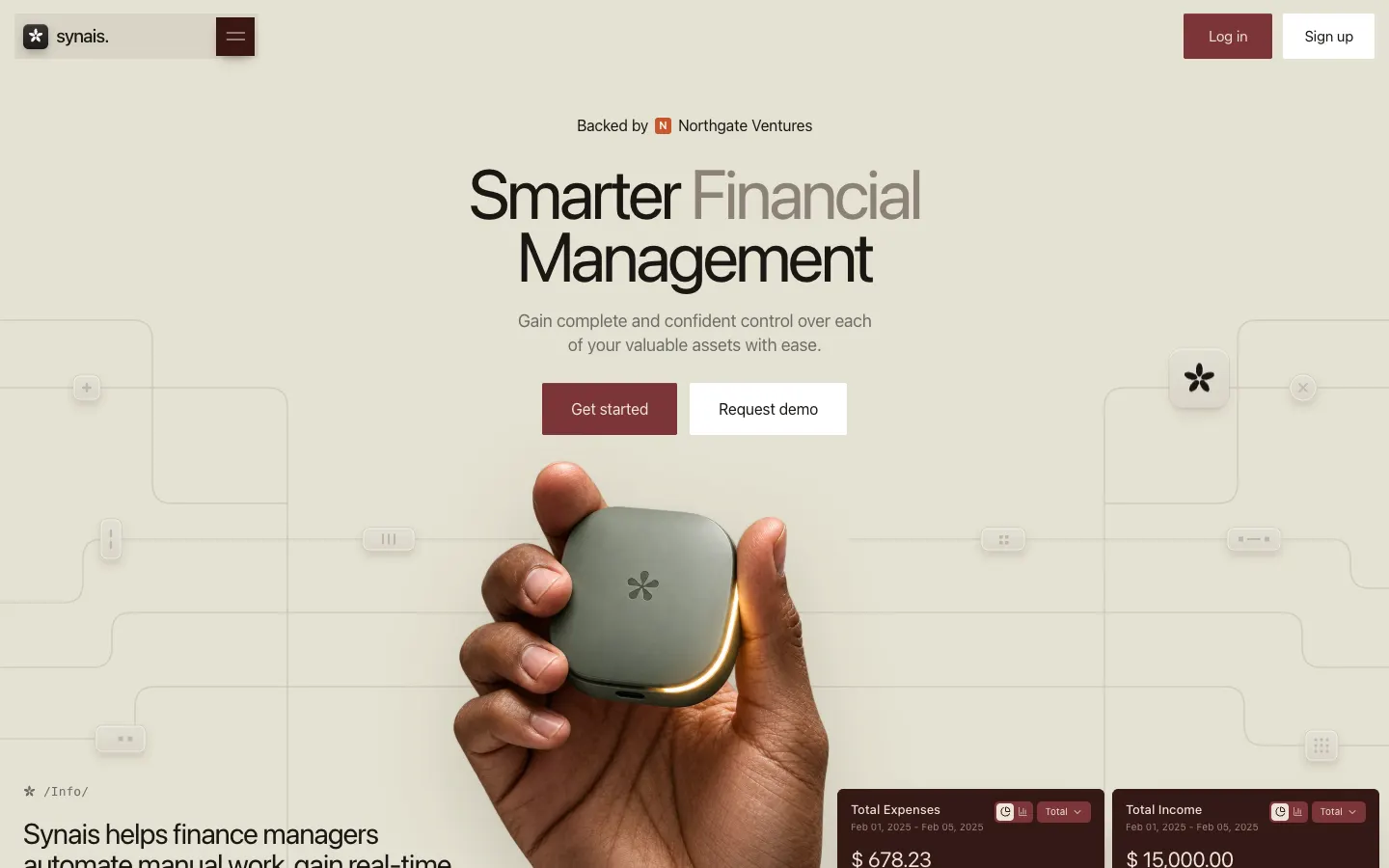
WebWarm bone-and-burgundy fintech site with a glowing sage device, circuit lines and live dashboard cards
- View template
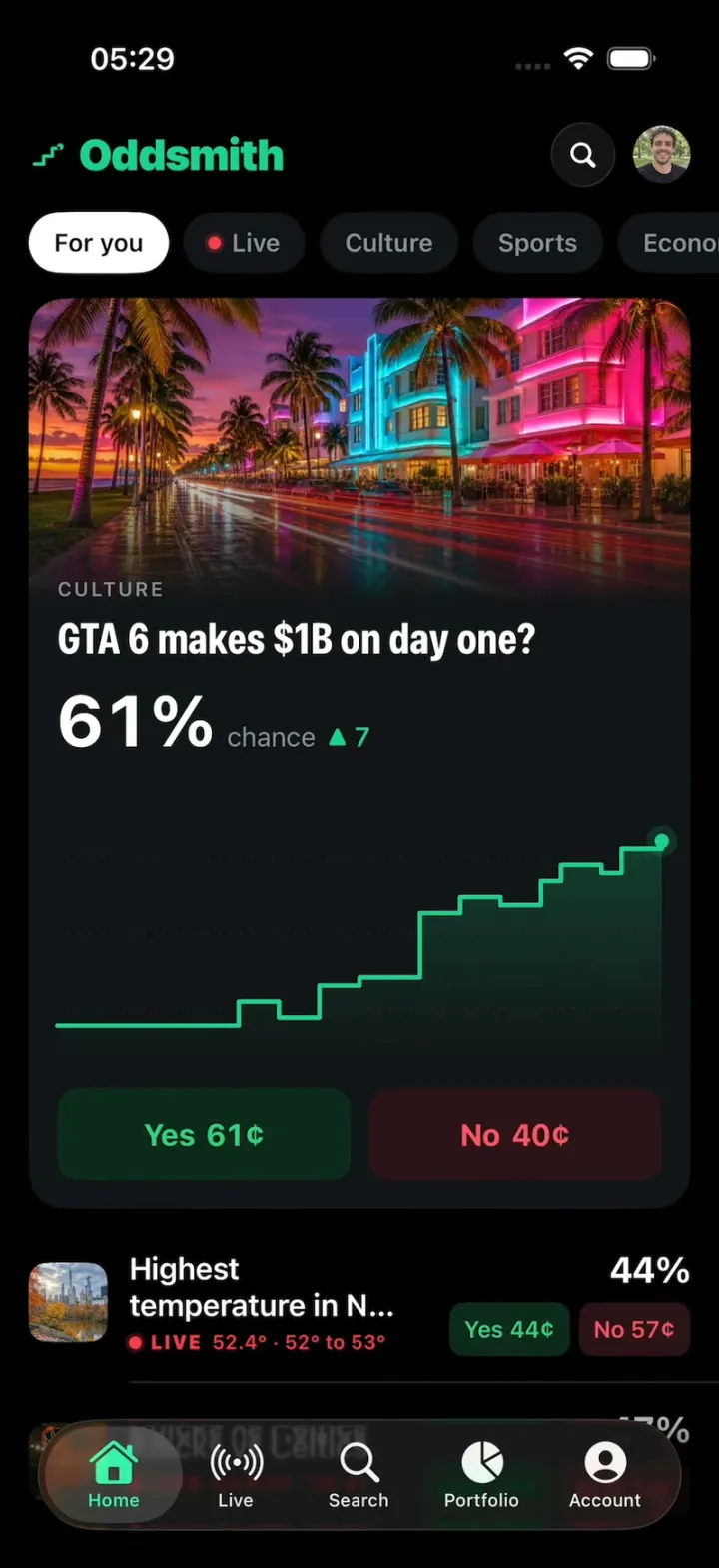
Kalshi Clone
iOSA Kalshi-style prediction market: live odds, charts you scrub, Yes/No trades in cents and payouts.
- View template
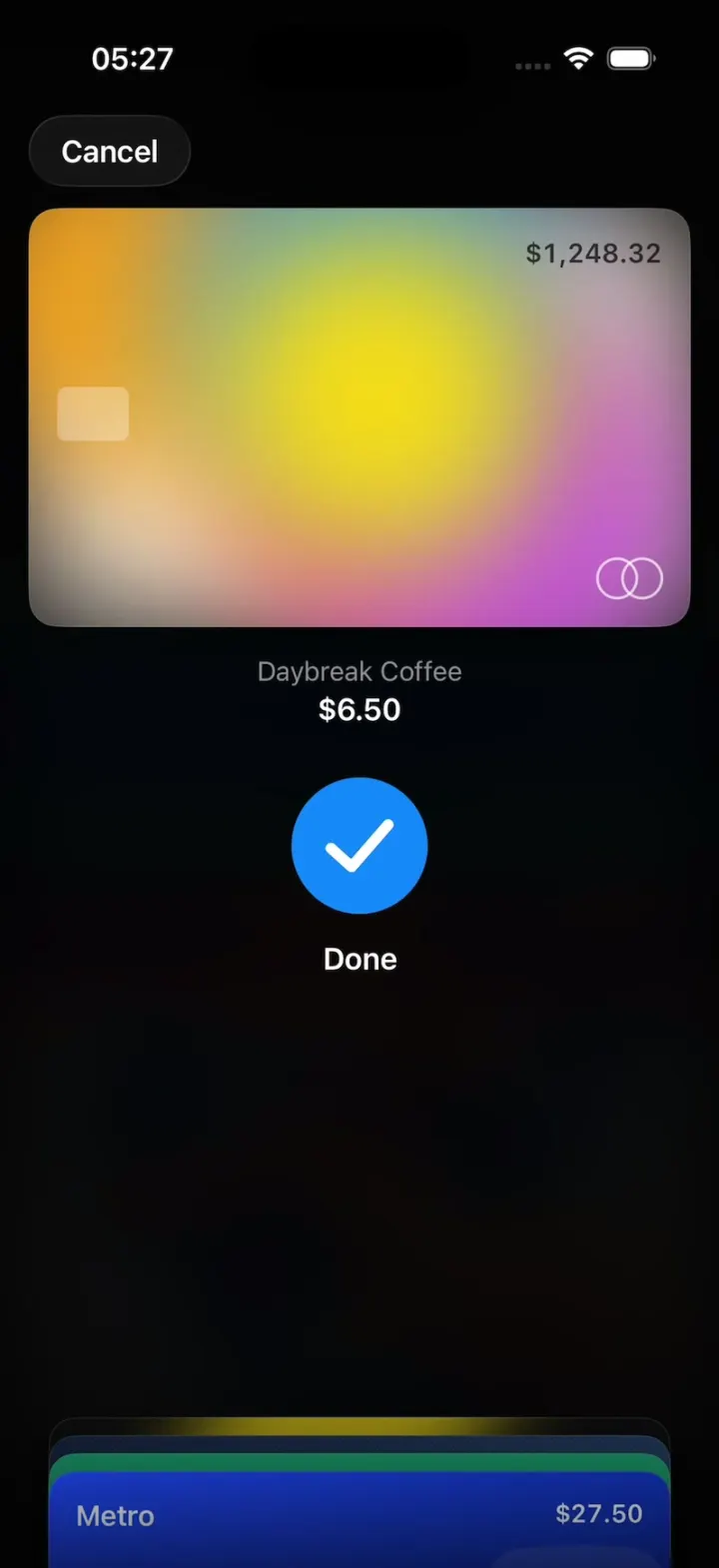
Apple Wallet Clone
iOSThe iPhone Wallet app: pay with Face ID, a card stack that rises, Cash with a shimmering keypad, and passes.
- View template
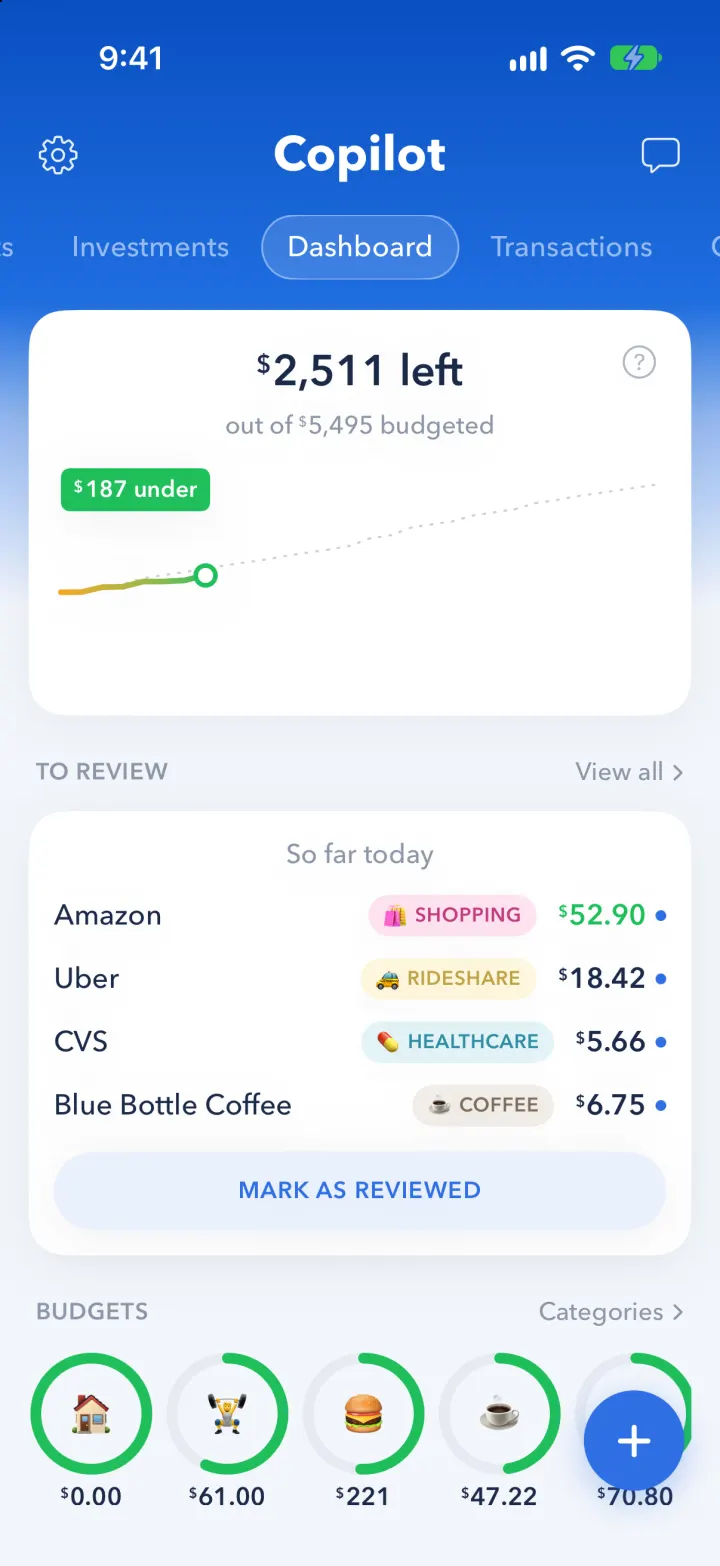
Copilot Money Clone
iOSCopilot's blue budgeting app: see what's left this month, clear your review queue, ask an AI about your money.