Apple Fitness Clone
Apple Fitness clone · Fitness app · from our videos on X
Apple Fitness Clone is the iPhone's Fitness app rebuilt in SwiftUI in the iOS 26 style, on black. The Summary has the Activity Rings card, Step Count, Step Distance, Sessions, Awards, Trends and Fitness+, and the Move, Exercise and Stand rings sweep closed with Apple's overlap shadow, a flash and a burst of sparks. Open Activity for the week strip of mini rings, the big rings and hourly charts, and tap a day to watch them re-sweep. Awards are metal medals drawn in code that you spin with a finger to see the engraved back, Sharing has friends' rings, highlights, a 7-day competition and cheers, and Workout runs the 3-2-1 countdown into a live workout with a running timer and a beating heart. Every ring comes from one RingCatalog, so adding a ring for reading, water or your dog's walks is one entry.
- iPhone · Swift
- Built in 1 prompt
- Free to remix

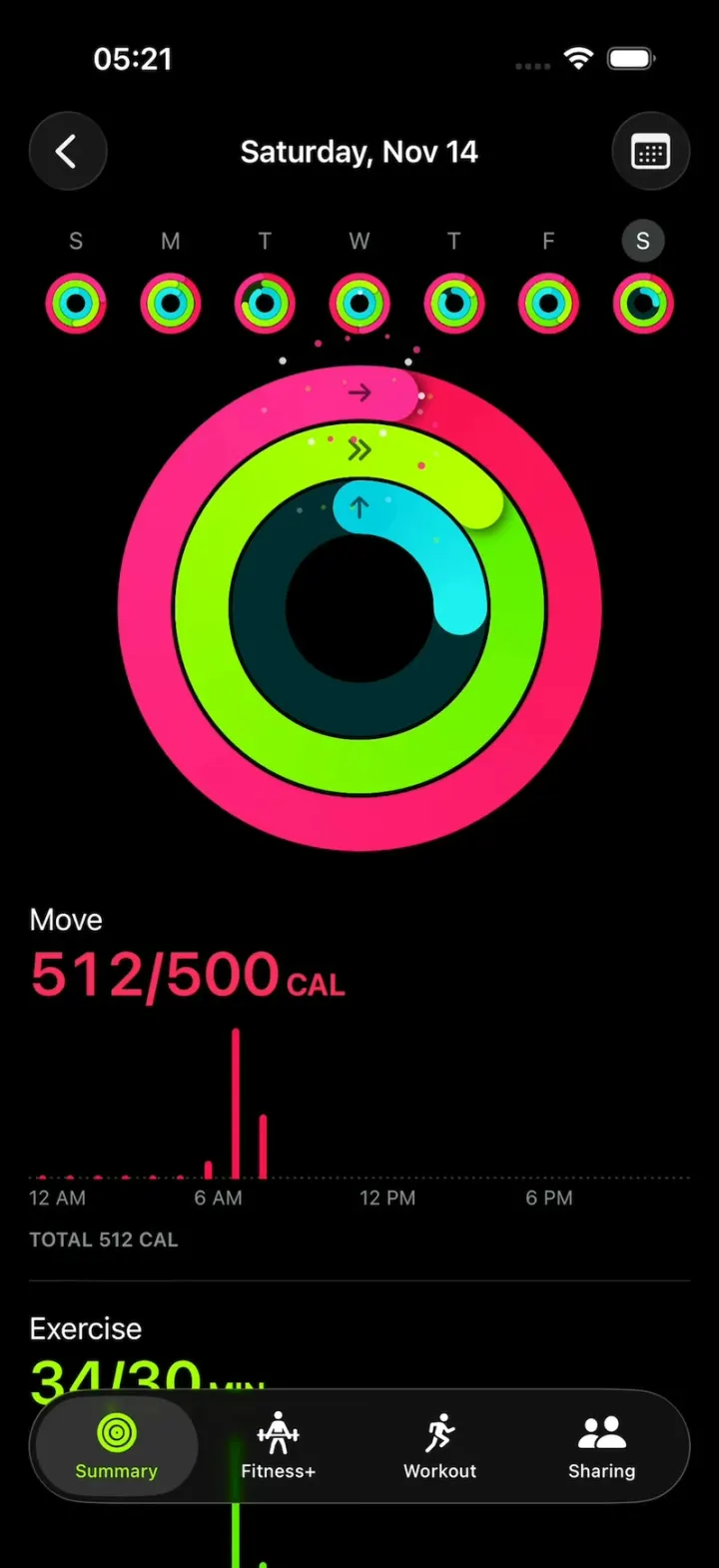
Remix copies the working app into your account for free, exactly as we built it. It runs in Vibecode's cloud iOS simulator, in your browser.
Watch the video on X@vibecodeapp · Nov 14, 2026The prompt that builds it
We built Apple Fitness Clone in one prompt. Paste it into a new app to build your own copy, or change it first.
Prompt · 2,943 words
Build Fitness, a polished native iPhone fitness app in SwiftUI in the iOS 26 system style of the iPhone's built-in Fitness app (Apple Fitness): the Summary tab with its cards, the Activity rings (Move, Exercise, Stand) that sweep closed with the overlap shadow and a burst when a ring closes, the Activity page with the week strip of mini rings and hourly charts, Awards with metal medals you spin with a finger, Sessions with a workout detail and a drawn route, Trends, the Workout tab with the 3-2-1 countdown and a live workout screen, Sharing with friends' rings, highlights and a 7-day competition, and a Fitness+ tab. Dark mode only, black background. It is Saturday, November 14, 2026, 8:14 AM. The user is Alex (me.jpg).

ASSETS
curl -L once and unzip flat: https://vibecode-fitness-media.beacon.host/media.zip (fitness-icon.png: use it as the app icon; avatars me, maya, jordan, priya, leo, sam, nina .jpg). Every other shape, ring, medal, chart, route and icon is drawn in code or with SF Symbols. No image generation is needed.

SHELL
Opens on the Summary tab: no splash, onboarding, permission prompts, sign-in or HealthKit. The status bar stays visible (white) on every screen. A floating Liquid Glass tab bar (capsule, 16 pt from the sides, over the content): Summary (a small drawn glyph of three concentric rings), Fitness+ (figure.strengthtraining.traditional), Workout (figure.run), Sharing (person.2.fill); each a 22 pt icon over a 10 pt label; the selected tab sits in a lighter glass capsule with its icon and label in #A6FF00, the others white. Content scrolls under it.

RINGS (Rings/: the core of the app)
- One RingKind list in RingCatalog drives every ring stack, value row, chart section and week-strip mini ring: id, name, unit ("CAL", "MIN", "HRS"), gradient start and end, track colour, value colour, goal, start glyph. Move: #FA114F → #FF2D95, value text #FA2D5C, goal 500 CAL, glyph arrow.right. Exercise: #5CF000 → #B8FF00, value text #A6FF00, goal 30 MIN, glyph chevron.right.2. Stand: #00CFE0 → #1EF0F0, value text #00E0EA, goal 12 HRS, glyph arrow.up. Track: the start colour at 22% over black.
- RingStack(values, diameter): concentric round-capped rings, outer first, each starting at 12 o'clock and running clockwise; ring width = diameter × 0.33 / N (so 3 rings, or later 4, share the same band), gap = diameter × 0.008, a black start glyph (bold, 0.45 × ring width, 60% black) at each ring's start. The arc is an AngularGradient from start to end colour along the drawn length.
- Past 100% the arc keeps going round as a second lap; the overlapping head is drawn last with a soft dark shadow (black 55%, blur 0.12 × ring width) cast backwards along the ring under it, so the overlap reads like Apple's. The head colour is the gradient's end colour.
- Sweep: when a stack appears (or its values change) every ring animates from 0 to its value with easeOut over 1.1 s, staggered 0.06 s from outer to inner; value labels count up in step.
- Close: when an animated ring crosses 100%, it closes: the head flashes white at 25% for 0.1 s, the ring pulses 1.0 → 1.05 → 1.0 (0.35 s spring), and its RingCelebration plays; success haptic.
- RingCelebration is per ring kind; the default is Sparks: 16 sparks (3-5 pt, the ring colour and white) burst from the head, fly 30-70 pt outward and fade over 0.6 s, drawn in one Canvas. All celebrations are played by ONE CelebrationLayer: a full-screen overlay above the content and the tab bar, below the status bar, hit-testing off; a celebration view gets the head's screen position and its start time.

SCREENS
1. Summary (NavigationStack root, black):
 a. Header: large title "Summary" (34 pt bold white) with "Saturday, Nov 14" under it (15 pt #8E8E93); at the right a 36 pt me.jpg avatar (opens Account, 9).
 b. Cards on #1C1C1E, 22 pt corners, 16 pt margins, 12 pt gaps; card titles 17 pt semibold white; tappable cards have a chevron.right in a 22 pt #2C2C2E circle at the top right; pressed state scale 0.97.
 c. Activity Rings (full width): the title "Activity Rings", a 150 pt RingStack at the left, and at the right one row per ring: its name (17 pt white) over "486/500" (30 pt semibold, value colour) + its unit (17 pt bold, value colour) on one baseline. Tap: push Activity (2).
 d. Two half-width cards: Step Count ("Today" 13 pt #8E8E93, "6,214" 28 pt semibold #A78BFA, a 24-bar hourly chart in #A78BFA with "12AM 6AM 12PM 6PM" ticks, 9 pt #636366) and Step Distance ("Today", "2.91" + "MI", #64D2FF, the same chart in #64D2FF).
 e. Two half-width cards: Sessions (a 28 pt #A6FF00 circle with a black figure.run, "Outdoor Run" 15 pt white, "3.12" + "MI" 28 pt #A6FF00, "Today" #8E8E93; tap: Workout detail, 5) and Awards (a 76 pt medal, "New Move Record" 13 pt white, "742 Calories" 11 pt #8E8E93; tap: Awards, 3).
 f. Trends (full width): "Trends", four rows (a 28 pt circle with arrow.up or arrow.down in the ring colour + name + value): Move ↑ "512 CAL/DAY", Exercise ↑ "38 MIN/DAY", Stand ↓ "9 HRS/DAY", Walking Pace ↑ "17'42\"/MI" (white). Tap: Trends (4).
 g. Fitness+ (full width, 180 pt): drawn art (a deep warm gradient #3A1C0F → #12100E with soft blurred light blobs and a big white figure.strengthtraining.traditional at 20%), "Fitness+" (17 pt semibold), "Strength with Kim · 30 min" (13 pt). Tap: the Fitness+ tab.
2. Activity (pushed; also what HOOK MODE opens):
 a. Top: a 44 pt glass circle with chevron.left at the left; the title "Saturday, Nov 14" (17 pt semibold, centred); a 44 pt glass circle with calendar at the right.
 b. Week strip: 7 columns for Sun Nov 8 to Sat Nov 14, each a letter (S M T W T F S, 13 pt #8E8E93) over a 34 pt RingStack of that day's values; the selected day's letter is white in a 24 pt #3A3A3C circle. Tap a day: the title becomes that date ("Wednesday, Nov 11") and the big rings and every section re-sweep to that day.
 c. A 270 pt RingStack, centred, 18 pt below the strip.
 d. One section per RingKind, in catalog order: the name (17 pt white), "512/500" + "CAL" (34 pt semibold, value colour), then a 24-hour bar chart (hourly values, 4 pt bars in the ring colour with rounded tops, a dotted #3A3A3C baseline, "12 AM 6 AM 12 PM 6 PM" ticks), "TOTAL 512 CAL" (11 pt semibold #8E8E93). Stand draws 24 small rounded rectangles, cyan for hours stood, #2C2C2E otherwise.
 e. Rows: Steps "6,214", Distance "2.91 MI", Flights Climbed "4", then Workouts: "Outdoor Run · 3.12 MI · 7:02 AM" with the lime figure.run circle (tap: Workout detail, 5).
3. Awards (pushed): title "Awards", sections "Recent", "Monthly Challenges", "Close Your Rings", "Workouts"; a 3-column grid of 96 pt medals, each with a name (13 pt white, 2 lines) and a detail (11 pt #8E8E93). Medals are drawn in code: a shape (circle, hexagon, rounded square, 8-point star or shield) with a metallic rim (#F2F2F7 → #8E8E93 → #E5E5EA with a white highlight band), a coloured face gradient, and an SF Symbol or number embossed in white 85% with a soft inner shadow. Locked medals: grey, 35%. 12 awards: New Move Record (circle, Move red, flame.fill, "742 Calories", Nov 11), Perfect Week (All Activity) (hexagon, three ring colours, "7"), Longest Move Streak (star, gold #FFD60A → #FF9F0A, "21"), Move Goal 200% (circle, red, "200%"), Exercise Goal 200% (circle, lime, "200%"), Stand Goal 150% (circle, cyan), November Challenge (shield, purple #BF5AF2 → #5E5CE6, "Burn 15,500 CAL in November", progress 9,412/15,500 with a small ring), New Workout Record (Outdoor Run) (rounded square, lime, figure.run), 5K Personal Best (rounded square, orange, "5K"), 100 Move Goals (star, red, "100"), Seven Workout Week (hexagon, lime, "7"), First Outdoor Cycle (locked).
 Tap a medal: a full-screen sheet (black) with the medal at 240 pt, its name (28 pt bold), "Earned Nov 11, 2026" (15 pt #8E8E93), one sentence. Drag horizontally: the medal spins in 3D about its vertical axis (rotation3DEffect, perspective 0.4), following the finger (1° per pt); release with speed: it keeps spinning with momentum and settles face-on with a spring; past 90° it shows its back (the same shape in plain metal with "ALEX · NOV 11, 2026" engraved); a specular highlight slides across the rim as it turns. An xmark glass circle closes it.
4. Trends (pushed): "Trends", "Your 90-day averages compared to the last 365 days", rows per metric: the arrow circle, the name, the 90-day value in its colour and the 365-day value in grey, with a mini two-line sparkline. Move, Exercise, Stand, Distance, Walking Pace, Cardio Fitness.
5. Workout detail (pushed): "Outdoor Run" (28 pt bold) "Today 7:02 – 7:31 AM"; a metrics grid (2 columns, value 28 pt in its colour, label 13 pt #8E8E93): Workout Time 0:28:41 (#FFD60A), Distance 3.12 MI (#64D2FF), Active Calories 312 CAL (#FA2D5C), Avg. Pace 9'12"/MI (#64D2FF), Avg. Heart Rate 148 BPM (#FF453A), Elevation Gain 86 FT (#A6FF00); a 220 pt "Map" card: a dark #1A1D21 street grid (thin #2A2F36 lines) with the loop route as a 5 pt Path coloured by pace (#30D158 fast → #FFD60A → #FF453A slow) and start and end dots; Splits: 4 rows (mile, time, pace).
6. Workout tab: large title "Workout"; cards (#1C1C1E, 22 pt corners, 150 pt tall): Outdoor Walk, Indoor Walk, Outdoor Run, Indoor Run, Outdoor Cycle, Traditional Strength Training: a #A6FF00 SF Symbol figure (32 pt) at the top left, a 44 pt #A6FF00 circle with a black play.fill at the top right, the name (20 pt semibold white), and a row of three 44 pt dark capsules (music.note, target, timer).
 Tap play: a full-screen black countdown: a 260 pt ring in #A6FF00 fills clockwise each second while "3", "2", "1" (120 pt bold white) pop in (scale 1.3 → 1.0) in its centre; then the live workout: the elapsed time "0:00:00.00" (52 pt semibold #FFD60A, monospaced digits, hundredths running), then rows: Active Calories (#FA2D5C), Heart Rate (a heart.fill beating with the BPM, #FF453A, starting 96 and rising to ~148), Distance (white) and Current Pace (#64D2FF), all from a deterministic simulation; at the bottom a 64 pt glass Pause button (#FFD60A pause.fill) and End (#FF453A xmark). End: a summary sheet with the metrics grid and "Done".
7. Sharing tab: large title "Sharing", a person.badge.plus glass circle at the right.
 a. Competition card: "Competition" with "You vs. Maya", two 44 pt avatars with their scores "2,846" (white, bold) and "2,791", "Day 6 of 7 · Ends tomorrow", and a 7-day row of paired points bars (mine #A6FF00, Maya's white 40%).
 b. "Highlights": horizontally scrolling cards (240 x 140): "Maya closed all three rings" with her 54 pt rings; "Nina completed an Outdoor Run · 5.02 MI"; "Jordan earned Perfect Week (Exercise)" with that medal.
 c. Friends: rows (84 pt): a 56 pt RingStack, the avatar (28 pt) + name (17 pt semibold), three value lines in the ring colours ("410/450 CAL", "38/30 MIN", "4/12 HRS"), the update time at the right (13 pt #8E8E93) and a chevron. Tap: friend detail: their big rings, values, workouts, and "Cheer Maya on" with four emoji chips (👏 🔥 💪 🎉): tap one: it flies up from the chip, grows to 120 pt over the rings, pops and fades; a glass toast "Sent to Maya".
8. Fitness+ tab: title "Fitness+" (plain text) with a tv glass circle; capsule filters For You (white, selected), Explore, Plans, Library; a hero card (drawn art like the Summary card, "ANOTHER STRENGTH WORKOUT" 11 pt bold #A6FF00, "Strength with Kim" 22 pt bold, "30min · Throwback Hits", a #A6FF00 capsule "Let's Go" with black text); a row of small drawn cards (Yoga, HIIT, Pilates, Cycling, Dance); Let's Go shows a toast "Fitness+ isn't in this demo".
9. Account (sheet from the avatar): me.jpg (80 pt), "Alex", rows: Change Goals (steppers: Move ±10 CAL, Exercise ±5 MIN, Stand ±1 HR; changing a goal re-sweeps every ring stack), Pause Rings (toggle), Notifications.

FIXTURES (Data/Fixtures.swift)
Daily values (Move CAL / Exercise MIN / Stand HRS), goals 500 / 30 / 12: Sun Nov 8 612/45/12; Mon 534/31/13; Tue 488/22/11; Wed Nov 11 742/64/12 (the record); Thu 523/35/10; Fri 540/42/12; Sat Nov 14 (today, 8:14 AM) 512/34/3. Today's hourly Move: 2 each hour 12-5 AM, 6 AM 38, 7 AM 318, 8 AM 136; Exercise: 7 AM 29, 8 AM 5; stood: 6, 7, 8 AM. Write plausible hourly values for the other days. Steps today 6,214, distance 2.91 MI, flights 4.
Friends (today): Maya Chen 410/450 CAL, 38/30 MIN, 4/12 HRS, 8:02 AM; Nina Brooks 455/400, 47/30, 3/12, 7:55 AM; Priya Shah 380/350, 31/30, 3/12, 7:48 AM; Sam Park 230/400, 12/30, 2/12, 7:30 AM; Jordan Ellis 120/600, 5/30, 2/12, 6:58 AM; Leo Martin 64/500, 0/30, 1/12, 12:41 AM.

HOOK (the video's first 3 seconds)
- HOOK MODE: tapping an invisible 24x60 pt strip at the RIGHT edge (x 378-402, y 300-360 pt), drawn in its own window above every sheet, cover, banner and overlay (a tap there closes whatever is open), resets everything to this state and plays this run through the real ring, sweep and celebration code, identical every time (seconds from the tap): 0.00 with no animation: today's Activity page open (pushed, no transition), scrolled to the top, every sheet, cover and banner closed, and the big rings PRE-WARMED mid-sweep: Move at 45% (labels "225/500"), Exercise at 55%, Stand at 10%; 0.00-0.40 hold exactly that; 0.40-1.30 the sweep continues with easeOut to today's values (Move 512/500, Exercise 34/30, Stand 3/12), the labels counting with it; Move crosses 100% at about 1.10 and closes (flash, pulse, Sparks); 1.80 a notification-style glass banner slides down from the top (0.35 s spring; 8 pt from the sides, 22 pt corners): the 38 pt app icon, "FITNESS" (13 pt semibold #8E8E93) and "now", the title "Move Goal Achieved! 🎉" (15 pt semibold white), the body "You hit 500 CAL before 9 AM." (15 pt white 85%); 4.40 it slides back up. Then hold.
- The pre-warm values, sweep times, banner title, body and times come from DemoScript (one place), so a remix can change them.
- The touch dot (used by DemoScript taps, not in this run): 44 pt, black at 35%, a 3 pt white ring, a soft shadow, above everything; it scales in as it lands and fades after release.
- What the eye must see: frame 0 fully drawn (the week strip, the big rings mid-sweep, the Move section and its chart; no fade-in, no empty rings); the rings move smoothly every frame from 0.40; the burst at the head, never a flash longer than 0.1 s; the banner never covers the big rings' top half for more than its slide; waits use these times, not the app's normal delays.

LOOK
iOS 26 Liquid Glass (.glassEffect, or .ultraThinMaterial with a 0.5 pt white 25% border) for bar buttons, the tab bar and banners. SF Pro (no rounded fonts), white text, secondary #8E8E93, cards #1C1C1E, separators #38383A. Springs under 350 ms, light haptics on taps and closes, pressed states (scale 0.97).

RULES
- Native SwiftUI, iOS 26 (keep the template's target), iPhone portrait, dark mode only.
- Deterministic fixtures. No backend, login, permissions, HealthKit, analytics or network calls at runtime. No persistence: delete the SwiftData starter, no UserDefaults or files.
- Files under 300 lines, big bodies split into subviews, no long chained expressions; draw rings with Shapes and particles in one Canvas per celebration, not one view per particle; keep every animation smooth at 60 fps (the simulator streams video).
- Keep every file inside /home/user/workspace (/tmp is denied).

REMIX-READY
Theme/Theme.swift (colours, fonts, card metrics; no colour literals elsewhere), Theme/Copy.swift (every word), Data/Fixtures.swift, Data/DemoScript.swift (HOOK MODE values, times and banner). Codable models with String ids (RingKind, DayActivity with values keyed by RingKind id and hourly arrays, Workout, Award, Friend) behind one ActivityDataSource protocol (FixtureActivitySource) feeding an @Observable ActivityStore (days, selected day, goals, awards, friends). RingCatalog + RingCelebration are the seams: a new ring is one RingKind entry plus its values, and it then shows in every ring stack, value row, Activity section, mini ring and friend row; a new celebration is one view file that CelebrationLayer plays. Components/: RingStack, RingArc, ValueRow, HourlyBarChart, StandHoursChart, MedalView, SummaryCard, GlassCircleButton, NotificationBanner, TouchDot, Toast. Features/<Screen>/. README.md under 80 lines: the file map; how to rename the app, change the ring colours and add a ring (one catalog entry + values); 3 one-prompt remixes (a habit tracker whose rings are Read, Meditate and Water; a study app with Focus, Review and Sleep rings; a dog-walking app whose rings are Walk, Play and Treats). "Read README.md first." atop CLAUDE.md and ios/AGENTS.md; replace ios/CLAUDE.md's structure block with this app's files. No scratch folders.

FILMING
Long-press the large title "Summary" for 1 s to reset everything to launch (tabs, selected day, goals, sheets, scroll, celebrations).

BUILD
Theme, Copy and Fixtures, then RingCatalog, RingArc and RingStack with the sweep, overlap and close (launch and look at them on the Summary first), then each screen in small files, a one-line status per screen; launch in the simulator every two or three files. Summary, then Activity, then CelebrationLayer, the banner and HOOK MODE, then Awards and the medal spin, then Sharing, then Workout with the countdown and live screen, then Workout detail, Trends, Fitness+ and Account. Fetch media.zip as soon as the shell runs; check the files exist, never view them. Walk each flow once and fix what breaks; no pixel measuring or debug modes. Deliver the whole app, not a plan. Do not publish.
More templates
All templates- View template
Hevy Clone
iOSLog sets against last week's numbers, rest on a countdown, and watch a gold PR medal drop in.
- View template
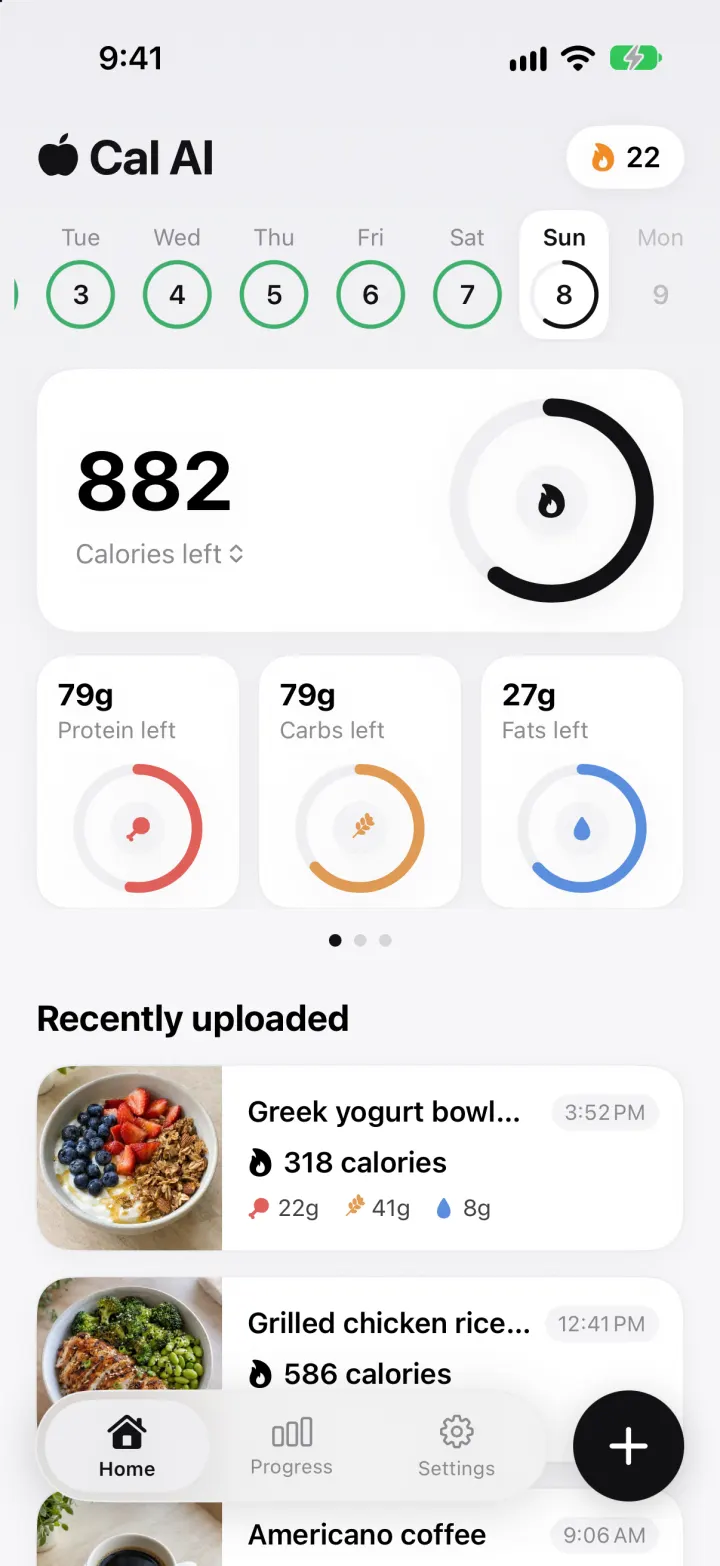
Cal AI Clone
iOSSnap a meal and a real vision model returns calories, macros and a health score, in Cal AI's look.
- View template
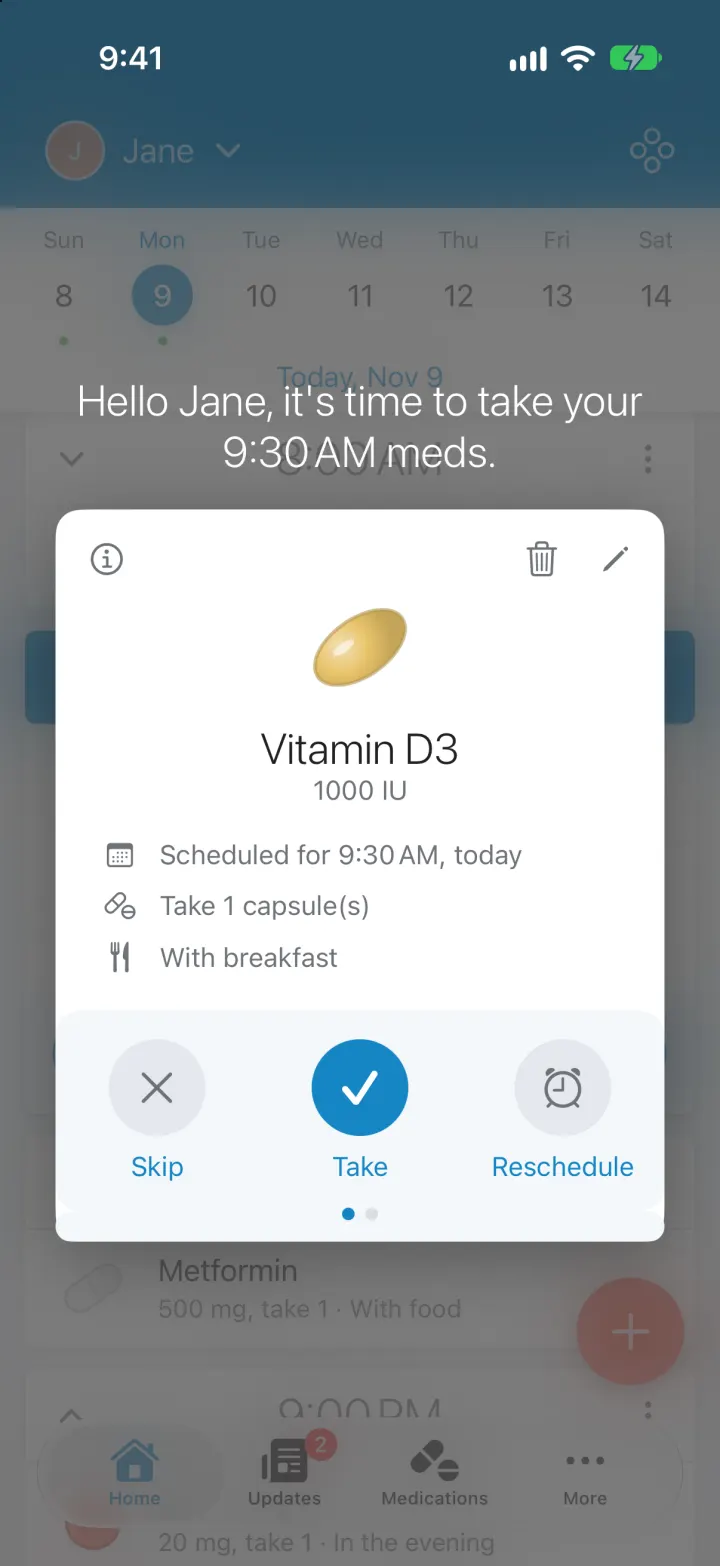
Medisafe Clone
iOSNever miss a med: a dose timeline, Take/Skip/Reschedule card, real reminders, refills and caregiver alerts
- View template
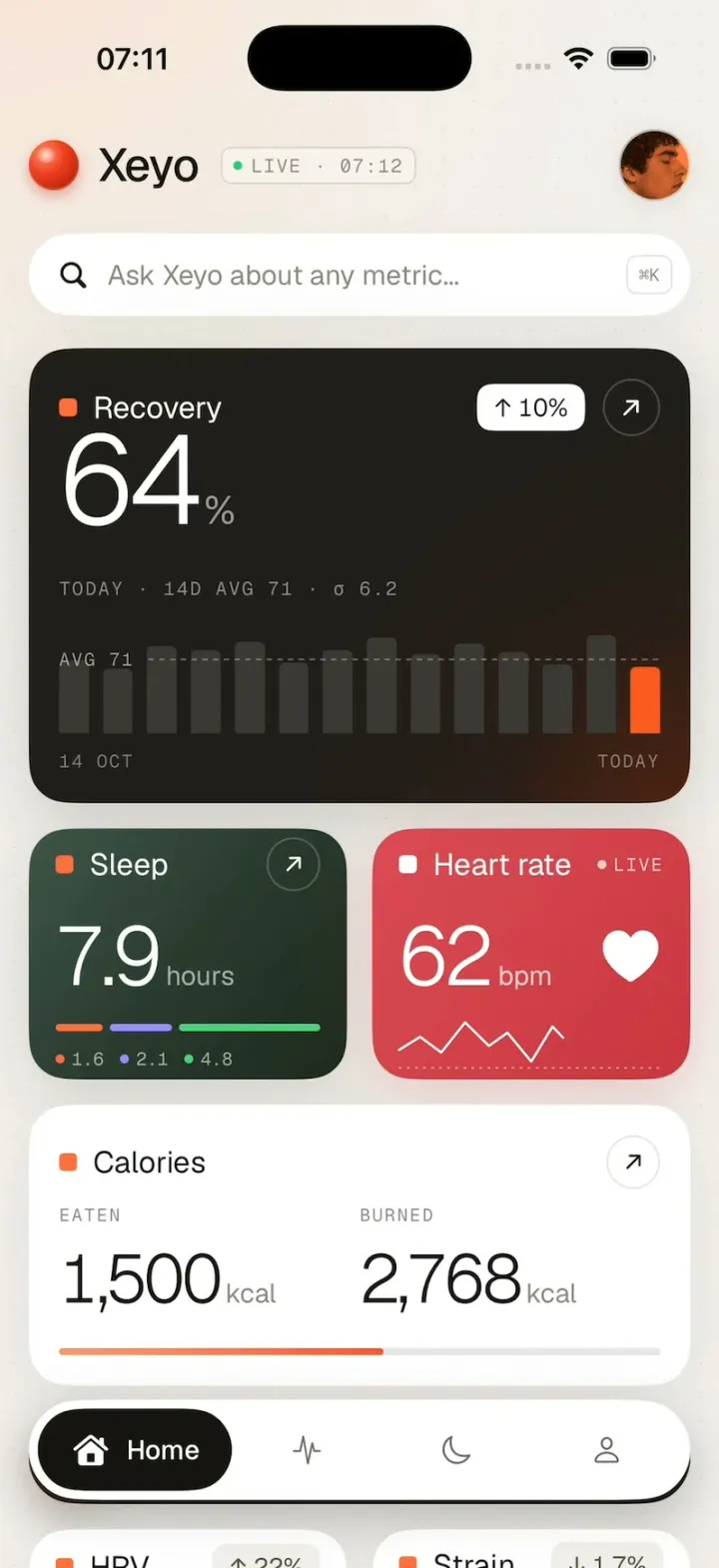
Xeyo
iOSRecovery, sleep and heart rate count up into place on a calm health dashboard, then scroll down to your week.