Globes
Kugel: Snow Globes clone · Snow globe maker app · from our videos on X
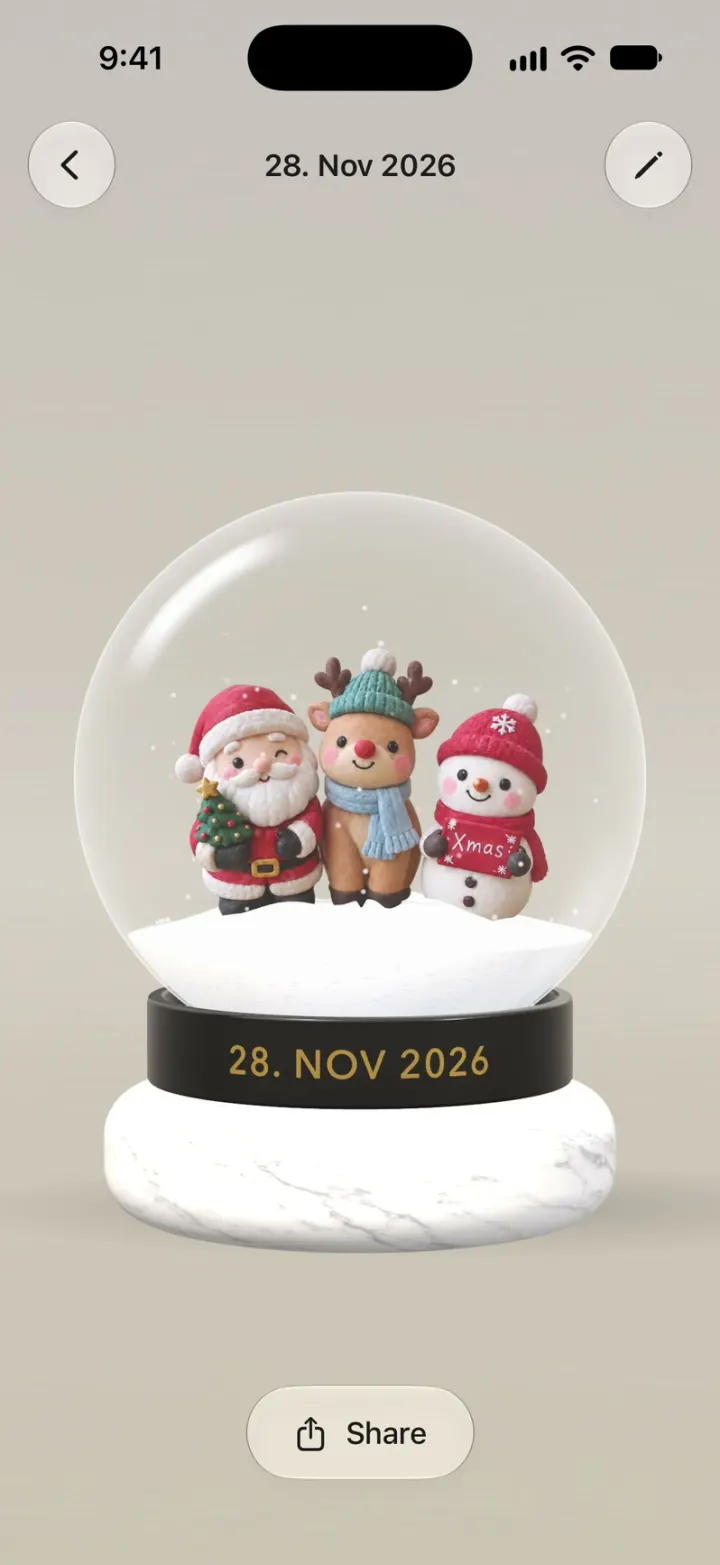
Globes turns whatever you point the camera at into a snow globe. The viewfinder sits inside the glass, so you frame your subject right in the globe; press the shutter and the background dissolves away, leaving it standing on the snow. Swipe the ring between gold, silver, black and rose gold, swipe the base between walnut, pink marble, white marble and more, then tap the check and the parts drop together. Drag the globe to whip the snow into a blizzard, and every globe you make joins your Shelf next to a fox, a lighthouse, a teapot and a gingerbread house.
- iPhone · Swift
- Built in 1 prompt
- Free to remix
Remix copies the working app into your account for free, exactly as we built it. It runs in Vibecode's cloud iOS simulator, in your browser.
Watch the video on X@ios_app_builder · Nov 28, 2026The prompt that builds it
We built Globes in one prompt. Paste it into a new app to build your own copy, or change it first.
Prompt · 2,402 words
[image attached][image attached][image attached][image attached][image attached][image attached][image attached][image attached][image attached][image attached][image attached][image attached][image attached]
Clone this exactly as a native iPhone app: "Globes", a snow globe maker. You point the camera at something, it gets lifted out of the photo and sealed inside a 3D glass snow globe, then you pick the ring and the base, assemble it, and shake it to make it snow. Reference: https://x.com/spottedinprod/status/2126352295218803181 ("new globe" by @alexweichart). The 13 attached screenshots are frames of its 21-second iPhone demo, in order. Study every one of them before writing code and match them as closely as you can: the photoreal glass sphere, the snow mound, the gold rim under the snow, the exploded-view editor with the floating ring and base, the warm studio backdrop and the falling snow.

Build a native SwiftUI + SceneKit iOS app named Globes using Opus 5.5. Portrait iPhone, light mode. Do NOT put a fake device frame inside the app; the simulator provides that. No accounts, no network at runtime. Realistic deterministic fixture data so every screen is rich on first launch. Do not publish externally.

OBSERVED SEQUENCE (0-21 s):
0.0-1.4 Shelf screen, static. 1.4 tap the "+" button top right. 1.5 a full-screen "New globe" sheet slides up from the bottom (0.3 s) over a grey gradient; a small spinner shows for ~0.3 s, then the globe fades in.
1.9-3.8 Camera: the live camera picture is seen INSIDE the glass globe (as if the globe were a lens): first plain light wood grain with four white focus-corner brackets in the middle and snowflakes drifting, then the camera moves up and three clay Christmas figurines slide into the globe (Santa holding a little tree on the left, a reindeer in a teal knit beanie with a pale blue scarf in the middle, a snowman in a red hat holding a red "Xmas" sign on the right), on a wooden table.
3.9 tap the shutter: the frame freezes; the X becomes a back chevron, the Scene/Subject switch, the shutter and the gallery button disappear, and a small grey activity spinner sits low in the middle (where the shutter was).
4.0-5.6 frozen photo in the globe, spinner turning.
5.6-6.3 subject lift: the photo's background (the wood table) dissolves away over ~0.7 s, leaving just the three figurines standing on the snow inside clear glass, with snow falling around them.
6.6 the title changes to the date "25. Nov 2026", the check button appears top right (dimmed for ~0.6 s, then active), the hint text fades in at the bottom, and the editor opens in an exploded view: the globe rises to the top third, and a gold ring and a walnut base slide up from below the screen and settle under it (spring, ~0.8 s), all on one vertical axis joined by a dotted line.
8.0 swipe the ring left: the gold ring slides off to the left and a silver ring slides in from the right (the thin rim under the globe's snow turns silver too). 8.8 swipe again: black ring with gold lettering.
9.8 swipe the base left: walnut slides out, a pink marble base slides in. 10.6 swipe again: white marble with grey veins.
12.3 tap the check: the parts assemble: the ring drops into the base, the globe drops onto the ring, and the whole assembled globe moves down to the middle of the screen (spring, ~1 s). The hint fades out, the check turns into a pencil (edit) button, and a "Share" pill button fades in at the bottom.
14.5-18.5 shake: dragging the globe (or shaking the phone) tips the globe a little and whips the snow into a swirling blizzard inside the glass that slowly settles back to a gentle snowfall.

THE SNOW GLOBE (one reusable SceneKit model, used everywhere: shelf, camera, editor, final):
- Glass sphere: a real 3D sphere with a physically based glass look: almost clear, a soft white fresnel rim brighter at the edges, a curved white specular highlight streak top-left and a softer one bottom-right, and a very slight refraction tint. The contents must be clearly visible through it.
- Inside: the subject (a photo cut-out on a transparent background) shown as an upright textured card standing on the snow, centred, filling about 60% of the sphere's width (the figurines nearly touch the sides). The cut-out gets a faint soft shadow on the snow.
- The snow mound: a white bumpy snow cap filling the bottom of the sphere (a slightly domed, lumpy surface, soft shading, sparkly), its front edge just above the sphere's bottom. Other fills on the shelf: golden sand, green grass, orange autumn leaves, pink snow.
- Under the snow, at the sphere's equator-of-contact, a thin metal rim (platter) in the ring's material.
- Snow particles inside the sphere only (clip to the sphere radius): ~150 small white flakes of varied size slowly falling and drifting, always; respawn at the top. On shake: a burst of ~600 flakes thrown up and swirled (turbulence/vortex), then they fall and settle over ~3 s. Some shelf globes use gold sparkles or red/orange confetti instead of snow.
- The ring: a short wide band (SCNTube) in polished gold, silver, black lacquer or rose gold, with the date engraved around its front in a spaced uppercase serif-ish font: "25. NOV 2026" (gold letters on the black ring, darker engraved letters on gold and silver).
- The base: a thick rounded drum (SCNTube/capsule profile, rounded top and bottom edges, wider than the ring) with a recessed green felt top (#2F5E4A); materials: walnut wood, light oak, pink marble, white marble with grey veins (Carrara), black, burgundy lacquer. Generate the wood, marble and felt textures (see IMAGES).
- Lighting: soft studio lighting (big area light top-left, fill right, environment lighting from a neutral studio HDR-like gradient), soft contact shadow under the base on the floor. 60 fps.

SCREENS
1. Shelf (start screen). Light grey background (#E5E3E4 top to #DCDCDC). Top-left: a white capsule holding two circular icon buttons (gearshape = Settings, and a seal/badge outline icon = Achievements). Top-right: a white circular "+" button. Large bold title "Shelf" (34 pt bold, left aligned under the buttons). Below: white floating shelves (thick white rounded boards with a soft shadow, full width minus 18 pt margins), each holding 3 globes with their own base, ring and engraved name, rendered with the same SceneKit model (render each once to a cached image with SCNRenderer at 3x; keep the falling snow on the visible ones if cheap, else static). Fixture globes, in order (name engraved on the ring, ring, base, fill, particles):
   Row 1: FOX (gold ring, walnut base, white snow; a red fox sitting), HARBOUR (silver ring, light oak base, snow; a red-and-white lighthouse with a grey sea backdrop), DESK CACTUS (gold ring, white marble base, golden sand; a barrel cactus in a terracotta pot).
   Row 2: MISO (silver ring, burgundy base, snow; a grey tabby kitten), TEA (black ring with gold text, black base, green grass, gold sparkles; a green cast-iron teapot with a bamboo handle), FOREST FLOOR (gold ring, walnut base, orange autumn leaves, red/orange confetti; red-capped toadstool mushrooms).
   Row 3: CABIN (gold ring, black base, snow; a log cabin with warm lit windows and a pine forest backdrop), BUN (rose-gold ring, pink marble base, pink snow; a pink plush bunny with long ears), JUNIPER (silver ring, walnut base, snow; a bonsai juniper on a rock).
   Row 4: LITTLE SOLDIER (gold ring, burgundy base, snow; a wooden nutcracker toy soldier), BEACH DAY (rose ring, pink marble base, sand; a pink conch shell), PEPPER (gold ring, light oak base, autumn leaves, confetti; a beagle sitting).
   Row 5 (partly under the tab bar): SNOWY (a knitted snowman with a red scarf), GINGER (a gingerbread house), LANTERN (a brass lantern with a candle).
   Floating tab bar at the bottom centre: a frosted glass capsule (Liquid Glass / ultraThinMaterial, ~200x64 pt) with two items, "Shelf" (bookshelf icon: books.vertical.fill style, selected, with a lighter inner selection capsule) and "Gifts" (gift.fill). The shelf scrolls under it. Gifts tab: a simple list of globes "sent" and "received" (2 fixtures each) on the same background.
2. New globe (camera), presented as a full-screen cover sliding up. Background: vertical gradient #B3B2B2 (top) -> #C9C8C6 (middle) -> #E2DED7 (bottom). Top bar: a circular frosted "xmark" button left; centred "New globe" (17 pt semibold); right a frosted capsule with two icons: bolt.slash (flash off) and camera.rotate (switch camera). The globe sits in the centre (sphere ~78% of the screen width, its gold rim at about 62% of the screen height). Inside the sphere: the camera picture (cover-filled, with a slight fisheye/barrel look and darkened toward the glass edge), four white focus-corner brackets around the middle, snow falling. Below: a segmented control "Scene | Subject" (frosted capsule; selected segment is a white pill; Subject selected by default) at ~85% height. Bottom row: a rounded-square gallery button (photo.on.rectangle) bottom-left and a large shutter (white disc with a thin dark ring, 64 pt) bottom centre.
   - On a real device use AVCaptureSession (back camera). In the Simulator there is no camera, so show a bundled sample feed instead: the generated photo "feed_table.jpg" (see IMAGES) with a handheld camera move: it opens framed low on plain wood grain, then 0.6 s after the globe appears it eases up over 1.0 s until the three figurines are centred in the globe, then keeps a gentle ±3 pt handheld wobble. This must look like a live camera.
   - Scene mode keeps the whole photo as the globe's backdrop; Subject mode lifts the subject out.
   - Gallery opens a picker of bundled sample photos (the table figurines, the fox, the lighthouse) plus PhotosPicker.
   - Shutter: freeze, then processing (~1.7 s spinner), then the subject lift: the photo crossfades to the cut-out "feed_subject.png" (same framing, pixel aligned) over 0.7 s while snow keeps falling. Try Vision VNGenerateForegroundInstanceMaskRequest for real photos and fall back to the bundled cut-out (always use the bundled cut-out for the sample feed so the result is clean).
3. Editor (same screen; the title animates to the date). Background: a warm photo-studio backdrop: #C8C2BE at the top fading through #D0C9BC to #CBC3B3 at the bottom, with a very soft lighter horizon band at ~55% height (a seamless paper sweep). Top bar: chevron.left (circle) left, the date "25. Nov 2026" centred (use today's date in "d. MMM yyyy" format, en_GB style, e.g. "28. Nov 2026"), a circular checkmark button right (dimmed grey at first, then black once ready).
   - Exploded layout: globe centred at ~27% height (sphere ~74% of the width), the ring floating at ~58%, the base at ~78%, joined by a thin vertical dotted line. Hint text centred at ~93%, two lines, 13 pt, grey #8E8A84: "↔ Swipe a part to change it." / "Tap the ring to engrave it."
   - Swiping the ring or the base horizontally pages it like a carousel: the current part slides off sideways with a slight perspective turn and the next one slides in from the other side (spring, 0.45 s), and the neighbours peek in at the screen edges while dragging. Ring order: gold, silver, black, rose gold. Base order: walnut, pink marble, white marble, light oak, black, burgundy. The thin rim under the globe's snow always matches the ring.
   - Tap the ring: a sheet to edit the engraving (text field prefilled with the date in caps, "Engrave" button); the new text is engraved on the ring.
   - Check: assemble animation (ring drops into the base, globe drops onto the ring, then the assembled globe moves down to the screen centre and scales to ~80%), hint fades, check becomes a pencil button, the "Share" pill (square.and.arrow.up + "Share", frosted capsule) fades in at ~93% height. The globe is saved to the Shelf (first slot).
4. Finished globe: drag the globe to tip/rotate it (it rotates around its vertical axis following the finger up to ±35°, tilts slightly, and springs back when released) and every drag or a device shake (motionEnded .motionShake) throws the snow into a blizzard. Pencil goes back to the exploded editor. Share shares a rendered image of the globe. Back returns to the Shelf, where the new globe now sits first.

IMAGES (generate them with gpt-image-2.5-flare: run env and use the project's proxied OPENAI_API_KEY with https://api.openai.com/v1/images/generations; 10-30 s each; save into the asset catalog):
- feed_table.jpg: a photoreal close-up phone photo, portrait, of three small handmade polymer-clay Christmas figurines standing together on a light natural wood table: Santa on the left holding a little green tree, a reindeer in the middle wearing a teal knit beanie with a pompom and a pale blue scarf, a snowman on the right in a red hat holding a red sign that says "Xmas". Soft window light, shallow depth of field, lots of plain wood grain below them.
- feed_subject.png: the same three figurines, same pose and framing, isolated on a fully transparent background (make it with gpt-image-2.5-sunburst as an edit of feed_table.jpg that removes the background, so it lines up).
- One transparent cut-out per shelf globe subject (fox, lighthouse with sea backdrop, cactus, kitten, teapot, mushrooms, log cabin scene, plush bunny, bonsai, nutcracker soldier, conch shell, beagle, knitted snowman, gingerbread house, lantern), photoreal, front view.
- Seamless textures: walnut wood, light oak, pink marble, white Carrara marble, green felt, plus a soft studio environment image for reflections.

DEEP LINKS (needed for filming; register the URL scheme "globes"):
- globes://new -> open the New globe camera (fresh, Subject mode, feed framed low on the wood).
- globes://reset -> dismiss everything and go back to the Shelf with only the fixture globes (delete saved ones).
The app always launches on the Shelf with the fixtures first.

Keep every file you create inside /home/user/workspace (generated images, fonts, scripts): tool access to /tmp and other paths outside the workspace is denied in this sandbox.

Work in small steps so progress lands incrementally: the SceneKit globe model first (glass, snow mound, subject card, rim, ring, base, particles), then the editor with the exploded view, swipes and assembly, then the camera screen with the sample feed and the lift, then the Shelf and tab bar, then the shake, share and deep links. Keep SwiftUI view bodies small and split SceneKit setup into small files. Build, run compile validation, resolve every error, and launch it in the simulator. Deliver the complete implementation, not a plan.
More templates
All templates- View template
Whatnot Clone
iOSA Whatnot-style live auction app: swipe to bid on a live show, beat the countdown, win to confetti.
- View template
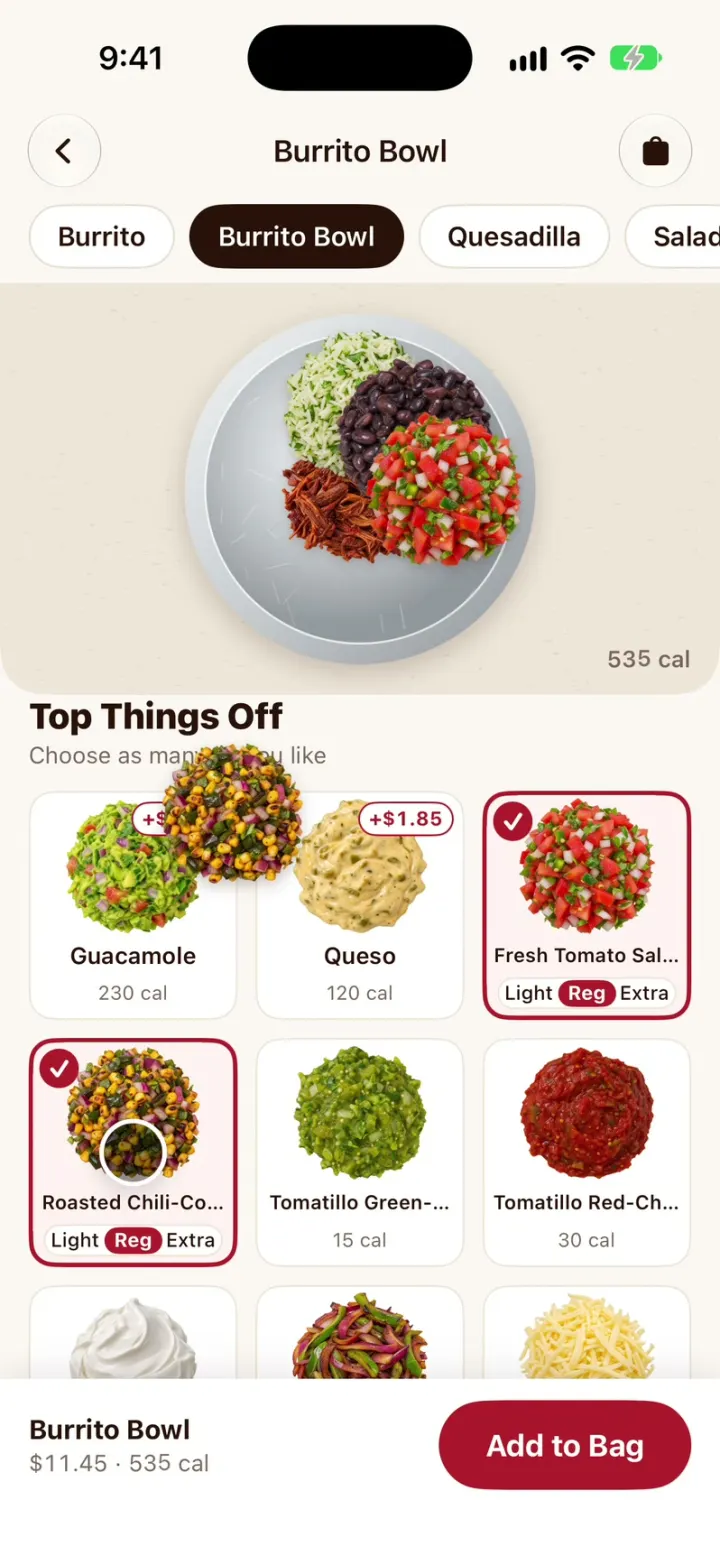
Chipotle Clone
iOSA Chipotle-style bowl builder: every ingredient flies into the foil bowl, guac is extra, queso pours on top.
- View template
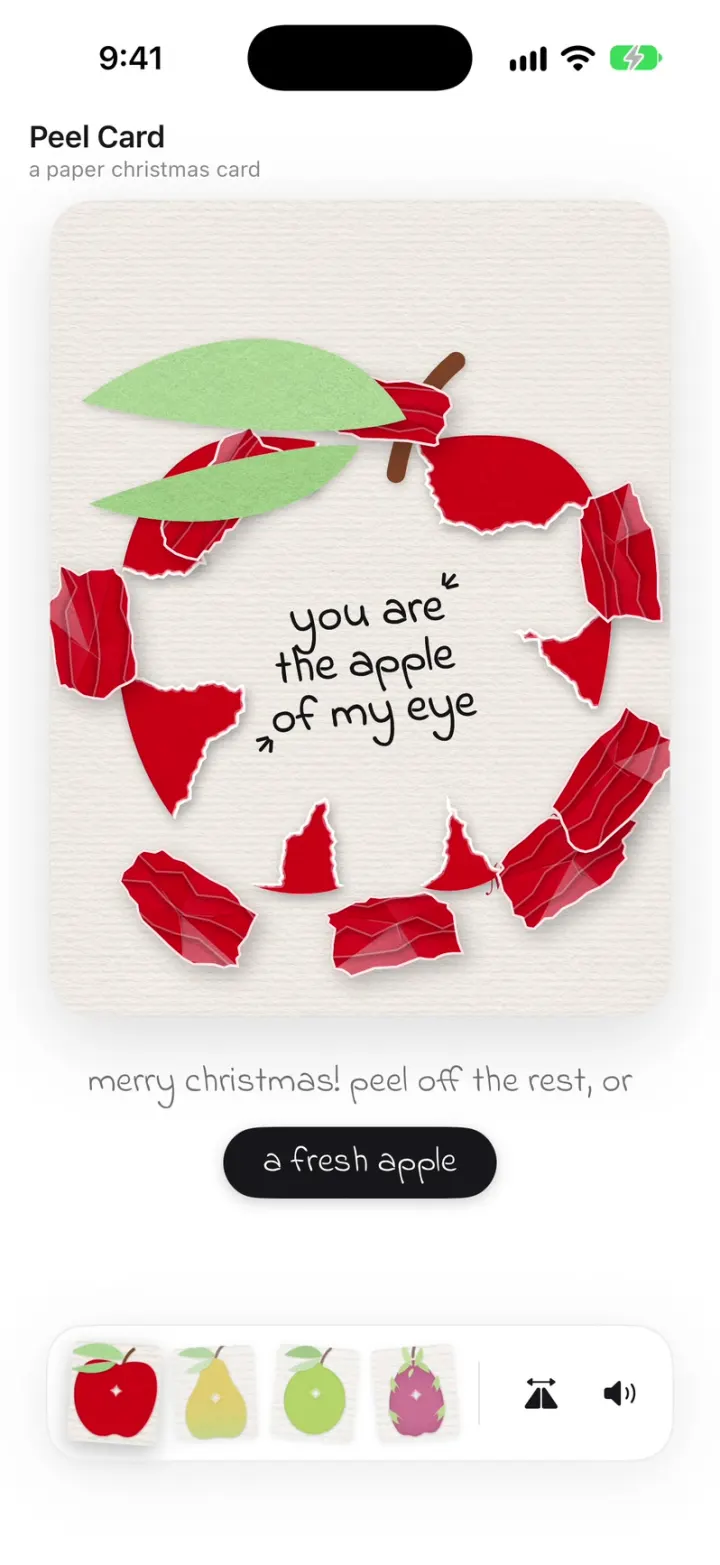
Peel Card
iOSA paper Christmas card you tear open with your finger, strip by strip, to find the note inside.
- View template
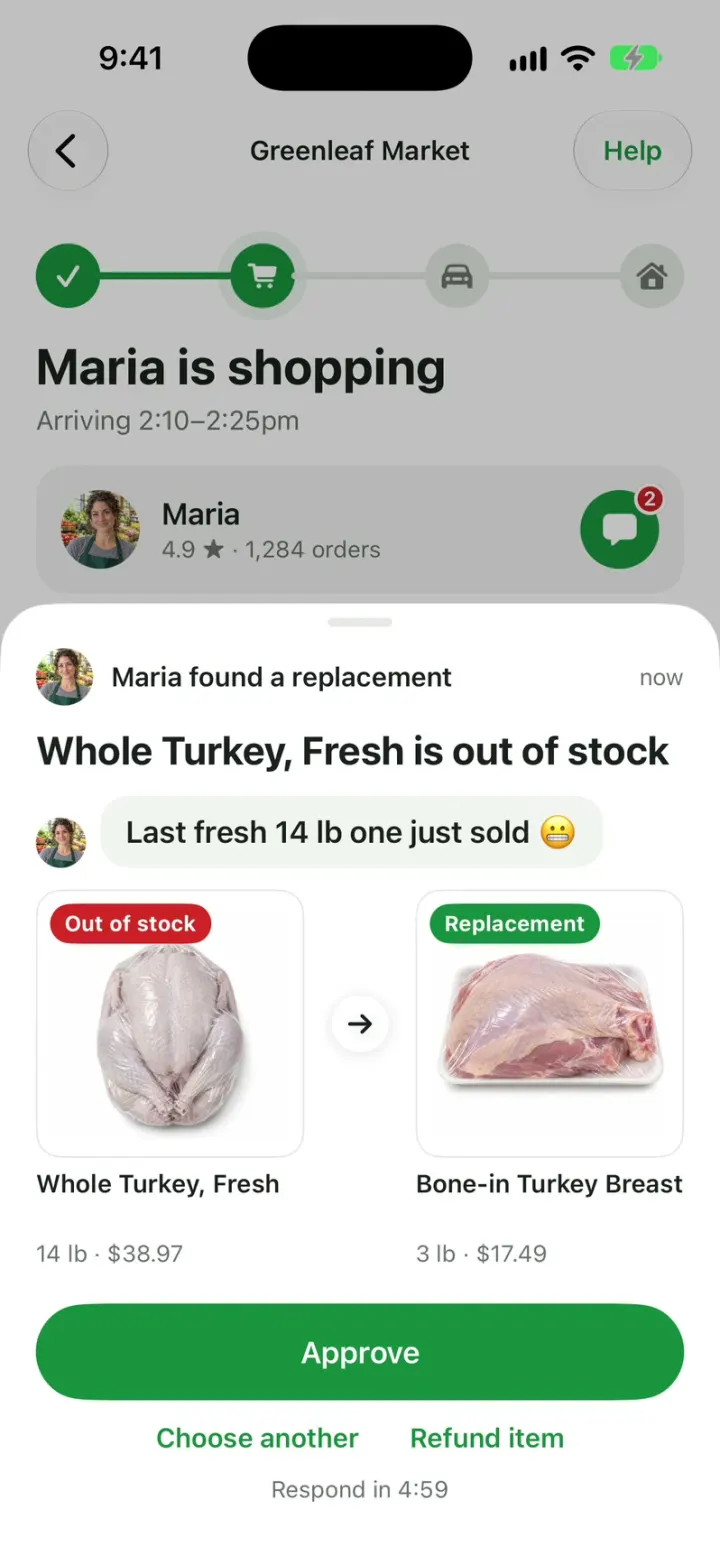
Instacart Clone
iOSAn Instacart-style grocery app: add to cart, a live shopper, replacements you approve, delivery tracking.