Peel Card
Peel Card clone · Greeting card app · from our videos on X
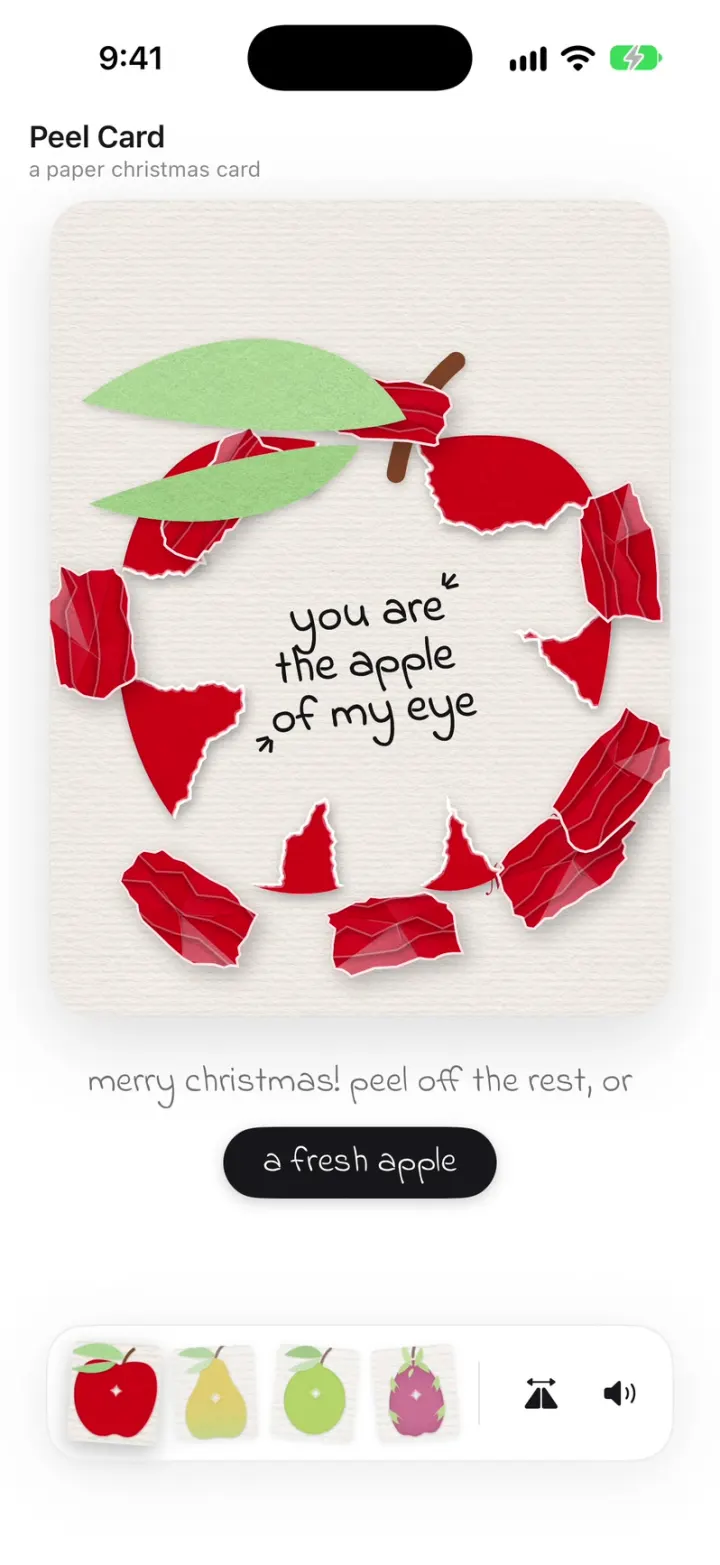
Peel Card is a paper-cut Christmas card with a fruit glued on: an apple, a pear, a lime or a dragon fruit, each with a little star cut in the middle. Take the paper by the star and pull, and it tears open in ragged strips that crumple into flaps until the handwritten note underneath shows, like "you are the apple of my eye". Tap "peel it for me" to watch it open by itself, "a fresh apple" to mend it, a fruit in the dock to swap cards, or the flip button to turn the card over to its starry back.
- iPhone · Swift
- Built in 1 prompt
- Free to remix
Remix copies the working app into your account for free, exactly as we built it. It runs in Vibecode's cloud iOS simulator, in your browser.
Watch the video on X@ios_app_builder · Nov 25, 2026The prompt that builds it
We built Peel Card in one prompt. Paste it into a new app to build your own copy, or change it first.
Prompt · 2,103 words
Download/reference the app shown in this post and clone it exactly, including the visual design, layout, interactions, animations, typography, spacing, and all visible states. Make it functional and runnable in the simulator. Match the reference as closely as possible and include any interaction shown in the source. Reference: https://x.com/ann_nnng/status/2125521841431474521. The reference is a 33-second video of the card being torn open: the apple, then the pear, the lime and the dragon fruit. Opening it is optional: the original build also had eleven frames from it attached, and everything they showed (the screen layout, each card's paper art, the torn strips and flaps, the back of the card and the swap animation) is written out below, so if you can't open the video, build it from this brief alone.

Build a native SwiftUI iOS app named Peel Card using Opus 5.5. It is a paper-cut Christmas card you tear open with your finger: a paper fruit (apple, pear, lime or dragon fruit) is glued on a cream card with a small star cut in its middle, and you take the paper by the star and pull, tearing strips away until a handwritten note underneath shows. Portrait iPhone, light mode only, no permissions, no network, no backend. Do NOT put a fake handset frame inside the app; the simulator provides that.

SCREEN LAYOUT (the reference's screen, adapted to a portrait phone)
- Background pure #FFFFFF, status bar dark.
- Top-left (16 pt from the left, just under the status bar): "Peel Card" in SF Pro Text Semibold 17, #17171B, and under it "a paper christmas card" in SF Pro Text Regular 12, #17171B at 50% opacity. No other branding.
- The card: centred, width = screen width - 56, aspect 1006 : 1324 (w / h = 0.76), corner radius 6.8% of the card width, top about 112 pt from the top of the screen. Soft shadow under it (black 14%, radius 22, y 12) plus a hairline 1 px edge shadow.
- 22 pt under the card: the hint line, centred, "Indie Flower" 21 pt, #17171B at 62% opacity.
- 10 pt under the hint: the button row, centred, 18 pt gap: the pill button "a fresh <fruit name>" (black #17171B capsule, height 40, horizontal padding 22, white Indie Flower 20 pt text, small shadow) and the text button "peel it for me" (Indie Flower 19 pt, #17171B at 62%, underlined, 1 pt underline 2 pt below the baseline). Which of them shows depends on the state (below).
- The dock, centred near the bottom (its bottom 24 pt above the home indicator): a white rounded rectangle (corner radius 22, height 76, 1 px border #ECECEC, shadow black 8% radius 18 y 6) with, left to right: four mini cards (each 46 x 52, a tiny cream card with that fruit drawn small on it, tilted: apple 4°, pear -3°, lime 5°, dragon fruit -5°), a 1 px x 36 vertical divider #E6E6E6, then two 44 pt icon buttons: "turn the card over" (SF Symbol "arrow.left.and.right.righttriangle.left.righttriangle.right.fill", 16 pt, #17171B) and "sound" (SF Symbol "speaker.wave.2.fill", or "speaker.slash.fill" when off). The selected mini card is lifted: scale 1.08, stronger shadow, full colour; the other three are faded (opacity 0.75, saturation 0.7). While the card is turned over, the flip button sits in a 40 pt black circle with a white icon.

THE FOUR CARDS (all positions are fractions of the card's width w and height h, origin top-left)
- Card stock: cream with a fine watercolor-paper grain: apple #F8F2ED, pear #F7F1EE, lime #F9F3F0, dragon fruit #F8F2EF.
- The fruit is layered paper: a flat construction-paper body with a fine fibre texture and a soft drop shadow onto the card (it sits slightly raised), plus leaves and a stem in their own papers on top. Leaves and stem never tear; only the body tears.
  - Apple: body red #E70D16, a wide apple shape filling x .107-.920, y .288-.847, with the top dip at the stem. Stem brown #8A4B2A, a short tilted strip from (.53, .26) up-right to (.60, .19). Two pale green leaves #B8DFA0 / #A9D58F on the upper left, long almond shapes pointing left, from about (.06, .25) to (.53, .22), overlapping the apple's top-left shoulder. Star at (.499, .398).
  - Pear: body yellow #FAC90A at the top fading to yellow-green #B9D23A at the bottom, a pear shape x .173-.821, y .231-.870 (narrow neck at the top, wide round bottom). Brown stem up-right from the neck top, two green leaves (#9ED47A and paler #C5E6A6) to the left of the stem. Star at (.507, .491).
  - Lime: body lime green #A2CF03 with a slightly darker rim, a round shape x .179-.819, y .243-.847 with a small nub at the top. Brown stem, two green leaves to the upper left (#7FC34A and #B9E39A). Star at (.505, .458).
  - Dragon fruit: body hot pink #F84780 (deeper #E0306A shading at the edges), a tall egg shape x .195-.785, y .273-.880, with pointed green-tipped scales: four or five curved pink-and-lime-green leaf scales along each side and a crown of green leaves on top around a short brown stem. Star at (.521, .453).
- The star: a small four-point star cut (about 9% of w across) through the body paper, its four little triangular tips lifted and curled outward so the cream card and the top of the note show through it.
- Script greeting printed on the card in crimson #C8102E, thin script (use the system "Snell Roundhand" font, 15 pt at this card size), set along a curve hugging the fruit's right side: apple "Merry Christmas" along the lower-right curve, reading upward; pear "Merry Christmas" along the upper-right, reading downward beside the neck; lime "Merry Citrusmas" along the upper-right; dragon fruit "Sweet Christmas" along the upper-right.
- The note, printed on the card UNDER the fruit (only visible where the paper is torn away): three lines of black handwriting in Indie Flower, filled and also stroked (stroke width 2.2% of the font size) so it reads like marker, centred at the note point, rotated -5°, each line nudged left or right by up to 8% of the font size, line height 1.02 x font size, sized to fit noteWide x noteTall. Plus two little groups of three short "emphasis" strokes (stroke 7.5% of the font size, round caps), like sparkle ticks, one group off the top-right corner of the text block and one off the bottom-left corner.
  - apple: "you are" / "the apple" / "of my eye", centre (.50, .50), box .44w x .42h
  - pear: "we make" / "the perfect" / "pear", centre (.50, .60), box .62w x .40h
  - lime: "you are" / "simply" / "sublime", centre (.50, .50), box .56w x .36h
  - dragon fruit: "you are" / "pure" / "magic", centre (.51, .55), box .60w x .36h
- Generate the paper textures with gpt-image-2.5-flare: one seamless grayscale construction-paper fibre texture (multiplied over the flat body, leaf and stem colours) and one cream watercolor-card grain (for the card stock). Run env and use the project's proxied OPENAI_API_KEY with https://api.openai.com/v1/images/generations. If generation fails, make the textures procedurally (noise). Draw the fruit shapes themselves in code as vector Paths so the tear can be clipped exactly.

TEARING (the whole point)
- Press on the star, or on any edge that is already torn, and drag: the paper tears open along the finger's path. The torn-away strip is about 20% of the fruit's width, a little wider where it starts, and its two edges are ragged: jagged, fibrous, irregular (jitter the edge points with noise; no straight lines). Every torn edge of the body shows a thin white paper-core rim (2-3 pt, slightly feathered) where the colour layer split.
- The torn paper does not disappear: it bunches up at the end of the strip under the finger into a crumpled flap of the same paper (crinkled, with darker crease lines and lighter ridges, its back a little paler than the front) with a drop shadow on the card (black 25%, radius 6, offset 3-5 pt down-right). While dragging, the flap follows the finger and the strip behind it lies open, showing the card and the note. On release the flap stays where it is, still attached at the end of the strip, crumpled.
- The tear stops at the fruit's outline: drag past the edge and the flap ends hanging over the edge onto the card (one strip torn straight down from the star leaves its flap hanging off the apple's bottom edge).
- Every new drag that starts on a torn edge tears a new strip in its own direction. Six to eight strips radiating out from the star uncover the whole note and leave the fruit as a ragged ring of crumpled flaps around the hole.
- A light pat or a drag that starts on intact paper away from any torn edge does nothing.
- Haptics: a soft continuous rigid impact tick every ~14 pt of tearing, a light thud on release. Sound (when on): a short synthesized paper-rip noise burst while tearing (AVAudioEngine filtered white noise, no audio files), a soft pat on release.
- Use one Canvas per card (paper body as a vector path, the torn area cut out with an even-odd or destination-out mask, the white rims, the flaps with their shadows), keep 60 fps while dragging, no per-frame allocations of large images.

STATES AND HINT TEXT (exact strings, use the curly apostrophe ’)
- untouched: hint "peel the <fruit name> open, from the star"; buttons: only "peel it for me".
- finger down and tearing: hint "keep pulling" (lighter, 40% opacity); buttons: only the "a fresh <fruit name>" pill.
- torn but the note not open yet: hint "keep peeling, there’s a note inside"; buttons: the pill and "peel it for me".
- open (at least ~60% of the note's box uncovered): hint "<wish>! peel off the rest, or" with only the pill. Wish: apple "merry christmas", pear "merry christmas", lime "merry citrusmas", dragon fruit "sweet christmas".
- turned over: hint "that’s the back of it. turn it over to peel it".
- Fruit names in the strings: "apple", "pear", "lime", "dragon fruit" (so the pill reads "a fresh dragon fruit").
- Hint changes crossfade (0.25 s); the button row animates its layout with a spring.

BUTTONS
- "a fresh <fruit name>": mends the card. All the flaps uncrumple and fold back into place along their strips and the tears close, back to the intact fruit with its star, over about 0.6 s (play the tearing backwards, last strip first, quickly). The hint returns to the untouched one.
- "peel it for me": tears it open by itself: an invisible finger tears 7 strips one after another from the star outward in different directions (down, up-left, right, down-left, up-right, left, down-right), about 0.45 s per strip with a short pause between, until the note is open.
- Mini card in the dock: switches cards with the swap animation. The current card slides off the bottom edge (moving down and rotating about -8°, going behind the dock) while the new card drops in from above the top edge, lands slightly big (scale 1.04 with a bigger shadow) and settles to its place, 0.8 s total, springy. The NEXT swap goes the other way (old card leaves through the top, new one rises from below), and they keep alternating. A card you come back to is fresh again.
- Turn the card over: a 3D flip around the vertical axis (rotation3DEffect with perspective 0.5, 0.6 s spring). A horizontal drag on the card's back turns it with the finger and snaps to the nearest side when released. The back: the same card stock strewn with paper stars in the fruit's colour (apple red, pear yellow, lime green, dragon fruit pink): one big four-point star in the centre (about 22% of w), eight medium ones and six small faint ones scattered, all with tiny shadows.
- Sound toggles on/off (default on), remembered with @AppStorage.

QUALITY
- Bundle the Indie Flower font (OFL, from Google Fonts) in the app and register it in Info.plist.
- Build it in small source files: the card shapes and textures first, then the tear model and its Canvas renderer, then the screen (hint, buttons, dock), then mend, auto-peel, swap and flip. Keep SwiftUI types simple and split complex view bodies so the compiler does not time out.

Build fully, run compile/build validation, resolve all errors, and launch in the web simulator. Prioritize fidelity to the reference and functional main interaction flow. Deliver complete implementation rather than a plan.
More templates
All templates- View template
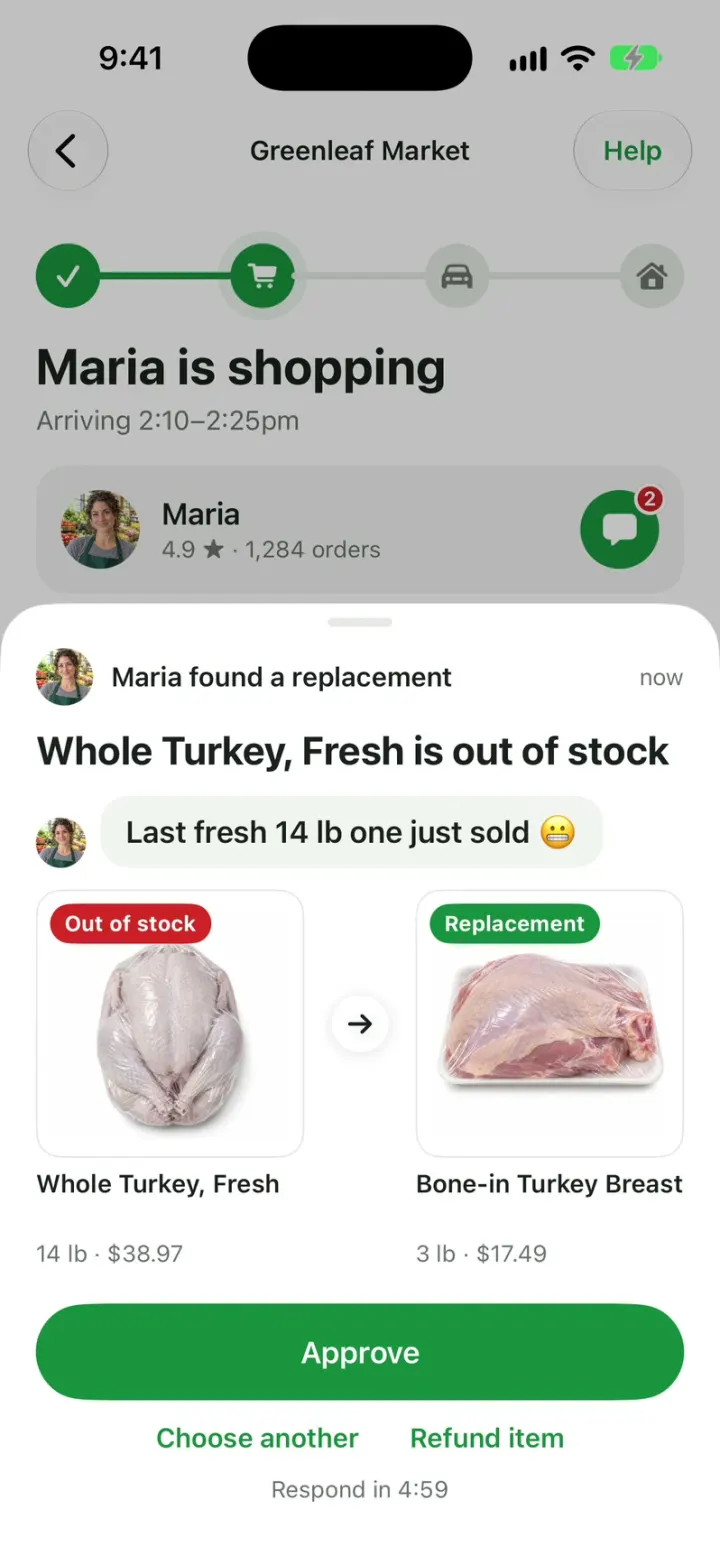
Instacart Clone
iOSAn Instacart-style grocery app: add to cart, a live shopper, replacements you approve, delivery tracking.
- View template
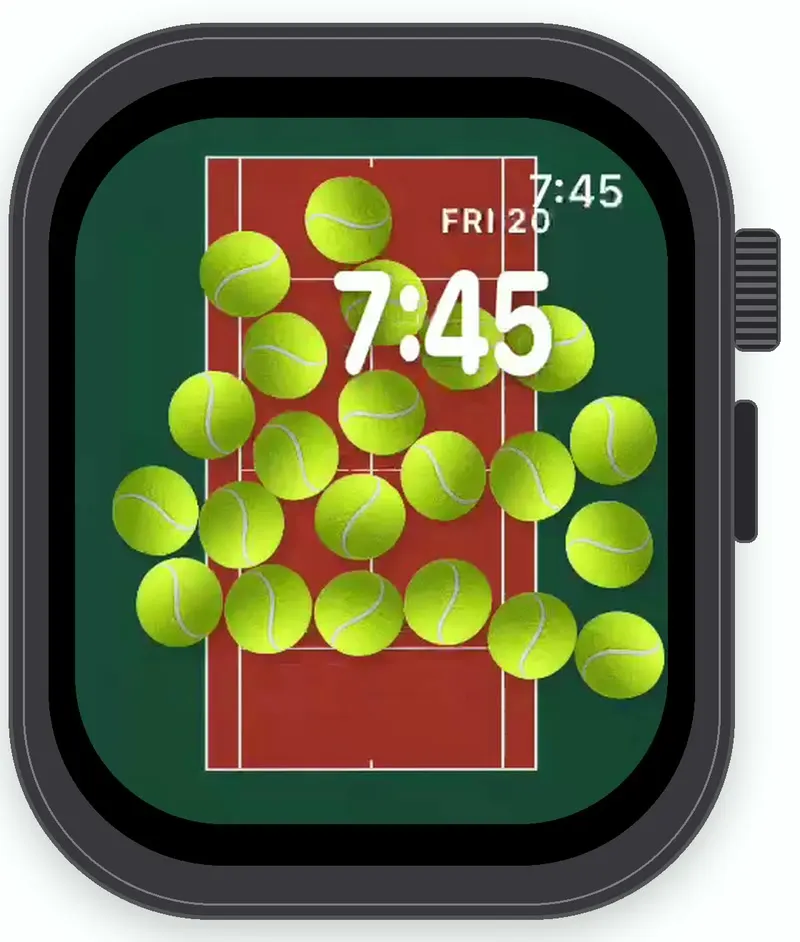
Tilt
iOSWatch faces piled with tennis balls, diamonds, basketballs, gold bars and soccer balls that roll as you tilt.
- View template
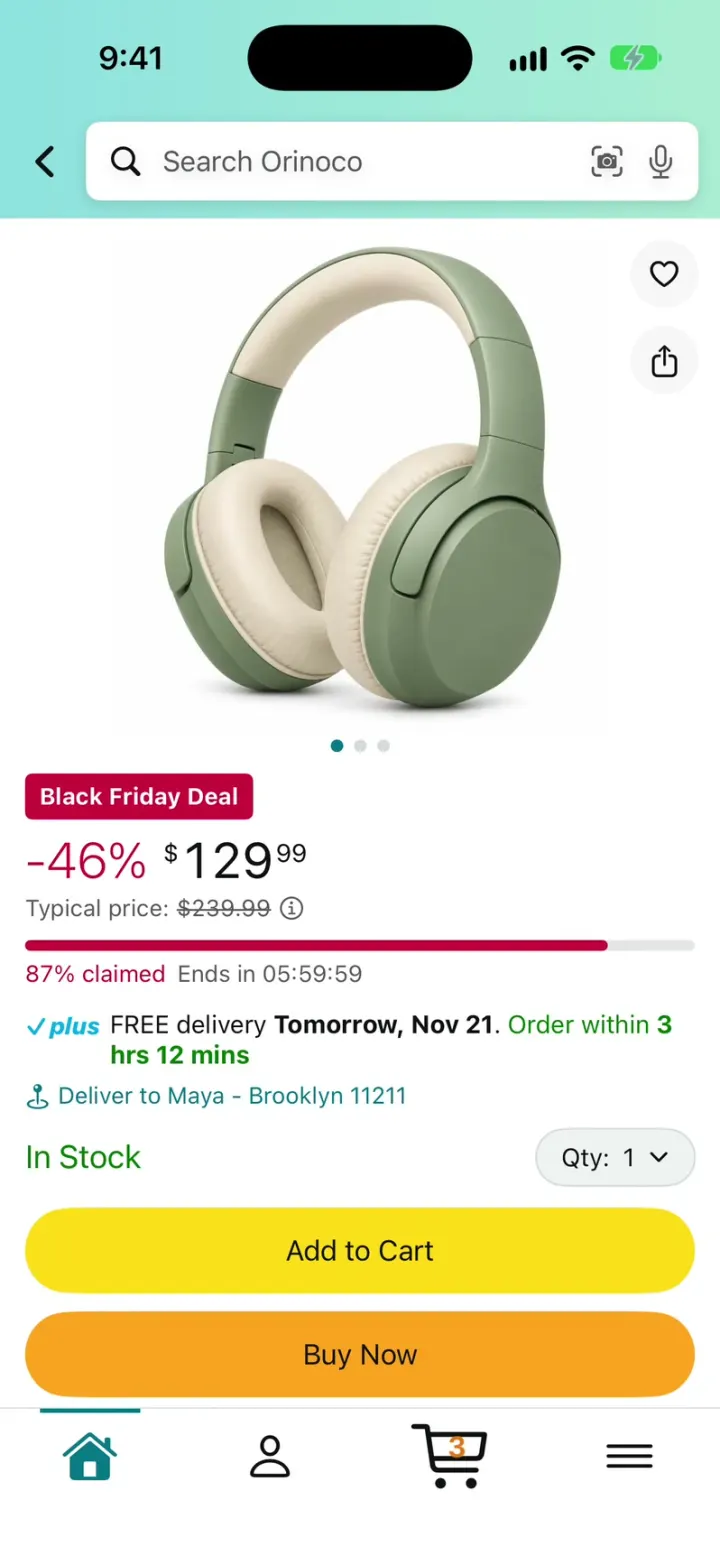
Amazon Clone
iOSAn Amazon-style store: Black Friday deals, search, product pages, add to cart, checkout and package tracking.
- View template
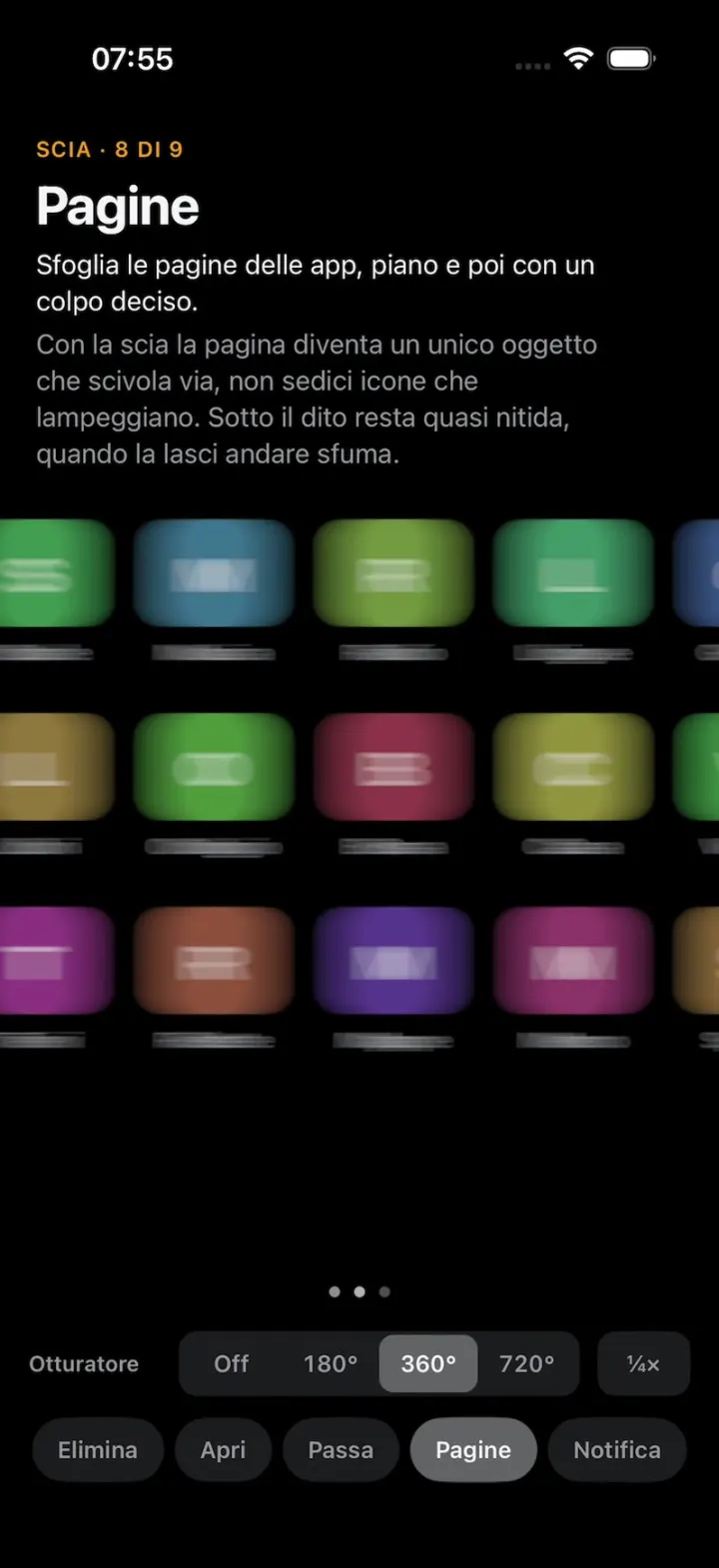
Scia
iOSReal motion blur for iPhone UI: lists, cards, carousels and app pages smear as they move, like a camera.