Tilt
Watch faces app · from our videos on X
Tilt is a set of physics watch faces for Apple Watch, with an iPhone companion that shows the same faces full screen. Each face is a pile of objects under real gravity: tennis balls on a red court, diamonds on black, basketballs on a wood court, gold bars and soccer balls on a striped pitch. Tilt your wrist and the whole pile rolls and tumbles to the lowest corner, while the time and date stay on top. Tap the time or turn the Digital Crown for the next face, and long-press for the face list and a showcase-time switch. In the simulator, dragging on the face stands in for tilting.
- Apple Watch · Swift
- Built in 1 prompt
- Free to remix
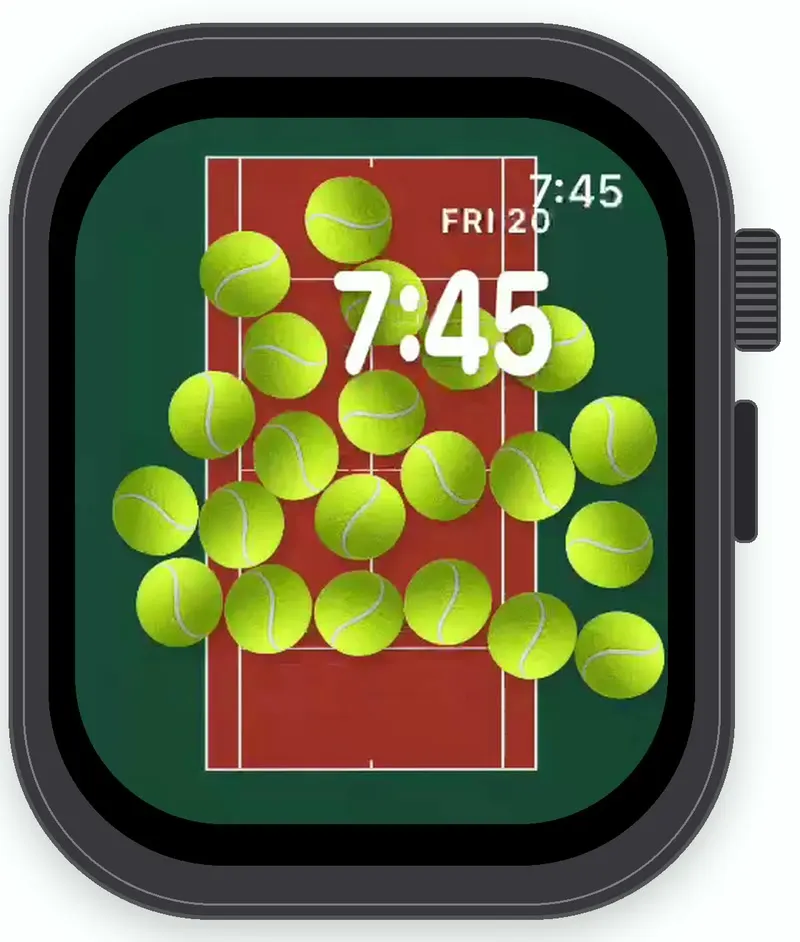
Remix copies the working app into your account for free, exactly as we built it. It opens as the iPhone app in Vibecode's cloud iOS simulator, in your browser; the Apple Watch app comes with it.
Watch the video on X@ios_app_builder · Nov 20, 2026The prompt that builds it
We built Tilt in one prompt. Paste it into a new app to build your own copy, or change it first.
Prompt · 1,100 words
[image attached][image attached][image attached][image attached][image attached][image attached][image attached][image attached][image attached][image attached]
Download/reference the app shown in this post and clone it exactly, including the Apple Watch visual design, layout, interactions, animations, typography, spacing, and all visible states. Make it functional and runnable in the simulator. Match the reference as closely as possible and include any interaction shown in the source. Reference: https://x.com/cabbitar/status/2123480483010945091. The attached screenshots are frames of the actual 19-second video, in order. Inspect them carefully.

Build a native SwiftUI Apple Watch app named Tilt using Opus 5.5, plus a small iPhone companion app in the same project. Tilt is a set of physics watch faces: a full-screen SpriteKit scene (SpriteView) where a pile of objects slides and tumbles around the screen when you tilt your wrist, with the time and date drawn on top. Do NOT draw a fake watch or phone frame inside the app; the simulator provides that. Use realistic deterministic fixture data so every face is rich without permissions or backend. Do not publish externally.

Physics (the post's own recipe): an edge-loop physics body around the screen; objects with SKPhysicsBody (circleOfRadius for balls, polygon or rectangle bodies for diamonds and gold bars), restitution 0.4, friction 0.3, rotation allowed so balls roll and bars tumble. CMMotionManager deviceMotion at 60 Hz maps gravity.x and gravity.y to scene.physicsWorld.gravity, so everything falls to the lowest corner when the wrist tilts. Objects never leave the screen and pile up realistically. The time and date always draw ABOVE the objects.

The Simulator has no motion data. When deviceMotion is unavailable, a touch-and-drag on the face points gravity from the screen centre toward the finger with the same strength as a real tilt (the pile rolls toward where you touch), and lifting the finger eases gravity back to straight down over 0.4 s. Use the same fallback on the iPhone.

Observed video sequence (0-19 s), five faces separated by hard cuts, each tilted so its pile slides across the screen:
- 0.0-3.4 s Tennis: about 22 tennis balls piled along the bottom; at ~1.3 s the wrist tilts and they roll up to the top edge by ~2.2 s, bunch there, then start sliding back down at ~3.3 s.
- 3.4-6.6 s Diamonds: about 30 clear brilliant-cut diamonds tumbling on black, glinting, sliding from the bottom up and back.
- 6.6-10.3 s Basketball: about 22 basketballs along the bottom, rolling to the top at 7.5-9 s, then back down at 9-10 s.
- 10.3-14.7 s Gold bars: about 18 gold ingots tumbling over each other, sliding up, then down.
- 14.7-19.0 s Soccer: about 22 soccer balls start at the top, fall to the bottom by ~16 s, pile there, then roll back up to the top at 17.8-19 s.

Faces (each fills the screen edge to edge, 416x496 on a 46 mm watch):
1. Tennis: a top-down red hard court (#B4432F with a subtle grain) with crisp white court lines (baselines, sidelines, service boxes, centre line) covering most of the screen inside a deep green surround (#1E4A3B). Tennis balls: fuzzy optic yellow-green (#C9E03A highlight to #9DBB1F shade) with the curved white seam and soft contact shadows. Ball diameter about 1/6.5 of the screen width.
2. Diamonds: pure black background, about 30 transparent brilliant-cut diamonds of mixed sizes with white and grey facets, sparkle highlights and the odd rainbow glint.
3. Basketball: a top-down dark walnut wood court (#3A2A22 planks) with thin white lines (three-point arc, key, free-throw circle, centre circle). Basketballs: orange-red (#D2462A) with black seams and pebbled shading, the same size as the tennis balls.
4. Gold bars: pure black background, about 18 shiny gold ingots (trapezoid bars, #F2C14E highlights to #8A6512 shadows) with a small embossed stamp, tumbling and stacking.
5. Soccer: a top-down striped grass pitch (alternating #3F8F2E / #357A27 mowing stripes with grass texture) with white pitch lines (halfway line, centre circle, penalty box). Soccer balls: classic white with black pentagons and slight shading.

Two time layouts:
- Sport faces (Tennis, Basketball, Soccer): the time "10:09" in a large heavy rounded white font (SF Pro Rounded Bold, about 64 pt, with a soft shadow) right-aligned near the top right; the date "WED 12" in small white caps (about 15 pt semibold) right-aligned just above the time.
- Luxe faces (Diamonds, Gold bars): the time "9:41" in the same large heavy rounded white font at the top right, with "MON 6" in small caps to its upper right; three monochrome circular complications drawn as thin white rings with white glyphs: top-left a world clock (a tiny airplane glyph over "8:29 PM"), left-middle a wind glyph, bottom-centre activity rings (three concentric thin white rings).
Show the live time and date by default, with a "Showcase time" toggle that freezes them at 10:09 WED 12 (sport) and 9:41 MON 6 (luxe) like Apple's marketing shots. Showcase time is ON by default when running in the Simulator.

Interactions: turning the Digital Crown, or tapping the time, steps to the next face in this order: Tennis, Diamonds, Basketball, Gold bars, Soccer (then wraps). The new face drops its objects in from the top so they fall and settle in about a second. A long press opens a small list of the five faces plus the Showcase time toggle. Keep it at 60 fps: preload textures and reuse nodes.

Image generation: make the object sprites and the three court backgrounds with gpt-image-2.5-flare (run env and use the project's proxied OPENAI_API_KEY with https://api.openai.com/v1/images/generations; transparent background for the sprites): a tennis ball, a basketball, a soccer ball, three diamonds (different cuts and angles), two gold bars (different angles), each a top-down studio render; plus top-down backgrounds for the tennis court, the basketball court and the grass pitch (portrait). Add them to both targets. If generation fails, draw them procedurally with SpriteKit shapes and gradients rather than stopping.

iPhone companion app: the same five faces in a full-screen SpriteView with the same physics (tilt the phone; drag in the Simulator), the same time layouts, and a row of five round face thumbnails at the bottom to switch faces. Share the scene code between the two targets.

Keep every file you create inside /home/user/workspace (fonts, generated images, scripts): tool access to /tmp and other paths outside the workspace is denied in this sandbox.

Build fully, run compile/build validation for both the iPhone app and the Apple Watch app, resolve all errors, and launch the Apple Watch app in the Apple Watch simulator preview. Prioritize fidelity to the attached source and the main interaction (tilt or drag, and the pile slides). Deliver complete implementation rather than a plan.
More templates
All templates- View template
Amazon Clone
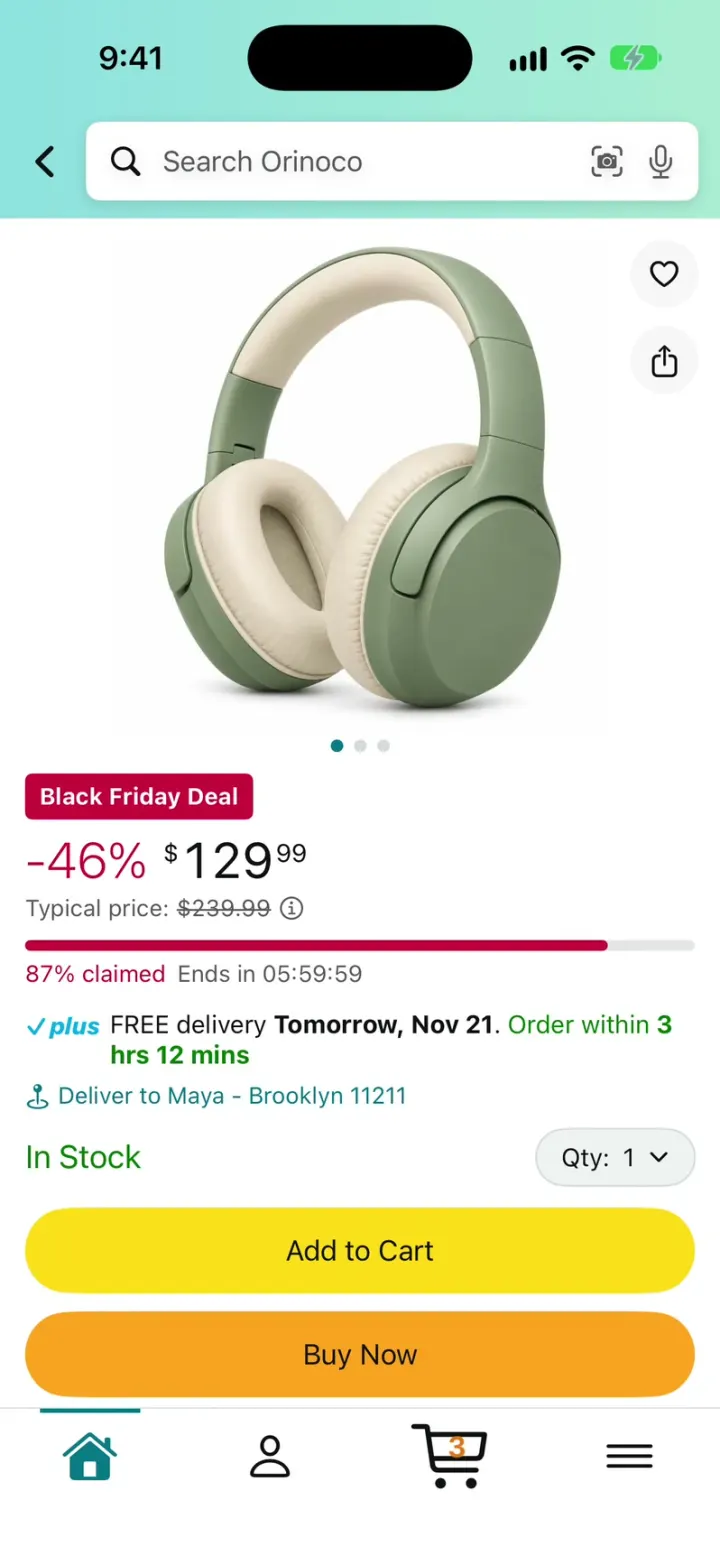
iOSAn Amazon-style store: Black Friday deals, search, product pages, add to cart, checkout and package tracking.
- View template
Scia
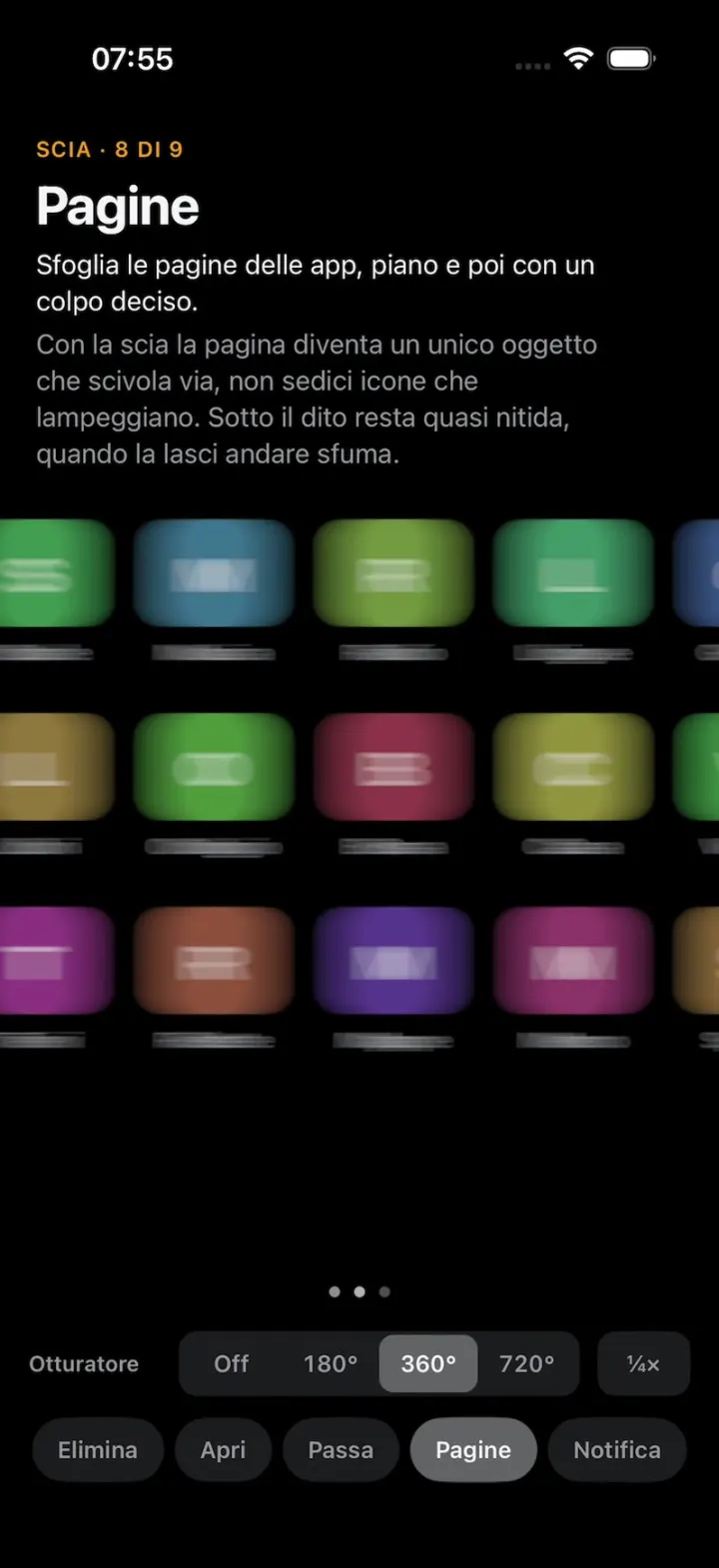
iOSReal motion blur for iPhone UI: lists, cards, carousels and app pages smear as they move, like a camera.
- View template
Kickoff
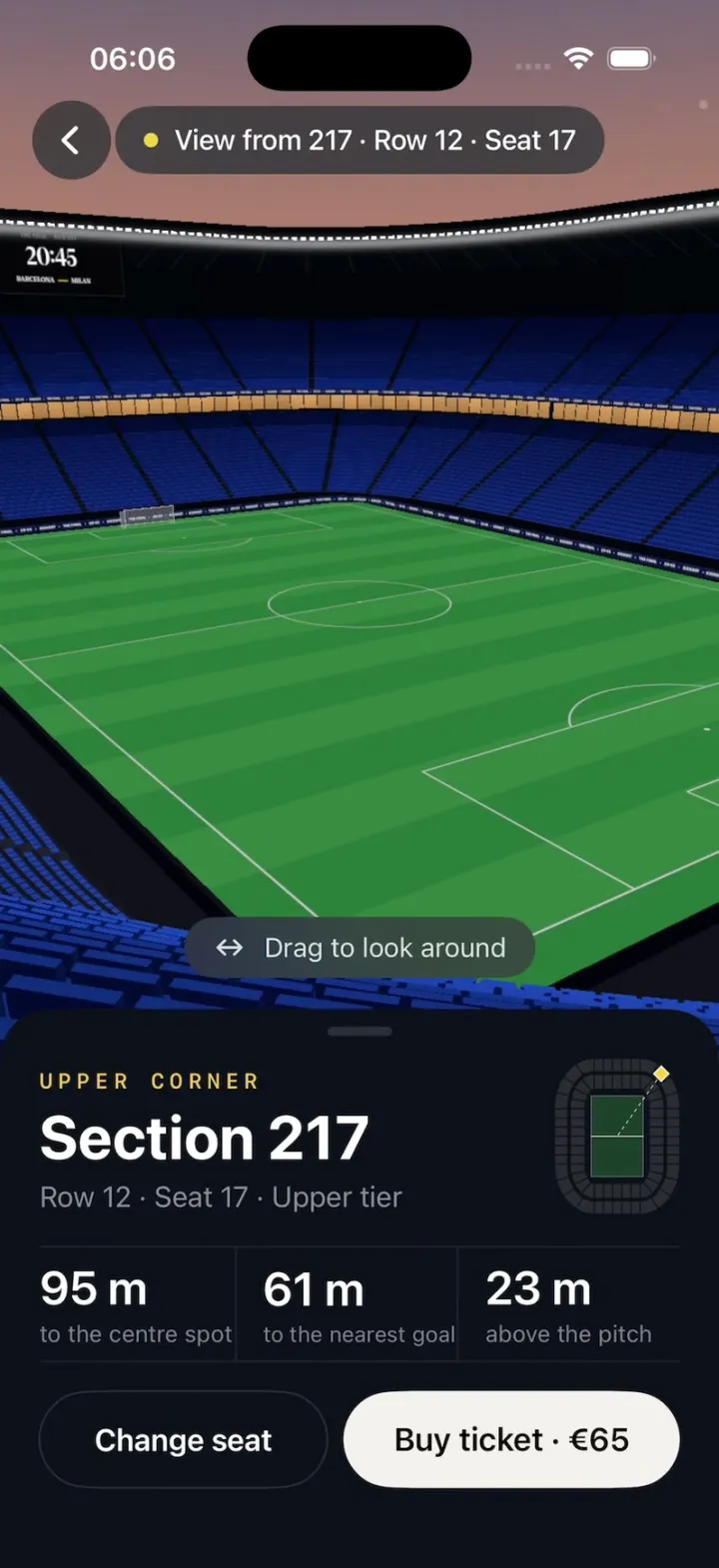
iOSA football ticket app: tap a section, pick a seat, and fly into a 3D stadium to see your exact view.
- View template
Zillow Clone
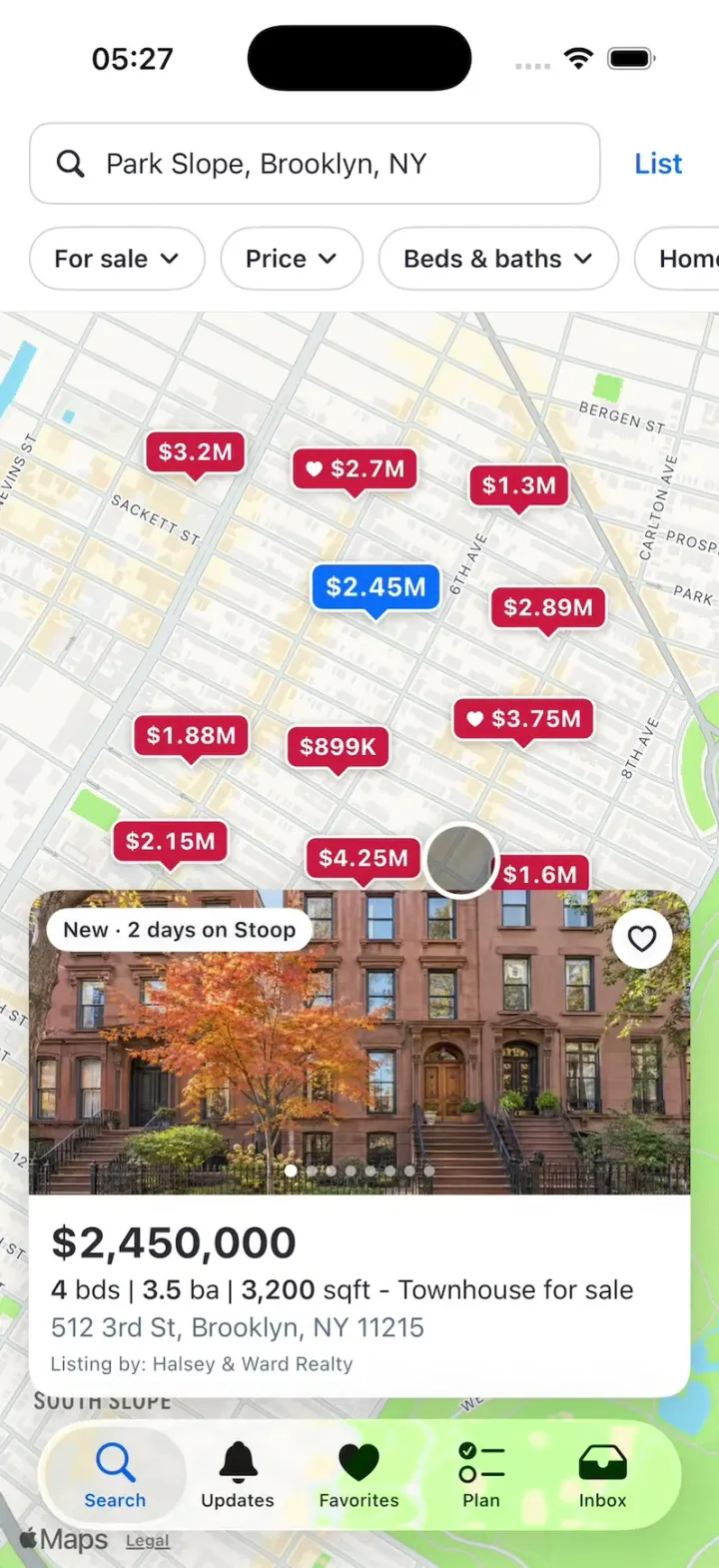
iOSA Zillow-style home search: a map of price pins, listing pages, a mortgage calculator and tour requests.