Chipotle Clone
Chipotle clone · Food ordering app · from our videos on X
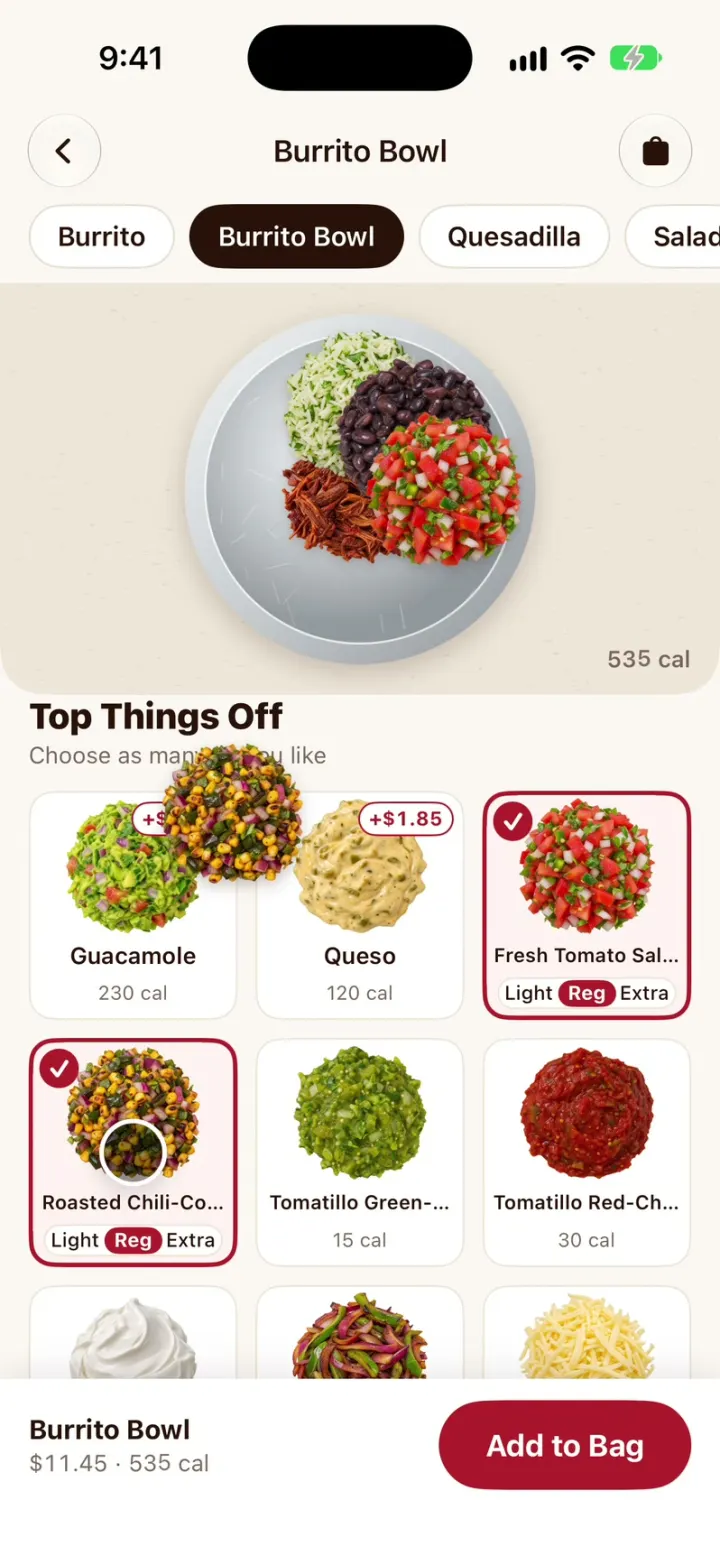
Cascabel is a Chipotle-style ordering app rebuilt in SwiftUI with its own brand. Build a Burrito Bowl, a burrito, a quesadilla, a salad or tacos: every ingredient tile you tap flies its scoop into a foil bowl on kraft paper, guac is extra, queso pours over the top, and every portion goes Light, Regular or Extra. The Bag, checkout and a live pickup tracker end on "Your order is ready!", and Rewards turns points into free chips and guac.
- iPhone · Swift
- Built in 1 prompt
- Free to remix
Remix copies the working app into your account for free, exactly as we built it. It runs in Vibecode's cloud iOS simulator, in your browser.
Watch the video on X@vibecodeapp · Nov 26, 2026The prompt that builds it
We built Chipotle Clone in one prompt. Paste it into a new app to build your own copy, or change it first.
Prompt · 2,945 words
Build Cascabel, a polished native iPhone app in SwiftUI: a Chipotle-style fast-casual Mexican grill ordering app with its own brand (Cascabel Mexican Grill, a code-drawn round-pepper medallion). The hero is the build-your-own Burrito Bowl builder: every ingredient tile you tap flies its scoop into a foil bowl on kraft paper, guac is extra, queso pours over the top, portions go Light, Regular or Extra. Plus the Home with rewards, the Menu, the Bag, checkout, a live pickup tracker and Rewards. The user is Alex Rivera in Brooklyn. Today is Thursday, November 26, 2026, Thanksgiving Day.

ASSETS
curl -L once and unzip flat: https://vibecode-cascabel-media.beacon.host/media.zip (cascabel-icon.png: the app icon; ingredient cutouts 512x512 PNG with transparent backgrounds, named ing-<id>.png for every ingredient id below; menu photos 800x800 JPG: menu-burrito, menu-bowl, menu-quesadilla, menu-salad, menu-tacos, menu-kids, menu-chips, menu-hero). Add them all to the asset catalog. The logo is drawn in code. No image generation is needed.

SHELL
Opens on Home: no splash, onboarding, sign-in or permission prompts. Light only (force .light), the status bar visible with dark text on every screen. Root = one ZStack: a TabView (Home, Menu, Rewards, Account; SF Symbols house.fill, fork.knife, star.circle.fill, person.crop.circle; tint red) whose Menu tab holds a NavigationStack (Menu → Builder), the sheet layer (Bag), the cover layer (Checkout, Order Status), the FlightLayer, the toast, the banner layer, the touch dot, and the HOOK MODE window. Screens under a sheet, cover or banner stay rendered at all times.

FORMAT (Format/)
One Money formatter with Locale(identifier: "en_US") ("$14.40"); the simulator's region is not en_US, never use the device locale. Calories "1,045 cal". Points "1,240 pts". Every total, count and points number uses .monospacedDigit() and rolls with .contentTransition(.numericText()).

FIXTURES (Data/: ONE list per kind; a new ingredient, entrée or reward is one entry)
Store: "Atlantic Ave & 4th Ave", "Brooklyn, NY 11217", "Open until 4 PM today · Happy Thanksgiving 🦃", pickup "ASAP · 12:15–12:25 PM", shelf "B". Me: "Alex Rivera", "Alex", 1,240 points, Visa •••• 4242.
Ingredients (IngredientCatalog.all; id · name · section · cal · extra price · landing), photo = ing-<id>:
PROTEIN (choose one; base price of the entrée): chicken · Chicken · 180 · base $9.65 · scoop; steak · Steak · 150 · base $11.45 · scoop; barbacoa · Barbacoa · 170 · base $11.45 · scoop; carnitas · Carnitas · 210 · base $10.50 · scoop; tofu · Spicy Tofu · 150 · base $9.65 · scoop.
RICE (choose one): rice-white · Cilantro-Lime White Rice · 210; rice-brown · Cilantro-Lime Brown Rice · 210.
BEANS (choose one): beans-black · Black Beans · 130; beans-pinto · Pinto Beans · 130.
TOP THINGS OFF (any; in this order): guac · Guacamole · 230 · +$2.95; queso · Queso · 120 · +$1.85 · pour #EFD9A0; pico · Fresh Tomato Salsa · 25; corn · Roasted Chili-Corn Salsa · 80; salsa-green · Tomatillo Green-Chili Salsa · 15; salsa-red · Tomatillo Red-Chili Salsa · 30; sour-cream · Sour Cream · 110; veggies · Fajita Veggies · 20; cheese · Cheese · 110; lettuce · Romaine Lettuce · 5.
SIDES (any): chips · Chips · 540 · +$1.95.
Entrées (MenuCatalog.entrees, in chip order; id · name · photo · vessel · sections): burrito · Burrito · menu-burrito · tortilla · protein, rice, beans, toppings; bowl · Burrito Bowl · menu-bowl · foilBowl · protein, rice, beans, toppings, sides; quesadilla · Quesadilla · menu-quesadilla · tortilla · protein, toppings; salad · Salad · menu-salad · saladBowl · protein, beans, toppings; tacos · Tacos · menu-tacos · tacoTrio · protein, toppings. Menu-only items (a simple item sheet, no builder): Kid's Meal $6.10 menu-kids; Chips & Guac $4.95 menu-chips.
Rewards (RewardCatalog.all; id · name · pts · photo): chips-guac · Chips & Guac · 300 · menu-chips; queso-side · Side of Queso · 300 · ing-queso; entree · Any Entrée · 1,250 · menu-bowl; double · Double Protein · 600 · ing-steak.
Past order (Home's "Your usual"): Barbacoa Burrito Bowl: barbacoa, rice-white, beans-black, pico, corn, guac · $14.40.

MENU (Menu/: the seams a remix uses)
- Ingredient: id, name, section, cal, extraPrice, landing (.scoop or .pour(Color)), portions (Light, Regular, Extra).
- Entree: id, name, chipTitle, photo, vessel, sections [MenuSection(id, title, subtitle, rule .one or .any, ingredientIds)]. A new entrée is ONE entry in MenuCatalog.entrees and appears everywhere (the chip row, the Menu grid, the Bag) with no other code changes. Section titles: "Protein or Veggie" ("Choose one"), "Rice" ("Choose one"), "Beans" ("Choose one"), "Top Things Off" ("Choose as many as you like"), "Sides".
- Vessel: .foilBowl (top-down round aluminium bowl, 196 pt: a silver rim ring with a light-to-dark gradient and a crinkled inner surface from a radial gradient plus faint seeded creases), .tortilla (a 200 pt flour tortilla disc on a foil square, pale #EBD9B4 with seeded toasted spots), .saladBowl (a black bowl, a romaine bed), .tacoTrio (three 110 pt corn tortillas fanned). Every vessel shares the same 9 scoop slots inside its 172 pt interior.
- OrderStore (@Observable, one, at the root): the current entrée, picks (ingredient id → portion, in pick order), slot per pick, flights in the air, totals, bag, points, order status, toasts, banners. pick(id, portion) is the ONE path a real tap and the script both use: a .one section swaps (the old scoop pops out 0.15 s, the new one flies in); a second tap on a picked tile unpicks it (its scoop pops out); the tile shows its check at once; a FlightLayer flight starts; the price and calories roll when the scoop lands. selectEntree(id): the chip moves, every scoop pops out (scale to 0 over 0.15 s, staggered 0.02 s), the vessel cross-fades if it changes, the sections cross-fade (0.2 s) and the list scrolls to its top.
- FlightLayer (drawn above everything except the toast, banners, dot and HOOK MODE window, so nothing clips a flight): the scoop is the ingredient's cutout, starting exactly over the tile's photo (76 pt), flying a quadratic arc (control point 120 pt above the midpoint) to its slot in the vessel (88 pt), 0.32 s easeInOut; it lands with a squash (scale 1.12 → 0.96 → 1.0 over 0.18 s) and stays there, rotated by a seeded angle. Flights overlap freely. A .pour ingredient's tile photo flies to the centre at 40 pt and becomes a pour: a glossy blob in its colour (a wobbly rounded shape with a white highlight arc, 92% opacity) growing from the centre over everything (0.55 s easeOut) to 40% / 62% / 100% of the interior for Light / Regular / Extra; Extra spills just over the rim.
- Slots: 9 fixed points inside the interior, filled in pick order (centre first, then a ring); a popped scoop frees its slot.
- Toast: a dark capsule (#2B1309 at 92%) above the Add to Bag bar, white 15 pt semibold, springs in (scale 0.9 → 1, 0.2 s), stays 1.6 s; a new toast replaces the old.
- OrderBanner: an iOS-style banner drawn in the app, dropping from the top under the status bar (spring 0.35 s), 10 pt side margins, ultraThinMaterial, corner 26: the 38 pt cascabel-icon (corner 9), title (15 pt semibold), body (15 pt), "now" (13 pt secondary); stays 3.5 s or until swiped up.
- addToBag(): a 64 pt copy of the vessel with its scoops flies on an arc into the nav bar's bag button (0.45 s, shrinking to 16 pt); the bag badge pops in (scale 1.3 → 1) and rolls its count; toast "Added to bag". The builder keeps its picks.

SCREENS
1. Home: the logo medallion (36 pt) at the top left, the bag button at the right. "Hey Alex 👋" (34 pt heavy). A Rewards card (#451400, corner 20, white): "1,240 pts" (40 pt heavy), a bar toward "Any Entrée at 1,250" ("10 pts to go"), "Rewards Exchange ›". A Pickup | Delivery segmented control (custom, red selection) and the store row (mappin.circle.fill, name, hours). A full-width red "Order Now" button (54 pt, corner 27) that opens the Menu tab. "Your usual": a card with menu-bowl, "Barbacoa Burrito Bowl", the six ingredients in one line, "$14.40", a "Reorder" pill (adds it to the Bag and opens the Bag). A promo card with menu-hero: "Double points today 🦃" / "On every order, all Thanksgiving."
2. Menu: "Menu" (34 pt heavy), the store row, then a 2-column grid of entrée cards (menu photo 1:1 corner 16, name 17 pt bold, "from $9.65" 14 pt secondary), then Kid's Meal and Chips & Guac. An entrée opens the Builder (push).
3. Builder (the hero; top to bottom on the 402x874 pt iPhone):
- Nav (44 pt): a 40 pt glass circle chevron.left, the entrée name centred (17 pt semibold), the bag button (a 40 pt glass circle with bag.fill and a red count badge).
- The meal chip row (36 pt capsules, 16 pt margins, horizontal scroll): one chip per entrée in MenuCatalog order; the selected chip is filled #2B1309 with white 15 pt semibold text, the others white with a #E6DCCB border and ink text.
- The BowlStage (230 pt, pinned, kraft #EFE6D8 with a faint paper grain, rounded bottom corners 24): the vessel centred, its scoops and pour inside, "1,045 cal" (13 pt semibold, ink 60%) at the bottom right.
- The list (scrolls under the pinned stage): each section has its header (title 20 pt heavy ink, subtitle 13 pt secondary, a "Required" capsule for .one sections) and a 3-column grid of tiles (16 pt margins, 10 pt gaps, ~117 x 128 pt): white, corner 14, a hairline #EDE4D6 border; the cutout photo (76 pt) at the top, the name (13 pt semibold, 2 lines max) and "180 cal" (11 pt secondary) under it; an extra price shows as a red-outlined pill at the top right ("+$2.95"). Picked: a 2.5 pt red border, a 22 pt red circle with a white checkmark at the top left, a #FFF3F2 fill, and the calorie line becomes a tiny 3-segment portion control (Light | Reg | Extra, 11 pt) that changes the portion (Extra protein +$3.60; scoops scale 0.8 / 1.0 / 1.2).
- The Add to Bag bar (pinned at the bottom, white, a top shadow): the entrée name (15 pt bold) over the total and calories ("$14.40 · 1,345 cal", 13 pt), and a red "Add to Bag" pill (50 pt, corner 25, white 17 pt bold) at the right.
4. Bag (sheet .large): "Your Bag" (28 pt heavy), each line (the vessel image with its scoops at 56 pt, the entrée name, its picks as one line of names, the price, Edit and Remove), an upsell row "Add Chips & Guac? +$4.95" with a + button, Subtotal, Tax (8.875%), Total, a red "Checkout" button. Empty: "Your bag is empty." with a "Start an order" button.
5. Checkout (cover): an xmark, "Checkout" (28 pt heavy), cards: Pickup (the store, "ASAP · 12:15–12:25 PM", change sheet with 3 times), "Who's picking up? Alex", Payment (Visa •••• 4242, creditcard.fill), "Use 300 pts for free Chips & Guac" toggle, the totals, a red "Place Order · $15.68" button (the real total).
6. Order Status (cover after Place Order): "Thanks, Alex! Your order is in." (28 pt heavy), the order number "A-2471", the vessel image of the first bag line at 140 pt, a three-step tracker (Order received → Preparing → Ready on Shelf B) whose bar fills over 6 s with a checkmark popping at each step, "Pickup Shelf B" (64 pt heavy red letter in a rounded box), "+140 pts" rolling the points up (1,240 → 1,380). At 6 s the OrderBanner drops: "Your order is ready! 🌶️" / "Grab it from Shelf B at Atlantic Ave." "Done" returns to Home and empties the Bag.
7. Rewards: "1,240 pts" (56 pt heavy, rolls), the bar to the next reward, then the Rewards Exchange: a 2-column grid of RewardCatalog cards (photo, name, "300 pts", a red "Redeem" pill; unaffordable ones greyed with "160 pts to go"). Redeem: a confirm sheet, then the points roll down, the item joins the Bag and the toast "Added to your bag 🎉".
8. Account: a grouped list: Profile (Alex Rivera), Payment Methods, Favorites, Gift Cards, Help, "Sign Out" (no-op toast).

HOOK (the video's first seconds)
- ScriptStep (absolute seconds from the start, action): reset, dot(to: CGPoint, duration:), dotHide, press(CGPoint), pick(id, portion), selectEntree(id), toast(text), addToBag, banner(title, body), hold. ScriptPlayer runs a [ScriptStep] on the main actor against its start time (absolute times, so drift never builds). Scripted steps call the same OrderStore code as real touches. Every wait uses the step's own time, never the app's normal delays.
- DemoScript helpers a remix appends to: pick(start:id:portion:) = the dot glides to the tile's centre (0.12 s; no glide if it's already there), +0.12 press = OrderStore.pick (the flight starts on the press); selectEntree(start:id:) = the dot glides to the chip (0.12 s), +0.12 press = OrderStore.selectEntree; addToBag(start:) = the dot glides to the Add to Bag pill (0.12 s), +0.12 press; toast(start:text:); banner(start:title:body:); dotHide(start:). Tile and chip centres come from their real frames (anchor preferences), never hardcoded.
- HOOK MODE: tapping an invisible 24x60 pt strip at the RIGHT edge (x 378-402, y 430-490 pt), drawn in its own window above every sheet, cover and banner (a tap there closes whatever is open), resets everything and plays DemoScript.hook, identical every time (seconds from the tap):
 0.00 reset with no animation: the Menu tab with the Burrito Bowl Builder pushed, its list scrolled so the "Top Things Off" header sits at the top of the list area, the bowl already holding Barbacoa, White Rice and Black Beans (no flights), every other tile unpicked, the total "$11.45", the Bag empty (badge hidden), sheets, covers, toasts and banners closed; Fresh Tomato Salsa ALREADY picked with its scoop ALREADY mid-flight at 55% of its arc (the rest of the flight runs 0.00-0.15, then the squash), the dot ALREADY VISIBLE on the salsa tile.
 pick(start: 0.30, id: corn) (press 0.42, lands 0.74).
 pick(start: 0.78, id: guac) (press 0.90, lands 1.22): the "+$2.95" pill pulses (1 → 1.25 → 1, 0.25 s) and the total rolls $11.45 → $14.40 as it lands.
 toast(start: 1.22, "Guac is extra. We know. 🥑").
 dotHide(start: 2.20). Then hold (real taps work again).
- What the eye must see: frame 0 fully drawn (the nav, the chips, the bowl with its three scoops and the salsa scoop mid-air, the tiles, the dot, the red bar; no fade-in); a scoop never vanishes in one frame (it is on screen every frame from the tile to its slot); nothing clips a flight; totals roll, never jump.
- TouchDot: drawn above everything in HOOK MODE only: a 44 pt circle, black 35% fill, a 3 pt white ring, a soft shadow; scales in as it lands (0.12 s) and glides between points.

LOOK
Cascabel brand: red #B4232A (buttons, checks, selection), ink #2B1309 (text), brown #451400 (the Rewards card), kraft #EFE6D8 (the BowlStage), paper #FBF8F3 (screen backgrounds), white cards, secondary #7A6A5F, hairlines #EDE4D6. The logo: a 36 pt #B4232A circle medallion with a thin white inner ring, a white round cascabel pepper (a circle with a small notch at the top and a curved stem) in the middle; the wordmark "CASCABEL" (heavy, letter-spaced 2) where a wordmark fits. SF Pro (titles .heavy, never rounded). Glass circles (.glassEffect) for the nav buttons. Springs under 450 ms, light haptics on picks, pressed states (scale 0.96). Photos decoded at launch off the main thread into one image cache.

RULES
- Native SwiftUI, iOS 26 (keep the template's target), iPhone portrait.
- Deterministic fixtures. No backend, login, permissions, notifications, analytics or network calls at runtime. No persistence: delete the SwiftData starter, no UserDefaults or files.
- The builder list is a ScrollView with a LazyVGrid per section (not List), so tiles and flights are ours.
- Files under 300 lines, big bodies split into subviews, no long chained expressions; every animation smooth at 60 fps.
- Keep every file inside /home/user/workspace (/tmp is denied).

REMIX-READY
Theme/Theme.swift (colours, fonts, metrics; no colour literals elsewhere), Theme/Copy.swift (every word), Data/IngredientCatalog.swift, Data/MenuCatalog.swift, Data/RewardCatalog.swift, Data/Fixtures.swift, Data/DemoScript.swift. Codable models with String ids (Ingredient, Entree, MenuSection, Reward, BagLine, Order) behind one MenuDataSource protocol (FixtureSource) feeding OrderStore. OrderStore, FlightLayer, BowlStage, Vessel, Toast, OrderBanner and ScriptPlayer are the seams. Components/: IngredientTile, PortionControl, MealChipRow, BowlStage, VesselView, ScoopView, PourView, FlightLayer, AddToBagBar, BagButton, LogoMedallion, RewardsCard, OrderBanner, TouchDot, Toast; Features/Home, Features/Menu, Features/Builder, Features/Bag, Features/Checkout, Features/OrderStatus, Features/Rewards, Features/Account. README.md under 80 lines: the file map; how to rename the app, restyle it, add an ingredient, an entrée (one MenuCatalog entry + its photos) or a reward; 3 one-prompt remixes (a poke bowl shop; a smoothie builder whose fruit flies into a blender; a pizza builder whose toppings land on the dough). "Read README.md first." atop CLAUDE.md and ios/AGENTS.md; replace ios/CLAUDE.md's structure block with this app's files. No scratch folders.

FILMING
Long-press "Hey Alex 👋" on Home for 1 s to reset everything to launch (Home, empty Bag, points 1,240, fixtures).

BUILD
Theme, Copy, Format and the catalogs, then Home with the tab bar (launch and look first), then the Menu grid and the Builder with tiles, the BowlStage, vessels and the FlightLayer, then pours and portions, then the Bag, Checkout and Order Status with the OrderBanner, then Rewards and Account, then ScriptPlayer, TouchDot, Toast and HOOK MODE; a one-line status per screen; launch in the simulator every two or three files. Fetch media.zip as soon as the shell runs; check the files exist, never view them. Walk each flow once and fix what breaks; no pixel measuring or debug modes. Deliver the whole app, not a plan. Do not publish.
More templates
All templates- View template
Peel Card
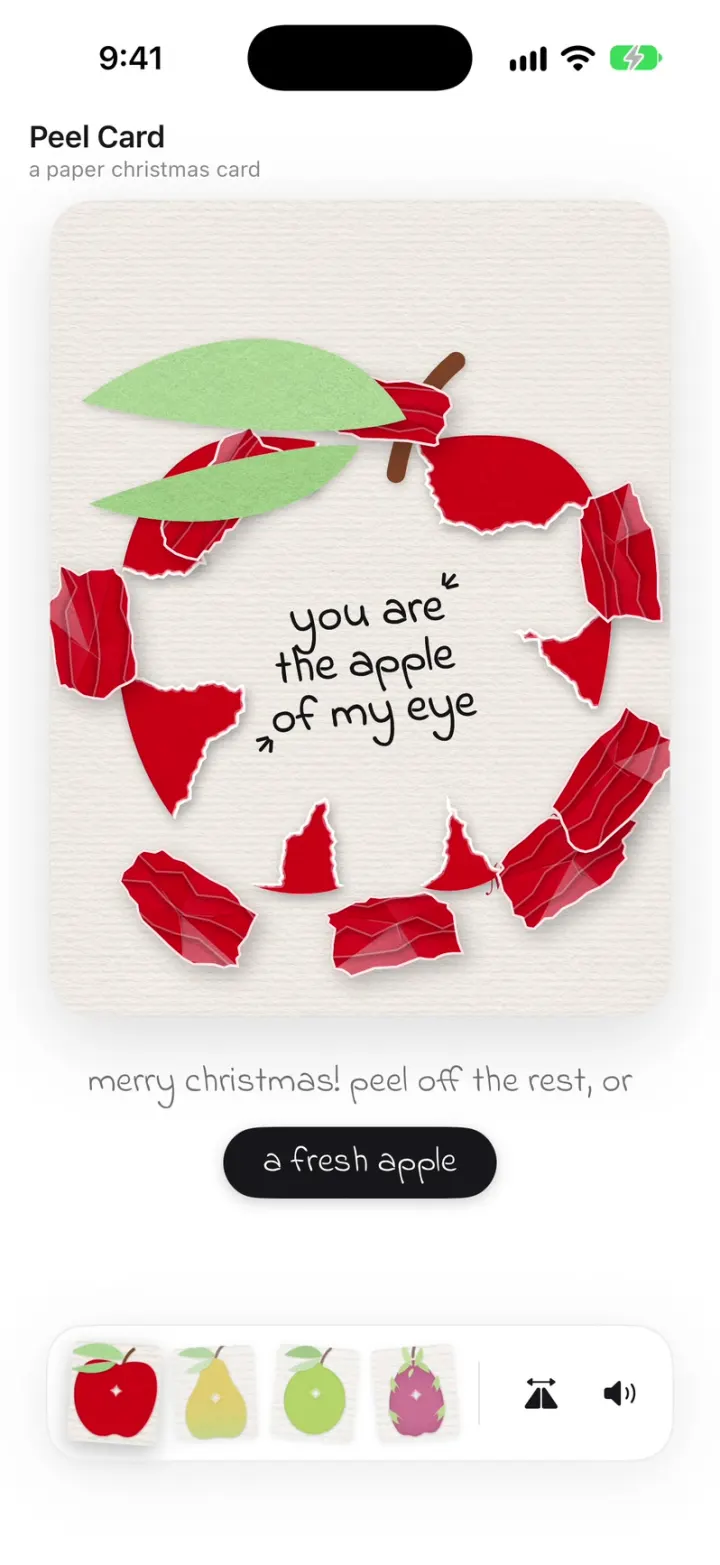
iOSA paper Christmas card you tear open with your finger, strip by strip, to find the note inside.
- View template
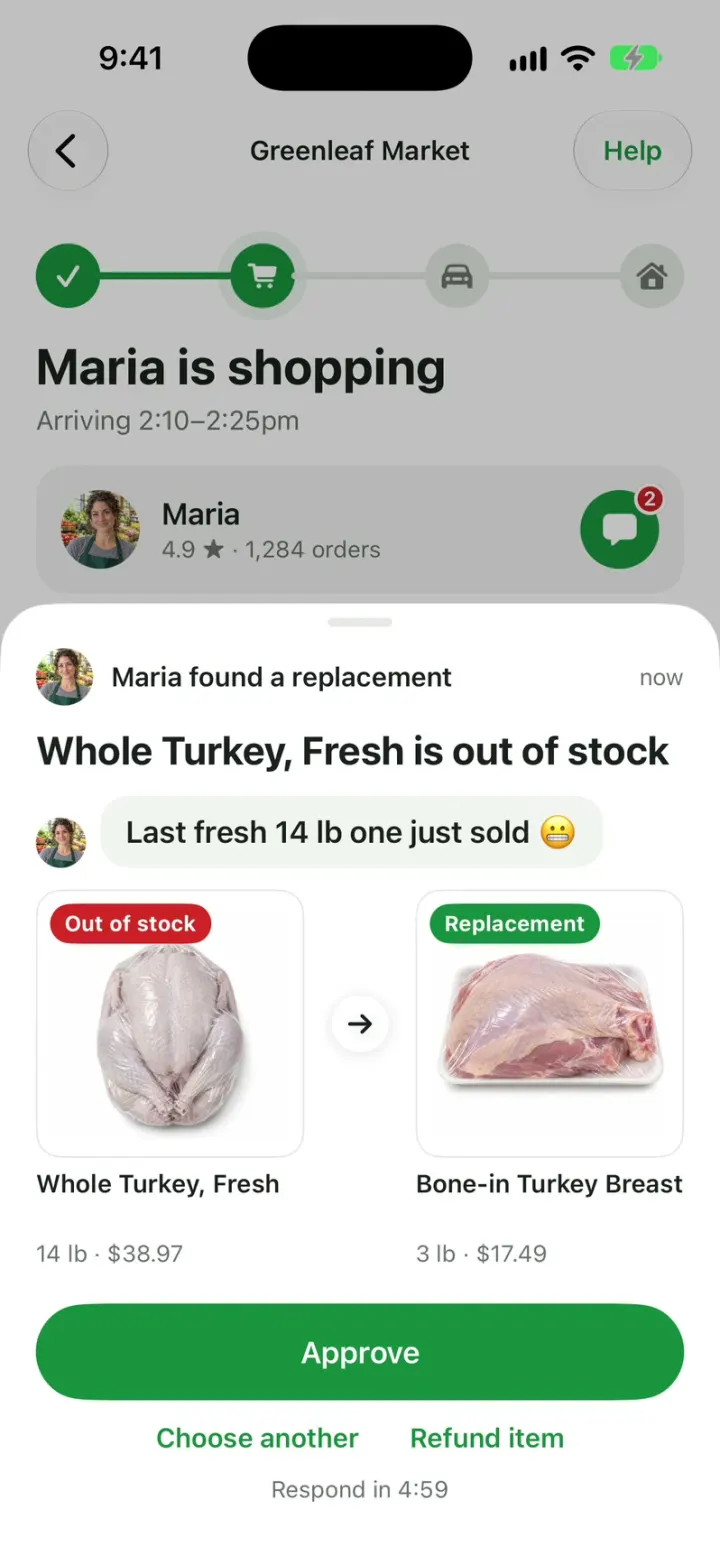
Instacart Clone
iOSAn Instacart-style grocery app: add to cart, a live shopper, replacements you approve, delivery tracking.
- View template
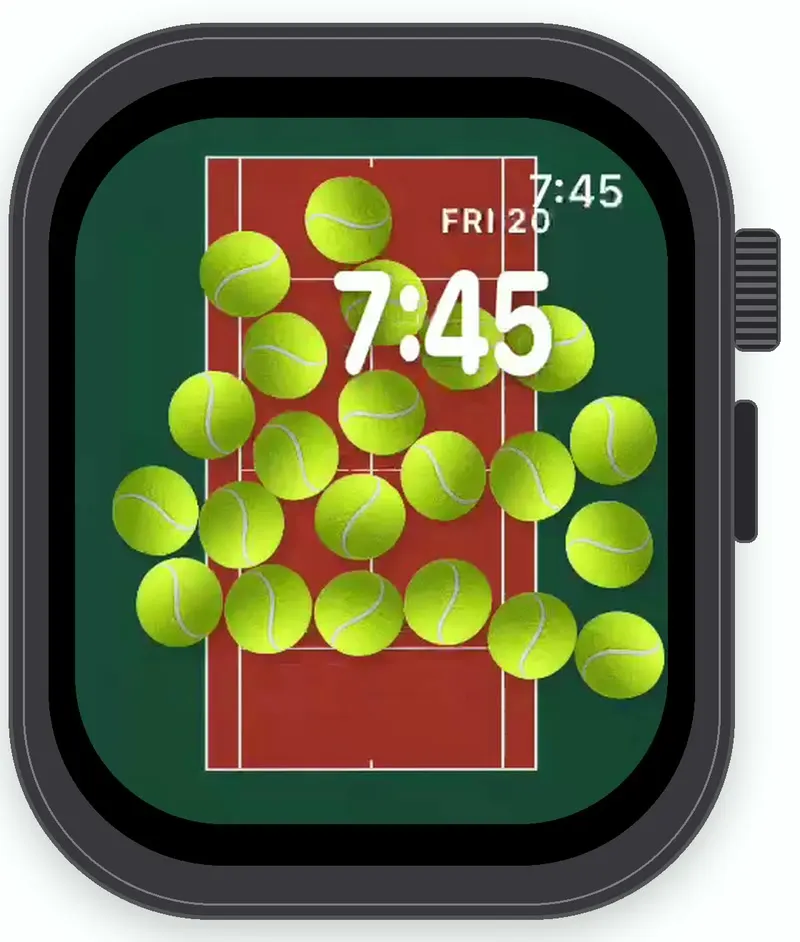
Tilt
iOSWatch faces piled with tennis balls, diamonds, basketballs, gold bars and soccer balls that roll as you tilt.
- View template
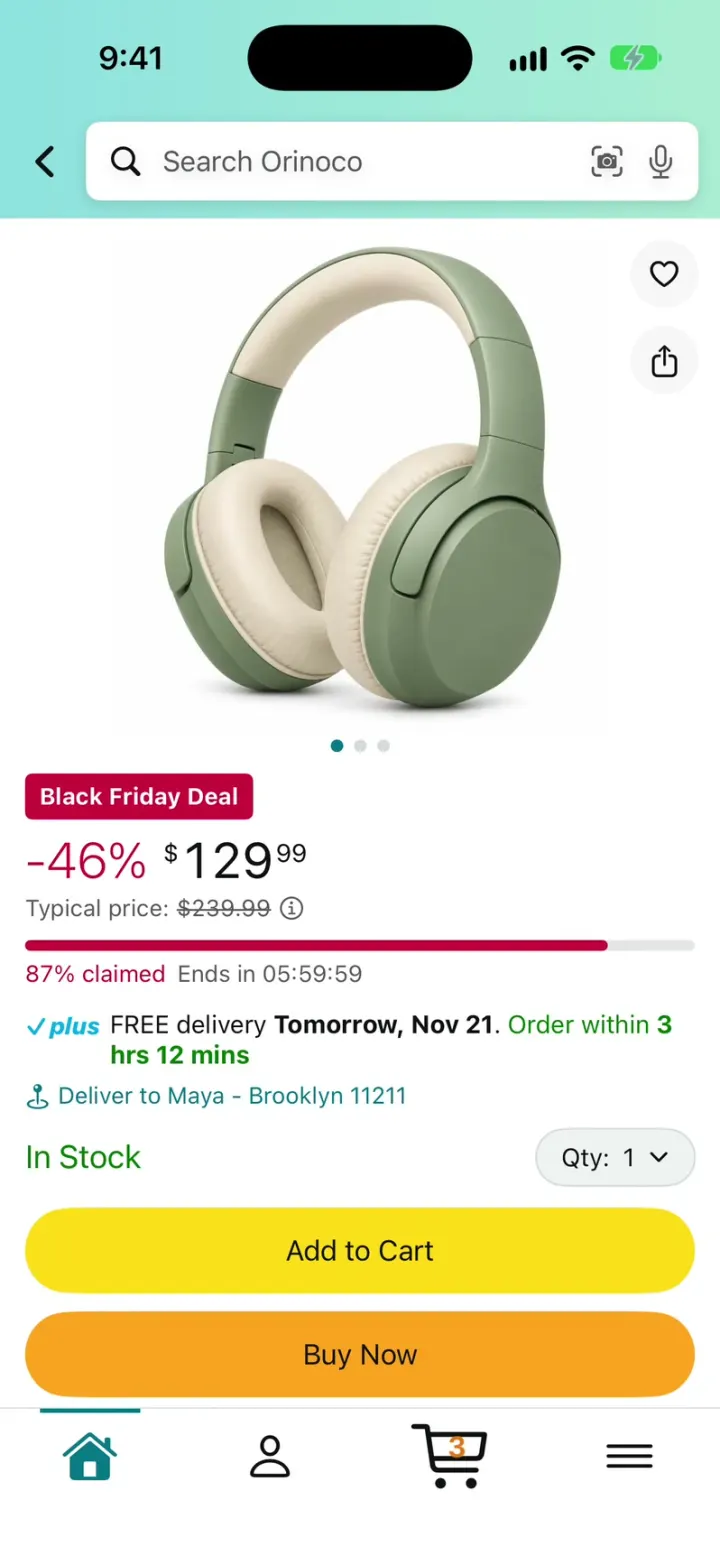
Amazon Clone
iOSAn Amazon-style store: Black Friday deals, search, product pages, add to cart, checkout and package tracking.