Instagram Clone
Social app · built by the Vibecode team
Instagram Clone rebuilds Instagram with its real name, script wordmark, gradient story rings and words, in its light theme. Double-tap a photo and the big white heart pops while the like count rolls; tap a ring to open Stories, tap through segments and watch the next friend turn in on a 3D cube. Reels pages through looping clips with the right-hand rail and a comments sheet, and Messages has Notes, unread threads and chats where a scripted reply follows typing dots. Search, Activity, the Profile grid with highlights, New post and Send to round it out.
- iPhone · Swift
- Built in 2 prompts
- Free to remix

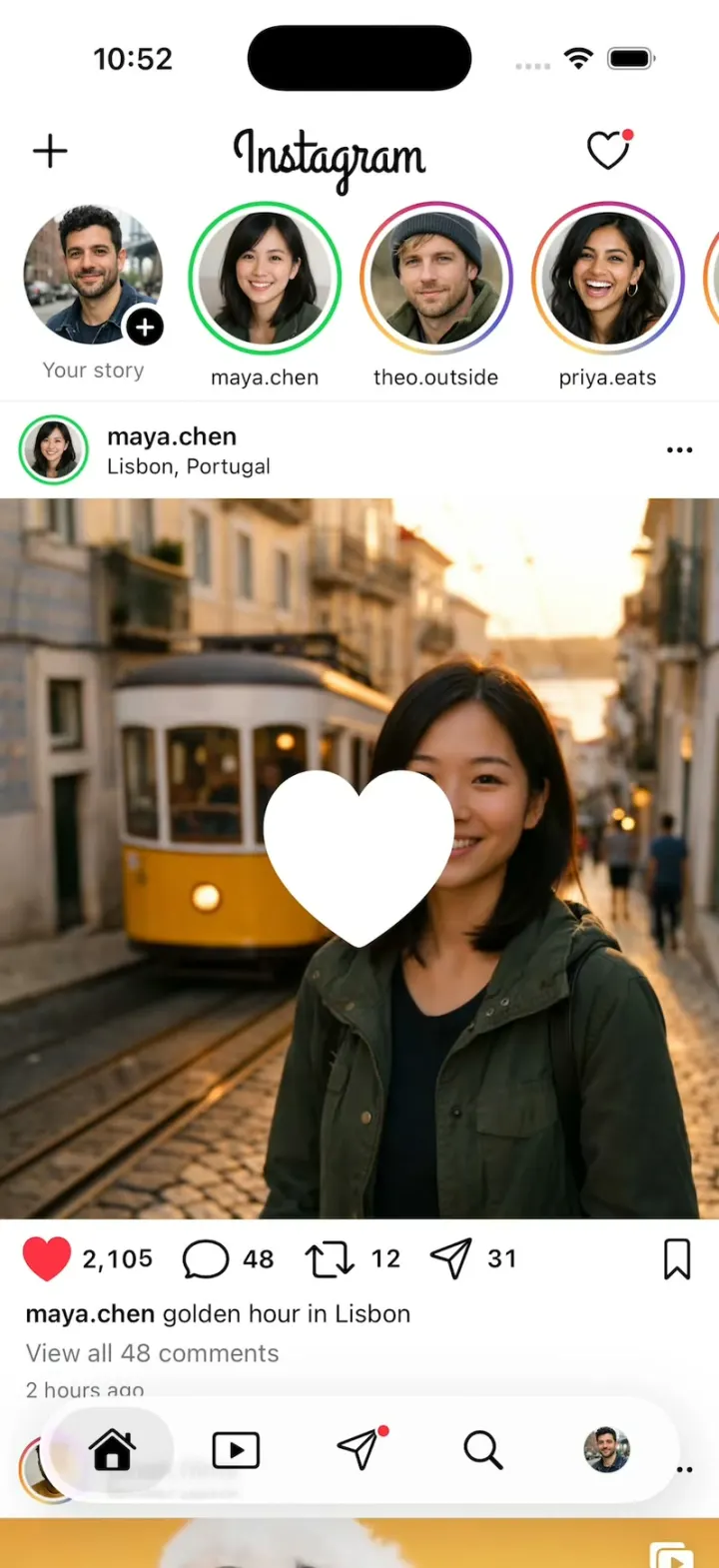
Remix copies the working app into your account for free, exactly as we built it. It runs in Vibecode's cloud iOS simulator, in your browser.
The prompt that builds it
We built Instagram Clone in 2 prompts. Here they are folded into one, so a single paste into a new app builds the finished version.
Prompt · 1,524 words
Build a polished native iOS clone of Instagram in SwiftUI: the Home feed with Stories and the double-tap like, the Stories viewer, Reels, comments, Messages with Notes, Search/Explore, Activity, New post and the Profile grid.

It is Instagram on screen, in its light theme: its name, its script wordmark (draw it with the Grand Hotel font: curl -L https://raw.githubusercontent.com/google/fonts/main/ofl/grandhotel/GrandHotel-Regular.ttf into the app and register it), the gradient story rings and its own words ("Your story", "Close Friends", "Reels", "View all 48 comments", "Add a comment...", "Send message", "Message...", "Follow", "Following", "Edit profile", "Share profile", "Activity", "You're all caught up", "New post", "Share"). Copy the real app's layouts and words. The user is Sam Rivera, sam.rivera, Brooklyn.

SHELL
A custom floating capsule tab bar (glass material) with five icons and no labels: Home (house), Reels (play in a rounded square), Messages (paper plane, red dot), Search (magnifier), Profile (Sam's photo). Selected = filled icon on a soft grey pill. Opens on Home: no splash, onboarding, login, paywall or permission prompt. The status bar stays visible. Reels is black with white icons; every other screen is white.

SCREENS
1. Home: top bar "+" (New post), the "Instagram" wordmark centred, heart (Activity, red dot). Stories row: "Your story" (Sam's photo, black "+" badge), then maya.chen (green Close Friends ring), theo.outside, priya.eats, jonah.films, lena.f, ava.k in gradient rings (grey once seen). A post: ringed avatar, username, location, "•••"; full-width media; action row: heart, comment, repost and paper plane each with its count, bookmark at the right; caption (bold username + text); "View all N comments"; "2 hours ago". The feed ends with "You're all caught up". Posts in order:
- maya.chen, Lisbon, Portugal: a square photo of Maya (dark green jacket) centred on a sunny street, the yellow tram behind her; 2,104 / 48 / 12 / 31; "golden hour in Lisbon".
- jonah.films: a Reel in the feed (4:5, the poodle clip, a reel icon top right, mute icon bottom right); 18.2K / 412 / 96 / 1,204; "he knows he's the main character".
- priya.eats, Brooklyn: a 3-photo carousel (pasta, tiramisu, the table) with dots and a "1/3" pill; "Sunday sauce, round 3".
- theo.outside, Yosemite: a 4:5 photo of Theo on a granite ledge at sunrise; "made it up before the sun".
- lena.f: a 4:5 photo of Lena in her pottery studio; "new studio, who dis".
2. Like: double-tap the media or tap the heart. A white heart ~110 pt pops at the touch point (0 to 1.2 to 1.0 spring, 0.25 s), holds 0.3 s, then shrinks to 0.7 and fades (0.3 s); the action heart fills red with a bounce and its count rolls (numericText). Every double-tap fires the heart; a double-tap never unlikes; the action heart toggles.
3. Stories viewer: full screen; segmented progress bars; avatar, name, "2h", a green star for Close Friends, "•••", X; "Send message" pill, heart and paper plane at the bottom. Tap right or left for the next or previous segment; 5 s per segment; hold pauses; after a friend's last segment the next friend turns in with a 3D cube rotation; swipe down closes back to the ring of the friend on screen. 2-3 segments each (photos; Maya's second is the waterfall clip).
4. Comments sheet (medium and large): grabber, "Comments"; rows: avatar, username, "5h", text with blue @mentions, "Reply", a heart with a count at the right; "View 2 replies"; the emoji row ❤️ 🙌 🔥 👏 😢 😍 😮 😂 (a tap types it); "Add a comment..." with Sam's photo; posting puts the comment on top.
5. Reels: black, vertical paging; top "Reels" bold, "Friends" dim, "+", filter icon; right rail heart, comment, repost, paper plane with counts and a small audio square; bottom: avatar, username, outlined "Follow", caption, "Liked by maya.chen and 1,428 others", a thin progress line. Clips, muted and looping (720x1280 Pexels, no people; curl -L "https://www.pexels.com/download/video/<id>/?h=1280&w=720"): 7516712 poodle on yellow (jonah.films), 16754886 waterfall aerial, 26693912 ginger cat, 32633112 beach aerial. Double-tap heart; the comment icon opens the sheet.
6. Messages: "sam.rivera" with a chevron and a compose icon; a Notes row (bubbles over friends' photos: "lisbon >>>", "tacos tonight?"); search; "Messages" / "Requests"; threads with photo, name, the chat's last message ("You: ..." when Sam sent it, updated on every send) + time, blue unread dot, camera icon. A chat: back, photo, name, phone and video icons; grey incoming and indigo outgoing bubbles; double-tap a bubble for a ❤️ reaction; "Seen"; composer with a blue camera circle, "Message...", mic, photo, sticker; a send shows typing dots, then a scripted reply after 1.2 s.
7. Search: a search field over a 3-column grid of photos and tall Reel tiles; a Reel tile opens Reels at that clip, a photo opens its post.
8. Activity: "New", "Today", "This week": "maya.chen liked your photo." with the photo, "theo.outside started following you." with a blue "Follow"; "Suggested for you".
9. Profile: "sam.rivera" with a chevron, "+", menu; right below it (8 pt, no empty band) the ringed photo, 48 posts, 1,284 followers, 512 following; "Sam Rivera", "Brooklyn · film photos · dogs"; grey "Edit profile" and "Share profile"; highlights (Lisbon, Food, Dogs, 2026); tabs grid, Reels, tagged; a 3-column grid of 3:4 tiles.
10. New post: Sam's photos in a grid, pick one, "Next", caption, blue "Share": it lands atop Home with a "Posted" toast. The paper plane on a post opens "Send to" with friends' photos; a tap adds a blue check; "Send" shows "Sent".

HOOK (the video's first 3 seconds)
- HOOK MODE: tapping an invisible 44x44 pt area at the top right, just below the status bar, on every screen, plays this run through the real like, video and comments code, identical every time (seconds from the tap): 0.00 close everything; Home at the very top (wordmark, stories row, and Maya's post with its photo, action row and caption fully above the tab bar), held still; 0.40 a double-tap at the centre of her photo: the big heart, the action heart red, 2,104 to 2,105; 0.85-1.25 the feed scrolls (one ease-out move, nothing jumps or fades) until jonah.films' post header sits right under the top bar, his Reel already playing; 1.60 a double-tap heart on it; 2.10 its comments sheet rises; 2.60 the second comment's heart fills; 3.00 the sheet closes.
- Holds use these times, never the app's normal delays. Motion stays in the middle 80% of the screen. Warm up haptics, video players and photos at launch so nothing is black or grey on its first frame. Flashes at most 0.12 s at 35%. Decode images off the main thread.

LOOK
White #FFFFFF, ink #000000, secondary #737373, hairlines #DBDBDB, grey buttons #EFEFEF, like red #FF3040, blue #0095F6 (Follow, Share, links), DM indigo #4C53E9, Close Friends green #1CD150, story ring an angular gradient #FEDA75, #FA7E1E, #D62976, #962FBF, #4F5BD5. SF Pro; usernames semibold; counts with monospaced digits.

RULES
- Native SwiftUI, iOS 26 (keep the template's target), iPhone portrait; NavigationStack and sheets.
- Deterministic fixtures. No backend, login, permissions, analytics or network calls at runtime. No persistence: delete the SwiftData starter, no UserDefaults or files, so every launch starts the same.
- Media is bundled: download the 4 clips while building (check each is a valid MP4; re-encode anything over 4 MB to 720p). Photos: every person is fictional, made with gpt-image-1.5 (run env; POST $OPENAI_BASE_URL/images/generations with the project's OPENAI_API_KEY): Sam, Maya, Theo, Priya, Jonah, Lena, Ava as portraits; the post photos above; 6 story photos; 6 more Search photos (food, travel, dogs, rooms); ~800 px JPEGs in the asset catalog. No logo, text or celebrity in an image. A grey circle until a photo exists.
- Springs under 350 ms, haptics on likes, pressed states, nothing hidden under the tab bar.
- Files under 300 lines, big bodies split into subviews, no long chained expressions.

REMIX-READY
Theme/Brand.swift (name, wordmark, a Copy enum with every word), Theme/Theme.swift (role colours, the ring gradient, fonts; no colour literals elsewhere), Data/Fixtures.swift (users; posts as one enum of kinds, photo, carousel and reel, each with counts, caption and comments; stories with segments; reels; threads with scripted replies; notes; activity; Sam's grid), Data/DemoScript.swift (HOOK MODE run and timings). Codable models with String ids behind one AppDataSource protocol (FixtureDataSource) feeding one @Observable AppStore; views never read Fixtures. One MediaView plays a photo or a looping clip at any aspect ratio; one PostView with one subview per kind. Features/<Tab>/, Components/. README.md under 80 lines: file map; how to rename, recolour, swap people, add a post or a new post kind; 3 one-prompt remixes ("Instagram for X"). "Read README.md first." atop CLAUDE.md and ios/AGENTS.md; replace ios/CLAUDE.md's structure block with this app's files. No scratch folders.

FILMING
Long-press the wordmark to reset everything to launch.

BUILD
Theme, Brand, Fixtures, then each screen in small files, a one-line status per screen; launch in the simulator every two or three files. Start the photos and clips as a background job once Home runs; check each file exists, never view them. Walk each flow once and fix what breaks; no pixel measuring or debug modes. Deliver the whole app, not a plan.
More templates
All templates- View template
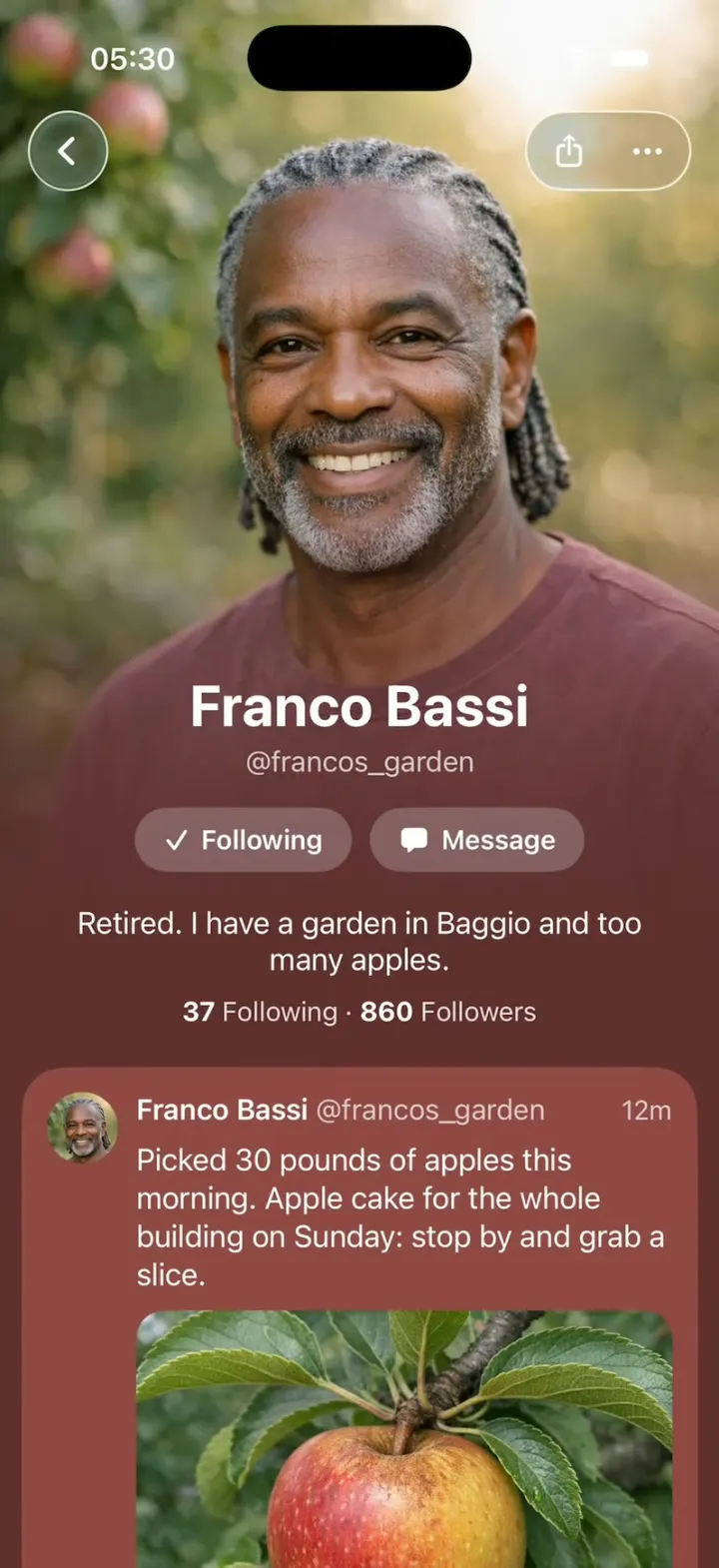
Native X
iOSX redesigned as if Apple built it: photo-poster profiles, Liquid Glass controls and Messages-style tapbacks.
- View template
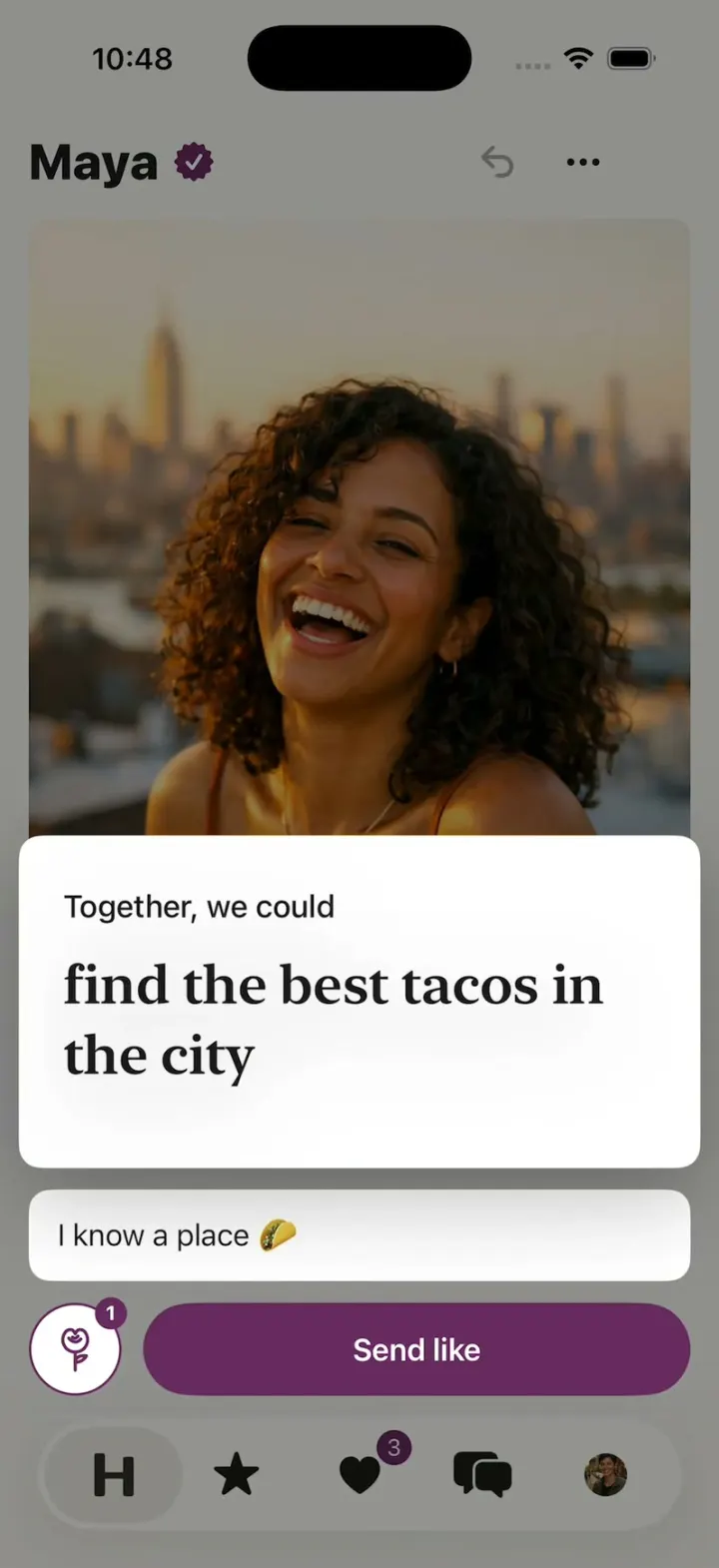
Hinge Clone
iOSHinge with its real look: like one prompt, add a comment, Send like, and the next profile slides in.
- View template
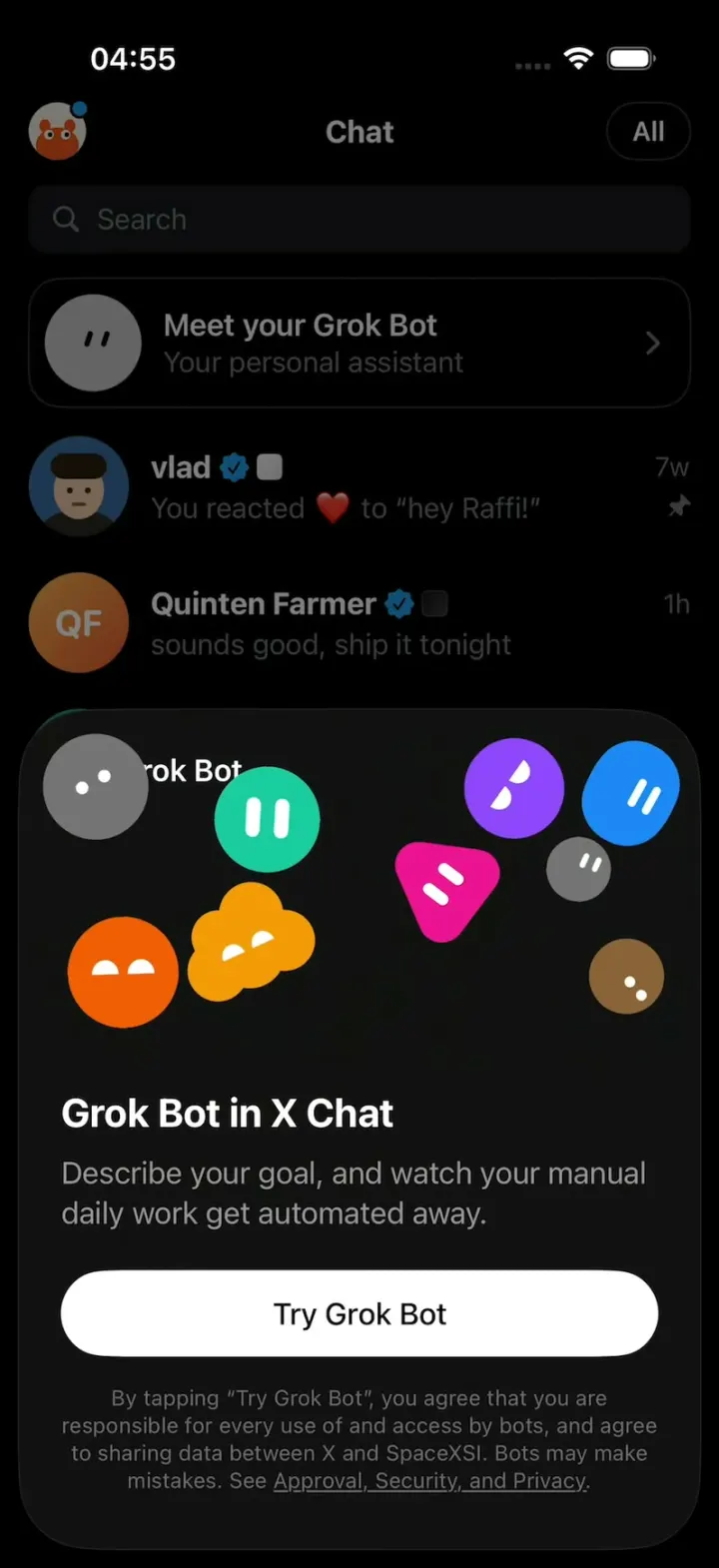
X Chat Grok Bot
iOSX's Grok Bot upsell sheet: nine blob characters pile up, pop apart and float around in zero gravity.
- View template
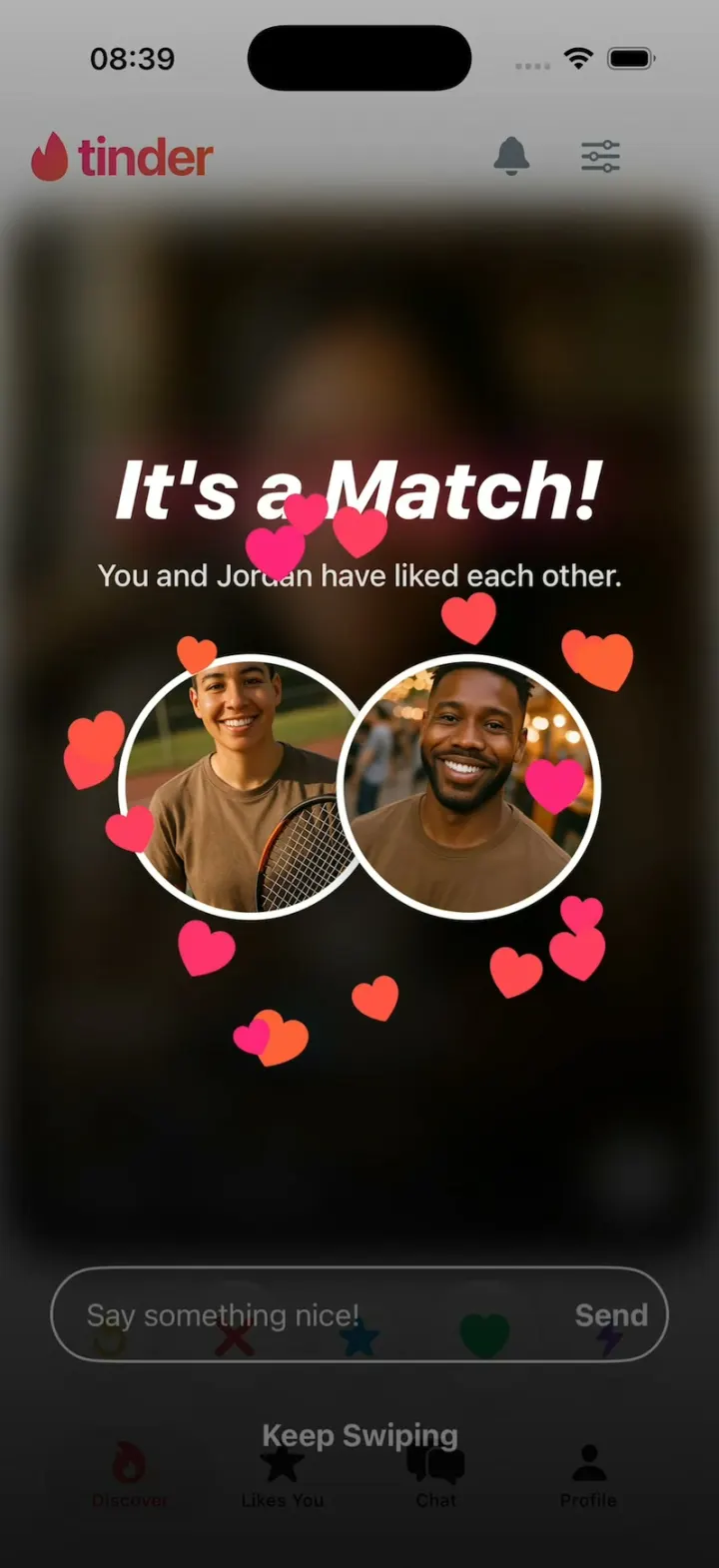
Tinder Clone
iOSTinder with its real look: drag a card to LIKE, Super Like or Rewind, and It's a Match! bursts into hearts.