Apple Find My Clone
Apple Find My clone · Location app · from our videos on X
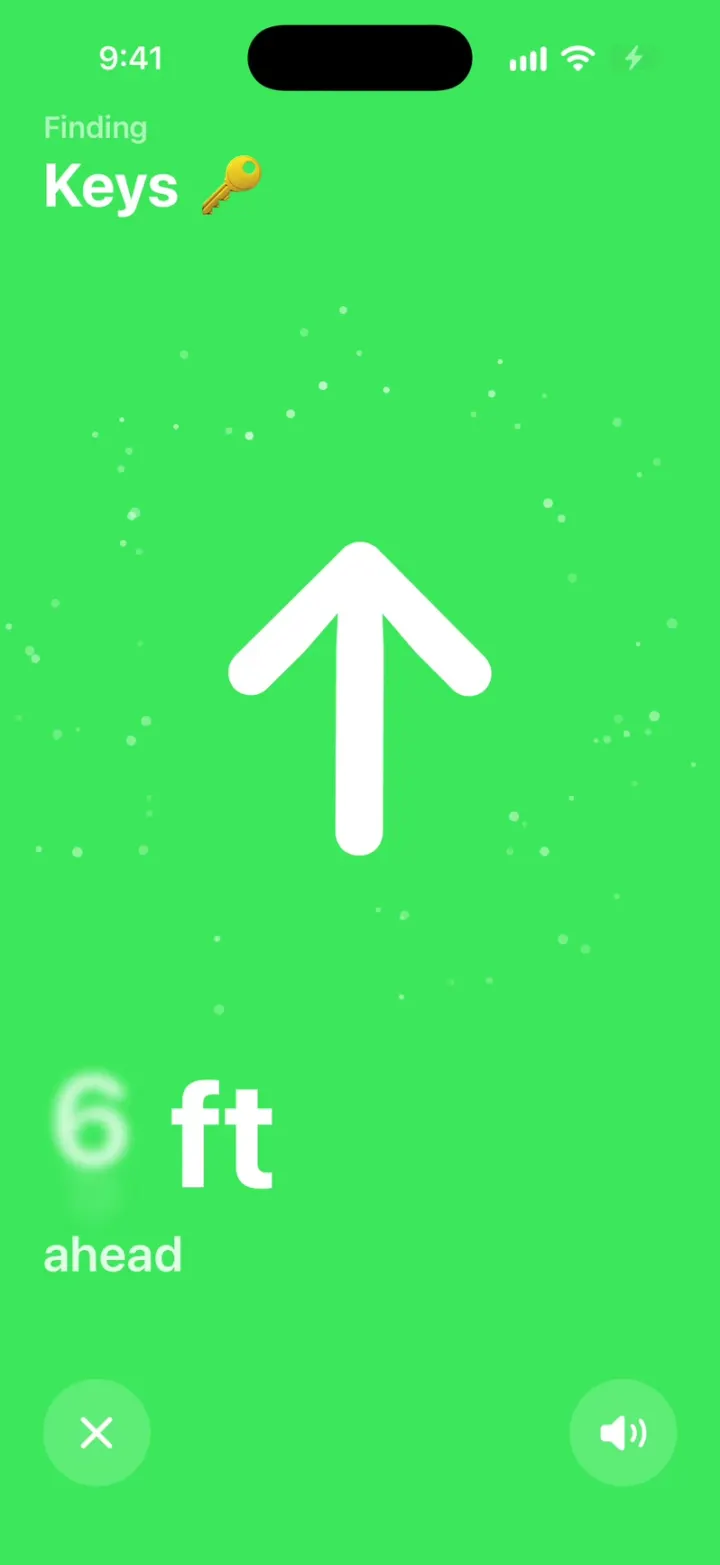
Apple Find My Clone is the iPhone's Find My app rebuilt in SwiftUI in the iOS 26 style. A full-screen map of Park Slope shows your friends as photo pins, your devices as SF Symbol circles and your items as emoji circles, under a draggable sheet and a floating Liquid Glass tab bar for People, Devices, Items and Me. Tap anyone for their card with Contact, Directions, Find and Notify Me; devices and items get Play Sound, Lost Mode and AirPods battery levels. Find opens Precision Finding: the big arrow swings toward your keys, the feet count down, the screen floods green and lands on "here". A hidden HOOK MODE replays the find for videos.
- iPhone · Swift
- Built in 1 prompt
- Free to remix
Remix copies the working app into your account for free, exactly as we built it. It runs in Vibecode's cloud iOS simulator, in your browser.
Watch the video on X@vibecodeapp · Nov 21, 2026The prompt that builds it
We built Apple Find My Clone in one prompt. Paste it into a new app to build your own copy, or change it first.
Prompt · 2,661 words
Build Find My, a polished native iPhone app in SwiftUI in the iOS 26 system style of the iPhone's built-in Find My app: a full-screen map with People, Devices and Items, person, device and item cards with Play Sound, Directions and Notify Me, Lost Mode, and Precision Finding (the big arrow, the feet counting down, the screen flooding green, "here"). Simulated locations only: no real location, Bluetooth or network. The user is Alex Rivera, at home in Park Slope, Brooklyn. Today is Saturday, November 21, 2026.

ASSETS
curl -L once and unzip flat: https://vibecode-findmy-media.beacon.host/media.zip (findmy-icon.png: the app icon; me.jpg: Alex; mom, maya, leo, nina, sam, priya, jordan .jpg: people photos, 512x512). Add them all to the asset catalog. Items show emoji, devices show SF Symbols, everything else is drawn in code. No image generation is needed.

SHELL
Opens on the map with the People tab: no splash, onboarding, sign-in or permission prompts. Light mode (force .light) everywhere except Precision Finding (always dark). The status bar stays visible on every screen (dark over the map, white in Precision Finding). Root = one ZStack: the Map (full screen, under the status bar), the bottom sheet, the tab bar, the toast, and the Precision Finding overlay on top (a full-screen view in the same ZStack, not a fullScreenCover). One map is shared by all tabs.

FORMAT (Format/)
One formatter with Locale(identifier: "en_US"): distances from Alex's home under 0.1 mi in feet rounded to 50 ("400 ft"), else miles with one decimal ("0.5 mi", "17 mi" from 10 up); times "Now", "2 min ago", "1 hr ago", "Yesterday"; battery "85%". The simulator's region is not en_US: never use the device locale. Precision Finding feet are whole numbers ("6 ft").

FIXTURES (Data/Fixtures.swift: ONE list per kind; a new person, device or item is one entry)
Alex's home ("Home"): 40.67270, -73.97720 (the blue dot).
People (id · name · photo · place line · lat, lon · updated · battery):
mom · "Mom" · mom · "Home · Montclair, NJ" · 40.82590, -74.20900 · Now · 92%
maya · "Maya" · maya · "Prospect Park, Brooklyn" · 40.66550, -73.97200 · Now · 64%
leo · "Leo" · leo · "5th Ave, Brooklyn" · 40.67750, -73.98220 · 2 min ago · 41%
jordan · "Jordan" · jordan · "7th Ave, Brooklyn" · 40.67380, -73.97720 · Now · 77%
nina · "Nina" · nina · "Atlantic Ave, Brooklyn" · 40.68260, -73.97540 · Now · 58%
sam · "Sam" · sam · "Hudson Yards, New York" · 40.75380, -74.00200 · Now · 33%
priya · "Priya" · priya · "JFK Airport, Queens" · 40.64410, -73.78230 · 5 min ago · 19%
Devices (id · name · symbol · place line · lat, lon · updated · battery):
iphone · "Alex's iPhone" · iphone · "This iPhone · With You" · home · Now · 88%
airpods · "Alex's AirPods Pro" · airpodspro · "With You" · home · Now · L 85% · R 82% · Case 60%
watch · "Alex's Apple Watch" · applewatch · "With You" · home · Now · 71%
macbook · "Alex's MacBook Air" · laptopcomputer · "Home" · home · 2 min ago · 54%
ipad · "Mom's iPad" · ipad · "Montclair, NJ" · 40.82590, -74.20900 · 1 hr ago · 23%
Items (id · name · emoji · place line · lat, lon · updated):
keys · "Keys" · 🔑 · "With You" · home · Now
backpack · "Backpack" · 🎒 · "Home" · home · Now
wallet · "Wallet" · 👛 · "With You" · home · Now
biscuit · "Biscuit" · 🐶 · "Prospect Park, Brooklyn" · 40.66480, -73.97080 · Now
bike · "Bike" · 🚲 · "Carroll St, Brooklyn" · 40.67390, -73.97950 · 2 min ago
umbrella · "Umbrella" · ☂️ · "Hudson Yards, New York" · 40.75400, -74.00100 · Yesterday
Every person, device and item has findingStyleId "standard".

SCREENS
1. Map: SwiftUI Map, .mapStyle(.standard(elevation: .flat, pointsOfInterest: .excludingAll)), initial camera centre 40.67400, -73.97650, distance 4,200 m, heading 0, pitch 0. Annotations for the current tab only (crossfade 0.2 s on a tab change): People = 48 pt photo circles with a 3 pt white ring, a soft shadow and a small white pointer under them, the name (12 pt semibold, white halo) below; Devices = 40 pt white circles with the grey SF Symbol (20 pt); Items = 40 pt white circles with the emoji (22 pt). Alex = the blue dot (16 pt #007AFF, 3 pt white ring, a soft pulsing 44 pt halo) on every tab. The selected annotation scales 1.25x (spring). Top-right: a vertical glass pill (two 44 pt buttons: map, location.fill; location recentres on home in 0.5 s).
2. Bottom sheet (custom, not a native sheet): white, 24 pt top corners, a grabber, three detents (peek 210 pt, medium 430 pt, large 760 pt; drag with a spring), starts at medium. Content scrolls only at large. Each tab's list:
 a. People: header "People" (28 pt bold) with a "+" glass circle (menu: "Share My Location", "Ask to Follow Location": toasts). Rows (64 pt, hairlines #C6C6C8 inset 76 pt): the 44 pt photo; name (17 pt semibold) over the place line (15 pt #8E8E93); at the right the distance (15 pt #8E8E93) over the updated time (13 pt #8E8E93). Order: Jordan, Leo, Maya, Nina, Sam, Priya, Mom.
 b. Devices: header "Devices" + "+"; section "My Devices" then "Mom's Devices" (13 pt #8E8E93 caps); rows: a 44 pt #F2F2F7 circle with the symbol (#3C3C43), name, place line, and at the right the distance and a small battery glyph with the % (AirPods: the lowest bud).
 c. Items: header "Items" + "+" (menu: "Add AirTag", "Add Other Item": toasts); rows: a 44 pt #F2F2F7 circle with the emoji, name, place line, distance and updated time.
 d. Me: header "Me"; a grouped card: "My Location" "Home · Park Slope, Brooklyn" with a 44 pt me.jpg; Toggles (tint #34C759): "Share My Location" (on), "Allow Friend Requests" (on); rows "Customize Location Name ›", "Notifications ›", "Help a Friend ›".
 Tapping a row selects its annotation, flies the camera to it (0.5 s), and swaps the sheet to that card (slide in from the right, 0.25 s); the card's xmark glass circle returns to the list.
3. Tab bar: a floating Liquid Glass capsule (.glassEffect, or .ultraThinMaterial with a 0.5 pt white 25% border), 64 pt tall, 16 pt side margins, 8 pt above the home indicator, over the sheet's bottom (the lists get 100 pt bottom padding). Four items, icon over label (10 pt medium): People (person.2.fill), Devices (laptopcomputer.and.iphone), Items (circle.grid.2x2.fill), Me (person.crop.circle.fill). Selected = #007AFF with a glass lens behind it that slides between items (matchedGeometryEffect, spring); others #3C3C43.
4. Person card: name (28 pt bold), the place line and "Now · 0.5 mi" (15 pt #8E8E93); a row of three action tiles (#F2F2F7, 14 pt corners, 64 pt tall: glyph #007AFF over a 13 pt label): Contact (message.fill), Directions (car.fill, label = drive time at 20 mph, "4 min"), Find (location.north.line.fill: opens Precision Finding on this person). Then grouped sections: "Notifications": "Notify Me" › (an action sheet "When Maya Leaves Prospect Park" / "When Maya Arrives at Home"; the choice adds a row with bell.fill "Notify me when Maya leaves Prospect Park"), "Notify Maya" ›; "Add Maya to Favorites"; "Edit Location Name"; red rows "Stop Sharing My Location" and "Remove Maya" (confirm alerts, toasts). Contact and Directions: toasts "Opening Messages…" / "Opening Maps…".
5. Item card: "Keys 🔑" (28 pt bold), "With You · Now" (15 pt #8E8E93); tiles: Play Sound (speaker.wave.2.fill), Find (location.north.line.fill), Directions (car.fill). Play Sound: the tile reads "Playing…" with speaker.wave.3.fill (.symbolEffect(.variableColor.iterative)) for 3 s and a toast "Playing sound on Keys". Sections: "Notifications": Toggles "Notify When Left Behind" (on), "Notify When Found" (off); "Share Item Location" ›; "Lost Mode": "Mark As Lost" › (5a); "Rename Item"; red "Remove Item".
 5a. Lost Mode sheet (.large, #F2F2F7): a 96 pt circle with the emoji and a lock.fill badge; "Lost Mode" (28 pt bold); "Lost Mode locks your item and notifies you when it's found. Anyone who finds it sees your message." (15 pt #8E8E93, centred); a phone field "(555) 012-3456"; a message field "Lost my keys! Please call me 🙏"; a #007AFF "Activate" capsule (50 pt). Activate: the sheet closes, the card's Lost Mode row reads "On" in red #FF3B30, the map annotation gets a red ring, toast "Lost Mode is on".
6. Device card: like the item card; AirPods show a battery strip ("L 85%", "R 82%", "Case 60%" with small bars) and Play Sound "Playing…" pulses both buds; "Mark As Lost" and red "Erase This Device" (confirm alert, toast).

PRECISION FINDING (the hero; Finding/)
- Full screen over everything (tab bar too), background black, opened from any Find tile. Status bar white.
- Top-left (24 pt margins, y ≈ 70 pt): the style's title "Finding" (17 pt semibold, white 60%) over the target's name with its emoji or a 28 pt photo circle: "Keys 🔑" (34 pt bold white).
- Centre (y ≈ 390 pt): THE ARROW: Image(systemName: "arrow.up") at 180 pt, weight .bold, white, rotated by the style's arrow angle (0° = straight up = ahead, positive = clockwise = to the right), springs between angles. Each distance step bumps it 1.04x for 0.1 s.
- The dot cloud: one Canvas of 70 dots (2.5-6 pt, white 20-60%) drifting in a ring 120-200 pt around the arrow, a pure function of seed and time (TimelineView(.animation)); they lean toward the arrow's direction, and in the arrived state they stream inward.
- Bottom-left (24 pt margins, y ≈ 640 pt): the distance "6 ft" (84 pt bold white, monospaced digits, .contentTransition(.numericText())) over the direction text (28 pt semibold, white 85%).
- Bottom (y ≈ 800 pt): two 60 pt circles (white 18% fill): xmark at the left (close, fades out 0.2 s) and speaker.wave.2.fill at the right (Play Sound: it pulses 3 s).
- Background colour, direction text, arrow angle and the arrival test all come from the target's FindingStyle. StandardFinding (Apple's rules): black while pointing; when |bearing| ≤ 15° the whole screen floods green #30D158 (0.20 s crossfade, never a flash) and the direction reads "ahead"; otherwise "to your right" / "to your left" (|bearing| > 135°: "behind you"); arrived when distance ≤ 1 ft: the arrow shrinks into a 150 pt white disc inside a 4 pt white ring (0.18 s spring), the distance text becomes "here" and the direction line hides; a white ring pulses out from the disc every 0.6 s (scale 1 → 1.8, opacity 0.4 → 0). Before the first reading (searching): no arrow, the dots wander, the distance line reads "Move around" over "to find your Keys".
- Live walk (a Find tile, not HOOK MODE): DemoScript's liveWalk steps: searching 1.0 s; pointing at bearing 60°, 24 ft; the bearing eases to 0° over 1.2 s; the distance counts 24 → 1 ft over 4 s; arrive. The same session and view as HOOK MODE.

FINDING ENGINE (Finding/: the seams a remix uses)
- FindingSession (@Observable, one, at the root): target (a FindingTarget: id, name, emoji or photo, kind person/device/item, findingStyleId), bearing (degrees), distanceFt (Int), phase (searching/pointing/arrived), isOpen. PrecisionFindingView draws ONLY from the session and the target's style.
- FindingStyle protocol: id, title, func background(_ s: FindingSession) -> Color, func direction(_ s: FindingSession) -> String, func arrowAngle(_ s: FindingSession) -> Angle, func isArrived(_ s: FindingSession) -> Bool, arrivedWord ("here"), arrivedSymbol (nil = the disc; an SF Symbol name draws that symbol inside the ring instead). FindingStyleRegistry maps an id to a style; "standard" = StandardFinding. A new way to find is one style file plus a registry entry; the view already draws whatever it returns.
- FindingStep (absolute seconds from the start, action): open(targetId, bearing, distanceFt, phase) with no animation, turn(toBearing, duration), count(from, to, stepSeconds), arrive, hold, close. ScriptPlayer runs a [FindingStep] on the main actor against its start time (absolute times, so drift never builds). Targets are found by id across people, devices and items.

HOOK (the video's first 3 seconds)
- HOOK MODE: tapping an invisible 24x60 pt strip at the RIGHT edge (x 378-402, y 300-360 pt), drawn in its own window above every sheet, card, toast and Precision Finding (a tap there closes whatever is open), resets everything and plays DemoScript.hook through the real ScriptPlayer, FindingSession and PrecisionFindingView, identical every time (seconds from the tap):
 0.00 with no animation: the map on the Items tab, sheet at medium, every card and toast closed; Precision Finding open on Keys 🔑: pointing, bearing 35°, 6 ft, "to your right", black, the dot cloud PRE-WARMED mid-drift (never a fade-in).
 0.00-0.40 hold exactly that (the dots keep drifting).
 0.40 turn to 0° in 0.22 s (easeInOut): the direction reads "ahead" from 0.50, and the green flood runs 0.50-0.70.
 0.62 count 6 → 1 ft, one step every 0.05 s (rolling digits, arrow bumps).
 0.87 arrive: the "here" disc, pulse rings.
 Then hold "here" (real taps work again; xmark closes).
- Every wait uses the step's own time, never the live walk's delays.
- What the eye must see: frame 0 fully drawn (title, name, arrow, dots, "6 ft", buttons; no fade-in, no empty screen); something moves every frame; the green flood is one smooth crossfade; digits roll, never jump; no flash longer than 0.1 s.

LOOK
iOS 26 light: grouped background #F2F2F7, cards white, text black, secondary #8E8E93, separators #C6C6C8, tint #007AFF, toggles #34C759, destructive #FF3B30, Find My green #34C759. SF Pro (no rounded fonts), numbers .monospacedDigit(). Liquid Glass (.glassEffect, or .ultraThinMaterial with a 0.5 pt white 25% border) on the tab bar, map buttons, xmark circles and toasts. Springs under 450 ms, light haptics on taps, pressed states (scale 0.97). Photos aspect-filled and decoded at launch, off the main thread.

RULES
- Native SwiftUI, iOS 26 (keep the template's target), iPhone portrait.
- Deterministic fixtures. No backend, login, permissions, location services, Bluetooth, audio, notifications, analytics or network calls at runtime. No persistence: delete the SwiftData starter, no UserDefaults or files.
- Files under 300 lines, big bodies split into subviews, no long chained expressions; one Canvas for the dot cloud; every animation smooth at 60 fps.
- Keep every file inside /home/user/workspace (/tmp is denied).

REMIX-READY
Theme/Theme.swift (colours, fonts, metrics; no colour literals elsewhere), Theme/Copy.swift (every word), Data/Fixtures.swift, Data/DemoScript.swift (HOOK MODE and the live walk as [FindingStep]). Codable models with String ids (Person, Device, Item; each with findingStyleId) behind one FindMyDataSource protocol (FixtureSource) feeding an @Observable FindMyStore (people, devices, items, selected tab and id, sheet detent, lost-mode ids, notify rules, toasts). FindingSession, FindingStyle + FindingStyleRegistry and ScriptPlayer are the seams. Components/: PersonPin, ItemPin, DevicePin, BlueDot, BottomSheet, GlassTabBar, ListRow, ActionTile, BatteryBadge, GlassCircleButton, Toast; Finding/: PrecisionFindingView, FindingArrow, DotCloud, ArrivalDisc. Features/<Tab>/ and Features/Cards/. README.md under 80 lines: the file map; how to rename the app, restyle it and add a finding style; 3 one-prompt remixes (a family locator with arrival alerts and a "Home safe" check-in; a pet tracker with walks and a lost-pet poster; a festival friend finder with meetup pins). "Read README.md first." atop CLAUDE.md and ios/AGENTS.md; replace ios/CLAUDE.md's structure block with this app's files. No scratch folders.

FILMING
Long-press the sheet header ("People", "Devices", "Items" or "Me") for 1 s to reset everything to launch (People tab, medium sheet, camera, cards, lost mode, notify rules, Precision Finding closed, toasts).

BUILD
Theme, Copy, Fixtures and Format, then the map with pins, the sheet and the tab bar (launch and look first), then the People/Devices/Items/Me lists, then PrecisionFindingView with the FindingSession, StandardFinding, ScriptPlayer and HOOK MODE, then the cards, Play Sound, Notify Me and Lost Mode; a one-line status per screen; launch in the simulator every two or three files. Fetch media.zip as soon as the shell runs; check the files exist, never view them. Walk each flow once and fix what breaks; no pixel measuring or debug modes. Deliver the whole app, not a plan. Do not publish.
More templates
All templates- View template
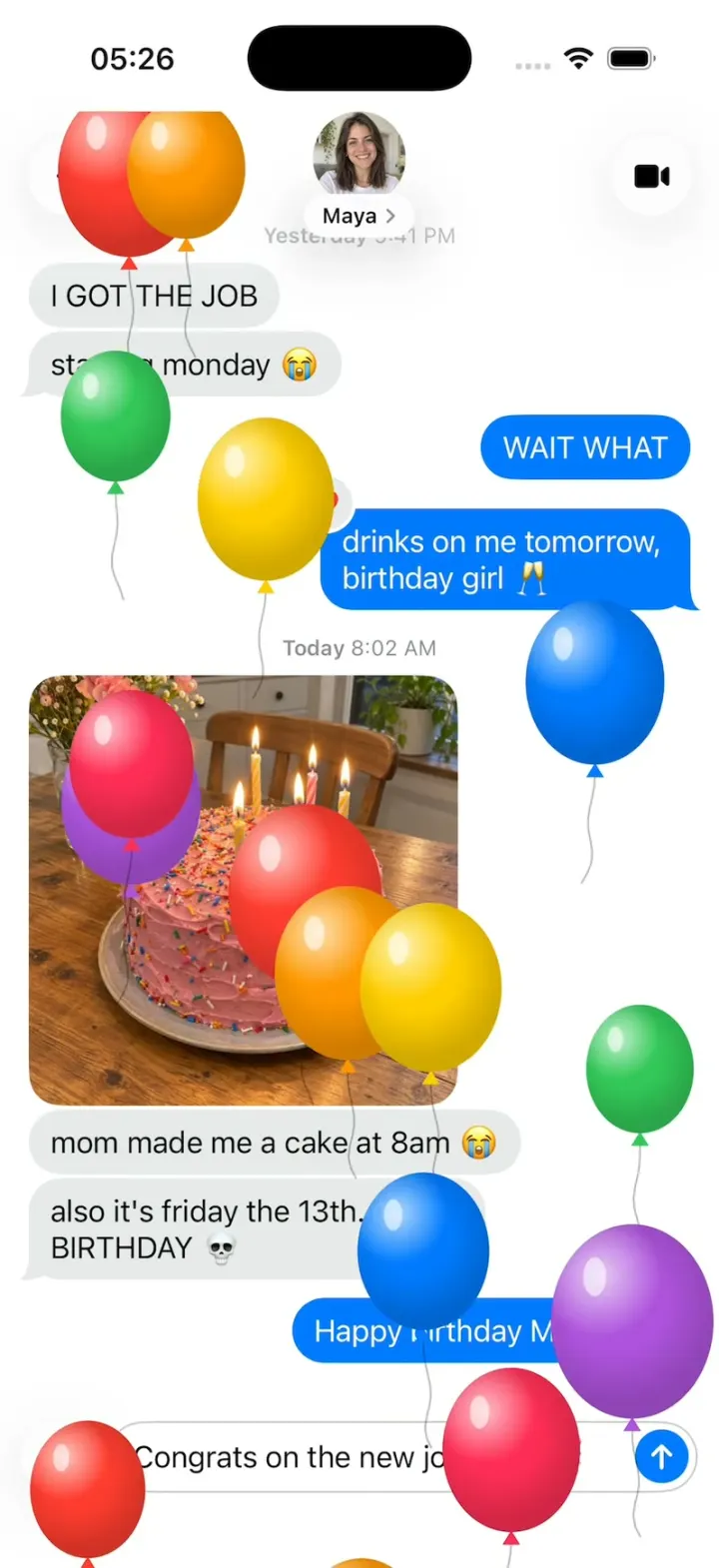
iMessage Clone
iOSThe iPhone Messages app: blue bubbles, Tapbacks, typing dots and every iMessage effect, Balloons to Lasers.
- View template
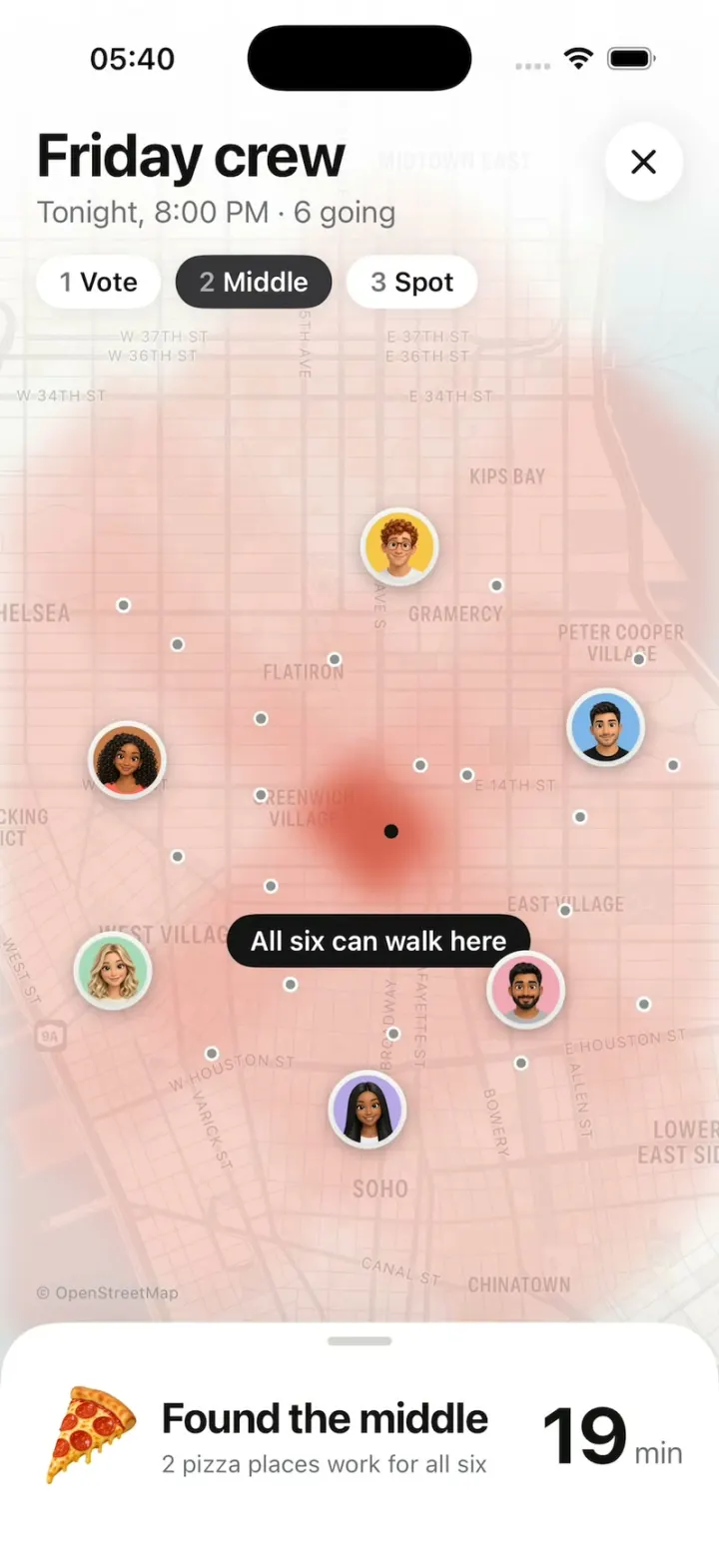
Midway
iOSFriends vote, a walking heat map grows from each of them, and it picks the pizza spot that's fair for all six.
- View template
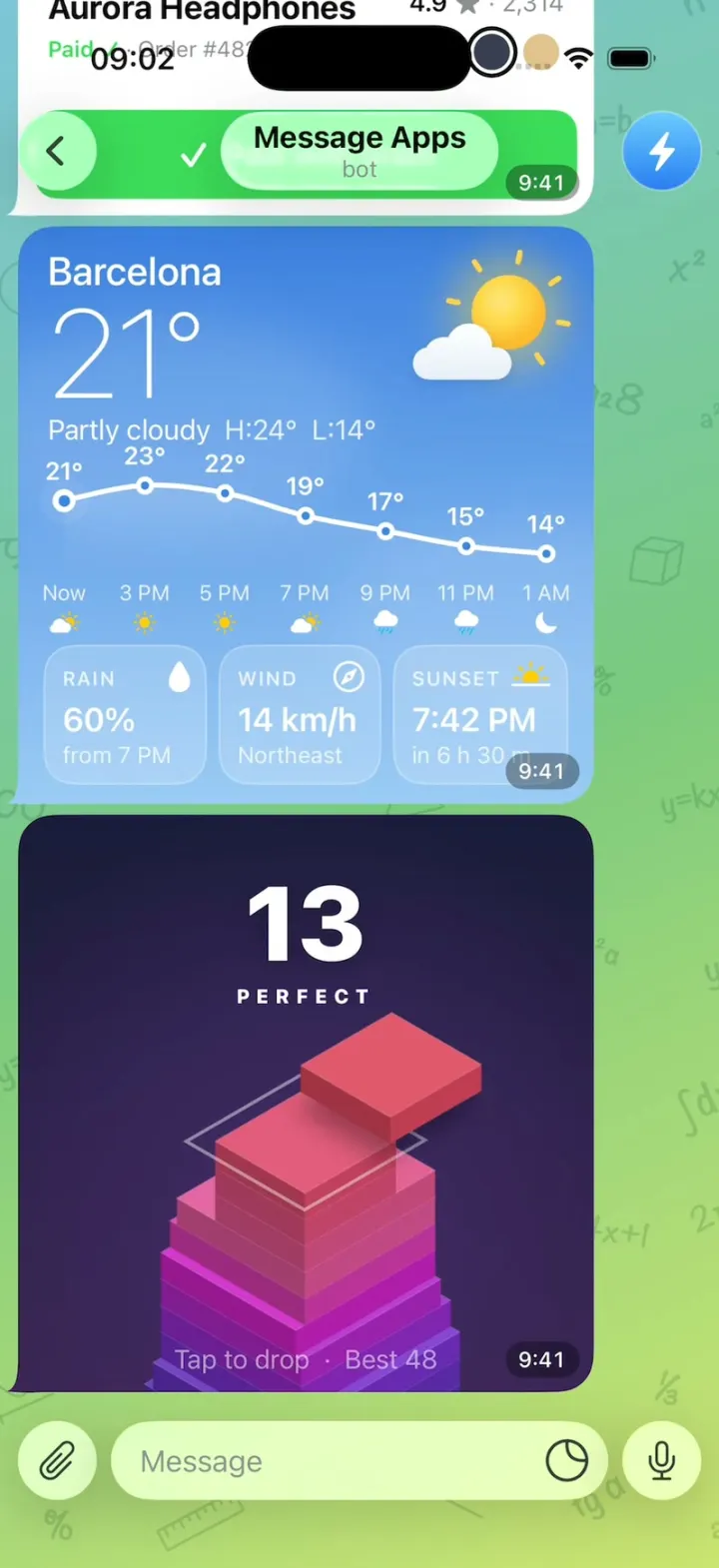
Message Apps
iOSA Telegram chat where every message is a live app: pay for headphones, check weather, play two games.
- View template
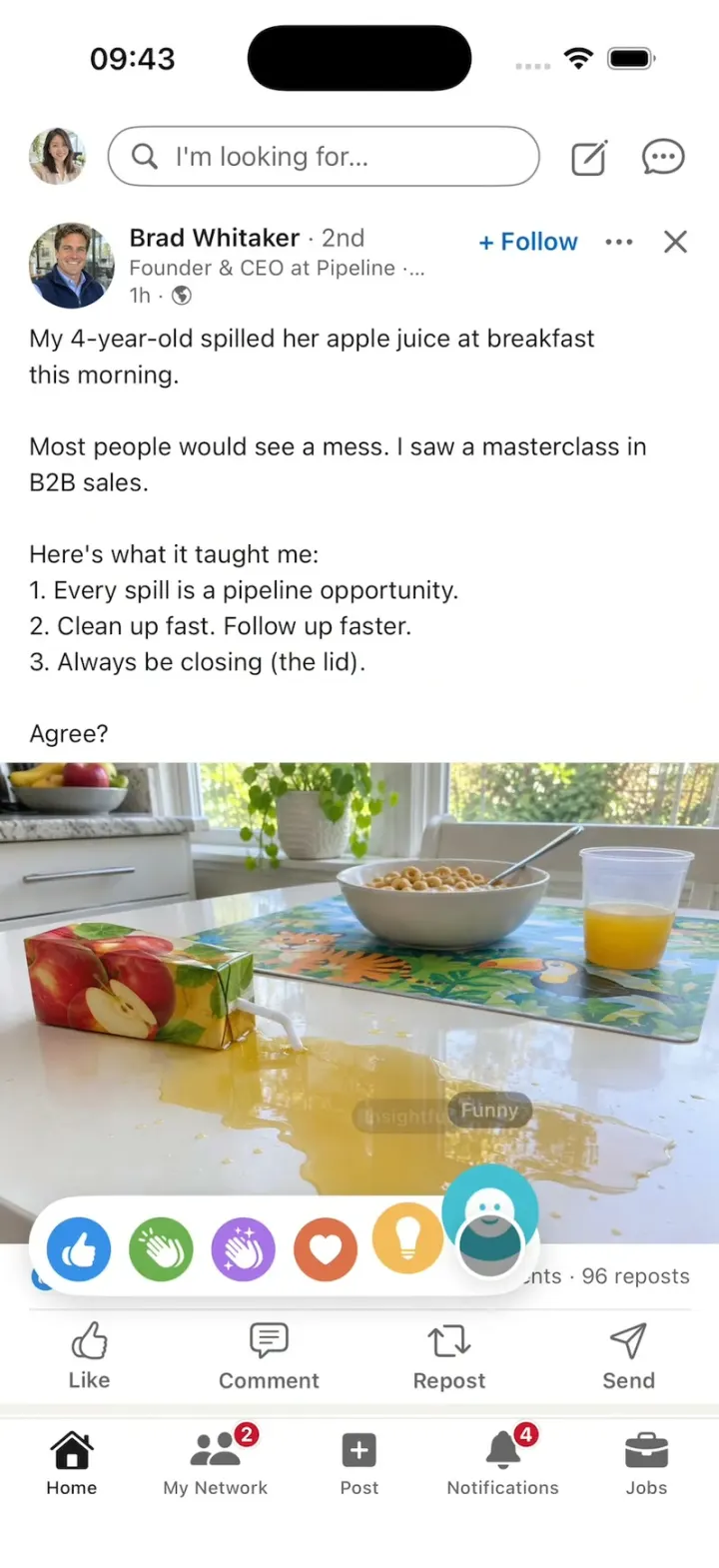
LinkedIn Clone
iOSA LinkedIn-style feed with all six reactions, Connect, Quick Apply and “See translation” on foreign posts.