Message Apps
Social app · from our videos on X
Message Apps is one Telegram-style chat where each incoming message is a small app you can use right in the bubble. Tap Buy on the Aurora Headphones card and it confirms, turns green and throws gem confetti. A weather card for Barcelona arrives next and draws its temperature curve. Then a tower-stacking game drops in, and three taps take the score from 10 to a PERFECT 13. A brick breaker arrives last and plays itself.
- iPhone · Swift
- Built in 1 prompt
- Free to remix

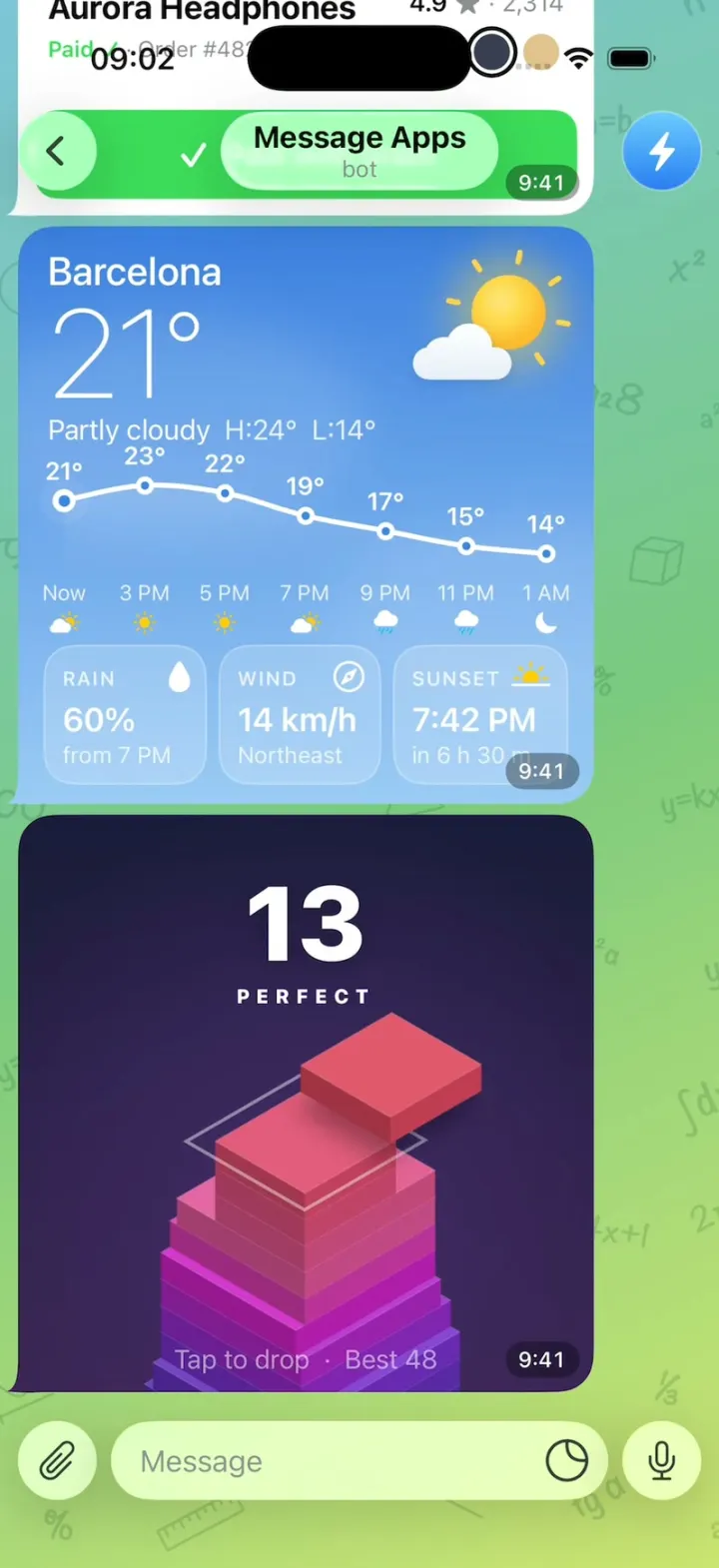
Remix copies the working app into your account for free, exactly as we built it. It runs in Vibecode's cloud iOS simulator, in your browser.
Watch the video on X@anshnanda · Nov 10, 2026The prompt that builds it
We built Message Apps in one prompt. Paste it into a new app to build your own copy, or change it first.
Prompt · 2,222 words
[image attached][image attached][image attached][image attached][image attached][image attached][image attached][image attached]
Clone the app shown in this post exactly, including the iPhone visual design, layout, interactions, animations, typography, spacing, and all visible states. Make it functional and runnable in the simulator. Match the reference as closely as possible and include every interaction shown in the source. Reference: https://x.com/durov/status/2120148866469376463 (Pavel Durov: "Any Telegram message can now become an app."). The 8 attached screenshots are frames of the original video in time order (the original shows only the lower part of the phone): shop card, "Confirming…", paid + confetti, weather card, stack game (10), stack game (12, sliced piece falling), stack game PERFECT (13), brick breaker. Read them all before writing code; where they and this brief differ on a visual detail, the screenshots win.

Build a native SwiftUI iOS app named Message Apps using Opus 5.5. It is one Telegram chat screen on iPhone in which each incoming message is a small live app rendered inside a chat bubble: a shop card you can pay on, a weather card, a tower-stacking game and a self-playing brick breaker. Do NOT put a fake handset frame inside the actual app; the simulator provides that. Everything is drawn natively in SwiftUI (shapes, gradients, Canvas/TimelineView): no web views, no static screenshots, no network, no permissions. Light mode only. Do not publish externally.

Observed video sequence (0-12.5s), which the app must reproduce in this order:
0.0s the chat is at rest, the last message is the Aurora Headphones shop card with a blue "Buy for 1 Gram" button. 0.6s the user taps Buy (a translucent white ring shows where the finger lands). 1.0-2.0s the button reads "Confirming…" with a spinner. 2.0s the button turns green "✓ Paid with Gram", a burst of small green and blue gem confetti flies up from the button and falls, the price pill changes from 12.40 to 11.40 and the subtitle changes to "Paid ✓ · Order #4821 · Ships Thu". 2.6s a new message, the weather card, arrives and the chat scrolls up with a spring so the new card sits just above the input bar; the card shows only its blue sky first, then its content animates in over ~1.4 s. 5.5s (about 3 s after the weather card arrived) the next message arrives the same way: the stacking game, score 10. 6.5-9.3s the user taps three times, each tap drops the sliding slab (score 11, 12, 13); the third drop is a PERFECT. 9.5s (0.5 s after the score reaches 13) the last message arrives: the brick breaker, playing by itself until the end.

SCREEN LAYOUT
- Background: Telegram's green chat wallpaper. A diagonal gradient from teal-blue #7FC4D8 (top-left) through green #7CC97F (centre) to yellow-green #CDE472 (bottom-right), with a faint darker-green doodle pattern of handwritten maths (formulas like "π=3.14", "√2ab", "e=2,718", "2x", "Σ", triangles, rulers) drawn at ~8% opacity across the whole wallpaper.
- Top bar (liquid-glass, translucent): a round glass back chevron on the left, centre title "Message Apps" bold 17 with subtitle "bot" in grey 13, and a round avatar on the right (blue gradient circle with a white lightning bolt). Tapping the title resets the whole demo to its initial state (only the first messages, Buy button blue, price 12.40) so it can be replayed.
- Message list: a ScrollView anchored to the bottom. Initial content, top to bottom: a centred date pill "Today" (translucent dark pill, white 13 semibold); an outgoing bubble on the right, light green #E1FEC6, text "Show me what message apps can do" with "9:41 ✓✓" in green at its bottom-right; then the incoming Aurora Headphones card.
- Every app message is an incoming bubble on the left: 10 pt from the left edge, width = 80% of the screen width, height equal to its width (square), corner radius 20, with the small Telegram bubble tail at the bottom-left corner, 6 pt vertical gap between messages. In the bottom-right corner of every card sits a time pill: "9:41" white 12 medium on a 35%-black capsule, 8 pt inside the corner.
- Input bar pinned to the bottom above the home indicator, all three parts liquid glass (white ~55% with a soft highlight): a 44 pt circle with a paperclip icon on the left; a 44 pt-high capsule with grey placeholder "Message" and a sticker (moon-like circle) icon at its right end; a 44 pt circle with a microphone icon on the right. 8 pt gaps, 10 pt side margins. The last message sits 8 pt above it.
- Touch indicator: on every touch anywhere in the app draw a translucent white ring (stroke 10 pt, white 55%) at the touch point that starts 90 pt wide, shrinks to 50 pt and fades out in 0.45 s, above all content, without blocking the touch.

MESSAGE 1: SHOP CARD (white bubble, 10 pt inner padding)
- Top 58% is a product image area: rounded 16, soft light-grey radial gradient (#F4F5F8 centre to #E3E5EC edges). Top-left pill: white capsule with a green dot and "In stock" semibold 14 black. Top-right pill: white capsule with a black gem (diamond) icon and "12.40" semibold 14.
- Centre: a 3D-looking pair of over-ear headphones drawn with SwiftUI shapes: a thick arched headband in two tones of grey (outer #8A8D96, inner darker #2E3038 strip), two rounded ear cups in graphite gradient (#6D7078 to #45474E) each with a small white dot, and a soft elliptical shadow under them. The headphones float: they bob up and down 6 pt on a 2.4 s loop.
- Below the image: left, "Aurora Headphones" bold 20 black, under it "Wireless · ANC · 40 h battery" 15 grey #8E8E93. Right, "4.9 ★ · 2,314" (4.9 semibold black, star and count grey), under it three 22 pt colour swatches: lavender #B79CED, slate #3A3F52 (selected: 2 pt white gap then a 2.5 pt black ring), tan #E2C28F. Tapping a swatch selects it and tints the ear cups.
- Bottom: a full-width button, height 54, radius 14, Telegram blue #34AEEB, white semibold 18: "Buy for", a white gem icon, "1 Gram".
- Tap Buy: the button scales to 0.97 and back, and its label becomes a white spinner + "Confirming…" for exactly 1.0 s. Then: the button springs to green #3DDC5A with "✓ Paid with Gram"; a confetti burst of ~28 small gem-shaped pieces (rounded diamonds 10-16 pt, greens #3DDC5A/#7BE08A and blues #34AEEB/#5AC8FA, each with a tiny white sparkle) shoots up from the button, spreads over the lower half of the card, rotates, falls under gravity and fades in 1.4 s; the price pill counts down from 12.40 to 11.40; the subtitle cross-fades to "Paid ✓" (green #3DDC5A semibold) + " · Order #4821 · Ships Thu" (grey). A light success haptic. The button is disabled afterwards.
- 0.6 s after the payment succeeds the weather message is appended.

MESSAGE 2: WEATHER CARD (full-bleed, no white padding)
- Background: vertical gradient #3B7FE0 (top) to #9CCBF6 (bottom) with two large soft white cloud blobs at 12% opacity drifting slowly.
- Top-left: "Barcelona" white medium 24; "21°" white thin 76; "Partly cloudy" white 17 followed by "H:24°  L:14°" white 17 at 85%.
- Top-right: a sun-behind-cloud illustration: a yellow-orange radial sun (#FFD84A to #FDB92E) with 8 short rounded yellow rays that slowly rotate, a soft glow, and a white rounded cloud overlapping its lower-left.
- Middle: a temperature curve across the full width: seven points labelled above with "21°", "23°", "22°", "19°", "17°", "15°", "14°" (white semibold 15); a smooth white 3 pt line through them (heights follow the values, so it rises to 23° then falls to 14°); each point is a white dot with a blue centre; the first dot ("Now") has a soft pulsing halo; the area under the curve is filled white at 12% fading to 0.
- Under the curve, a row of seven hour labels "Now", "3 PM", "5 PM", "7 PM", "9 PM", "11 PM", "1 AM" (white 13 at 85%), each with a small weather icon under it, in order: partly sunny, sun, sun, partly sunny, rain cloud, rain cloud, crescent moon.
- Bottom: three equal glass tiles (white 18% fill, white 35% 1 pt border, radius 18, 8 pt gaps): "RAIN" (caps 12 semibold 80% white, water-drop icon at the tile's top-right) / "60%" (semibold 20) / "from 7 PM" (14, 80%); "WIND" (compass-arrow icon) / "14 km/h" / "Northeast"; "SUNSET" (sun-on-horizon icon) / "7:42 PM" / "in 6 h 30 m".
- Entrance choreography when the message arrives: the bubble slides up into place showing only the sky gradient; then city + temperature + sun fade and rise in (0.0-0.3 s); the curve draws from left to right while its dots and temperature labels pop in one after another (0.3-0.9 s); hour labels and icons fade in (0.8-1.1 s); the three tiles rise in one by one (1.0-1.4 s).
- 3.0 s after the weather message arrives, the stack game message is appended.

MESSAGE 3: STACK GAME (full-bleed)
- Background: vertical gradient #1B1B3A (top) to #3B2456 (bottom).
- Top centre: the score, white heavy 64, starting at "10". Bottom centre: "Tap to drop  ·  Best 48" white 16 at 55%.
- An isometric tower of square slabs (true isometric: each slab is a diamond-shaped top face plus two visible side faces, left face darker than the right face), about 10 slabs visible, the lower ones cut off by the card's bottom edge. Slab colours run from deep indigo-blue #2A2F8F at the bottom through violet #7B2FD0 and magenta #D020C8 to hot pink #E0559A at the top; each new slab is a little redder (towards #E0455F). The tower starts already 10 slabs high, slightly irregular (each slab a touch narrower/offset from the one below, as if played).
- A new slab, same size as the current top, slides back and forth above the tower along one isometric axis, alternating sides each turn: the first one comes in from the viewer's upper-LEFT and travels towards the lower-right, the next from the upper-RIGHT towards the lower-left, and so on. It casts a soft dark shadow on the tower. Speed: one full pass in about 1.1 s, ease-in-out, bouncing at the ends.
- Tap anywhere on the card: the slab drops onto the tower. The part that overhangs is sliced off as its own piece that tumbles down past the tower and fades; the remaining part becomes the new top; the tower eases down by one slab height so the top stays in the same place; the score pops (scale 1.25 and back) and increments. If the overlap is zero, treat it as a minimal overlap instead (the game never ends in this demo).
- PERFECT: when the drop is within 6 pt of aligned, and ALWAYS on the drop that takes the score to 13, snap the slab exactly onto the top, show "PERFECT" (white 12 heavy, letter-spacing 4) just under the score for 1 s, and pulse a white diamond outline (2 pt) that expands from the top slab's outline and fades.
- 0.5 s after the score reaches 13, the brick breaker message is appended. The stack game stays playable.

MESSAGE 4: BRICK BREAKER (full-bleed, plays by itself)
- Background: #15183A with a faint dot grid (white 6% dots every 16 pt).
- Header: left "SCORE" (caps 12 heavy, white 60%) over "1,340" (white heavy 22); right "LEVEL 3" (caps 12 heavy, white 60%) over three 8 pt hot-pink dots (#FF3D9A). A 1 pt white 10% divider under the header.
- Bricks: 5 rows × 7 columns of glowing rounded bricks (radius 6, height 16, 6 pt gaps, each with a lighter inner highlight line and a soft glow of its own colour). Row colours top to bottom: pink #FF3D9A, orange #FF8A3D, yellow #FFD23D, green #3DF58A, cyan #3DC8FF. Some bricks are already gone at the start; present columns per row (1 = leftmost): pink 1,2,4,5,6,7; orange 1,2,3,6,7; yellow 1,2,3,5,6; green 3,4,5,6,7; cyan 1,3,4,7.
- A white glowing ball with a fading dotted trail of ~10 dots bounces at constant speed off the walls, bricks and paddle. The paddle (a glowing ice-blue capsule #BFEFFF, ~90 × 12 pt, near the bottom) moves by itself, smoothly tracking the ball so it never misses. A hit brick flashes white, breaks into 6-8 small square particles of its colour that fall and fade, and the score adds 10 with a small pop. When all bricks are gone, refill the starting layout. Dragging on the card moves the paddle manually for as long as the finger is down.

Chat behaviour: each appended message animates in from below (offset 40 pt + opacity, spring response 0.45, damping 0.85) while the list scrolls so the new card's bottom rests 8 pt above the input bar. The list is scrollable by hand so earlier cards can be revisited. All cards keep animating while on screen. Use native spring animations and gestures, not static screenshots.

Keep every file you create inside /home/user/workspace (fonts, generated images, scripts): tool access to /tmp and other paths outside the workspace is denied in this sandbox.

Build fully, run compile/build validation, resolve all errors, and launch in the web simulator. Prioritize fidelity to this brief and a working main flow (Buy → paid → weather → stack → brick breaker). Deliver the complete implementation rather than a plan.
More templates
All templates- View template
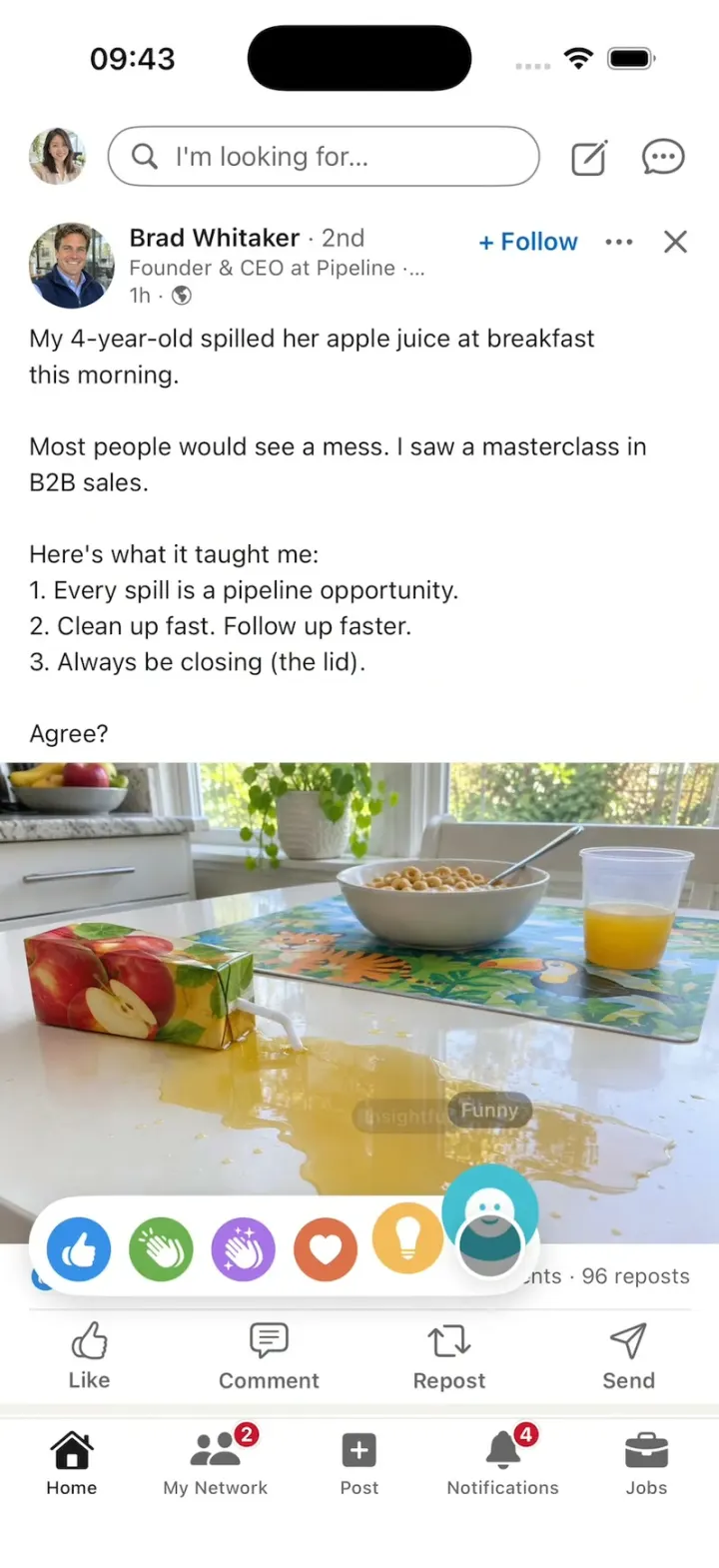
LinkedIn Clone
iOSA LinkedIn-style feed with all six reactions, Connect, Quick Apply and “See translation” on foreign posts.
- View template
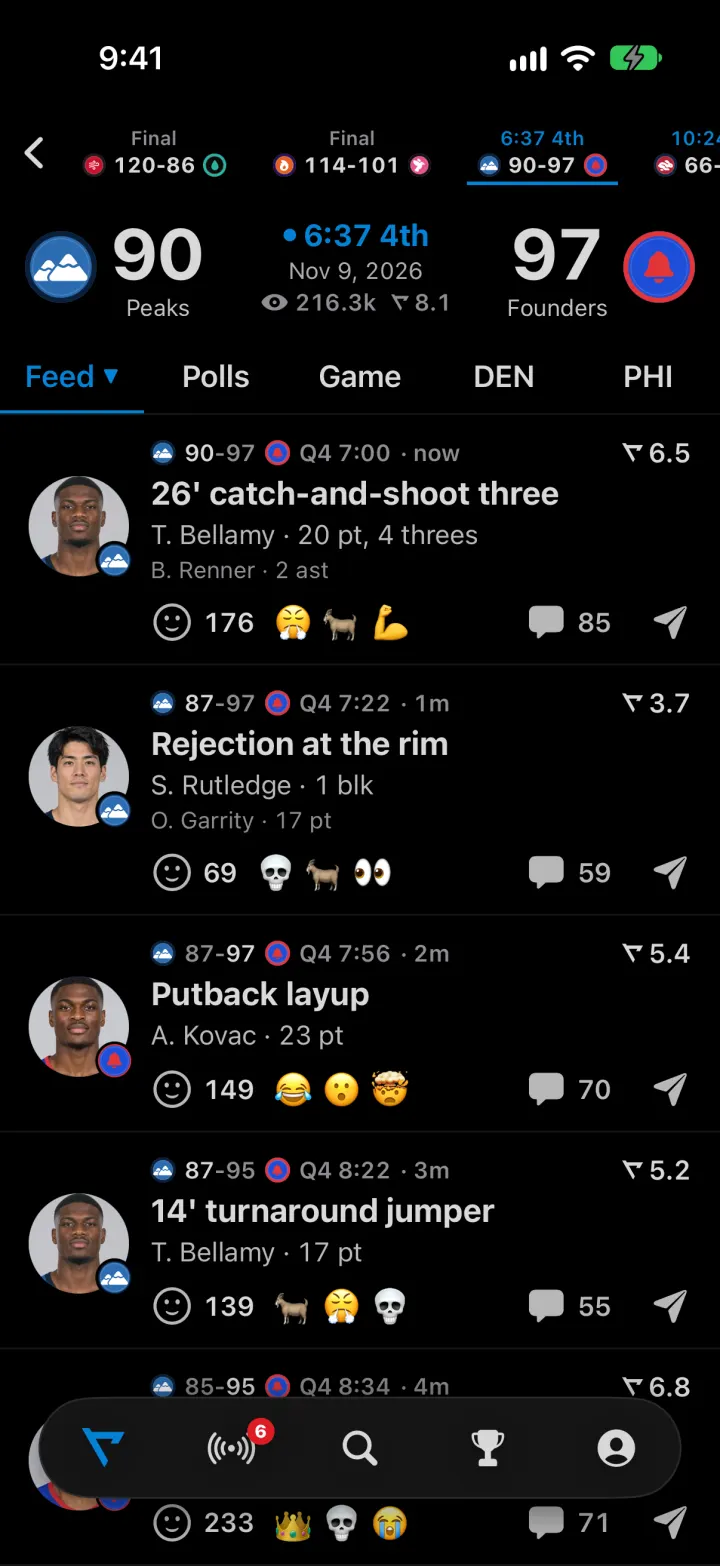
Real Clone
iOSLive games whose rated plays drop into the feed, with fan reactions, polls and an AI sports analyst
- View template
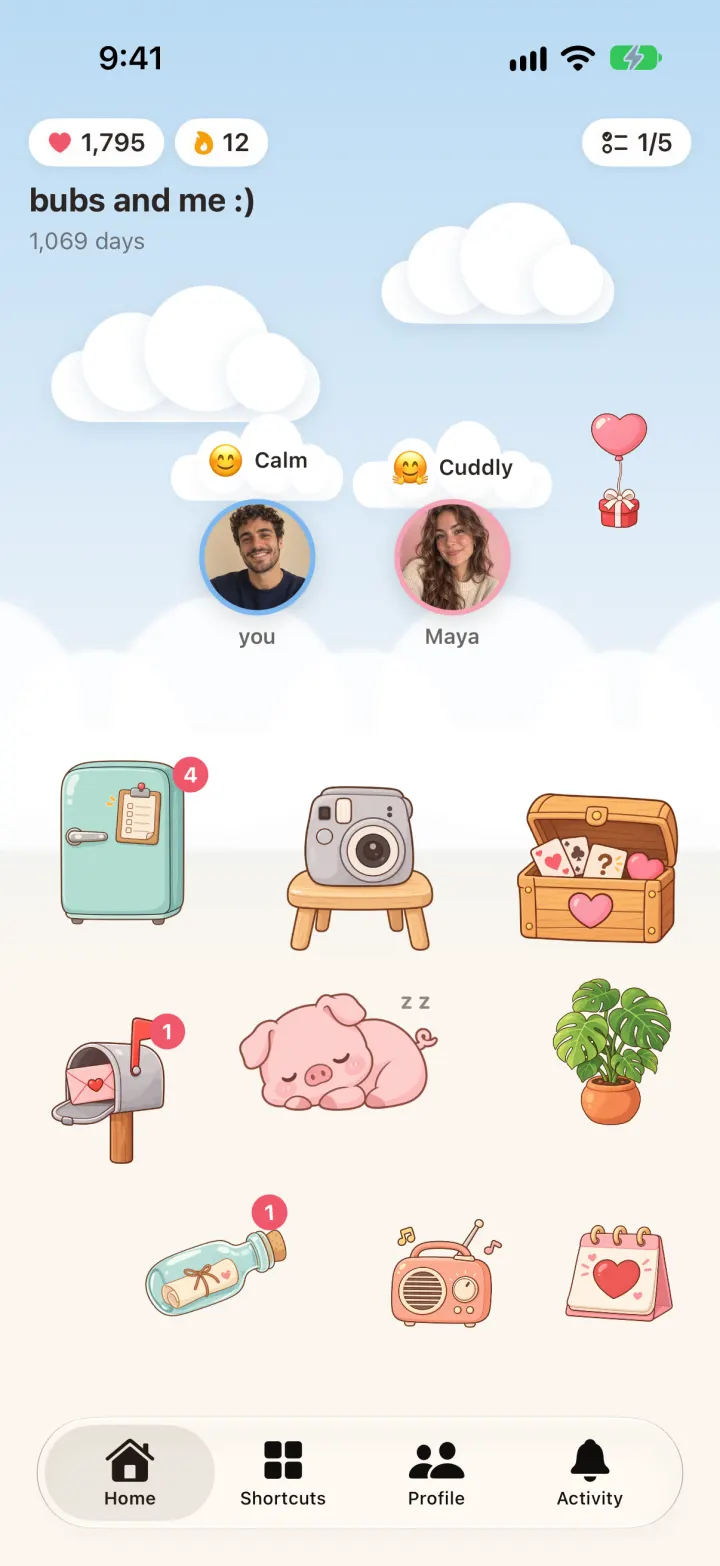
Lovelee Clone
iOSA cozy sky for two: tap her avatar to send Miss U, trade doodles, answer the daily bottle and raise a pig.
- View template

X Clone
iOSAn X-style feed with likes, reposts, polls and an AI you tag under any post: ask “@ai is this true?”