Minecraft Clone
Minecraft clone · Voxel sandbox game · built by the Vibecode team
Minecraft Clone rebuilds Minecraft with its real name, stone wordmark and Java Edition screens, running in the browser with three.js. You start on the title screen over a live, slowly turning world, pick one of three saved worlds or create your own (survival or creative, default or superflat, any seed), and explore infinite terrain with forests, deserts, snowy taiga, oceans, caves and ores. Break blocks with crack animations and particles, place them from the hotbar, craft planks, torches and crafting tables in the inventory, eat when hungry and watch the day turn into a starry night lit by your torches. TNT blows real craters, chat commands change the time or game mode, and everything saves locally.
- Web app
- Hand-built
- Free to remix
Remix copies the working app into your account for free, exactly as we built it. It runs in your browser.
The prompt that builds it
We wrote Minecraft Clone by hand. This prompt describes the finished app: paste it into a new app to build your own version, or change it first.
Prompt · 743 words
Build a Minecraft clone that runs in the browser with three.js: an infinite blocky world you explore in first person, mine, build, craft and survive in, with the real Minecraft Java Edition look and words. Draw everything in code: every 16x16 block texture is painted pixel by pixel (grass with a green fringe on dirt, stone, cobblestone, oak/birch/spruce logs and leaves with holes, planks, sand, water, glass, bricks, ores, TNT, glowstone, torches, flowers), the stone "MINECRAFT" wordmark is pixel letters made of little bevelled stone blocks with a dark 3D side, and sounds are synthesised. No Mojang assets, no Steve, no creepers; a small "Fan-made clone. Not affiliated with Mojang." line on the title screen.

SHELL
Opens on the title screen (no login or onboarding): the live world slowly turning behind a blur, the wordmark with a "WEB EDITION" ribbon, a pulsing yellow slanted splash ("Punch the trees!", "Remix me!"), grey bevelled buttons Singleplayer / Multiplayer (greyed, "a remix away") / Options... / Quit Game, version bottom-left. Pixel font (Pixelify Sans) with a 1-pixel drop shadow; GUI scale 3 on desktop.

SCREENS
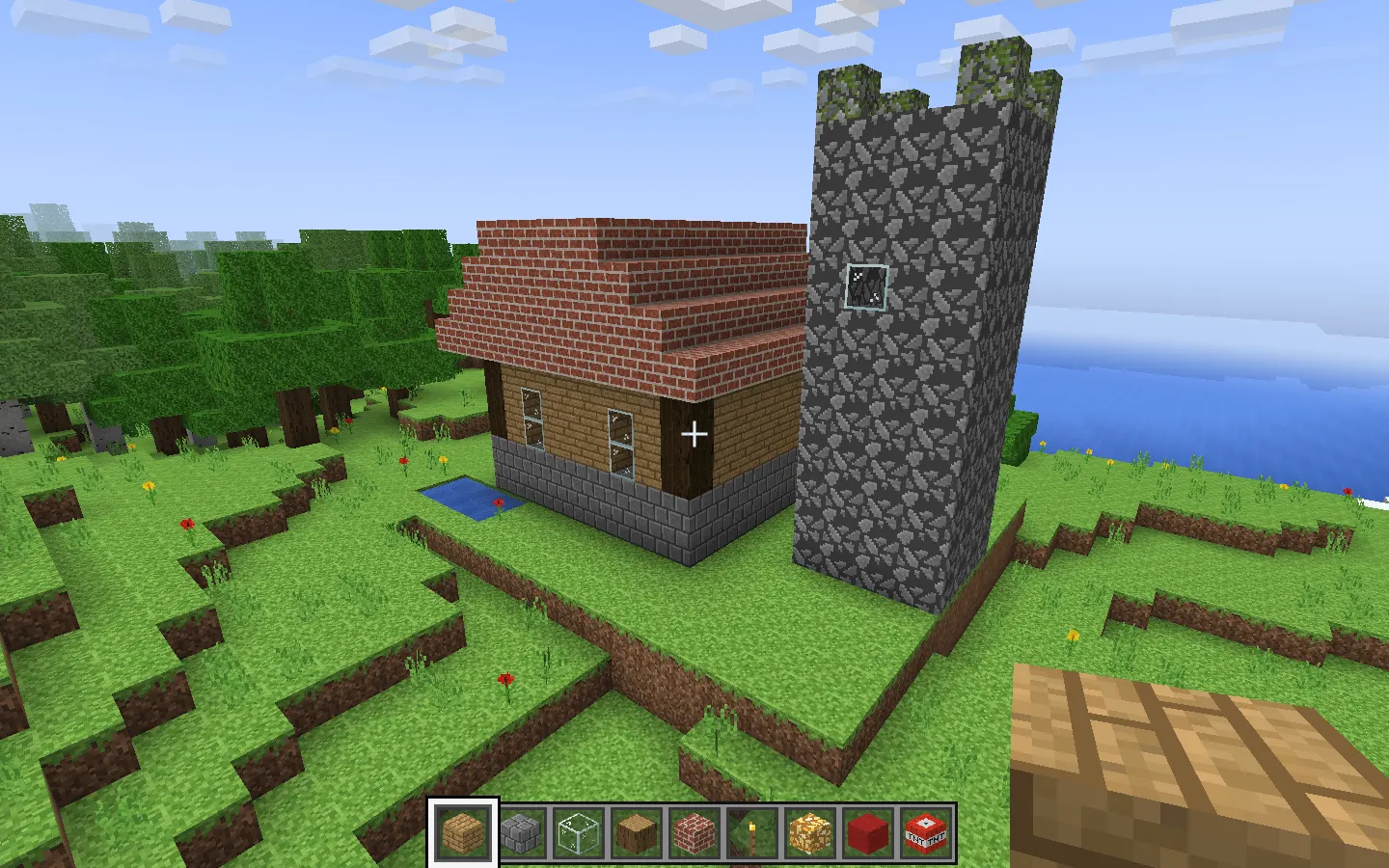
1. Select World: search field, rows with a world thumbnail, bold name, "folder (date)" and "Survival Mode, Default, Version: 1.21.4"; Play Selected World, Create New World, Edit, Delete ("'X' will be lost forever! (A long time!)"), Cancel. Three demo worlds: New World (survival, a plank-and-cobble starter shelter, a stocked inventory), Creative Build (a stone-brick cottage with a brick roof, glowstone porch, pond and tower), Superflat Sandbox (a wool heart, gold/diamond floor, a row of TNT). Last-played dates stay relative to today.
2. Create New World: name, Game Mode Survival/Creative (with the hint text), World Type Default/Superflat, seed.
3. Loading: dark dirt background, "Generating terrain..." with a progress bar.
4. In game: crosshair, 9-slot hotbar with a white selection frame and isometric block icons, item name popup on slot change, 10 hearts + 10 drumsticks + green XP bar in survival, held block or item bottom right with swing and bob, black block outline, crack stages while digging, block particles.
5. Inventory (E): light grey bevelled panel, 2x2 crafting grid with arrow and result, 27 + 9 slots with counts and tooltips, pick up / split / place / shift-move stacks. Creative gets tabbed item grids (Building Blocks, Natural Blocks, Functional Blocks, Food & Ingredients). Right-click a crafting table for 3x3. Recipes: log -> 4 planks, planks -> sticks, coal + stick -> 4 torches, 4 planks -> crafting table, cobblestone ring -> furnace, and more.
6. Game Menu (Esc): Back to Game, Statistics (time played, blocks mined/placed, distance, jumps, deaths), Options (FOV, render distance, sensitivity, volume, auto-jump, view bobbing, daylight cycle), switch mode, skip to night, Save and Quit to Title. Death screen: red tint, "You Died!", Score, Respawn / Title Screen. Chat (T, /): /time set day|noon|sunset|night, /gamemode, /tp, /give, /seed, /kill. F3 debug text.

WORLD
16x16 chunks, 96 high, sea level 40, streamed around you with smooth lighting and ambient occlusion. Biomes: plains with flowers and grass, oak and birch forests, snowy spruce taiga with ice, deserts with cactus, beaches, oceans and stone/snow mountains; caves, coal/iron/gold/diamond ores, bedrock. Sky light plus torch/glowstone light that floods through openings; day/night with a square sun and moon, stars, sunset glow and drifting blocky clouds; fog at the edge of the render distance; underwater tint.

PLAY
WASD, mouse look (pointer lock), Space jump (double-tap to fly in creative), Shift sneak (no falling off edges), Ctrl sprint (wider FOV), wheel / 1-9 hotbar. Survival: dig time per block, drops into the inventory (stone gives cobblestone, leaves sometimes apples, ores give XP), eat food to refill hunger, fall damage, drowning, starving. Creative: instant break, infinite blocks, flying. Right-click TNT to light it: it flashes and explodes, carving a crater and setting off nearby TNT. Everything saves to localStorage (only your edits are stored).

LOOK
Sky #78A7FF to #C0D8FF at the horizon, sunset #FF9A4D, night #05070F. Buttons #6F6F6F with light top-left and dark bottom-right bevels, white outline and yellow text on hover. Inventory #C6C6C6 with #8B8B8B inset slots.

RULES
Phones get a joystick, drag to look, Jump/Sneak/Break/Place buttons and a pause button. ?demo=1 runs a bot that walks, digs, places TNT, builds a wall, blows it up and watches the sunset.

REMIX-READY
brand.ts (name, wordmark, splashes, sky colours, words), config.ts (world size, height, day length, physics), data/fixtures.ts + structures.ts (demo worlds and builds), engine/blocks.ts + textures/ (add a block), data/inventory.ts (recipes). README.md explains the file map.
More templates
All templates- View template
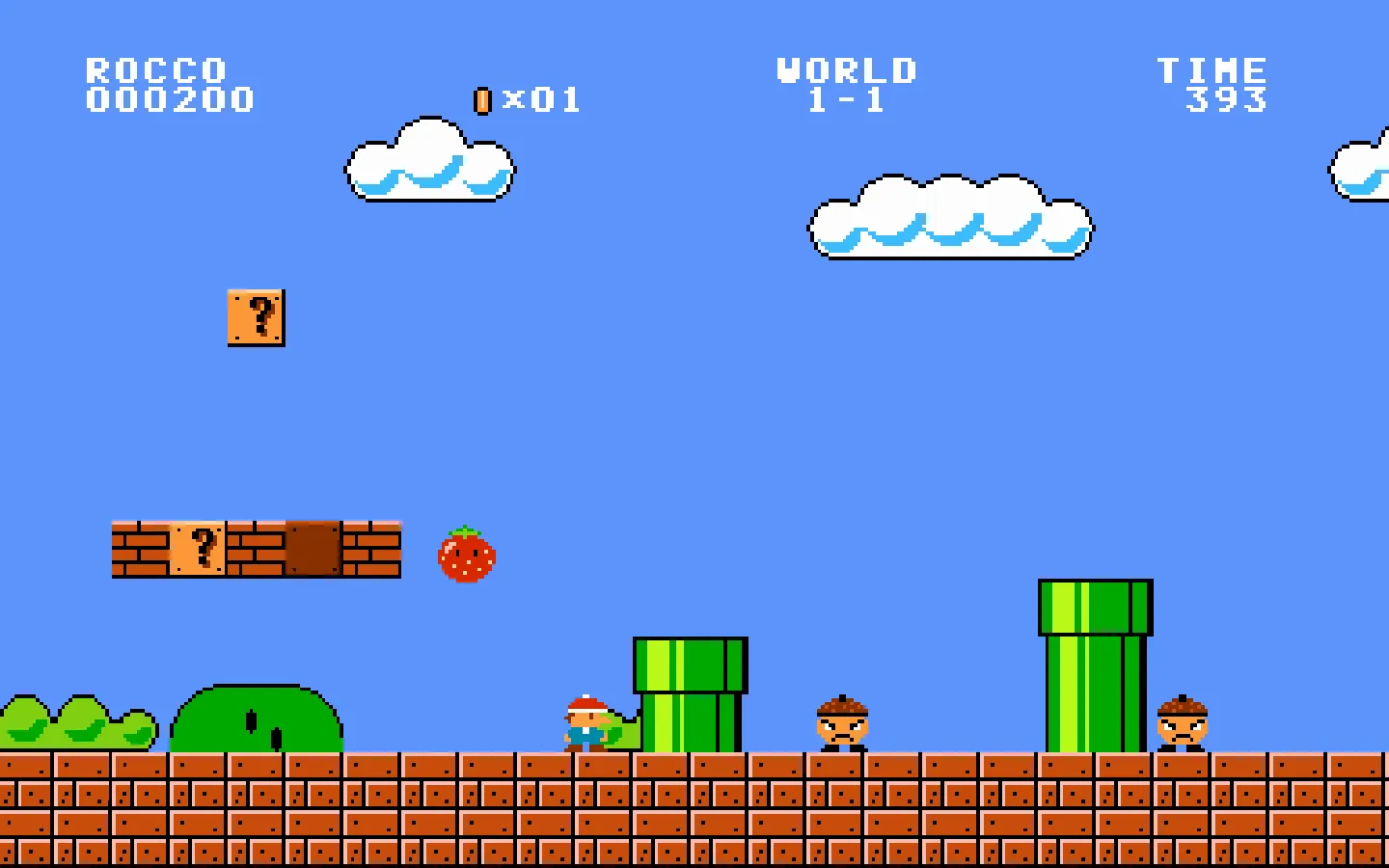
Super Mario Bros. Clone
WebRun, stomp and bump ? blocks across four worlds, then slide down the flagpole. NES pixels, all in code.
- View template
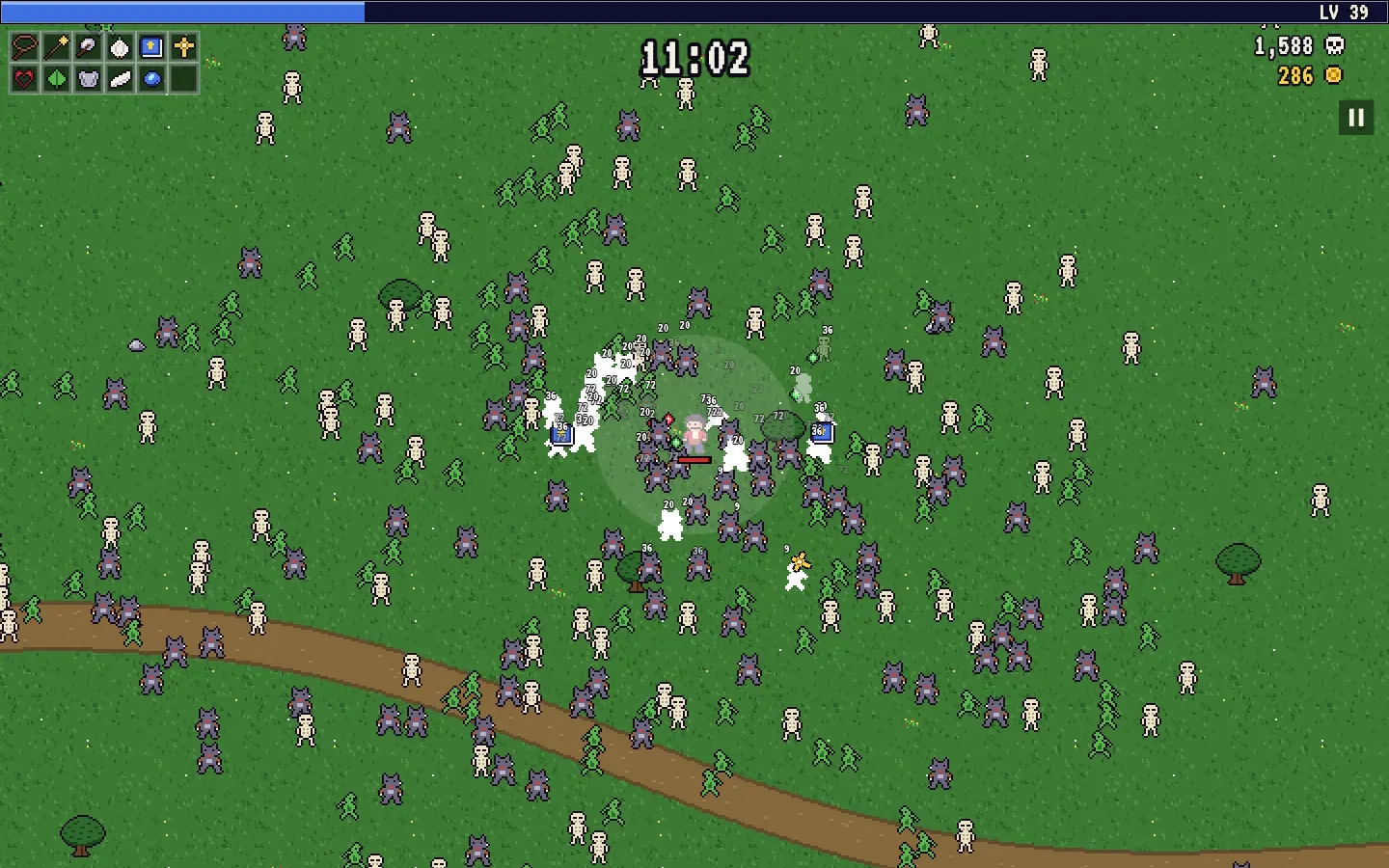
Vampire Survivors Clone
WebJust move: your whip, wands and axes fire themselves at 500 monsters. Level up, open chests, evolve weapons.
- View template
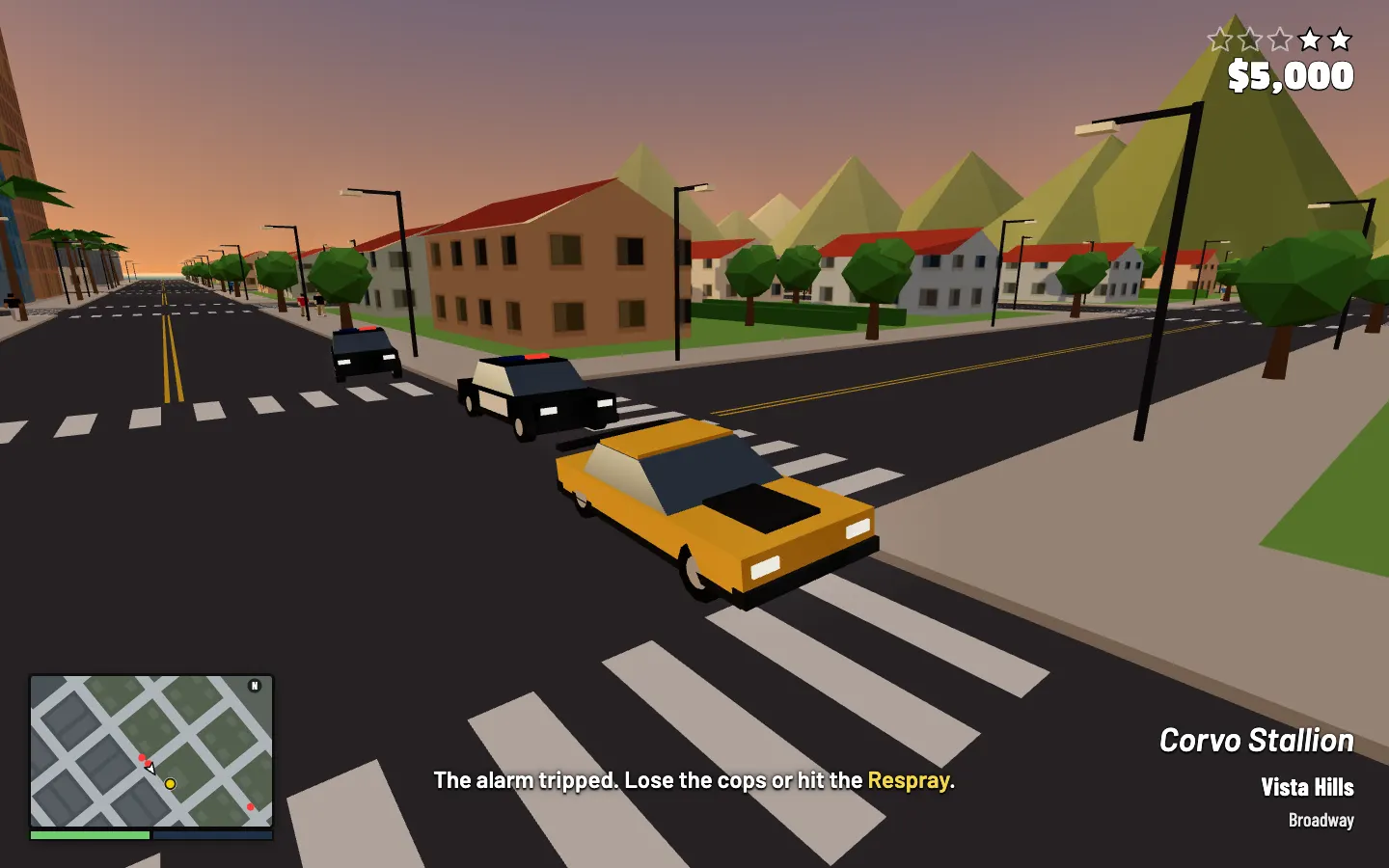
Grand Theft Auto Clone
WebSteal a muscle car, outrun the cops to the Respray and hear MISSION PASSED in a sunny 3D open city.
- View template
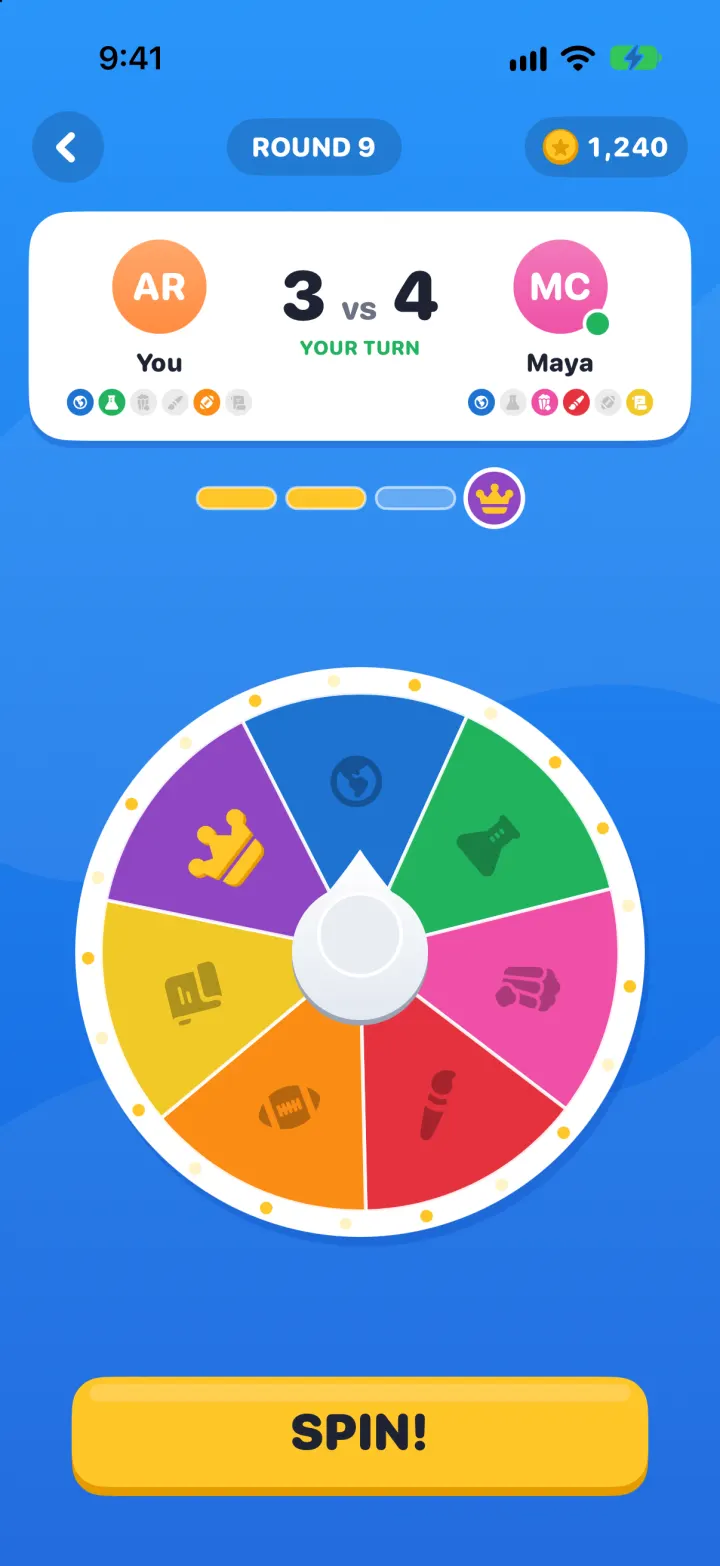
Trivia Crack Clone
iOSSpin the rainbow wheel, beat the 30-second clock, win all six characters, then keep your daily streak alive