
Football Manager Clone
Football Manager clone · Sports management game · built by the Vibecode team
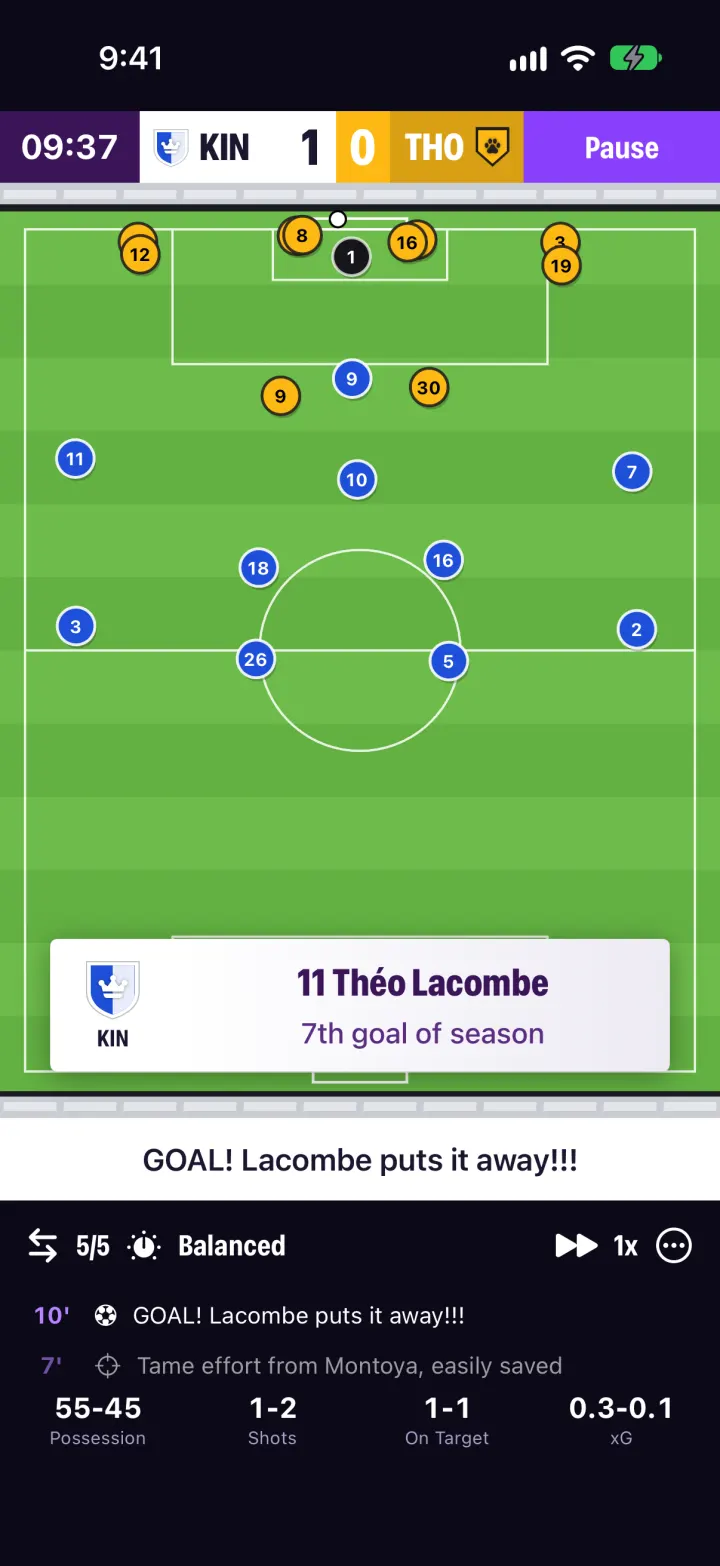
Football Manager Clone rebuilds Football Manager 26 Mobile with its real name, dark navy-violet look, attribute tiles, role chips and purple-to-pink Continue button, in portrait. You manage Kingsbridge Rovers in a fictional 20-club Premier Division: pick a formation and mentality, swap players on the pitch, and press Continue to move day by day through training, news and match days. Matches play out on FM's 2D pitch from a minute-by-minute simulation, with goal cards, half-time team talks, subs and a full match report. Scout and bid for players, sell to rival clubs from the inbox, give press conferences, watch your finances and play on into new seasons.
- iPhone · Swift
- Hand-built
- Free to remix

Remix copies the working app into your account for free, exactly as we built it. It runs in Vibecode's cloud iOS simulator, in your browser.
The prompt that builds it
We wrote Football Manager Clone by hand. This prompt describes the finished app: paste it into a new app to build your own version, or change it first.
Prompt · 1,101 words
Build a polished native iOS clone of Football Manager (FM26 Mobile/Touch) in SwiftUI, in portrait: manage a fictional club through a full league season with a squad of rated players, tactics, live 2D matches, a transfer market, finances, an inbox with press conferences, and seasons that roll over. Everything runs on the phone, offline, saved as JSON.

It is Football Manager on screen: its name, FM26's dark navy-violet page (#17122E to #0B0918) with faint purple "/" slashes at the edges and a purple glow, rounded panels (#1B1730, 1 px #3B3557 border, radius 16) with magenta section titles (#E25CFF), violet accents (#8A3FFC, lilac #B583FF), condensed heavy headings (SF Pro condensed), and the purple-to-pink "Continue »" button (#7B2CF5 to #FF3A5C, pink border) next to a date block ("14/11/2026 / Sat 15:00"). Its words: "Portal", "Stages", "Fixture Schedule", "Schedule", "Match Day", "Continue", "Processing...", "Player Profile", "Squad Status", "Star Player", "Transfer Status", "Offer Contract", "Actions", "Current Ability", "Potential", "Condition", "Morale", "Tactical Familiarity", "Quick Pick", "Mentality", "Balanced", "Kick Off", "Pause", "Half Time", "Team Talk", "Full Time", "Match Report", "Player Ratings", "Go on Holiday", "End of Season". All clubs, players and staff are fictional; draw every crest in code.

DATA
A 20-club "Premier Division" (England): each club has a name, 3-letter code, nickname, two kit colours, a crest (shield, roundel, crest or pointed; plain, stripes, halves, hoop, sash, chevron or quarters; an SF Symbol emblem), stadium, capacity and reputation 1-5. The user manages Kingsbridge Rovers (royal blue/white halves, crown) as Alex Mercer. 24-man squads plus free agents from weighted nation name pools (English, Spanish, French, Brazilian, Nigerian, Dutch...), each player with FM's 29 attributes on 1-20 (10 technical or goalkeeping, 11 mental, 8 physical), position + secondary positions, age, foot, height, number, condition, morale (Very Poor to Superb), wage, contract, squad status, transfer status, season stats and match ratings. Key players: Theo Moreau GK, Callum Brennan ST, Chidi Okafor AMC, Jack Ashworth DC, Rafael Teixeira AMR, Daan Verhoef DM. A seeded double round robin, one round each Saturday 15:00 from early August; every round before today is already simulated so the table, form, stats, inbox and finances look lived in. Untouched demo saves rebuild each day so the season matches today.

SHELL
A floating dark bottom bar (FM26 Touch style) with 7 icons: Portal, Inbox (orange unread badge), Squad, Tactics, Transfers, Competitions, Menu; the selected icon sits on a lilac rounded square. Above it, the date block and Continue. Opens on Portal: no splash, onboarding, login or paywall. Continue advances day by day (fitness recovers, wages go out Mondays, TV/sponsor/merch money monthly, other matches play, news arrives) and stops on news or match day; on match day it reads "Match Day" and opens the match.

SCREENS
1. Portal: Next Match card (both crests, VS, league + round, positions, points, W/D/L form chips, stadium, odds), "Stages" table snippet around your club (your club in orange), the week's training Schedule (Match Prep, Recovery, Fitness, Tactical...), Fixture Schedule (last results with W/D/L rings, next fixtures), Board Confidence / Squad Morale / Balance tiles, Latest News.
2. Squad: Overview / Stats / Contracts; violet header row; rows with lilac position chip, "9. C. Brennan", flag, age, status, condition heart %, stars and morale icon.
3. Player Profile: card with kit-colour shirt art, number, crest, flag, purple surname band, position, orange stars; Age, Value, Wage p/w, Contract Expiry, Nationality, Squad Status; a position map (green natural, yellow-green accomplished, yellow); role line ("Target Forward"); Technical/Mental/Physical grids with FM Mobile's number tiles (blue, orange 9 or lower, green 15+) and key attributes tinted purple; Season Stats with a ratings bar chart. Own players: Transfer Status menu, Offer Contract (wage slider + years, agent accepts or rejects), Actions (Praise Form, Criticise Form, Make Captain, Move To Reserves). Others: asking price, View Club, Make Offer.
4. Tactics: formation menu (4-2-3-1, 4-3-3, 4-4-2, 4-1-4-1, 3-5-2) and mentality (Very Defensive to Very Attacking), Tactical Familiarity bar, a green pitch with concentric rings and green pentagon role chips (G, IFB, CD, FB, DM, DLP, IF, AM, W, AF...) with surnames, coloured by fit (green/yellow/red) with a condition dot; tap two players (or a substitute/reserve) to swap; Quick Pick.
5. Transfers: Transfer and Wage Budget tiles, Players / Wonderkids / Free Agents / My List, search, sort, GK/DEF/MID/ATT chips, rows with crest, name, position, age, club, current and potential stars and value. Make Offer sheet: bid slider, "Negotiating...", then accept, counter ("Ashcombe City want £18.9M") or reject; accepted players join your squad with a new number and the fee leaves your budget.
6. Competitions: full table (Pld W D L GD Pts, coloured qualification/relegation bars), Fixtures by round (tap a result for its Match Report), Stats (top scorers, assists, ratings), History of finished seasons.
7. Inbox: messages from Board, Assistant Manager, Chief Scout, Director of Football, Head Physio, Media; transfer bids with Accept/Reject (sold players leave, 75% of the fee joins the budget), scout reports, injuries, match reports, and Press Conferences (3 questions, Calm/Confident/Passionate answers that move squad morale).
8. Match Day: both crests, 15:00, stadium, your XI in broadcast style (teal numbers over white name tags on a black pitch), the opponent's XI, "Kick Off »".
9. Live match: score bar (violet clock "09:37", white home block, away-colour block, violet Pause), FM's 2D engine on a striped vertical pitch with grey stands: 22 numbered kit-colour circles that hold their shape, shift with the ball and press it, a passing ball with a lift on long balls, names under the ball carrier; a minute-by-minute sim (strength by position, mentality, morale, fatigue, xG) whose chances become highlights while the clock races between them; goal card ("11 Théo Lacombe / 7th goal of season"); white commentary strip ("GOAL! Lacombe puts it away!!!"); subs (5), mentality, 1x/2x/4x, Instant Result; live feed and possession/shots/on target/xG. Half Time team talk, Full Time card, then a Match Report sheet (scorers, stat bars, player ratings, Player of the Match, around the league).
10. Menu: manager card, Finances (balance, budgets, wages-used bar, income vs expenditure bar chart by month, income/expenditure breakdowns), Club Info, History, Go on Holiday (assistant plays out the season), Start New Game. After round 38 Continue reads "End of Season": players age and develop, budget grows by finishing place, a new season starts.

RULES
Everything persists. Deterministic seeded data, fictional names only. Launch args: -DemoTour YES (Portal > Squad > Player > Tactics > Match Day > a live match with an early goal), -DemoScreen <name>, -ResetDemo YES.

REMIX-READY
Brand/Theme.swift (name, league, currency, colours, fonts), Data/Fixtures.swift (clubs, name pools, staff), features in small files under 300 lines, README.md with a file map and remix ideas.
More templates
All templates- View template
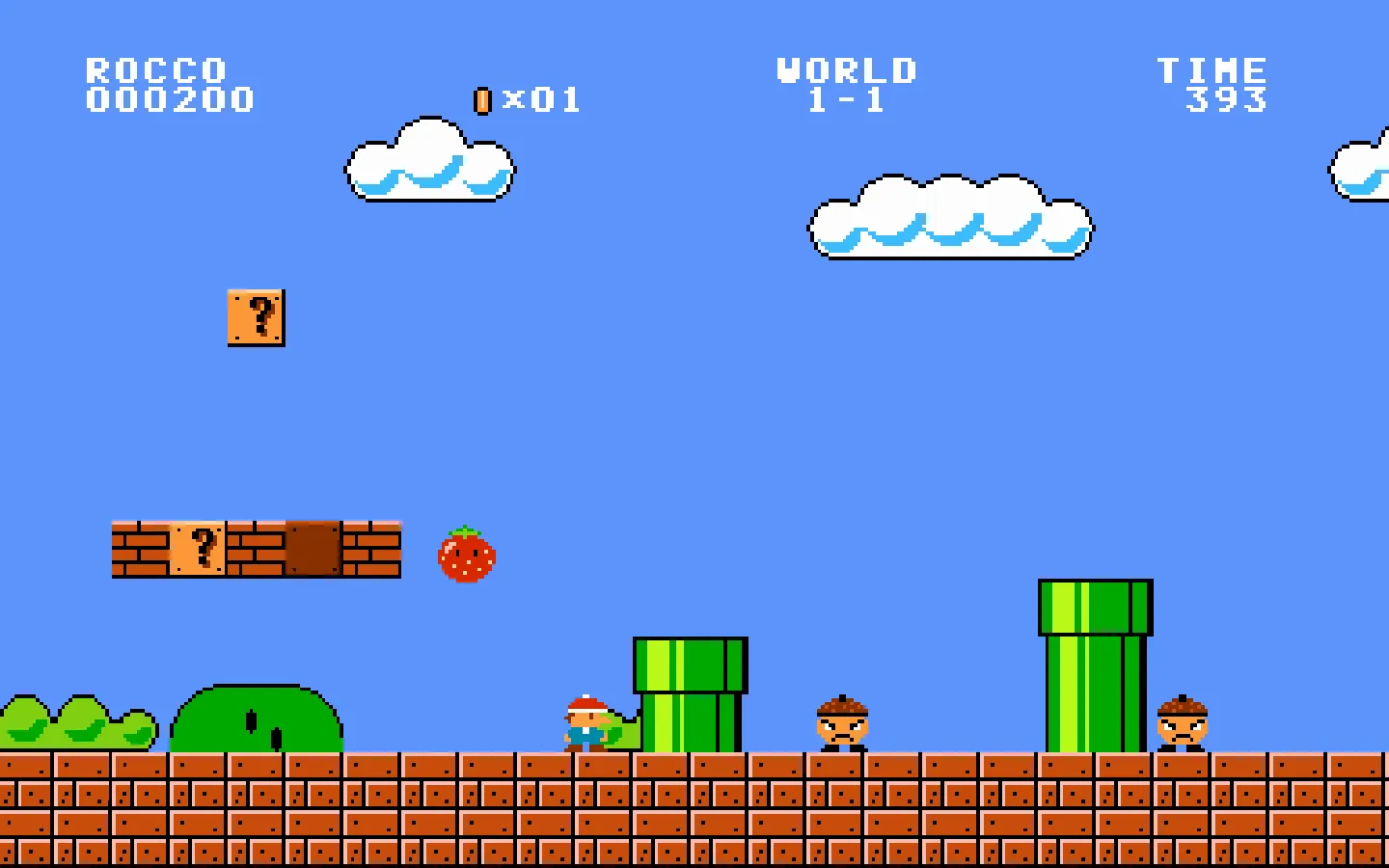
Super Mario Bros. Clone
WebRun, stomp and bump ? blocks across four worlds, then slide down the flagpole. NES pixels, all in code.
- View template
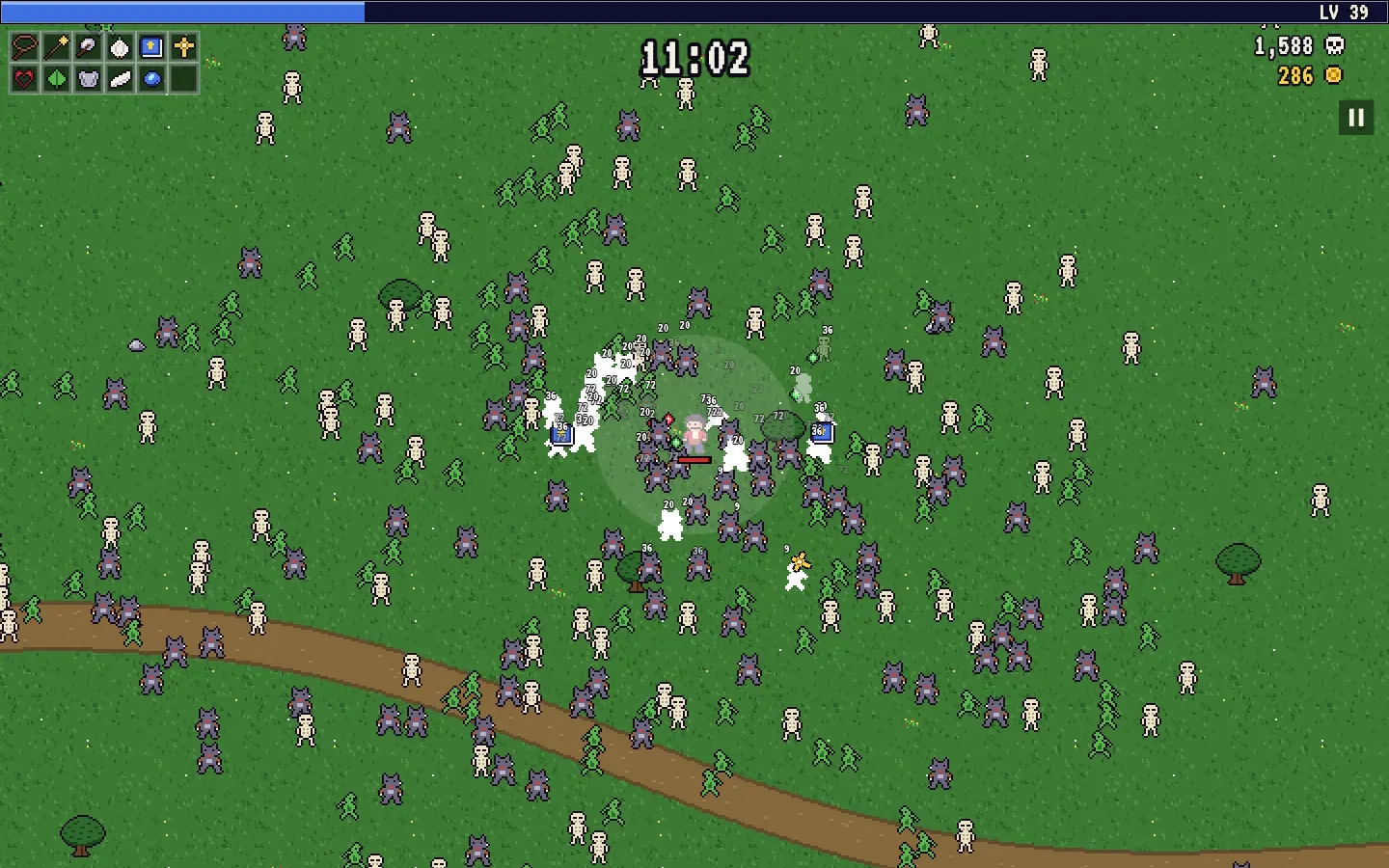
Vampire Survivors Clone
WebJust move: your whip, wands and axes fire themselves at 500 monsters. Level up, open chests, evolve weapons.
- View template
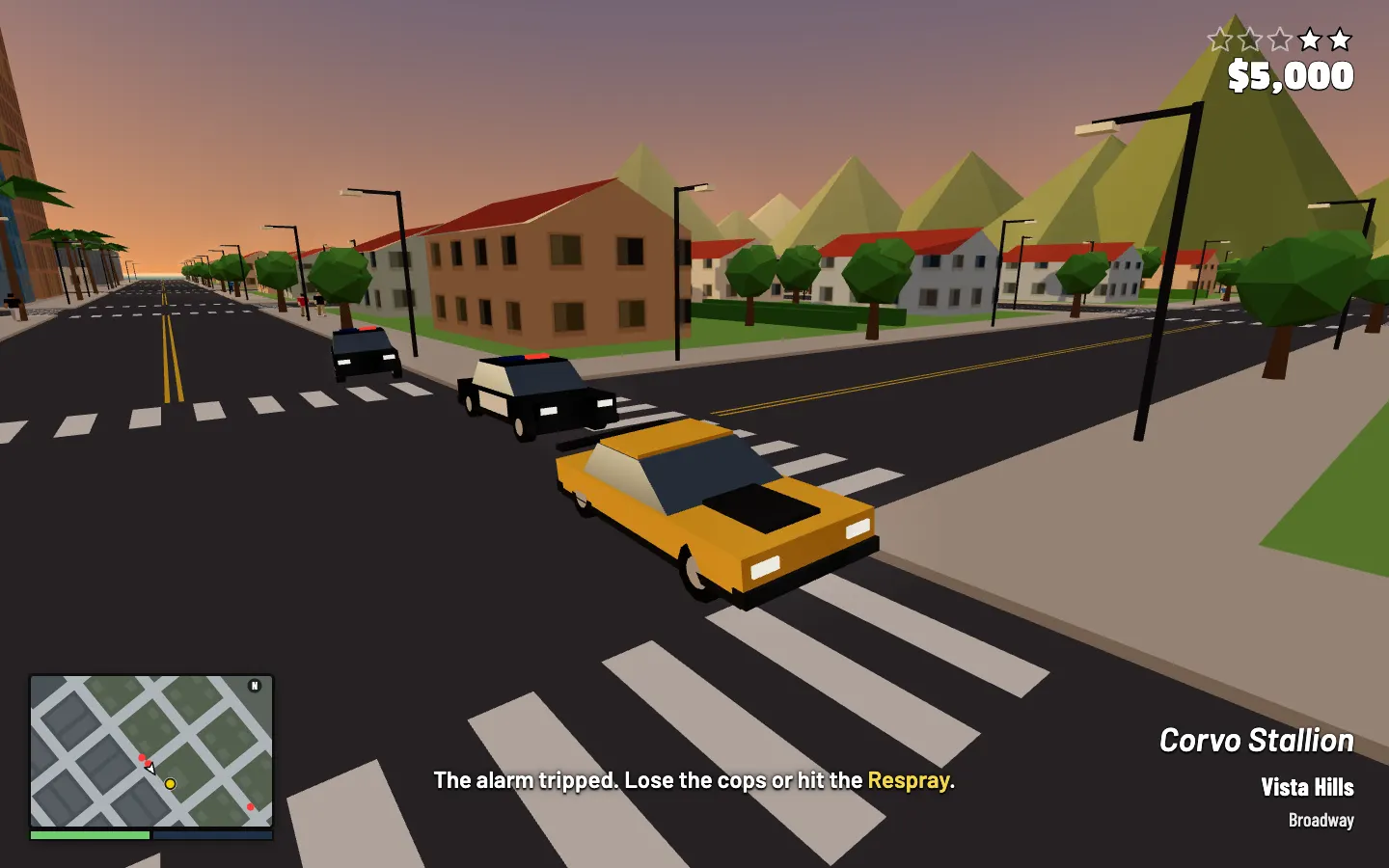
Grand Theft Auto Clone
WebSteal a muscle car, outrun the cops to the Respray and hear MISSION PASSED in a sunny 3D open city.
- View template
Trivia Crack Clone
iOSSpin the rainbow wheel, beat the 30-second clock, win all six characters, then keep your daily streak alive