
Remix the Instagram clone
Pixgram, a working Swift app. Free to copy into your account.
Full Instagram clone guide
Demo video, the full prompt, features and costs
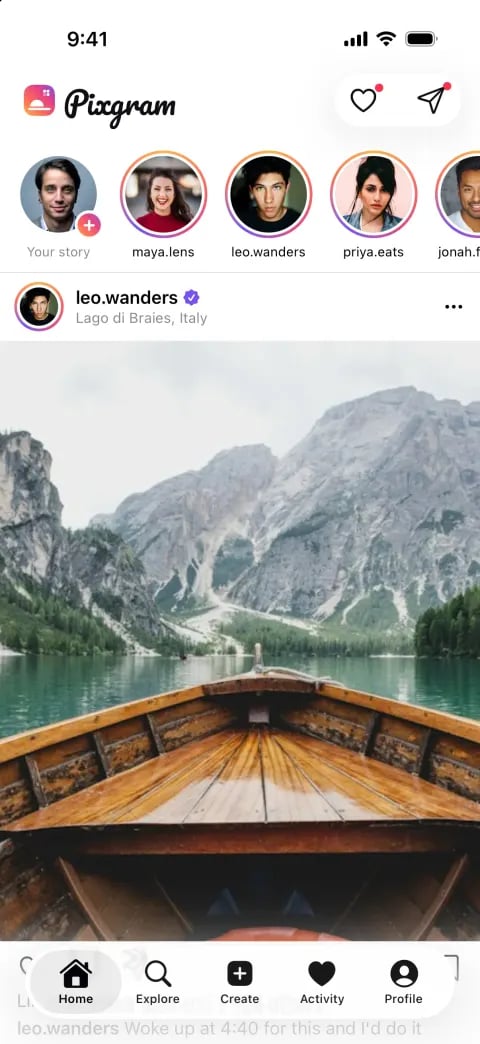

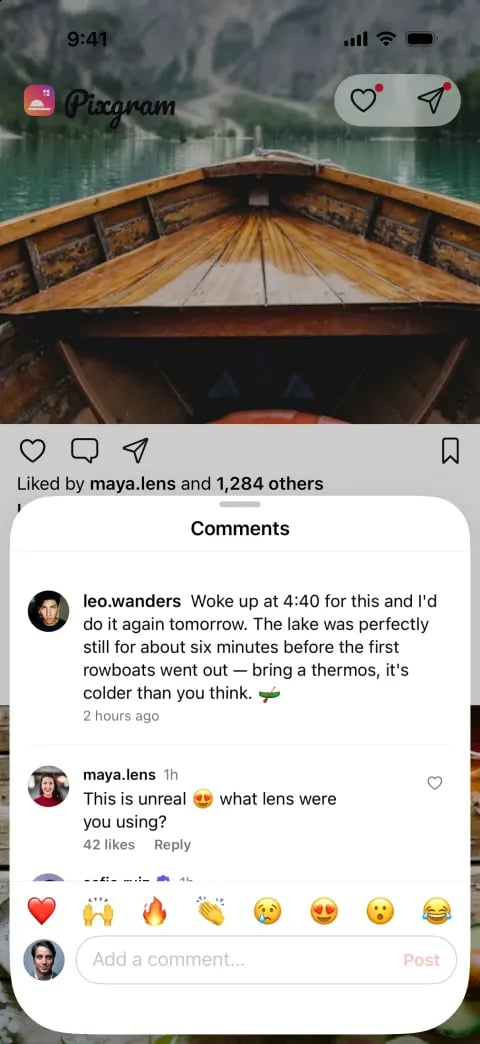
Getting started
Copying Pixgram is free. On a new account that signs up with Google or Apple, your first remix counts as your free first build: Vibecode builds the copy, and you get 2 minutes to try it in the simulator. After that, running it, building from a prompt and each change use credits, which come with paid plans from $20 a month.Remix the template
- Open the Instagram clone template and click Remix this template.
- Click Remix Pixgram, or Remix this app on a phone. If you’re new, you answer a few questions and sign up, and Vibecode makes your copy. You can skip the plan offer that follows with Continue to my app.
- Your copy opens in the workspace and runs in the cloud iOS simulator. In our paid-account test on October 20, 2026, it was running a minute after the click.
- Ask for changes in chat, like “Rename the app to Crumb and make it a feed for home bakers.”
Start from a prompt
- Signed out? Paste the prompt below into the box on the Vibecode homepage, with iPhone app selected, and click Build it.
- Signed in? Click New app, choose iOS app and send the prompt. In the iPhone app, tap New project, then iOS app.
- Claude Code builds the app, tests it in the simulator and fixes what it finds. Our test build took 38 minutes on a paid account with Claude Opus 5.5.
What you get
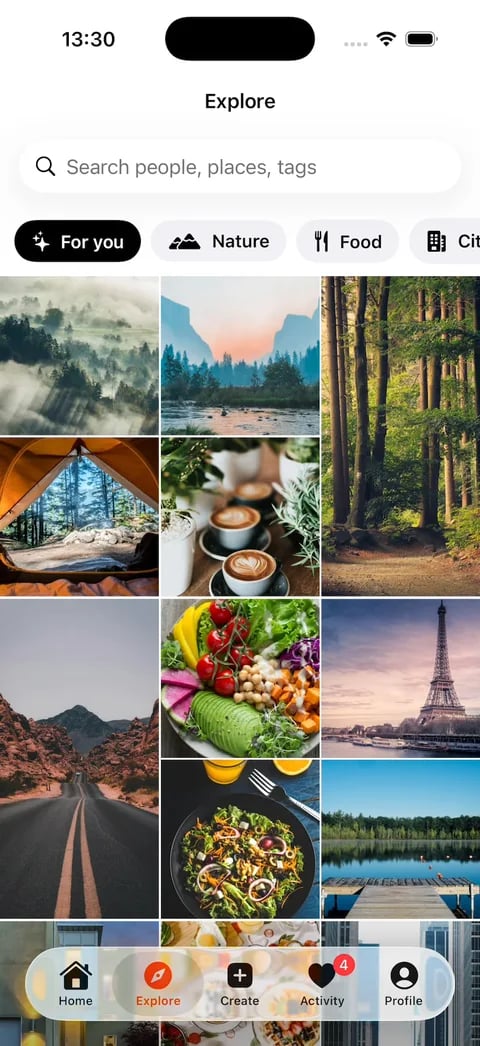
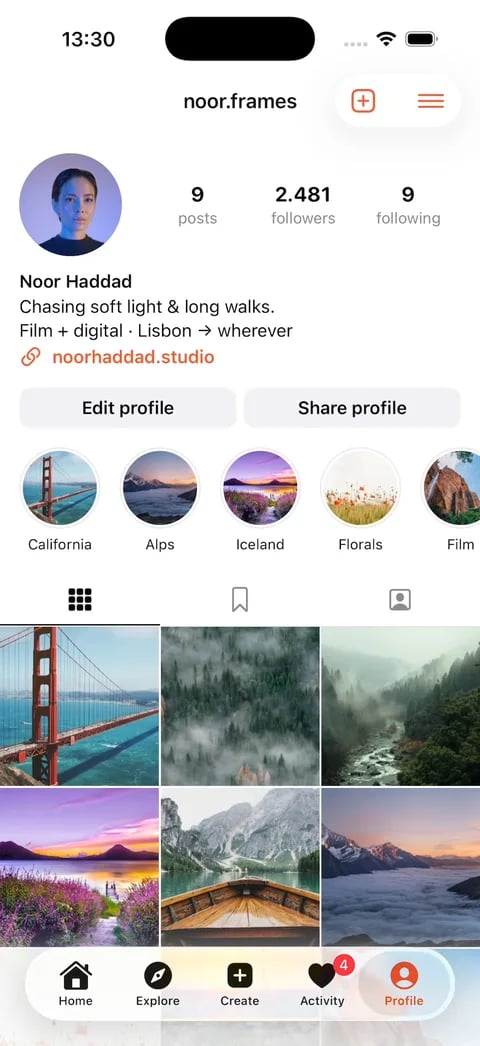
Pixgram comes with:- A home feed with photo and carousel posts
- Stories with progress bars
- Double-tap likes, comments and bookmarks
- Explore with account search
- A Create flow for new posts
- Activity, profiles and direct messages
Why backend features matter
Pixgram runs on sample data, so it needs no backend to run. Real users need one:- Authentication. People create accounts and sign in.
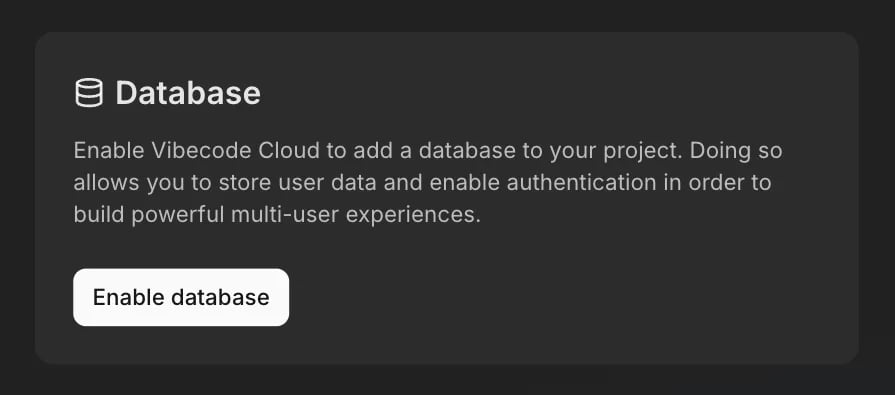
- Database. Your app saves posts, likes, comments and follows in the cloud.
- Storage. Your app keeps the photos people upload in the cloud.
Prompt example
This is a 134-word version of the 785-word prompt that built Pixgram, which you can copy from the Instagram clone guide. We sent it to a new iOS app on October 20, 2026, from a paid account with Claude Opus 5.5.First prompt
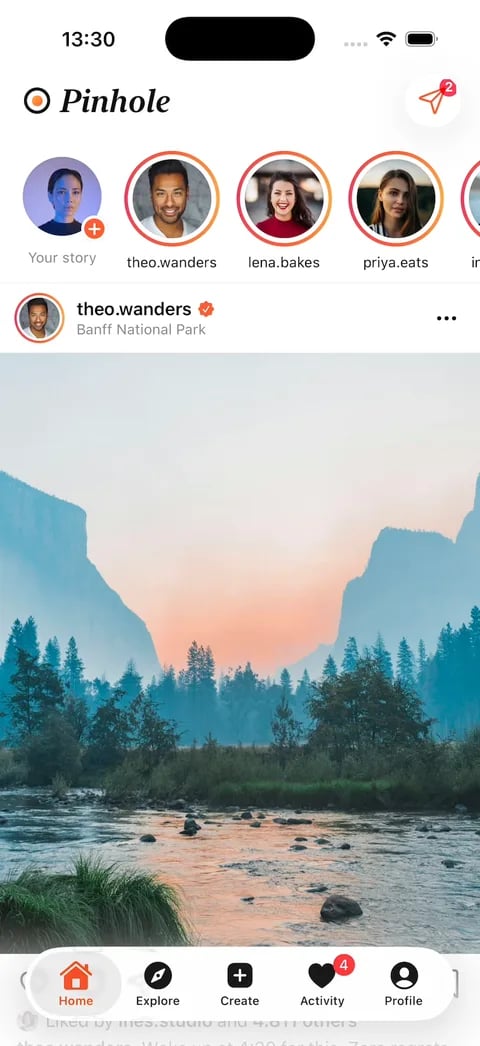
Publish it
Click Publish, then Publish to App Store, and Vibecode builds, signs, uploads and submits your Swift app for review. You need the Plus plan or higher and an Apple Developer account, which costs $99 a year. Before you submit a social app, add ways to report posts, block users and filter objectionable content, and list contact details. Apple’s guideline 1.2 requires all four. Once people can sign up, they also need a way to delete their account in the app. How to create a social media app has the one prompt we sent to add all of these to a real social app. Publish to the App Store has every step, and the review guidelines checklist covers common rejections.Frequently asked questions
What is an Instagram clone?
What is an Instagram clone?
An app with Instagram’s core features under its own name and design. People build one to learn how social apps work, or to start a photo app for their own community.
Is there a free Instagram clone app?
Is there a free Instagram clone app?
Yes. Pixgram is free to copy, and on a new account that signs up with Google or Apple, your first remix is your free first build. Changing it after that uses credits.
Is it legal to make an Instagram clone?
Is it legal to make an Instagram clone?
Yes, if it’s your own brand. A photo feed and stories are common features, but Instagram’s name, logo and other brand assets aren’t yours to use, so Pixgram has its own name and logo. The guide’s FAQ has more.
Can I publish an Instagram clone to the App Store?
Can I publish an Instagram clone to the App Store?
Yes, if it has its own name, design and purpose, like a photo app for a running club. Apple’s guideline 4.1 rejects straight copies. See Publish it for the steps.
Does it work on Android?
Does it work on Android?
Pixgram is native Swift, so it runs on iPhone and iPad. For Android, click New app, open Legacy, choose Mobile app (Legacy) and send the prompt above with “native iPhone” changed to “mobile”. That builds a React Native app, and on the Pro and Max plans you can download its code and publish it on Google Play yourself. Swift vs React Native explains the difference.
Next steps
Build a To-Do List
Try a simpler starter project
Vibecode Cloud
Learn about the backend powering your app
Clone templates
Remix clones of TikTok, YouTube, Discord, Uber and more