Pokémon GO Clone
Games app · from our videos on X
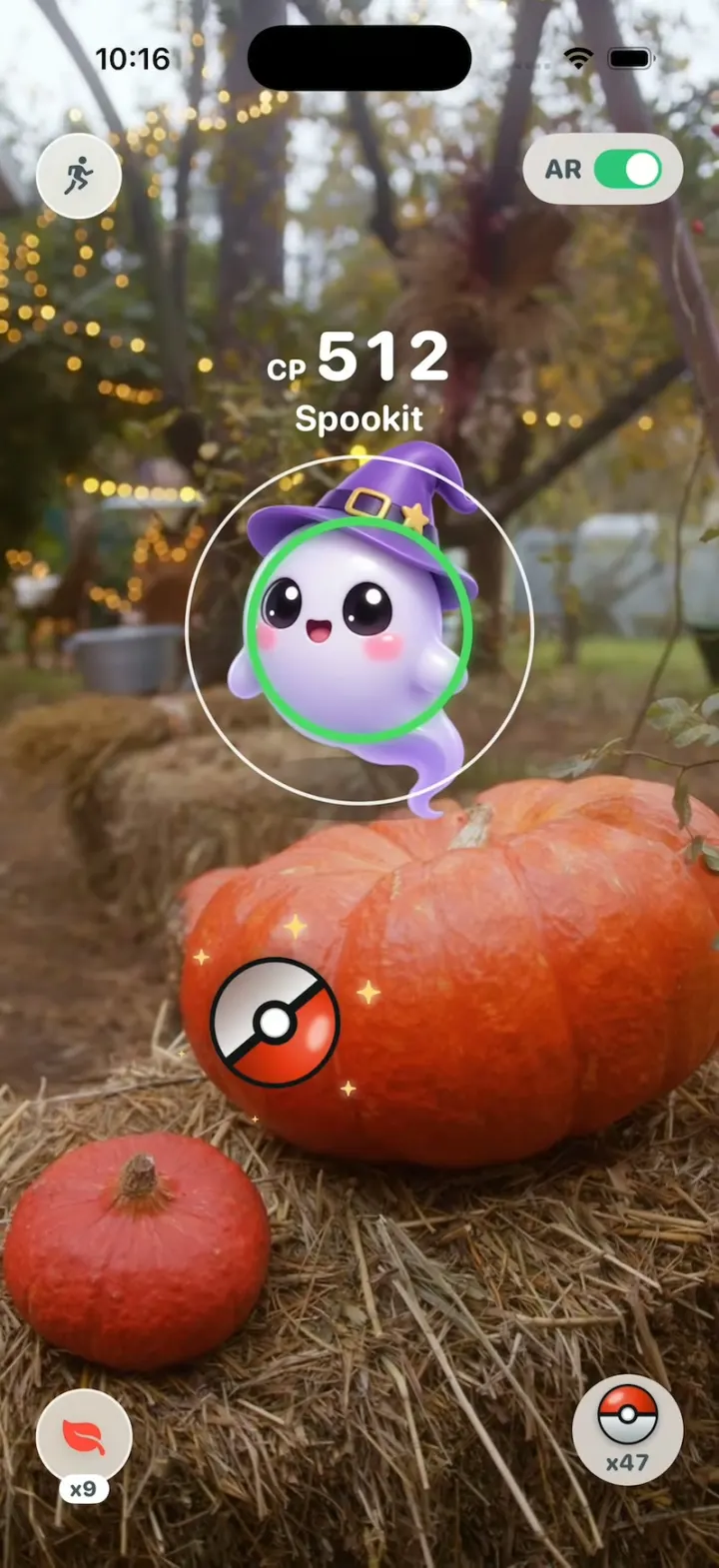
Pokémon GO Clone rebuilds Pokémon GO's iPhone app with its real name, the red-and-white Poké Ball and its words, during a Halloween event. Mia walks Brooklyn's 3rd Street on a tilted night map with PokéStops and wild creatures; tap one for the AR encounter, flick the ball through the shrinking ring for Nice!, Great! or Excellent! (circle it first for a Curveball), then watch three shakes, Gotcha! and the XP, Candy and Stardust card. Spin a PokéStop's photo disc for items, open a creature's page with its CP arc, POWER UP and EVOLVE (Spookit becomes Spookter), and browse the Pokémon list and the Pokédex. The simulator has no camera or GPS, so the AR camera is a real yard video and the walk is scripted on real street coordinates. Every creature is original, with art made for the app.
- iPhone · Swift
- Built in 2 prompts
- Free to remix
Remix copies the working app into your account for free, exactly as we built it. It runs in Vibecode's cloud iOS simulator, in your browser.
Watch the video on X@vibecodeapp · Oct 31, 2026The prompt that builds it
We built Pokémon GO Clone in 2 prompts. Here they are folded into one, so a single paste into a new app builds the finished version.
Prompt · 1,814 words
Build a polished native iOS clone of Pokémon GO in SwiftUI: the night map with a walking trainer, PokéStops that spin, wild creatures, the AR encounter with the Poké Ball throw, the target ring, "Excellent!", three shakes and "Gotcha!", the Pokémon page with POWER UP and EVOLVE, the Pokédex and the Pokémon list, during the Halloween 2026 event.

It is Pokémon GO on screen: its name, the red-and-white Poké Ball, its colours and its own words (Poké Ball, PokéStop, Pokédex, Nice!, Great!, Excellent!, Curveball, Gotcha!, Run, AR, CP, HP, Stardust, Candy, POWER UP, EVOLVE, Razz Berry, Potion, Nearby, Items, Shop). The creatures are ORIGINAL (the list below): never draw or name a real Pokémon. Draw the Poké Ball as a shape: red top #E3350D, white bottom, black band, white button in a black ring, a soft highlight. The trainer is Mia, level 31. The simulator has no camera and no GPS: the AR camera is a bundled video of a real yard, and Mia walks a scripted route on a real street.

SHELL
Opens on the Map: no splash, login, avatar creation, permission prompt or safety warning. No tab bar: the map is home; other screens open over it full screen with a round X at the bottom. The status bar stays visible.

SCREENS
1. Map (Halloween night): MapKit, dark, muted, no POI labels, tinted navy-violet like Pokémon GO's night map, pitched 60°, ~300 m away. Mia (a fixed overlay at the centre, in a faint blue range ring) walks 3rd Street, Park Slope, Brooklyn, from 7th Ave (40.670512, -73.978560) via 8th Ave (40.669372, -73.976201) to Prospect Park West (40.668234, -73.973839) and back at 2 m/s, stopping to idle for 6 s whenever she reaches a PokéStop or spawn (within 12 m); the camera follows and turns with her. Tapping a stop or creature works whether she walks or not. PokéStops: blue cubes (#2FA8F0) turning on thin poles; within 40 m one opens into a disc; spun ones turn purple (#B04CE0). Wild creatures stand on the map, bobbing, with a grass rustle; tap one to start its encounter. Draw stops and creatures as a SwiftUI overlay projected through the map (MapProxy) every frame, so they stay glued to the street. A purple fog at the top, a "Halloween 2026" pill. Bottom: Mia's round portrait with "31" and an XP ring (left), the Poké Ball menu button (centre), the Nearby panel with 3 creature thumbnails (right).
2. Encounter: AR on (toggle top right): the yard video full bleed, aspect fill; AR off: a drawn grass field. The creature at ~40% of the height with a soft ground shadow, idling (6 pt bob, 1.6 s). Above it "CP" (small) + the CP (big digits) and the name, white with a soft shadow. The target ring on the creature: a thin white outer circle and a coloured inner ring shrinking from the outer size to 25% in 1.4 s, restarting (green easy, yellow, orange, red hard). The Poké Ball (78 pt) rests bottom centre: flick it up to throw (speed sets distance, direction the side); circling it first makes it spin with sparkles (a Curveball). Run (running figure) top left, Berry bottom left, ball switcher "x48" bottom right. A miss rolls off and a new ball rolls in.
3. Catch: on reaching the creature, throw text pops above it if the inner ring was inside the outer ("Nice!" >70% of its size, "Great!" 40-70%, "Excellent!" <40%): white heavy rounded text, orange outline, 0.6 → 1.15 → 1.0 in 0.25 s, plus "Curveball" for a spun ball; they hold 0.9 s, then fade out over 0.2 s, gone before the first shake. The hit makes a small white burst around the ball (about 120 pt, 0.15 s); the camera view never dims. The ball is drawn in front of the creature on every frame and arrives at 0.75x of its resting size, which it keeps through the shakes. It bounces up to about 40 pt above the creature's centre and its top half hinges open there; a red beam from the open ball pulls the creature, now pink-red, up into it (0.3 s); the ball closes, drops to the ground at 56% of the screen height with one small bounce and shakes up to three times (0.3 s each: tilt 25° left, 15° right, back, pivoting on its bottom), the button glowing the ring's colour. Caught: a click, the button goes dark, 10 white-gold stars burst out, "Gotcha!" at 30% height with "Spookit was caught!" (its name) under it, then a white rewards card slides up ("+100 XP", "+3 Candy", "+100 Stardust", "Excellent Throw!" when it was) with OK, which opens its page. Breaks free: the ball pops open, the creature returns. Outcomes are seeded per creature.
4. Pokémon page: its type colour fading to white; the big CP under a white semicircle arc with a white dot at its CP as a fraction of its max CP; the creature on a soft shadow; name + pencil; "HP 61 / 61"; WEIGHT / TYPE / HEIGHT; "48,260 STARDUST", "63 SPOOKIT CANDY"; green POWER UP (cost shown; the CP rises with a sparkle) and EVOLVE (50 candy); moves. EVOLVE: "Evolve Spookit?" YES / NO, then its own opaque full-screen scene (a night-blue to violet gradient with soft light rays, nothing from the page visible): "What? Spookit is evolving!", the creature turns white and pulses (2.4 s), a white burst centred on it that peaks at 35% across the screen (0.12 s), the new form, "Congratulations! Your Spookit evolved into Spookter!".
5. PokéStop: over the blurred map, its name, a round photo disc in a thick blue rim. Swipe across to spin it on its vertical axis (1.2 s, momentum); items burst out as white bubbles ("Poké Ball x3", "Razz Berry", "Potion", "Halloween Candy"); tap to collect; the rim turns purple.
6. Menu (Poké Ball button): round buttons Pokédex, Pokémon, Items, Shop over the dimmed map.
7. Pokémon list: "POKÉMON 14/3000" / "EGGS" tabs, a Search pill, 3 columns: "CP 512" over each creature, name and HP bar under it. 14 to start, including a Spookit CP 433.
8. Pokédex: #001-#030; caught in colour, seen as a dark silhouette, unknown as a number. Items and Shop: rows with icons and counts (no purchases).

CREATURES (original): each a cute original creature, glossy 3D toy render like a mobile-game model, soft light, full body, 3/4 front, centred, no text. Event spawns wear costumes.
#013 Spookit, Ghost: round lavender-white ghost, wispy tail, big black eyes with glints, rosy cheeks, a little purple witch hat. CP 512, the hook's catch. Evolves into #014 Spookter: a taller ghost in a tattered violet cape holding a glowing lantern.
#007 Pumpkid, Grass/Ghost: a small jack-o'-lantern, grin glowing inside, leaf arms, vine tail.
#021 Batlet, Poison/Flying: a plump violet bat, big pink ears, tiny fangs, a black top hat.
#025 Hexkit, Dark: a black kitten, glowing yellow eyes, crescent-moon tail tip, a striped scarf.
#001 Sproutle, Grass: a cream bunny with leaf ears. #004 Embercub, Fire: a red bear cub with a flame tail. #009 Bubblop, Water: a blue jelly blob with bubble antennae. #017 Zaplet, Electric: a teal bird with a lightning crest. #011 Pebbloo, Rock: a mossy round stone. #019 Fluffoo, Normal: a cloud sheep.
Map spawns: Pumpkid, Batlet, Hexkit, Spookit. PokéStops: "Spooky Stoop", "Black Cat Mural", "Little Free Library", "Skeleton Band".

MEDIA
curl -L https://vibecode-pokemongo-media.beacon.host/ar.zip once into the app's resources: ar-yard.mp4 (720x1280, a 12 s seamless loop), the AR camera. Create and preroll its AVPlayer at launch; the AR view draws a still of its first frame underneath until the layer is ready, so it never shows black.

HOOK (the video's first 3 seconds)
- HOOK MODE: tapping an invisible 44x44 pt area centred at the top, just below the status bar, on every screen (above every cover; a tap closes whatever is open) plays this run through the real throw and catch code, identical every time (seconds from the tap): 0.00 everything closed, Spookit's encounter in AR, the video restarted from 0.0, a green ring at its widest; 0.30 the throw: a 0.55 s arc from rest to Spookit's centre, spinning with sparkles, scaling to 0.75x, the ring smallest on arrival; 0.85 hit: "Excellent!" + "Curveball", the ball bounces and opens; 1.00-1.30 Spookit pulled in; 1.30-1.55 the ball drops; shakes at 1.60, 1.95, 2.30; 2.65 click + stars; 2.75 "Gotcha!"; 3.60 the rewards card; hold to 5.0.
- What the eye must see: the ball is on screen every frame from throw to click (never jumps, blinks or resets); Spookit stays fully drawn until the beam pulls it in; "Excellent!" holds ≥0.6 s; flashes ≤0.12 s at ≤35%; the video keeps playing under everything. Holds use these times, not the app's normal delays. Warm up haptics and images at launch; decode images off the main thread.

LOOK
White rounded cards, teal #1DB1A0, green buttons #2EC57A, text #44535B, event purple #6B3FA0, pumpkin #F28C28; ring colours #4CD964, #FFD60A, #FF9500, #FF3B30. SF Pro Rounded, heavy numbers.

RULES
- Native SwiftUI, iOS 26 (keep the template's target), iPhone portrait; MapKit; AVPlayer + AVPlayerLooper, muted.
- Deterministic fixtures. No backend, login, permissions, location, camera, analytics or network calls (media is bundled). No persistence: delete the SwiftData starter, no UserDefaults or files.
- Images with gpt-image-2.5-flare (run env; POST https://api.openai.com/v1/images/generations with the project's OPENAI_API_KEY, transparent PNG): one per creature (11), Mia walking seen from behind and Mia's portrait, a square photo per PokéStop (4, real-looking Brooklyn scenes, no people). A coloured placeholder until each exists.
- Springs under 350 ms, haptics on throws, hits and catches, pressed states.
- Files under 300 lines, big bodies split into subviews, no long chained expressions.

REMIX-READY
Theme/Brand.swift (name, the Poké Ball drawing, a Copy enum with every word), Theme/Theme.swift (role and type colours, fonts; no colour literals elsewhere), Data/Fixtures.swift (creatures as id/number/name/types/sprite/cp/hp/weight/height/candy/evolvesTo/catchSeed, spawns, stops, the route, Mia), Data/DemoScript.swift (HOOK MODE timings). Codable models with String ids behind one AppDataSource protocol (FixtureDataSource) feeding one @Observable GameStore; views never read Fixtures. Features/<Screen>/, Components/. README.md under 80 lines: file map; how to rename, recolour, add a creature, a stop or a new AR video; 3 one-prompt remixes ("Pokémon GO for birdwatching", "for museum field trips", "for dog walks"). "Read README.md first." atop CLAUDE.md and ios/AGENTS.md; replace ios/CLAUDE.md's structure block with this app's files. No scratch folders.

FILMING
Long-press Mia's portrait on the map to reset everything to launch.

BUILD
Theme, Brand, Fixtures, then each screen in small files, a one-line status per screen; launch in the simulator every two or three files. Encounter and catch first, then the map. Fetch ar.zip once the encounter runs and start the images as a background job; check each file exists and has an alpha channel, never view them. Walk each flow once and fix what breaks; no pixel measuring or debug modes. Deliver the whole app, not a plan.
More templates
All templates- View template
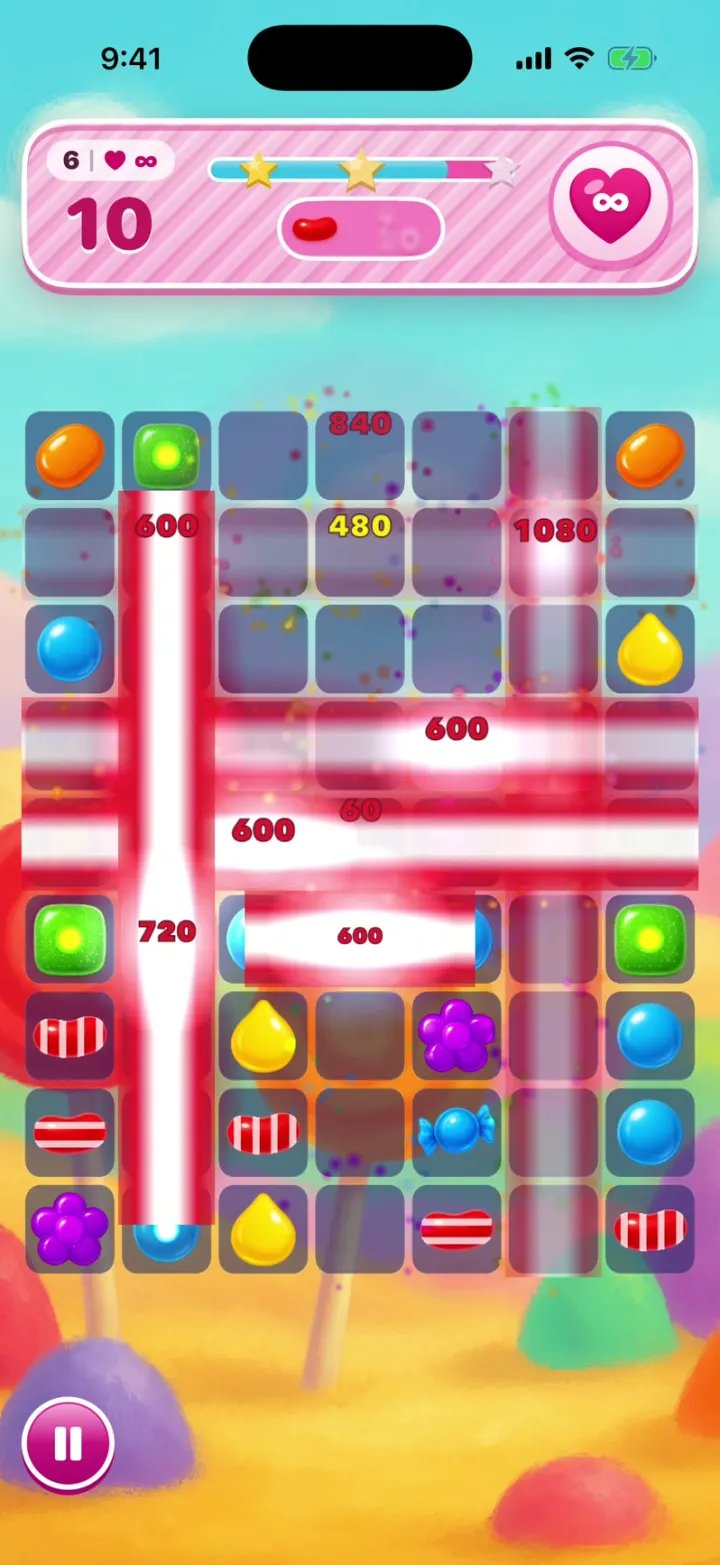
Candy Crush Clone
iOSCandy Crush with no lives and no ads: drag a Colour Bomb into a Striped Candy and the whole board clears.
- View template
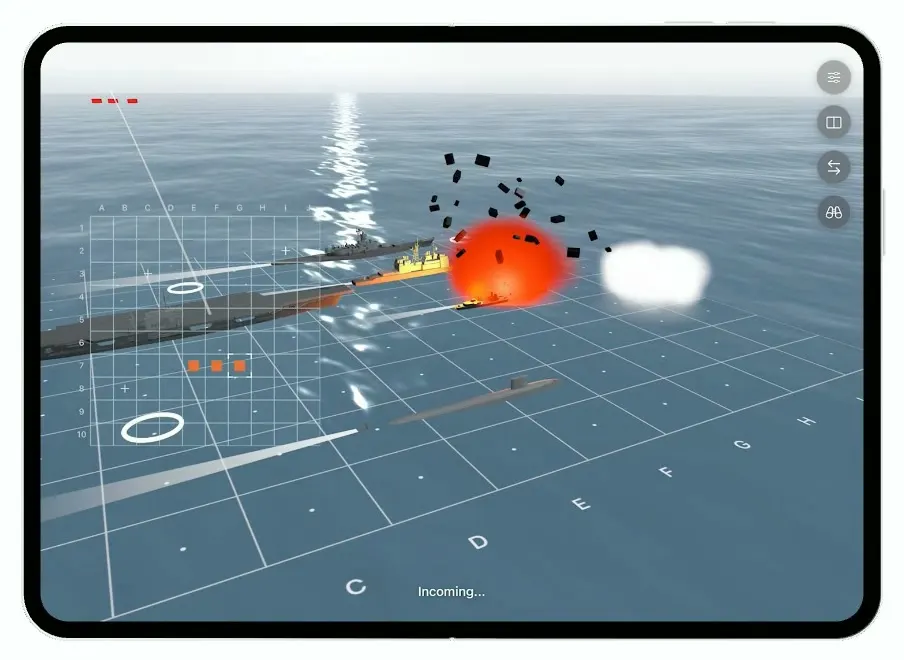
Battlefleet
iOSBattleship for the foldable iPhone Duo, with a realistic 3D ocean, jet strikes and a two-panel board.
- View template
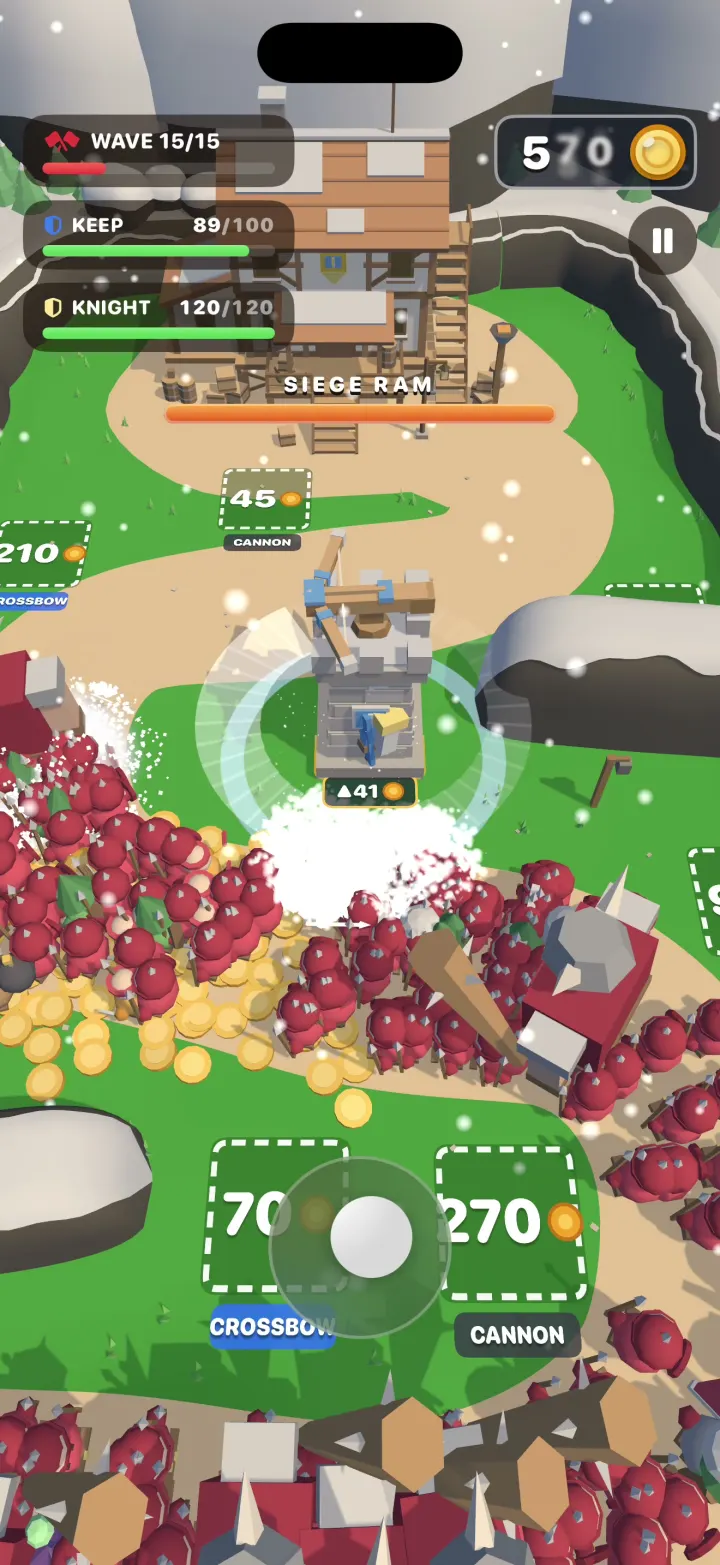
Hearthguard
iOSA 3D tower defense game where your hero cuts through hordes of hundreds, grabs their gold and builds towers.
- View template
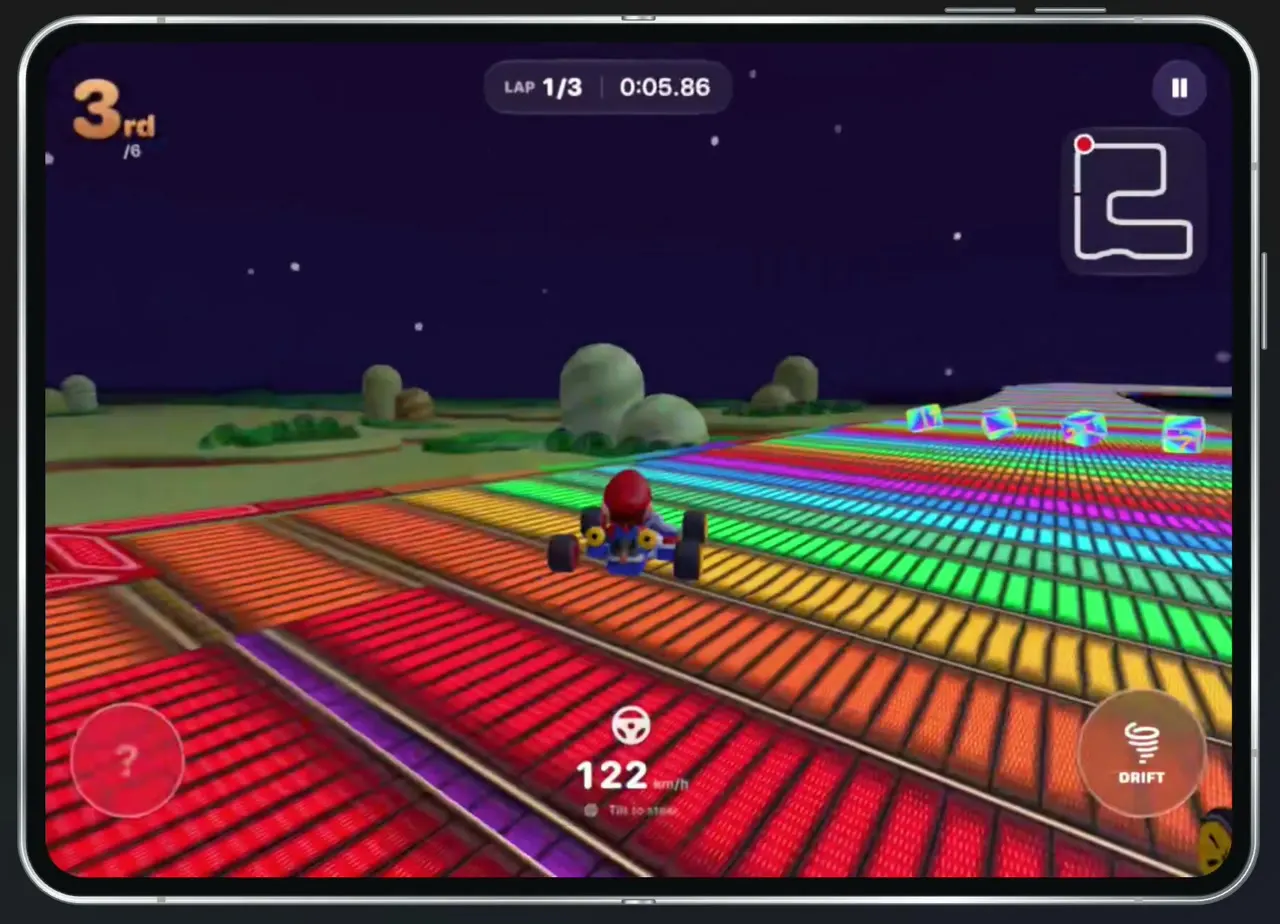
Tilt Kart
iOSA 3D kart racer you steer by turning your phone like a wheel, with drifts, item boxes and AI rivals.