Battlefleet
Game app · from our videos on X
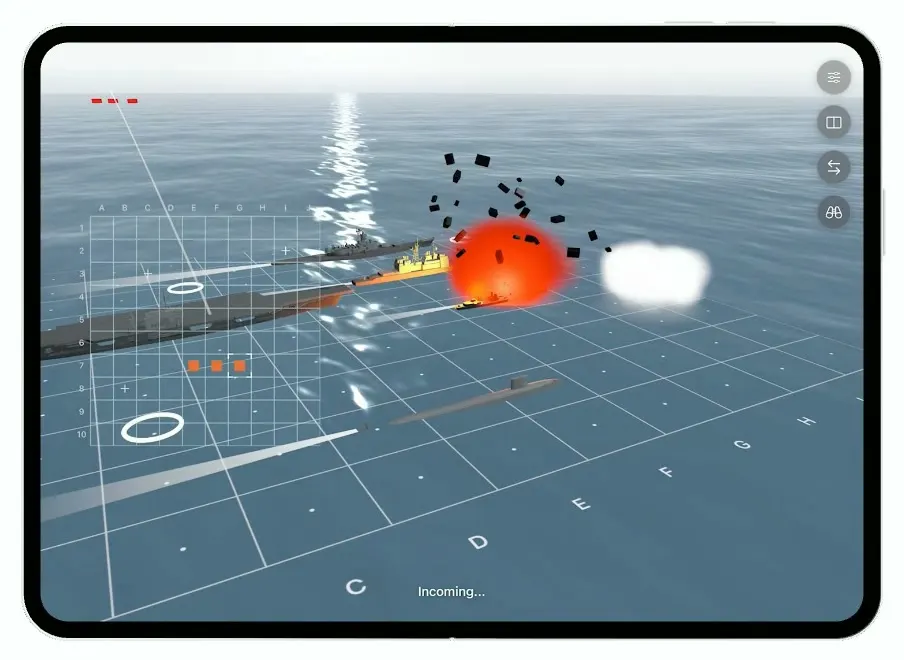
Battlefleet is the classic Battleship board game rebuilt for the foldable iPhone Duo. In immersive mode a realistic 3D ocean fills the screen: fire at a cell and a strike jet takes off from your carrier while a shell skips toward the enemy, then enemy fire hits your fleet with a fireball, debris and a burning destroyer. Switch to two panels for a flat teal targeting board next to the 3D ocean, side by side unfolded and stacked folded. The five warships are real 3D models, credited in CREDITS.txt.
- iPhone Duo · Swift
- Built in 5 prompts
- Free to remix
Remix copies the working app into your account for free, exactly as we built it. It runs in Vibecode's cloud iOS simulator, in your browser.
Watch the video on X@learn2vibecode · Oct 12, 2026The prompt that builds it
We built Battlefleet in 5 prompts. Here they are folded into one, so a single paste into a new app builds the finished version.
Prompt · 1,543 words
Download/reference the app shown in this post and clone it exactly, including the iPhone Duo visual design, layout, interactions, animations, typography, spacing, and all visible states. Make it functional and runnable in the simulator. Match the reference as closely as possible and include any interaction shown in the source. Reference: https://x.com/brian_corrieri/status/2109630175734337726.

Build a native SwiftUI iOS app named Battlefleet using Opus 5.5. This is "Battlefleet Duo", the classic Battleship board game made for the iPhone Duo (a foldable). It has two modes: an immersive mode where a realistic 3D ocean fills the screen and shots play out as real 3D action, and a two-panel "tabletop" mode with a flat 2D targeting board next to the 3D ocean. Unfolded the inner screen is wide (landscape); folded the cover screen is narrow (portrait). Do NOT put a fake handset frame inside the actual app; the simulator provides that. Use a realistic deterministic scripted game state so every screen is rich without permissions, network or backend. The app opens straight into immersive mode, mid-game, your turn.

Observed video sequence (0-20s): 0-3 the device lies open showing the flat teal board and the 3D ocean; 4-9 immersive mode on the unfolded screen: a translucent targeting grid floats over the sky, a strike jet flies low from your fleet toward the horizon leaving a long white contrail, status text "In flight..."; 10-12 immersive, unfolded landscape: a shell skips across the water away from the camera, leaving a line of white splash bursts from the bottom-left foreground toward the distant enemy ships (tiny red markers on the horizon), "In flight..."; 12.5-14 "Incoming...": the view shows your own fleet sitting on a big white wireframe grid laid on the water, enemy fire lands and your ship takes a direct hit: orange fireball, black debris flying out, the ship left burning red; 16 two-panel mode on the unfolded screen: left panel the flat teal targeting board, right panel the 3D ocean with your fleet, small caption "Switching to two panels" over "Your turn"; 18-20 the same two panels stacked top/bottom (board on top, ocean below).

Immersive mode (full screen, unfolded and folded):
- SceneKit 3D scene (SCNView in UIViewRepresentable, antialiasing on, 60 fps). Realistic animated ocean: a large finely tessellated plane with a geometry shader modifier (sum of several directional sine/Gerstner waves) so the surface visibly rolls, and on top of that a dense small-wave normal map (procedural, tiled at 2-3 scales and scrolling in different directions) so the water is clearly rippled everywhere, never a flat matte plane. Steel blue (#4D6C80) in the foreground going lighter and hazier toward the horizon (#CBD5DC) with distance fog, and strong specular so there's a bright glittering sun path on the water under the sun. Sky: a thin pale overcast band (#DCE3E8 to near white) with a bright low sun at the upper right and a strong glare bloom. Camera low over the water looking toward the horizon, with the horizon about a third from the top so the water fills most of the screen.
- Your fleet in the foreground-right on a big white wireframe 10x10 grid laid flat on the water (thin white lines ~50% opacity, small letters A-J along the near edge and small numbers along the left edge, a few small white dots at cell centres): 5 dark grey warships (carrier 5 cells, battleship 4, cruiser 3, submarine 3, destroyer 2), gently bobbing with the waves, with wakes and soft shadows. White ring markers (enemy misses) float flat on a few cells.
- The ships are real 3D models. Download these five USDZ files into the app (e.g. ios/vibecodedapp/Ships/) with curl and make sure they are in the app target's bundle resources: https://battlefleet-ships.beacon.host/carrier.usdz (USS Kitty Hawk), /battleship.usdz (USS Iowa), /cruiser.usdz (USS Ticonderoga), /destroyer.usdz (Daring class), /submarine.usdz (Virginia class), and save https://battlefleet-ships.beacon.host/CREDITS.txt into the project root (two of the models are CC BY 3.0). Every file is Y-up, bow along +X, waterline at y = 0, centred on X and Z, length exactly 1.0 unit, already coloured dark grey (hull #3A3F44, superstructure #555B61, details #1E2226). Load each with SCNScene(url:), move its root's children into one container node, scale it so its length is about 90% of its span on the grid, rotate it to lie along its cells and sit it at the waterline. Set every material to physically based (roughness 0.8, metalness 0.1, keep the greys), with the sun as a directional key light with soft shadows plus a dim ambient, so the superstructures show light and shadow sides; the ships must never render white, black or invisible.
- The enemy fleet is far out on the horizon, shown only as tiny red markers.
- HUD: a translucent targeting grid floats over the sky/horizon at the left-centre, about 30% of the screen width: 10x10 thin pale-cyan lines (#CFEFF5 at ~60%), letters A B C D E F G H I J across the top and 1-10 down the left in small light grey type, small white "+" marks for your misses (C3, I2, B8), orange (#E8743B) filled squares for hits (E7, F7), and white corner brackets around the currently selected cell (G7).
- Right edge: a vertical column of four 40 pt circular frosted-glass buttons, 12 pt apart, near the top right: "slider.horizontal.3", a panels icon ("rectangle.split.2x1" in immersive), "arrow.left.arrow.right", "binoculars". White glyphs.
- Status text bottom-centre: 15 pt medium white with a soft shadow: "Your turn", "In flight...", "Incoming...".

The money shots (must be real 3D animation, not crossfades; nothing may ever pass in front of the camera):
1. Fire: tapping a cell on the HUD grid (or anywhere on the open sky/sea) fires at G7: status "In flight...". A small grey strike jet takes off from the carrier's flight deck (compute the deck height from the carrier's bounding box) and always flies away from the camera toward the horizon, with a thin straight white contrail line behind it, while a shell skips across the water away from the camera leaving a tidy line of 8-10 small white splash bursts on the water, running from the bottom-left foreground toward the distant red markers, each one popping up and fading in place ~0.2 s after the previous. After ~2.5 s it lands: an orange flash on the horizon and G7 on the HUD grid turns orange (hit).
2. Incoming: 0.6 s later status "Incoming...", the camera swings smoothly (1.0 s ease-in-out) toward your fleet so the wireframe grid and your destroyer fill the centre, two enemy shells splash into the water near it, then a direct hit: a big orange-red fireball (particle system), black debris chunks flying out on arcs, a thin dark smoke column rising from the destroyer (never a big cloud drifting across the screen), and the destroyer model turns charred (its materials' diffuse set to near-black #1A1A1A) and keeps burning with flickering red/orange fire on its deck. ~2.5 s total, then the camera swings back and the status returns to "Your turn".

Two-panel mode: tapping the panels button switches with a quick animation (caption "Switching to two panels" in 13 pt grey above "Your turn" 17 pt semibold white, bottom-left of the ocean panel, for 1.5 s) to:
- Unfolded: LEFT half = flat 2D targeting board on deep teal (#1F4C4D with a subtle noise texture): a square 10x10 grid of thin light lines with small dots at cell centres, numbers 1-10 down the left, letters A-J along the bottom (white 60%), white glowing ring pegs at C3, I2 and B8, and a red enemy ship sprite (glowing red, burnt) spanning F7-H7 with a bright hit flash on G7. RIGHT half = the 3D ocean (same scene, same rippled water and ship models) looking at your fleet on its wireframe grid, with the four round buttons at its top right.
- Folded (cover screen, portrait): the same two panels STACKED: the teal board on top (with the four buttons stacked at its right edge, icons "slider.horizontal.3", "rectangle", "arrow.up.arrow.down", "binoculars"), the 3D ocean below with "Your turn" at its right, framed so the fleet grid fills most of the bottom panel.
- Tapping the panels button again returns to immersive.
Folding and unfolding the device keeps the current mode and re-lays it out for the new screen size; never reset the 3D scene on a size change.

Reset: tapping "slider.horizontal.3" resets the whole scripted game to the first state (immersive, Your turn, G7 not yet hit, the destroyer back to its grey materials and every ship intact, camera home), so every demo can be replayed cleanly. Tapping "binoculars" slowly pans the camera across the horizon and back.

Build it in small source files (theme, game model, ocean scene, HUD, effects, board, then the view wiring the two modes and the fold layouts) and get a first version compiling and running before polishing.

Build fully, run compile/build validation, resolve all errors, and launch in the web simulator on the iPhone Duo. Run the fire + incoming sequence unfolded and folded, check two-panel mode and the folded stacked layout, and check in screenshots that all five ships render as the real models in each view. Prioritize fidelity to the reference: the realistic 3D ocean, the fire and incoming sequences, and the two-panel board. Deliver complete implementation rather than a plan.
More templates
All templates- View template
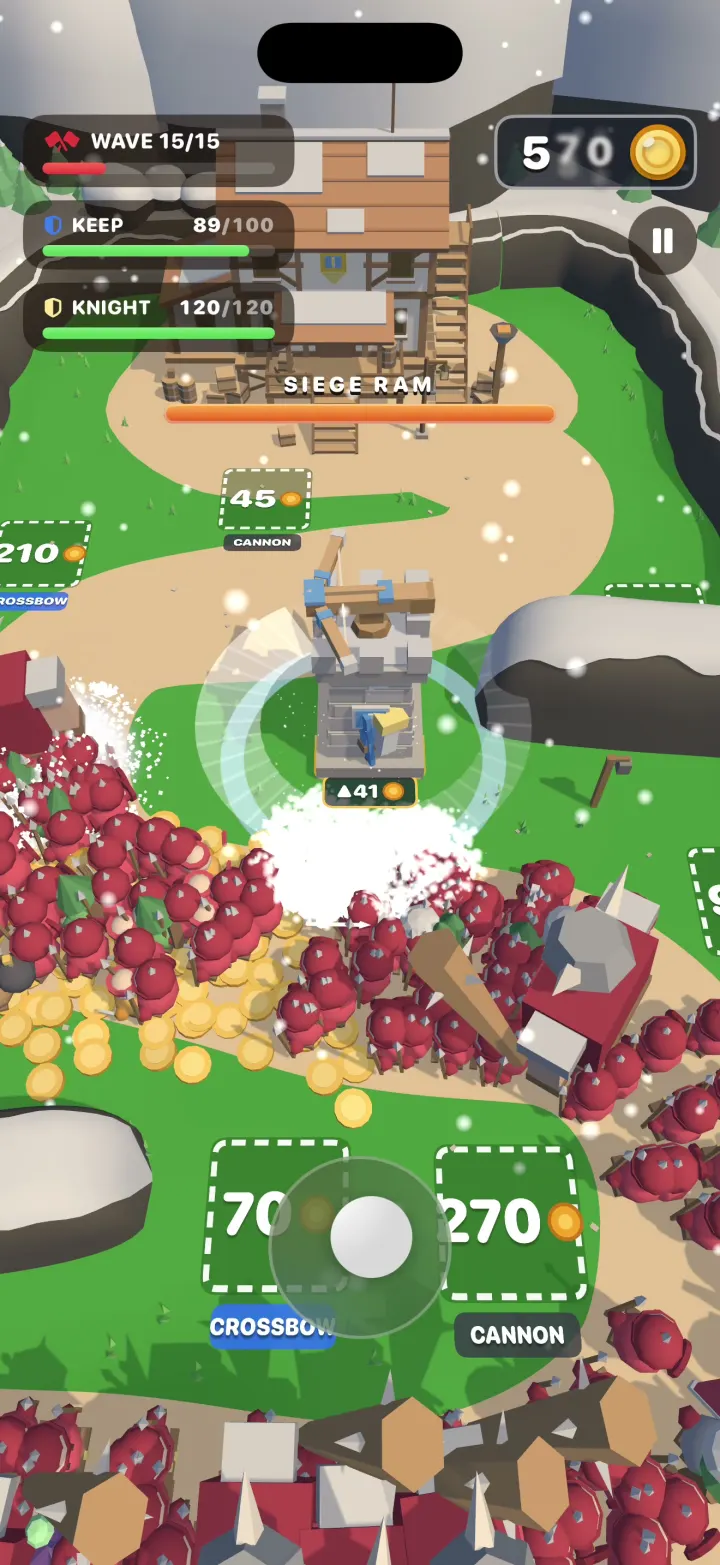
Hearthguard
iOSA 3D tower defense game where your hero cuts through hordes of hundreds, grabs their gold and builds towers.
- View template
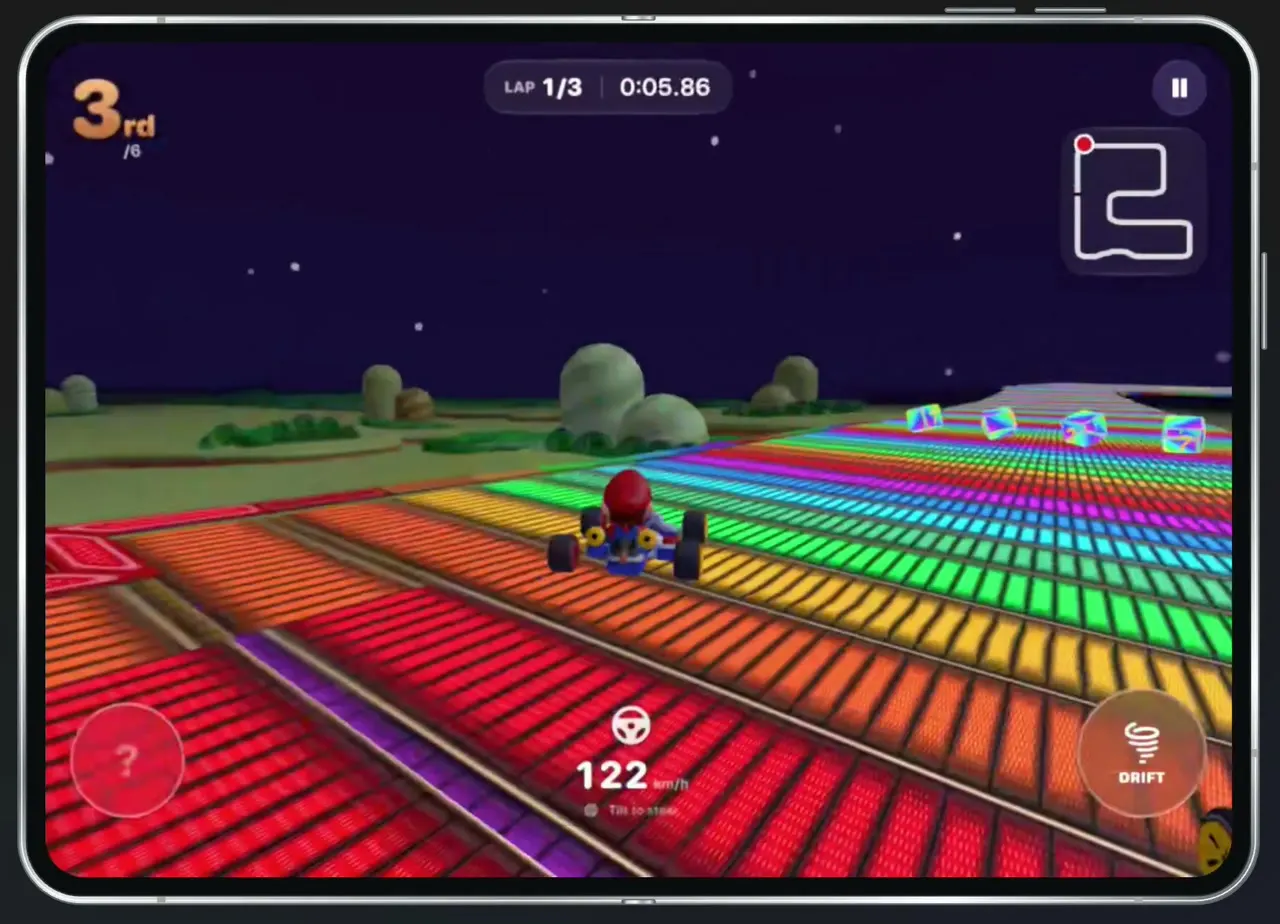
Tilt Kart
iOSA 3D kart racer you steer by turning your phone like a wheel, with drifts, item boxes and AI rivals.
- View template
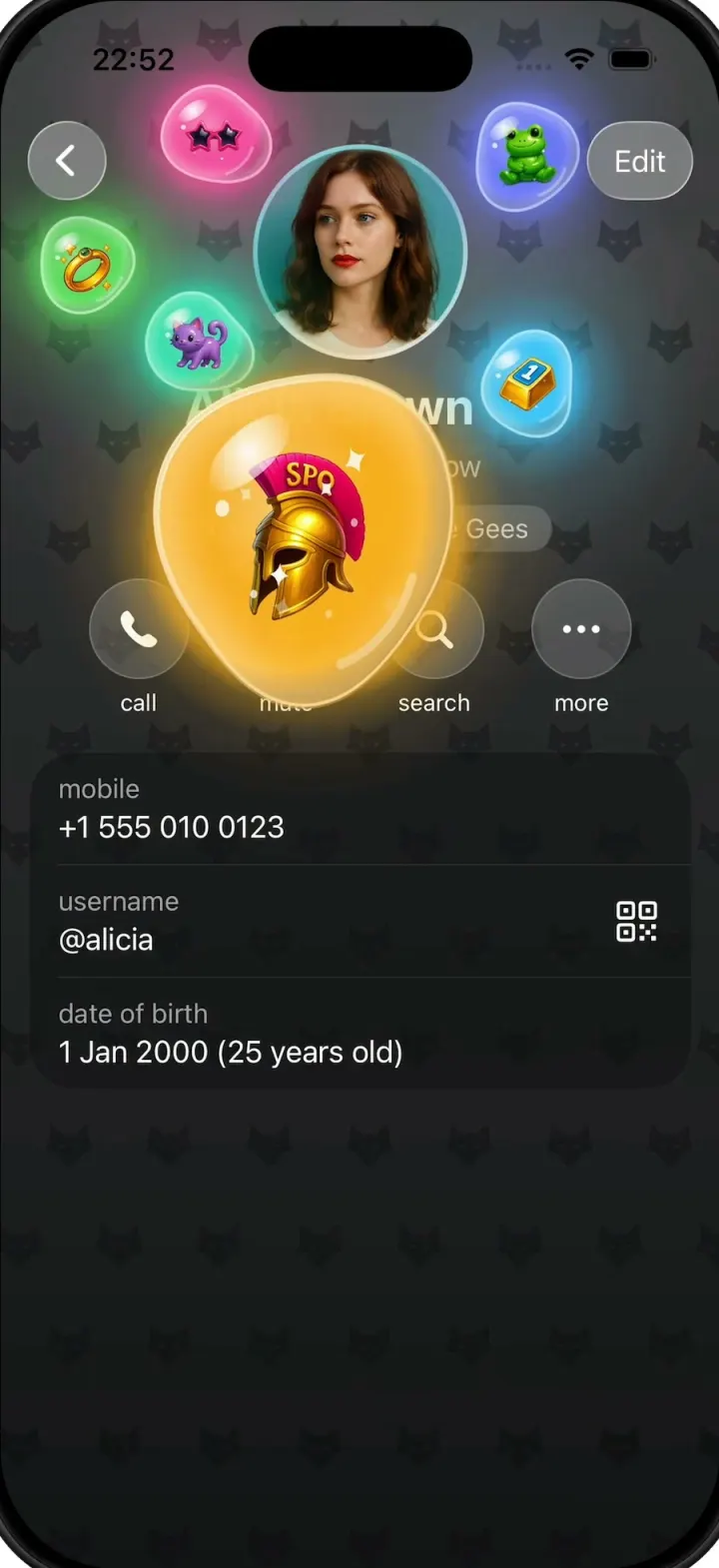
Gift Profiles
iOSA Telegram-style profile where gift bubbles pop out of the avatar and swell into jelly blobs as you drag them.
- View template
Plasma
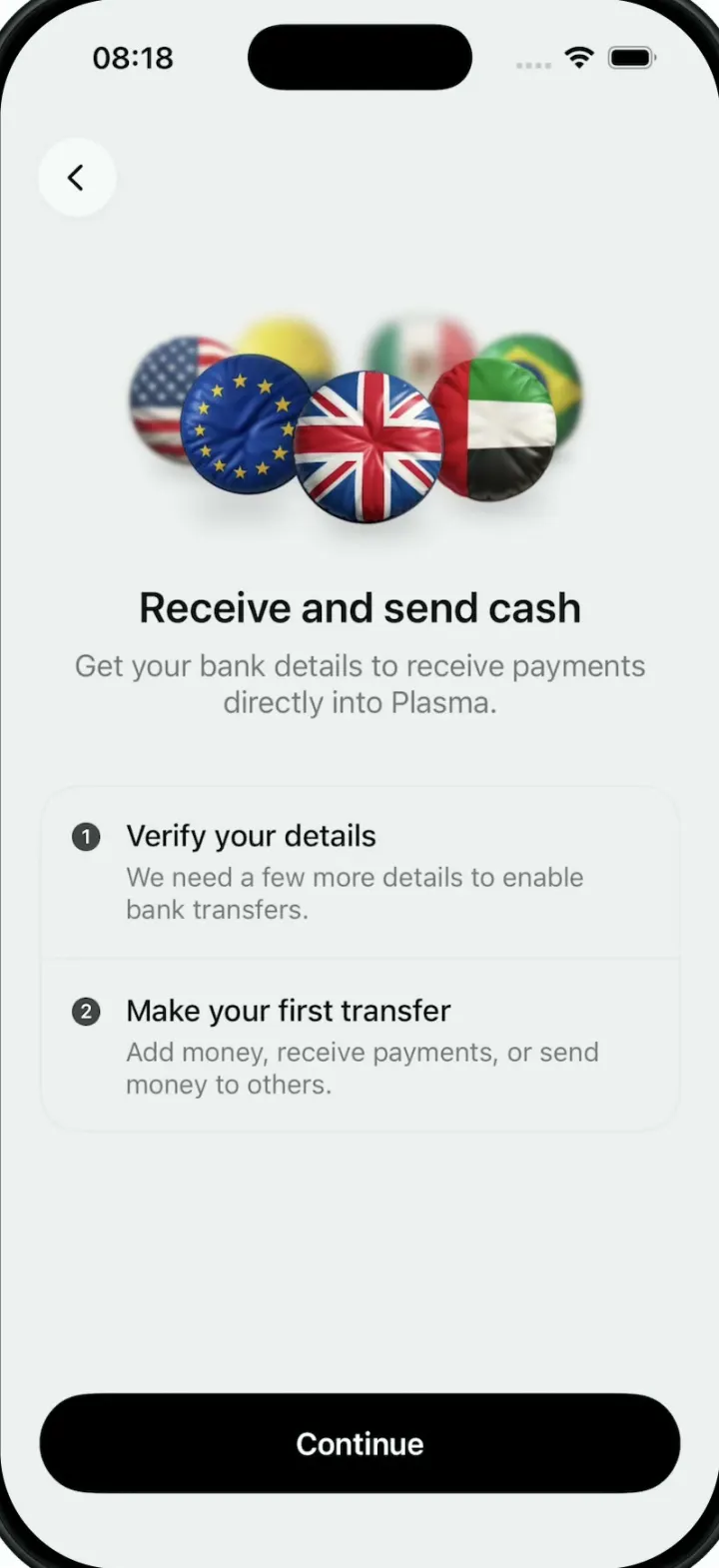
iOSA money app onboarding screen whose hero is a turning 3D ring of puffy, glossy country-flag badges.