Plasma
Finance app · from our videos on X
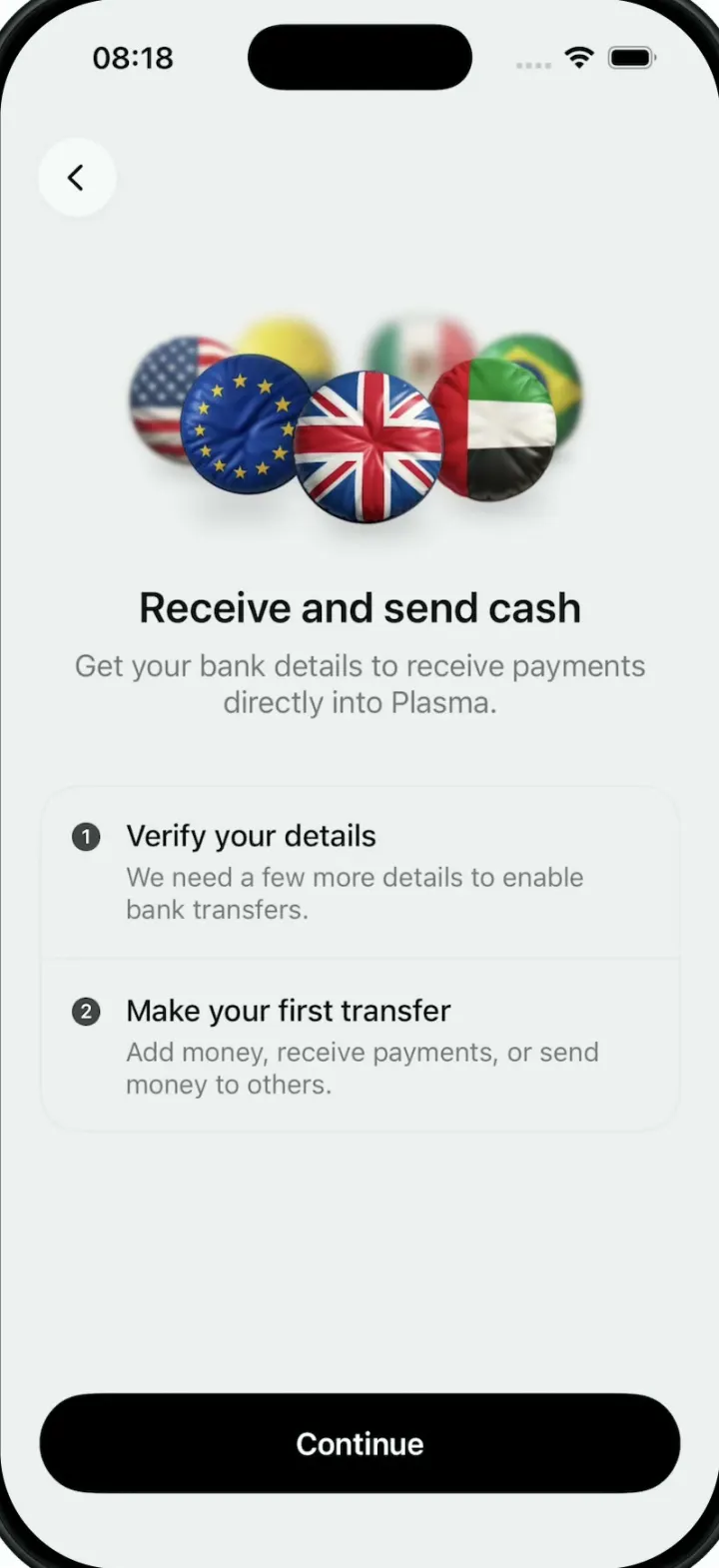
Plasma recreates the "Receive and send cash" onboarding screen of a money app. Seven puffy, glossy flag badges (Colombia, Mexico, Brazil, UAE, UK, EU and USA) ride a 3D ring that turns at a constant speed, each one tumbling gently, with the badges at the back smaller and blurred. Drag the ring to spin it and flick it with momentum. Below it sit the title, a two-step card and a Continue button.
- iPhone · Swift
- Built in 1 prompt
- Free to remix

Remix copies the working app into your account for free, exactly as we built it. It runs in Vibecode's cloud iOS simulator, in your browser.
Watch the video on X@ios_app_builder · Oct 12, 2026The prompt that builds it
We built Plasma in one prompt. Paste it into a new app to build your own copy, or change it first.
Prompt · 1,006 words
Download/reference the app shown in this post and clone it exactly, including the iPhone visual design, layout, interactions, animations, typography, spacing, and all visible states. Make it functional and runnable in the simulator. Match the reference as closely as possible and include any interaction shown in the source. Reference: https://x.com/60fpsdesign/status/2109604725880762373. The actual 9-second video is uploaded as source.mp4 in project Files. Inspect it carefully, extracting frames as necessary.

Build a native SwiftUI iOS app named Plasma using Opus 5.5. This is the "Receive and send cash" onboarding screen of Plasma (a money app), whose hero is a 3D carousel of puffy, glossy round country-flag badges that turns continuously. Portrait iPhone. Do NOT put a fake handset frame or fake status bar inside the actual app; the simulator provides that. Use realistic deterministic data so the screen is complete without permissions, network or backend. Do not publish externally. The app opens straight onto this screen.

Observed video sequence (0-9s, one screen, nothing is tapped): 0.0 Colombia badge is front-left of centre, USA front-right, Mexico far left, EU to the right, UK small and blurred behind at the top right; ~0.7 Colombia reaches front centre; ~2.2 Mexico reaches front centre while Brazil enters from the left; ~3.8 Brazil at front centre while UAE enters; ~5.3 UAE at front centre while UK enters; ~6.7 UK at front centre while EU enters; ~8.0 EU at front centre while USA enters; 8.9 USA left, EU centre, UK right. The motion never stops or steps: it is one smooth constant-speed rotation.

Flag carousel (the whole point of the video, match it closely):
- 7 badges on one horizontal ring, in this order along the direction of travel: Colombia, Mexico, Brazil, UAE, UK, EU, USA (then back to Colombia).
- The ring is seen from slightly above. The FRONT half of the ring moves LEFT TO RIGHT across the screen; the back half moves right to left, higher up, smaller and behind.
- Constant speed: a new badge reaches front centre every 1.5 s (one full turn = 10.5 s). Drive it from TimelineView(.animation) so it is perfectly smooth.
- Size by depth: front-centre badge 88 pt diameter, back badges about 60 pt. The ring spans about 265 pt across, centred horizontally; its centre sits 220 pt below the top of the screen (about 165 pt below the safe-area top). Badges overlap each other a lot (the ring is tight); sort by depth so front badges draw over back ones.
- Depth of field: front badges are sharp; badges further back get progressively blurred (up to about 4 pt blur) and slightly lower opacity. Add a subtle horizontal motion blur feel if cheap; otherwise skip it.
- Each badge wobbles individually: a gentle continuous 3D tilt (rotation3DEffect around x and y, roughly +/-25 degrees, each badge with a different phase and speed, 2-3 s periods) so they look like coins tumbling slowly as they ride the ring, plus a very soft drop shadow under each.
- Badge look: a circle filled with the flag, rendered as an inflated, glossy, pillow-like 3D button: cloth-like waves/folds across the flag, soft specular highlight top-left, darker rim, saturated colours (bright pink-reds, lime greens, cobalt blue, sunny yellow). Generate the 7 badge images with the image generation API (gpt-image-1, transparent background, 1024x1024, one per flag, prompt like "a single inflated glossy 3D circular badge of the <country> flag, puffy pillow shape, soft cloth waves, studio lighting, centered, transparent background, no text"). If image generation is blocked through the default route, run env and use the project's proxied OPENAI_API_KEY with https://api.openai.com/v1/images/generations and model gpt-image-1 (background: transparent). Only if that fails too, draw the flags in SwiftUI (stripes, stars, union jack) inside a circle with radial highlight and wave shading overlays.
- Drag: dragging horizontally on the carousel spins the ring with the finger and flicks with momentum, then it eases back to the constant auto speed.

Screen layout (top to bottom), background #EEEEEE everywhere:
- Top-left back button: 44 pt circle, fill #F8F8F8 with a very faint shadow, a black chevron.left (17 pt, medium), 21 pt from the left edge, centred about 37 pt below the safe-area top. It does nothing harmful (light haptic only).
- The flag carousel (above).
- Title "Receive and send cash", centred, SF Pro 24 pt semibold, #111111, about 100 pt below the carousel centre.
- Subtitle on two centred lines: "Get your bank details to receive payments" / "directly into Plasma." SF Pro 17 pt regular, #6B6B6B, line spacing so the two lines are about 20 pt apart, 8 pt below the title.
- 36 pt below that, a steps card: inset 22 pt from both screen edges, corner radius 22 pt, same #EEEEEE fill with a 1 pt #E2E2E2 border, two rows separated by a 1 pt #E2E2E2 divider. Each row: 18 pt padding; on the left a 16 pt dark grey (#3C3C3C) filled circle with the white step number ("1", "2", 11 pt semibold) aligned with the row title; then a text column 14 pt to the right of it: title SF Pro 17 pt medium #111111, body 15 pt regular #6B6B6B, 4 pt between.
  Row 1: "Verify your details" / "We need a few more details to enable bank transfers."
  Row 2: "Make your first transfer" / "Add money, receive payments, or send money to others."
  Tapping a row gives a light haptic and a subtle press highlight.
- Pinned near the bottom (above the home indicator): a full-width black capsule button "Continue" (white, 17 pt semibold, 56 pt tall, 22 pt side insets).

Use native SwiftUI animation and gestures, not static screenshots or a video.

Keep every file you create inside /home/user/workspace (fonts, generated images, scripts): tool access to /tmp and other paths outside the workspace is denied in this sandbox.

Build fully, run compile/build validation, resolve all errors, and launch in the web simulator. Prioritize fidelity to the attached source (the turning flag ring above all) and the functional main interaction. Deliver complete implementation rather than a plan.
More templates
All templates- View template
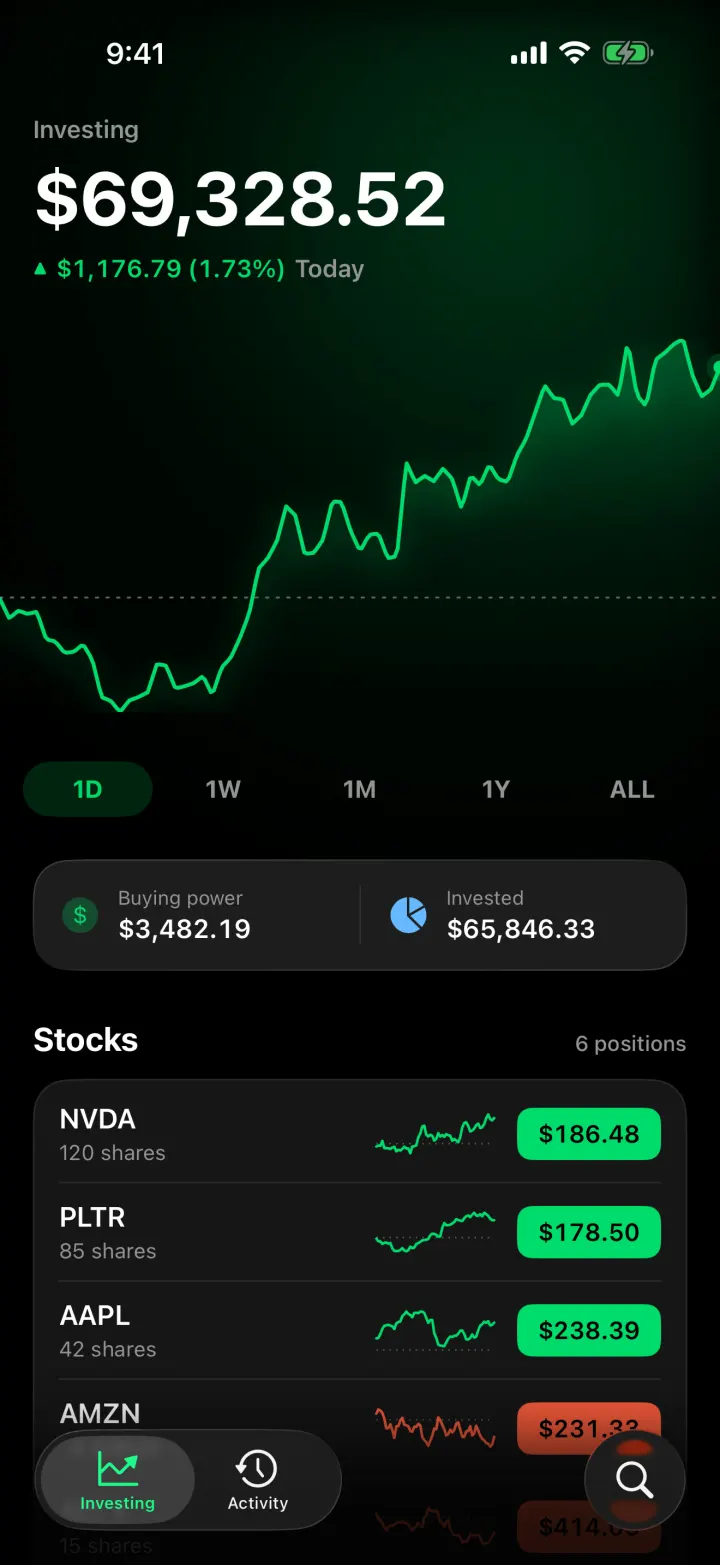
Ticker
iOSA Robinhood-style investing app with a scrubbable chart, candlesticks and a buy flow that ends in confetti.
- View template
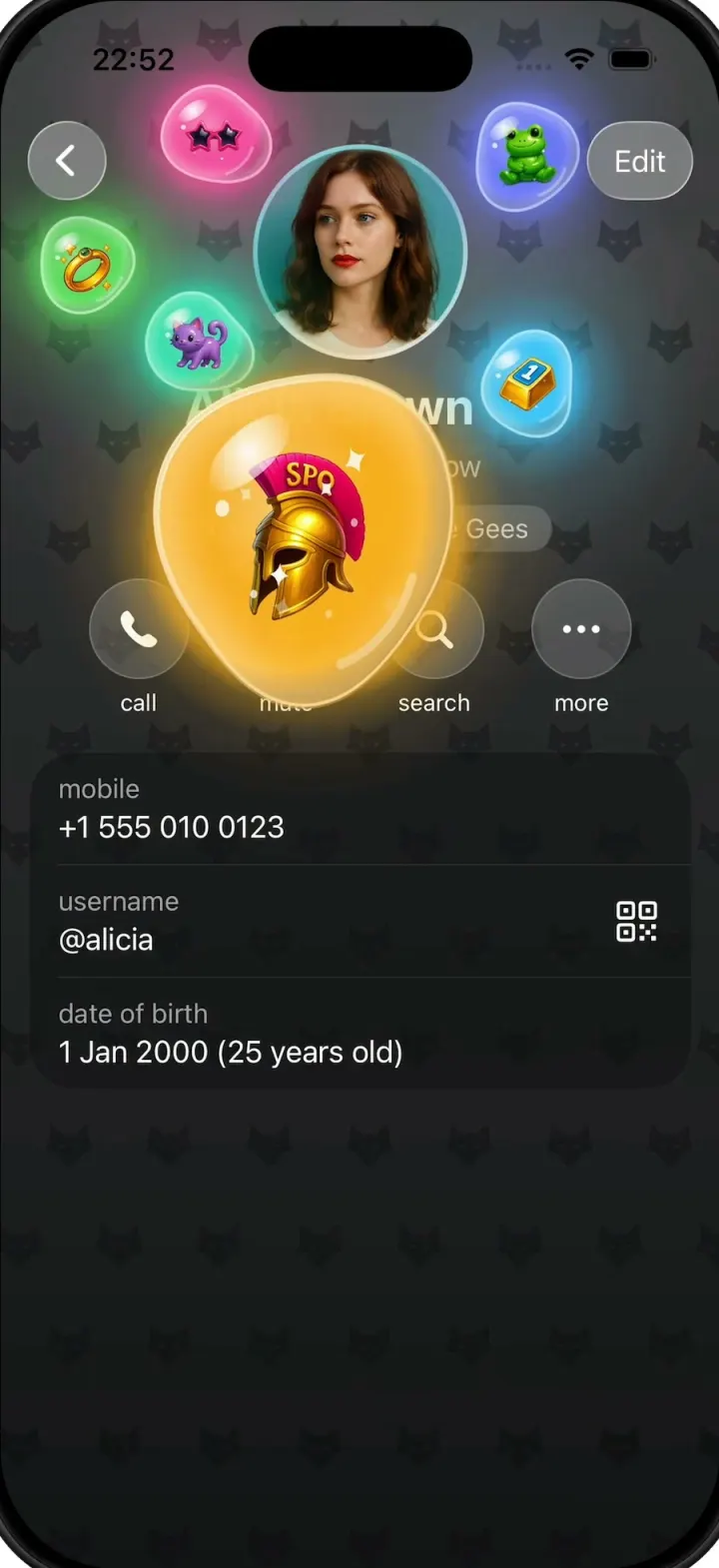
Gift Profiles
iOSA Telegram-style profile where gift bubbles pop out of the avatar and swell into jelly blobs as you drag them.
- View template
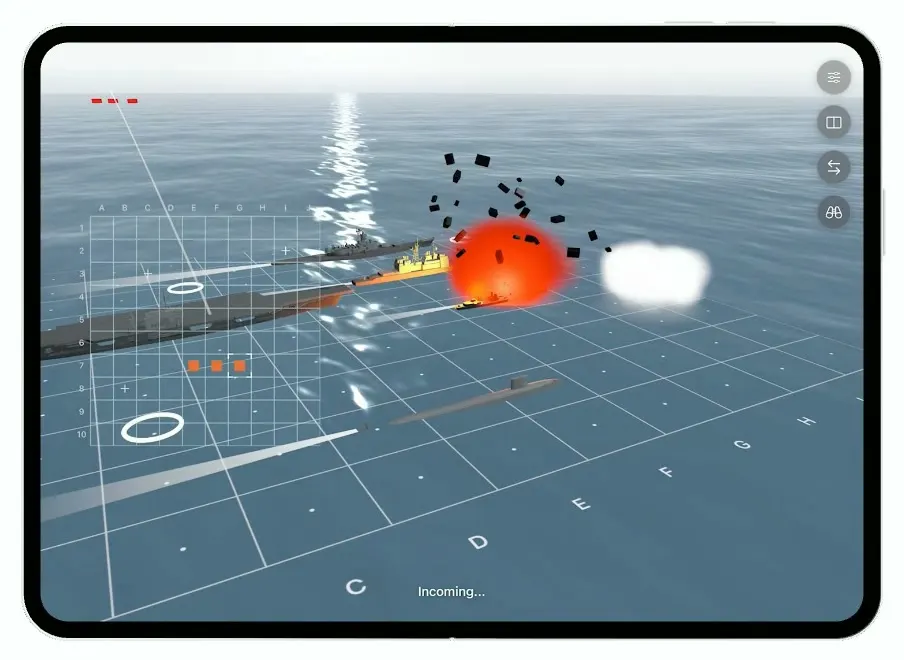
Battlefleet
iOSBattleship for the foldable iPhone Duo, with a realistic 3D ocean, jet strikes and a two-panel board.
- View template
Pickup
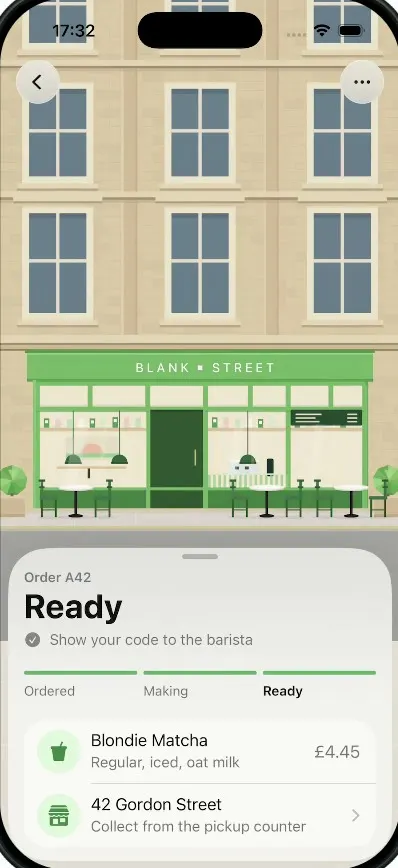
iOSA coffee order tracker whose street tilts into a 3D field of QR blocks that flattens into your pickup code.