Pickup
Food app · from our videos on X
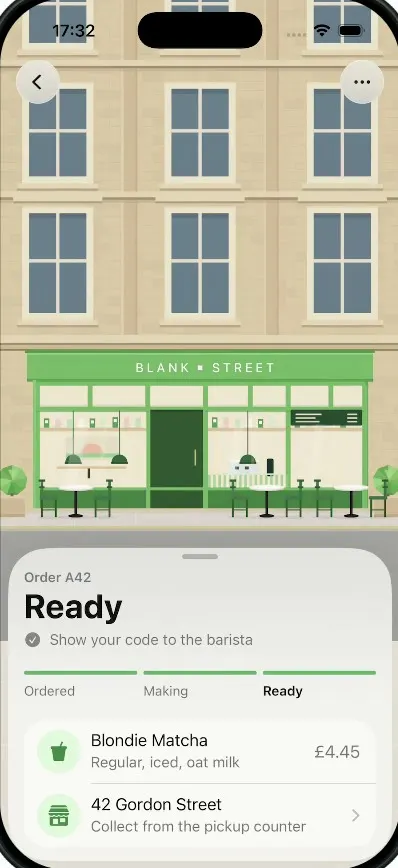
Pickup tracks a coffee order on an illustrated shop front. The status sheet counts down from Being made to Ready, then slides away, and the camera tilts down from the shop and rises over a street built from 3D QR-code blocks until they flatten into a real, scannable pickup code. The Pickup screen shows the code, the order number and an Add to Apple Wallet button, and the X button replays the whole flow.
- iPhone · Swift
- Built in 2 prompts
- Free to remix

Remix copies the working app into your account for free, exactly as we built it. It runs in Vibecode's cloud iOS simulator, in your browser.
Watch the video on X@learn2vibecode · Oct 12, 2026The prompt that builds it
We built Pickup in 2 prompts. Here they are folded into one, so a single paste into a new app builds the finished version.
Prompt · 1,417 words
Download/reference the app shown in this post and clone it exactly, including the iPhone visual design, layout, interactions, animations, typography, spacing, and all visible states. Make it functional and runnable in the simulator. Match the reference as closely as possible and include any interaction shown in the source. Reference: https://x.com/solutionb2u/status/2109424625742713341.

Build a native SwiftUI iOS app named Pickup using Opus 5.5. This is a Blank Street coffee order tracker: an illustrated storefront with an order-status sheet, and when the order is ready the camera tilts down from the storefront into a 3D street made of QR-code blocks, then pulls back until the blocks become the flat pickup QR code. Portrait iPhone. Do NOT put a fake handset frame or fake status bar inside the actual app; the simulator provides that. Use realistic deterministic data so every screen is complete without permissions, network or backend. The app opens straight onto the order screen.

Observed video sequence (0-8.2s): 0.0 order screen, sheet says "Being made", "Ready in about 2 min"; ~0.6 the countdown ticks to "Ready in about 1 min"; ~1.4 the title crossfades (soft blur crossfade) from "Being made" to "Ready", the subtitle becomes "Show your code to the barista", the progress bars fill and the "Ready" step label turns bold; ~2.9 the sheet slides down off screen, revealing the street under the storefront (grey road with a white dashed centre line, then cream paving slabs), and the two top buttons morph from back/more into close/share; 3.2-3.9 the road and paving smoothly fade into plain cream ground; 4.0-4.5 the camera pitches down in 3D: the facade leans back in perspective and we rise above the street; ~4.6 we look straight down: the building's flat roof is directly below us and its roof is a QR finder square (dark frame, light ring, dark centre), and the ground all around is a QR code made of black and cream square blocks that stick up slightly from the ground; 4.7-5.3 the camera keeps rising/zooming out fast, revealing more and more blocks until the whole QR code fits on screen; ~5.3 the blocks flatten into a crisp flat black-on-light-grey QR code that lands in the upper half of the Pickup screen; 5.5-5.9 the "Pickup" title fades in and the pickup card slides up from the bottom; 6.0-8.2 static Pickup screen.

Screen 1, order screen (exact strings):
- Full-bleed flat vector illustration of a Georgian sandstone building, filling the top ~60% of the screen and extending behind the status bar: warm sandstone (#D8C29E, light pilasters/cornices #E2D0B0, subtle brick lines), three columns of tall white-framed sash windows with slate-blue glass (#5F7383), two visible floors of windows. The ground floor is a light-green shopfront (#6DAA5F, darker green trim #4E8A45) with a white spaced-caps sign "BLANK ▪ STREET" (small square dot between the words), a dark green door (#2C4A2C) in the centre, big cream windows on both sides with hanging pendant lamps, green shelves with tiny cups, a menu board; little dark-green bistro chairs and round white tables on the pavement in front, and a round green topiary bush at each edge. Under it a thin light pavement strip, then a grey road (#A6A6A6) with a white dashed centre line, then cream paving slabs (#E9E3D7 with faint lighter joints). Draw it in SwiftUI shapes/Canvas (or generated images inside the workspace), not SF Symbols.
- Top-left and top-right: 44 pt circular frosted-glass buttons (ultraThinMaterial) with "chevron.left" and "ellipsis", 16 pt from the edges, just below the status bar.
- Bottom sheet, inset 8 pt from the screen sides and bottom, top corners radius ~40, frosted light material (#F2F1EE at ~92%), a grey 36x5 drag handle at the top. Content (left aligned, 20 pt padding): "Order A42" (15 pt semibold, grey #6E6E6E); title "Being made" (34 pt bold, near-black); a row with an SF "clock" icon and "Ready in about **2** min" (17 pt, grey, the number bold black). Then three progress segments in a row (4 pt tall capsules, gap 8): Ordered full green (#5BA55B), Making ~60% green, Ready grey (#DADADA), with labels below: "Ordered" "Making" "Ready" (15 pt, the current step semibold black, others grey). Then a white rounded card (radius 22) with two rows separated by a hairline: row 1 a 44 pt pale-green circle (#DDF5D8) with a green iced-cup icon, "Blondie Matcha" (19 pt) / "Regular, iced, oat milk" (16 pt grey), trailing "£4.45" (19 pt grey); row 2 a pale-green circle with a green storefront icon (SF "storefront"), "42 Gordon Street" / "Collect from the pickup counter", trailing chevron.
- Ready state: title "Ready", the icon becomes "checkmark.circle.fill" grey and the text "Show your code to the barista"; Ordered and Making bars full green, Ready label semibold black.

Screen 2, Pickup (exact strings): background #EFEFEF. Top bar: 44 pt circle button with "xmark" at left, "Pickup" (17 pt semibold) centred, circle button with "square.and.arrow.up" at right (both light grey circles with a hairline border). A real scannable QR code (CoreImage CIQRCodeGenerator, payload "BLANKSTREET-A42", correction level M, crisp nearest-neighbour scaling) ~300 pt square, centred, its top ~100 pt below the top bar. Bottom card: inset 8 pt, white (#FAFAF8), radius ~40, drag handle; "A42" (56 pt heavy), "Pickup code" (15 pt semibold grey) under it; top-right a pill "✓ Ready" (pale green #DFF7DA, green #3E8E41 text, 15 pt semibold); "Show this to your barista" (24 pt bold); "Blondie Matcha, Regular · 42 Gordon Street" (17 pt grey); a row with SF "sun.max" and "Brightness is turned up while this is open" (14 pt grey); a full-width black capsule button, 56 pt tall, with a white wallet/card icon and "Add to Apple Wallet" (18 pt semibold white).

The reveal (THE money shot, must be real 3D, not a crossfade): build it with SceneKit (SCNView in a UIViewRepresentable, antialiasing on, no default lighting jitter). Scene: a ground grid of the same QR code's modules as boxes (black modules = boxes ~0.25 module tall, near-black #1C1C1C; light modules = cream #EFEAE0 ground), the building as a 3D box sitting on the QR grid where its roof exactly covers one finder/alignment pattern, with the facade illustration as the texture of its front face (render the same SwiftUI facade to a UIImage with ImageRenderer so the start frame matches screen 1 exactly) and the roof textured as that finder square. Camera keyframes, all ease-in-out, driven by one animation: (a) street level looking straight at the facade, framed so the frame matches the flat illustration of screen 1 pixel for pixel (crossfade from the SwiftUI view to the SCNView should be invisible); (b) over ~1.0 s pitch down 90 degrees while rising, so the facade swings away and the roof plus the blocks around it fill the screen; (c) over ~0.8 s rise straight up / pull back until the whole QR code fits the width with margins; (d) over ~0.3 s the blocks scale their height to 0 and the colours snap to pure black on #EFEFEF, ending exactly where the flat SwiftUI QR of screen 2 sits, then swap to the SwiftUI Pickup screen (title fades in, card springs up from the bottom).

Interactions:
- On launch and on every restart, play the status sequence automatically: "Being made" + "Ready in about 2 min" -> 0.6 s later "1 min" -> 1.4 s after start crossfade to "Ready" with the bars filling (spring).
- Once the status is Ready, swiping the sheet down OR tapping anywhere on the sheet dismisses it (sheet slides down off screen, ~0.4 s) and plays the reveal automatically (road fade 0.6 s, then camera moves as above). Total from sheet dismiss to Pickup screen settled ~3 s.
- On the Pickup screen, the X button restarts the whole flow from screen 1 with every state reset (status back to "Being made", sheet back, camera back), replaying the automatic status sequence. The back chevron on screen 1 does nothing harmful. "Add to Apple Wallet" shows a brief "Added" check on the button.
Use native spring animations and gestures, not static screenshots.

Build it in small source files, in this order: the order screen (the facade illustration and the status sheet with the automatic Being made -> 1 min -> Ready sequence), then the Pickup screen (real QR + card), then the SceneKit reveal between them. Keep SwiftUI types simple and split complex view bodies.

Build fully, run compile/build validation, resolve all errors, and launch in the web simulator. Prioritize fidelity to the reference and the reveal animation. Deliver complete implementation rather than a plan.
More templates
All templates- View template
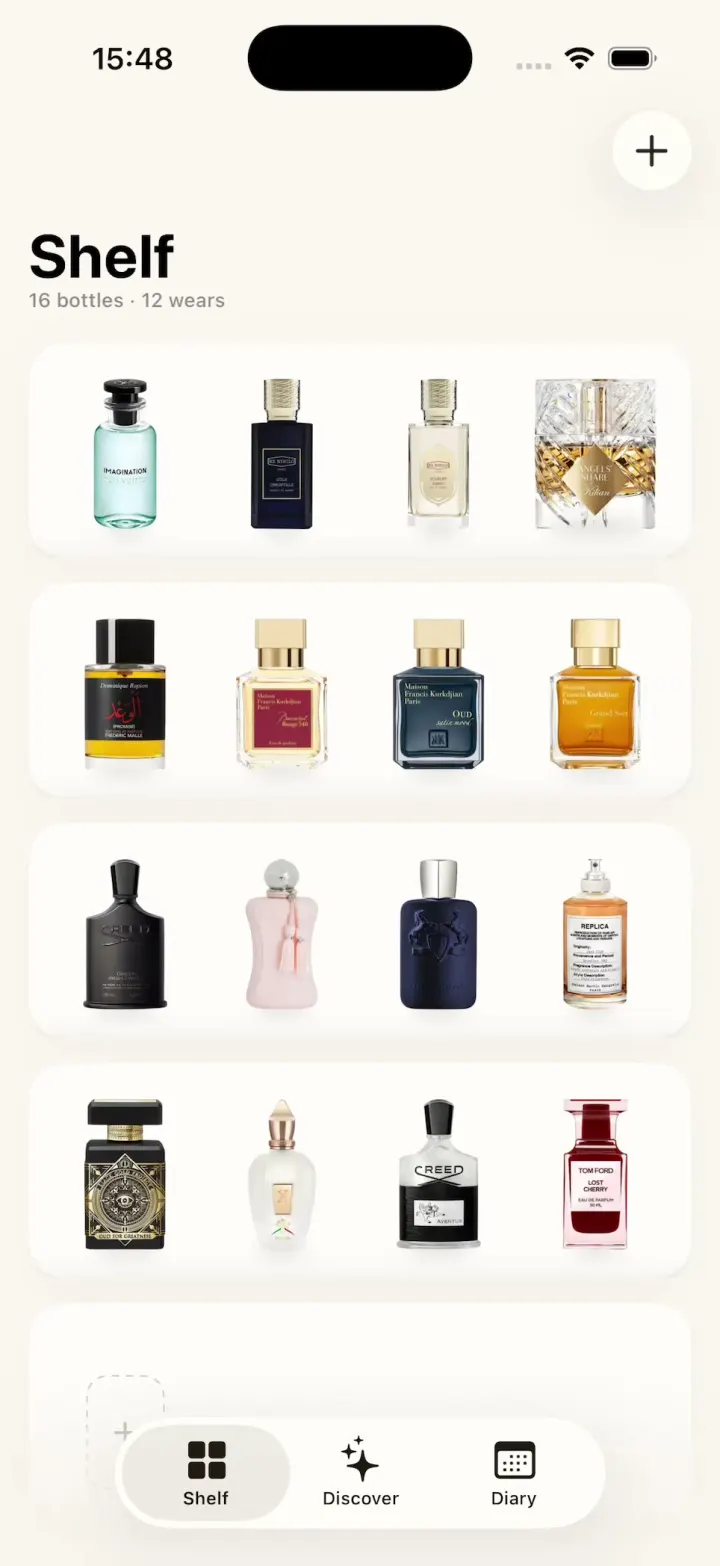
ScentScout
iOSA fragrance tracker with a cream bottle shelf, a bottle zoom transition, a cologne library and a wear diary.
- View template
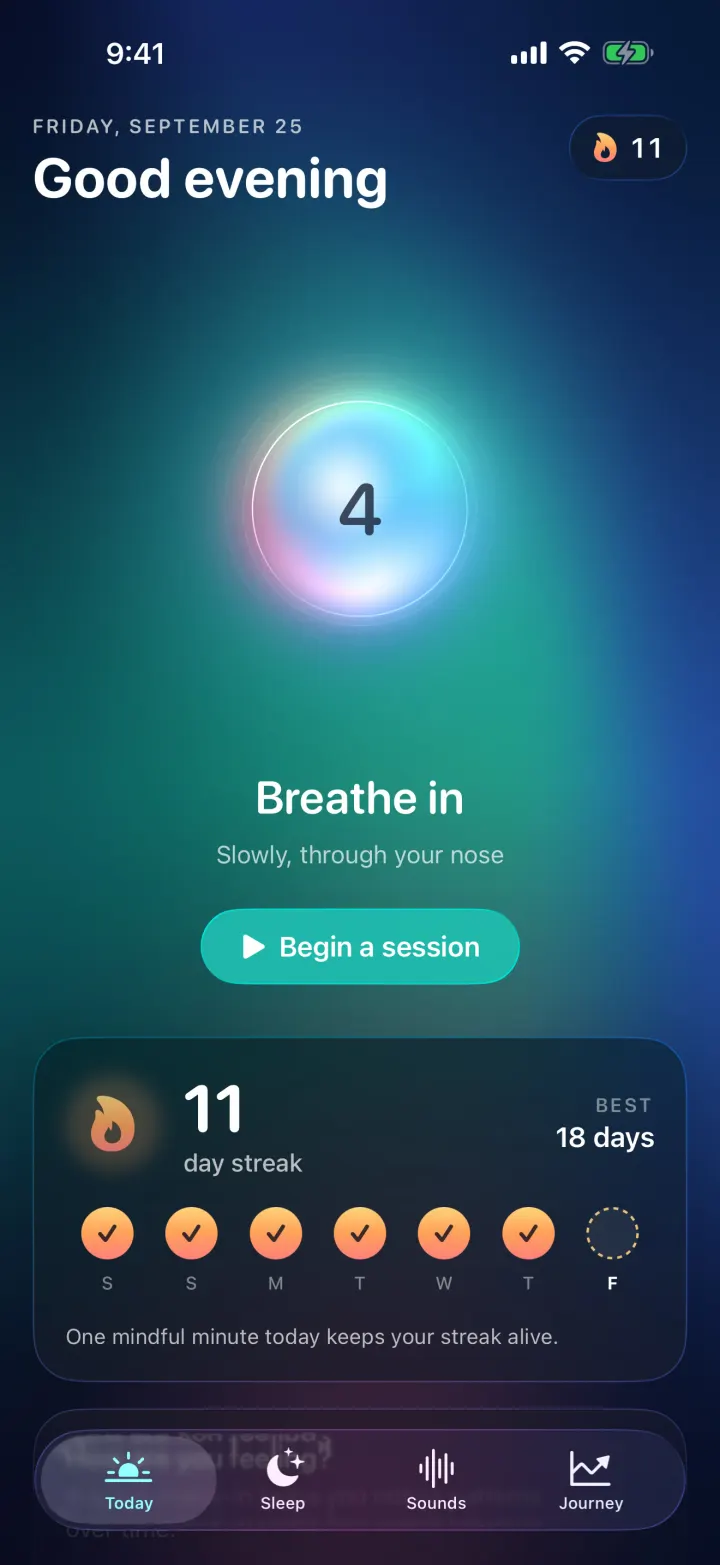
Breathe
iOSA meditation app with a glowing breathing orb, an aurora sky, mood check-ins, sleep stories and soundscapes.
- View template
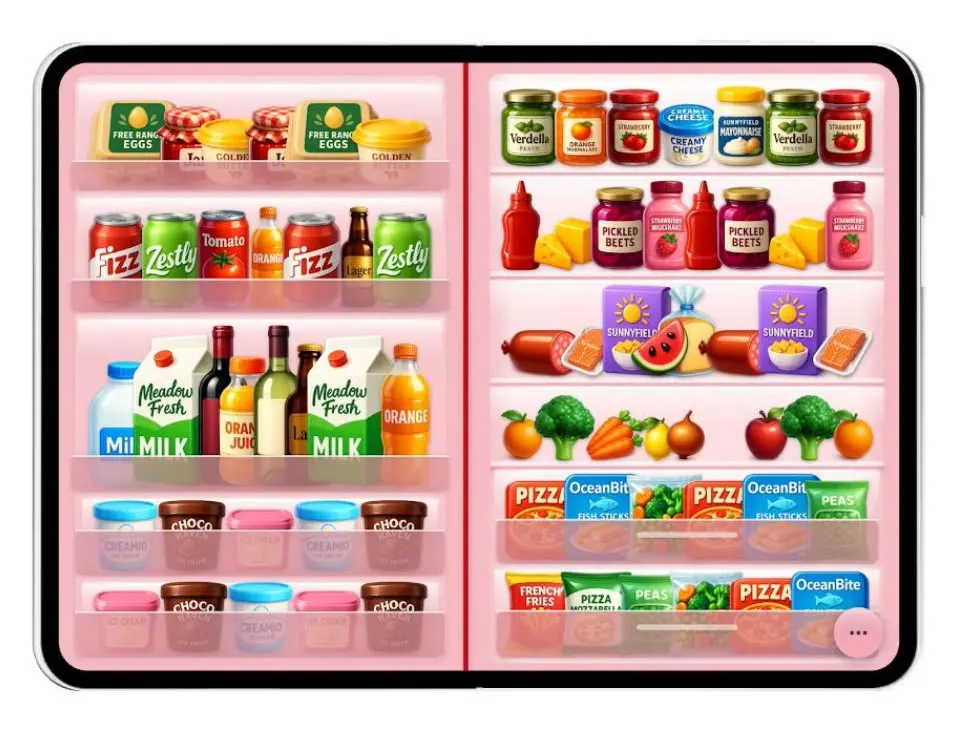
Duo Fridge
iOSTurns the iPhone Duo into a fridge: folded it is the door with magnets, unfolded it is the stocked shelves.
- View template
Grok Bark
iOSGrok Bot's look, but the AI agents run your dog's life: squirrel watch, treats, mailman defense and zoomies.