Aave Bell
Notifications app · from our videos on X
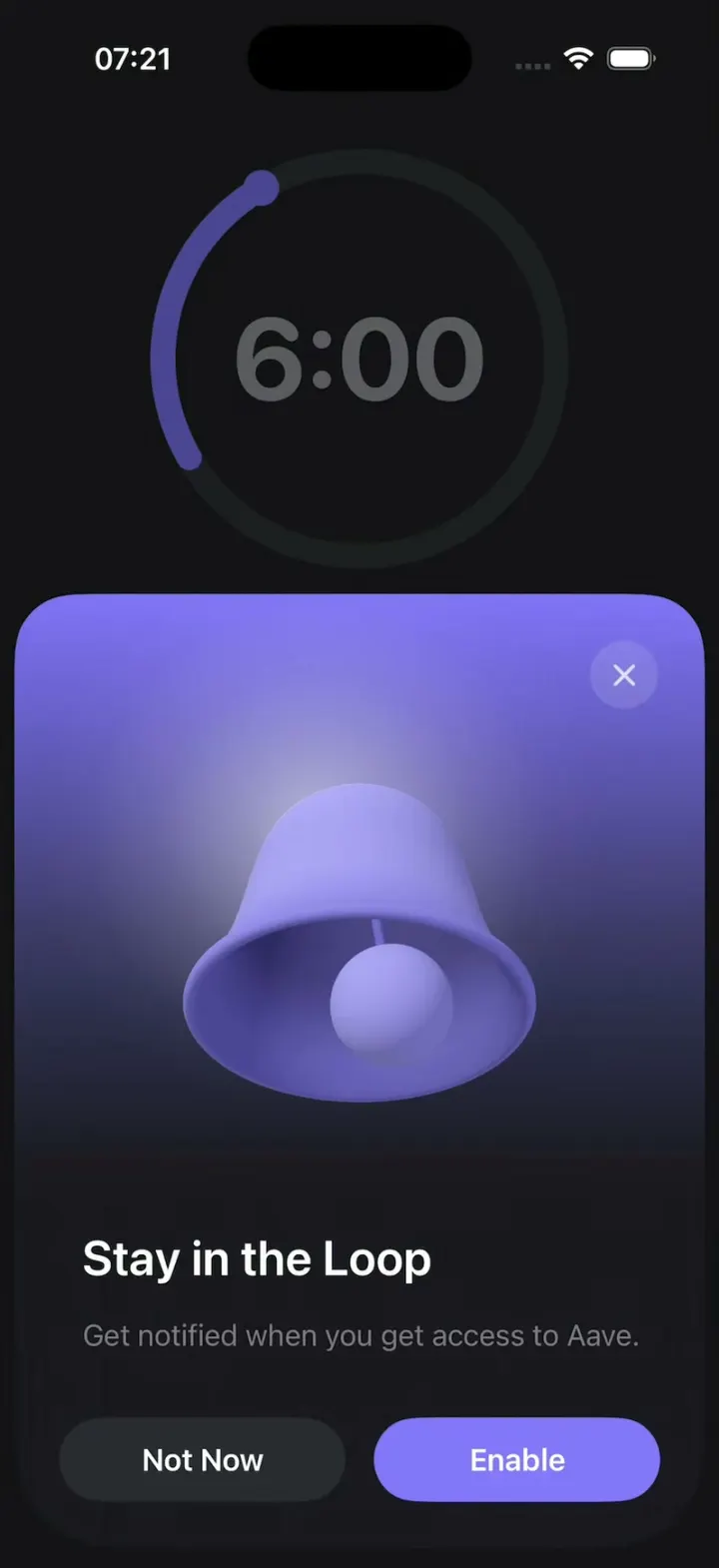
Aave Bell recreates Aave's notification permission sheet: a floating dark card with a lavender gradient over a dimmed countdown ring. The bell is real 3D, built in SceneKit from a revolved profile, and every 4.5 seconds it is struck and wobbles around in a circle like a coin settling, showing the clapper inside, before hanging still again. Tap the bell to ring it yourself. Not Now slides the sheet away and a small bell button brings it back. Enable turns the button into "You're in the loop", rings the bell big and asks for real notification permission.
- iPhone · Swift
- Built in 3 prompts
- Free to remix

Remix copies the working app into your account for free, exactly as we built it. It runs in Vibecode's cloud iOS simulator, in your browser.
Watch the video on X@ios_app_builder · Oct 21, 2026The prompt that builds it
We built Aave Bell in 3 prompts. Here they are folded into one, so a single paste into a new app builds the finished version.
Prompt · 1,227 words
Download/reference the app shown in this post and clone it exactly, including the iPhone visual design, layout, interactions, animations, typography, spacing, and all visible states. Make it functional and runnable in the simulator. Match the reference as closely as possible and include any interaction shown in the source. Reference: https://x.com/60fpsdesign/status/2112609066845671764 (Aave's notification permission sheet, a 3D bell that rings).

Build a native SwiftUI iOS app named Aave Bell using Opus 5.5. It is Aave's "Stay in the Loop" notification sheet: a floating dark card over a dark countdown screen, with a matte lavender 3D bell that rings by wobbling around in a circle, every 4.5 seconds, demonstrated on iPhone. Do NOT put a fake handset frame inside the actual app; the simulator provides that. Use deterministic fixture data, no backend, no accounts.

Observed video sequence (0-13.3s, it loops): 0.0 the sheet is up and the bell hangs still. 0.1 the bell is struck: within 0.3 s it tilts about 30 degrees with its mouth swinging toward the viewer, so we see up into the dark inside of the bell and the clapper on its rod. Then the tilt travels around the bell like a coin settling on a table: mouth toward the viewer -> turned to the viewer's LEFT (the rim dips lower on the left side of the screen) -> tipped away (we see the dome from slightly above, mouth hidden) -> turned to the viewer's RIGHT (the rim dips lower on the right) -> mouth toward the viewer again, one lap every 0.85 s, about 3 laps, the tilt shrinking smoothly to zero by 2.8 s. Then the bell hangs still and upright until 4.5 s, when it is struck again and repeats the same ring (and again at 9.0). Nothing else on screen moves.

Screen behind the sheet (only its top ~35% is visible above the card): near-black #131215 background. A large circular countdown ring centered horizontally with its centre about 200 pt from the top of the screen, radius ~110 pt, 14 pt stroke: dark track #1F1E23, and a muted purple arc (#4B4594) running from about 8 o'clock up to 11 o'clock, ending in a round purple knob (#4B4594, 20 pt). Inside the ring, big grey "6:00" (SF Pro Rounded bold ~64 pt, #5B5B60). The whole background is dimmed by the sheet (no blur).

The sheet: a floating card, NOT edge to edge: 8 pt from the left and right screen edges and 11 pt from the bottom, about 532 pt tall, top corners radius 34, bottom corners following the device's display corner radius (~55). Background is a vertical gradient: #8273F8 at the very top, #6D62D1 at 57 pt, #564E9E at 122 pt, #3D3A68 at 187 pt, #292942 at 252 pt, #1C1A22 at 317 pt, then flat #1A1820 to the bottom. A soft white radial glow (about 45% at the centre, gone by about 150 pt radius) sits behind the upper left of the bell's dome.
- Close button: a 38 pt circle, white at 12% opacity, with a white "xmark" (SF Symbol, semibold, 15 pt, 75% opacity), its centre 45 pt from the card's top and 45 pt from its right edge.
- The bell: centred horizontally, its top knob 103 pt below the card's top, about 190 pt wide at the rim, the height from the knob top to the rim about 80% of the rim width.
- Title "Stay in the Loop": SF Pro semibold 27 pt, #FDFDFA, left aligned 38 pt from the card's left edge, baseline ~380 pt from the card's top.
- Subtitle "Get notified when you get access to Aave.": SF Pro regular 16.5 pt, #7E7C86, 17 pt under the title, same left edge.
- Two capsule buttons side by side 26 pt above the card's bottom, 25 pt side insets, 16 pt gap, 47 pt tall, equal width: "Not Now" (#2B2A31 fill, white SF Pro semibold 17 pt) and "Enable" (#8376FA fill, white SF Pro semibold 17 pt).

The bell must be real 3D: SceneKit (SCNView with a transparent background inside SwiftUI), not an image or a 2D rotation. Build it from a revolved profile (a custom lathe SCNGeometry): a round cartoon bell, not a square-shouldered liberty bell. The top is a smooth dome whose shoulders slope continuously into the sides, the body widens steadily from the knob down (at mid-height about 67% of the rim width), then a gentle flare into a wide lip with a rounded rim, with real wall thickness so the inside is visible when the mouth faces the camera. Small rounded knob on top (a squat sphere). Clapper: the same lavender as the outside, about 36% of the rim width, on a thin rod from inside the dome, hung so at rest only its lower half shows below the rim. Material: matte and soft, no white specular: outside mid lavender #A39BEA, brightest #B5ADF8 on the upper left of the dome, darkening to #7D73DC toward the edges and the lower flare; inside the mouth a dark desaturated violet #4E478F, deeper #2E2A55 further in. Lighting: soft key light from the upper front-left, a lavender fill, and ambient so no part goes dark grey. Camera: slight perspective, a little below the rim, so at rest we look slightly up into the mouth: the rim reads as a thin ellipse with a thin dark sliver of the inside along its lower edge (about 6 pt tall at the centre).

Ring animation: drive it per frame (SCNSceneRendererDelegate or a CADisplayLink), not with keyframe snapshots. Pivot about a point ~35% down from the bell's top so it wobbles in place rather than swinging like a pendulum. Tilt angle: 30 degrees at 0.3 s (ease out from 0, mouth toward the camera), about 22 at 1.2 s, about 12 at 2.0 s, about 4 at 2.5 s, 0 at 2.8 s. The tilt direction precesses a full 360 degrees every 0.85 s in the direction described above (viewer, left, away, right). The clapper lags the bell slightly like a pendulum. The glow brightens a little at each strike. Cycle: the first ring starts 0.6 s after the sheet appears, then one ring every 4.5 s, forever. Tapping the bell rings it immediately and restarts the 4.5 s cycle from that tap.

Interactions: the app opens straight onto this exact screen with the sheet up. "Not Now" and the close button slide the sheet down off screen (spring, ~0.45 s) and fade the dim. With the sheet down, show a small round bell button (SF Symbol "bell.fill", purple #8376FA, 56 pt circle) under the countdown ring; tapping it springs the sheet back up and the bell rings 0.4 s later. "Enable": the button morphs into a checkmark with "You're in the loop" (green check, same capsule), the bell does one big ring, and after 1.6 s the sheet slides down; then request notification permission with UNUserNotificationCenter. Every reopen starts from the clean sheet state. Use native spring animations.

Build it in small source files, in this order: the theme and the countdown screen, the bell geometry and its motion maths, the SceneKit controller, then the sheet and its flows. Keep SwiftUI types simple and split complex view bodies.

Build fully, run compile/build validation, resolve all errors, and launch in the web simulator. Prioritize fidelity to the reference and the bell's ring. Deliver complete implementation rather than a plan.
More templates
All templates- View template
Plasma Fold
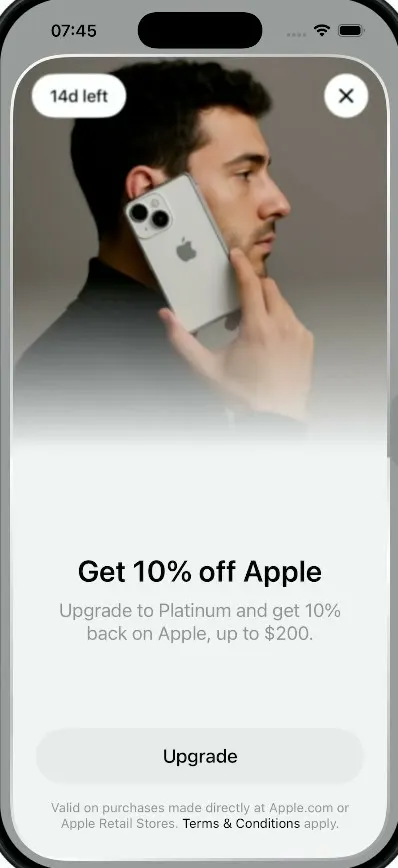
iOSA money app whose promo sheet folds like an iPhone Duo: the photo half swings over the hinge onto a cover.
- View template
Plasma
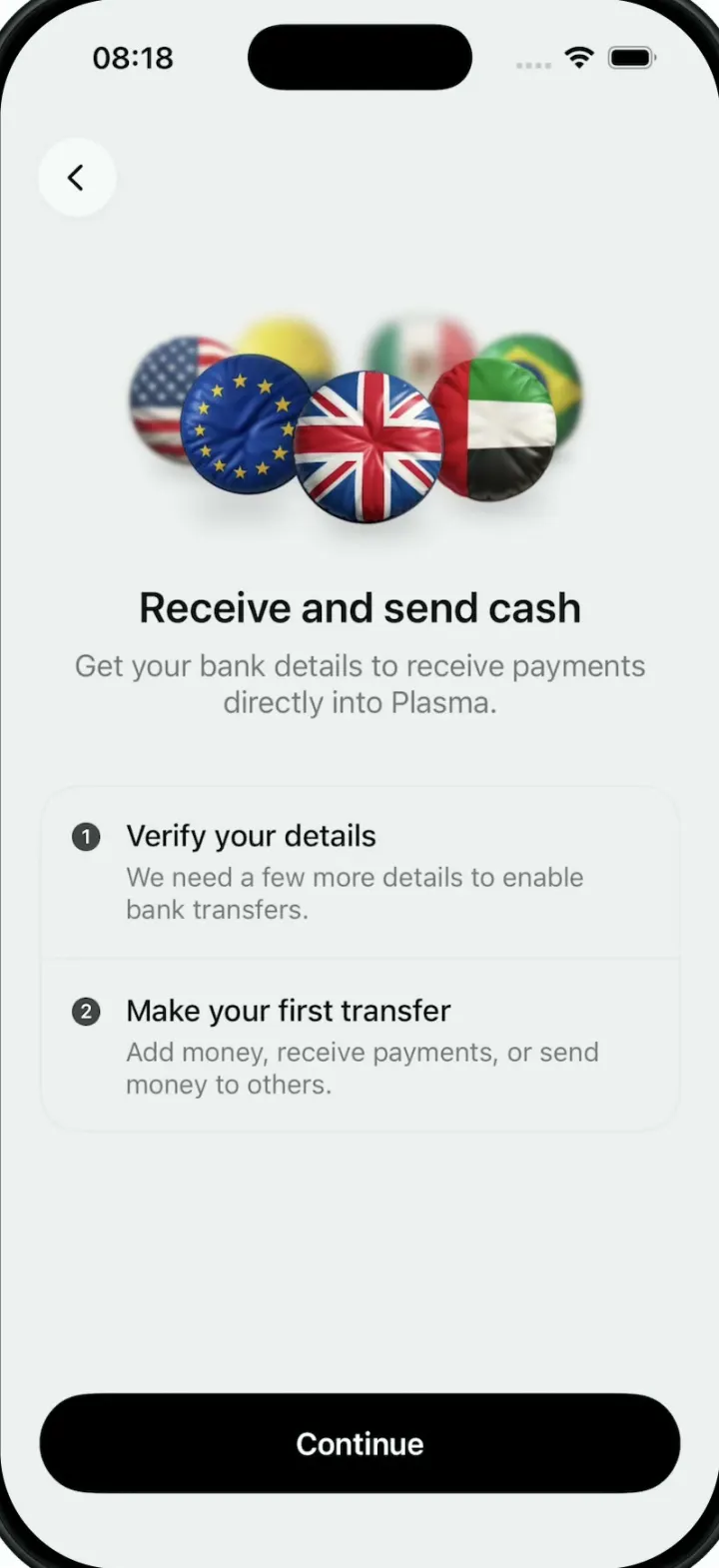
iOSA money app onboarding screen whose hero is a turning 3D ring of puffy, glossy country-flag badges.
- View template
Ticker
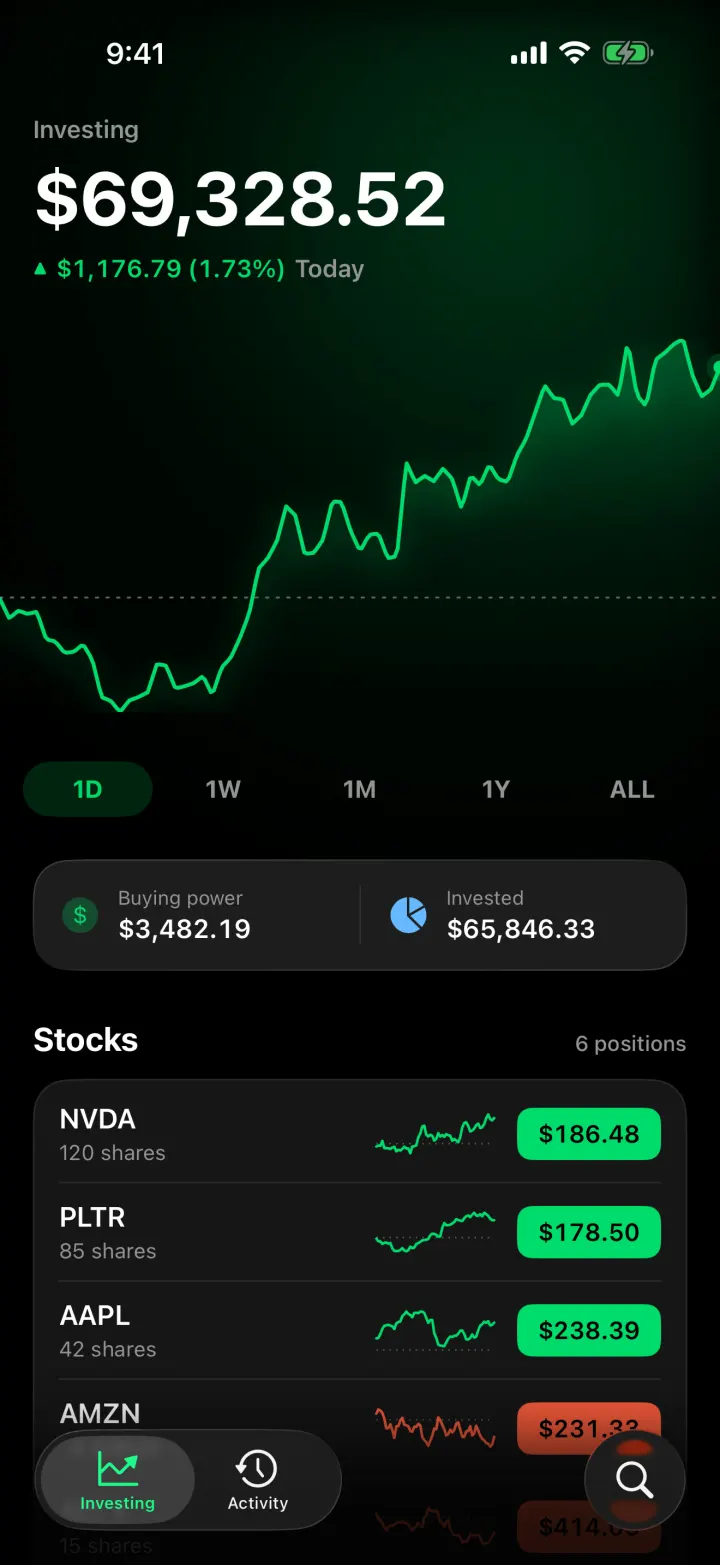
iOSA Robinhood-style investing app with a scrubbable chart, candlesticks and a buy flow that ends in confetti.
- View template
Tinder Clone
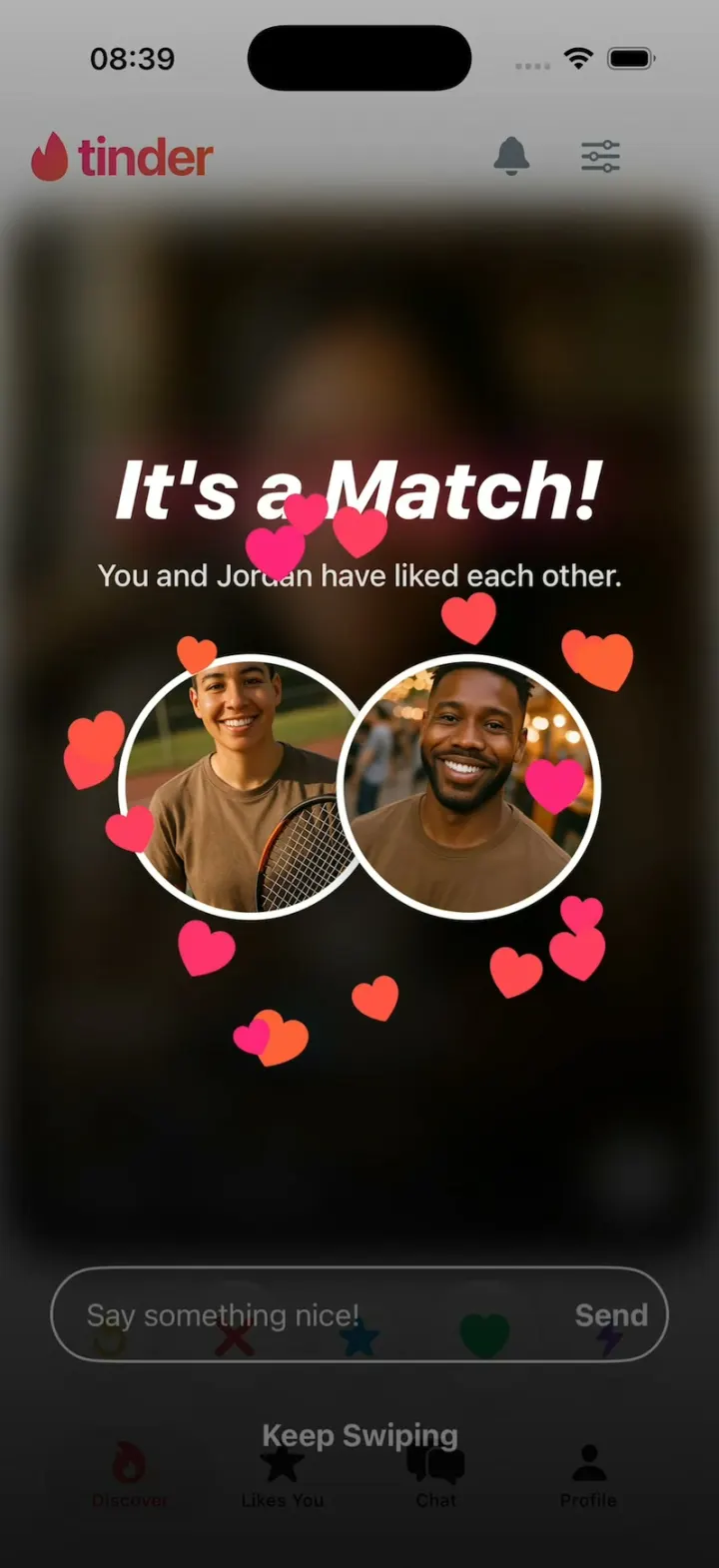
iOSTinder with its real look: drag a card to LIKE, Super Like or Rewind, and It's a Match! bursts into hearts.