Build a native iOS app on the web, then scan a QR code to put it on your iPhone.
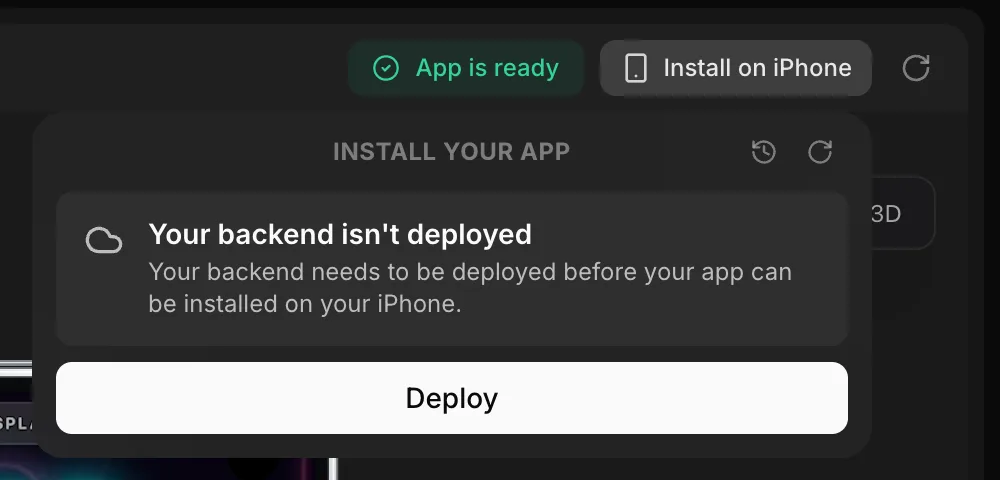
- Install native iOS apps on your iPhone from the web: register your iPhone, click Build and install, then scan the QR code
- Publish native iOS apps to the App Store from the new App Store panel on the web
- GLM 5.3 and GLM 5.3 Flash are in the model picker. Kimi has been removed.
- If a payment fails, a banner on the web lets you update your payment method before your deployed apps go offline