
Table of contents
- The 9 vibe coding apps Apple picked for iPhone
- Apps to get started: Claude, ChatGPT, Gemini and Grok
- Apps for a real app or a business site: Replit, Vibecode and Manus
- Apps that teach you to code: Mimo and Sololearn
- Which vibe coding app should you pick?
- What Apple wrote about Vibecode
- Does Apple allow vibe coding apps on the App Store?
- How to vibe code an app on your iPhone
- Frequently asked questions
TL;DR
- Apple's App Store has a story called "Vibe Code a Custom App or Site". It picks 9 vibe coding apps for iPhone, and Vibecode is one of them.
- Four are for a quick start (Claude, ChatGPT, Gemini, Grok). Three are for a real app or a business site (Replit, Vibecode, Manus). Two teach you to code (Mimo, Sololearn).
- Vibecode is the one Apple describes as building a native iPhone or iPad app in SwiftUI.
- All nine are free to download. Vibecode's first app build is free for new accounts, and plans start at $20 a month.
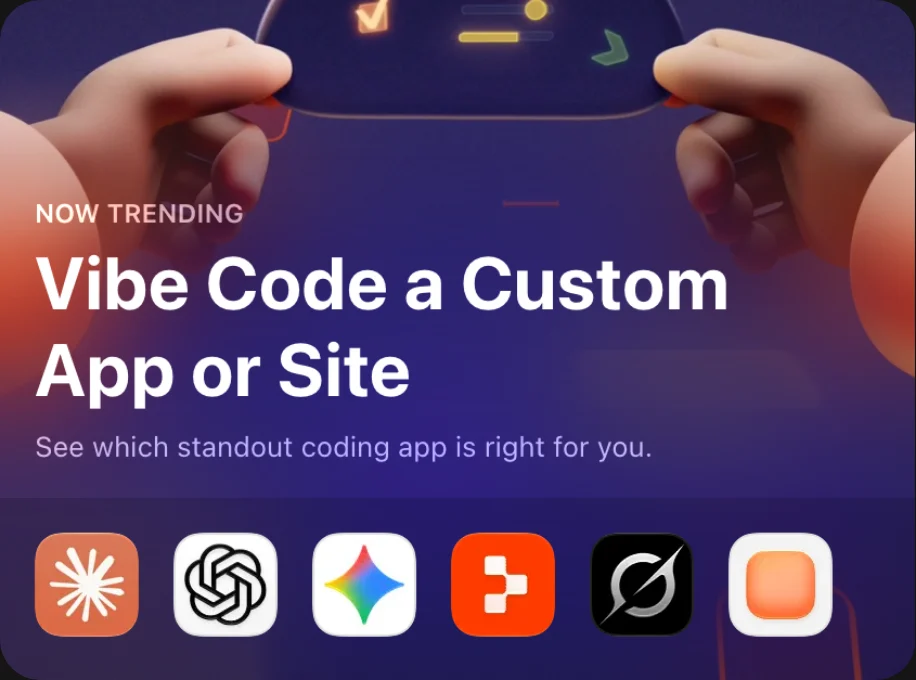
Looking for vibe coding apps for iPhone? Start with the nine Apple's own editors picked. Apple's App Store story, "Vibe Code a Custom App or Site", lists Claude, ChatGPT, Gemini, Grok, Replit, Vibecode, Manus, Mimo and Sololearn. Each one does a different job.
We're one of the nine, and we're proud of it! So this guide keeps Apple's order and quotes Apple's words, not ours.
We added three things: each app's US App Store rating, what it costs to download, and which one fits what you want to build. Everything here was checked on November 19, 2026.
The 9 vibe coding apps Apple picked for iPhone
Apple sorts the nine into three groups: apps to get started, apps for a real app or business site, and apps that teach you to code. Here they are in Apple's order.
| App | Apple's group | What Apple says it's for | US rating |
|---|---|---|---|
| Claude | Get started | Apps, games and websites made as Artifacts | 4.7 (309K) |
| ChatGPT | Get started | Fast, lightweight app and game prototypes | 4.8 (12.4M) |
| Google Gemini | Get started | Mini-apps with custom images | 4.7 (2.4M) |
| Grok | Get started | Mini-apps from preset ideas | 4.9 (1.6M) |
| Replit | Take it to the next level | An online store with Shopify checkout | 4.7 (22K) |
| Vibecode | Take it to the next level | A native iPhone or iPad app in SwiftUI | 4.6 (3.3K) |
| Manus | Take it to the next level | An AI agent that builds sites and runs tasks | 4.7 (41K) |
| Mimo | Learn to code | Five-minute coding lessons | 4.8 (111K) |
| Sololearn | Learn to code | A course plan you can customize | 4.8 (82K) |
Ratings are US App Store ratings, with the number of ratings in brackets. All nine are free to download. What you pay after that differs by app, so check each listing.
Want a native Swift app in the App Store? That's the Vibecode row.
Describe your app and Vibecode builds itApps to get started: Claude, ChatGPT, Gemini and Grok
Pick one of these four to try an idea fast. Apple files them under "Get started". They are AI assistants that can also make small apps. Apple's examples for them are mini-apps, prototypes and simple sites.
Claude
Apple says Claude's Artifacts "can generate impressive, professional-looking apps, games, and websites". It also praises how well Claude spots and fixes coding mistakes.
Best for: a polished small app or game, and for fixing code you already have.
The catch: Apple's write-up is about Artifacts and code fixes, not standalone iPhone apps.
ChatGPT
"Need a fast proof of concept?" Apple asks. Its answer is ChatGPT, for making lightweight app and game prototypes quickly. Apple adds: "It's perfect if you're still in the brainstorming stage."
Best for: seeing a rough version of an idea in minutes.
The catch: Apple calls the output a prototype. A prototype is a sketch, not an app you ship.
Google Gemini
Apple's standout for Gemini is its tie to the Nano Banana image generator. Its example is a study timer app where Gemini makes a custom image for each subject.
Best for: a small app where the pictures matter.
The catch: Apple's word for what you get is "mini-app".
Grok
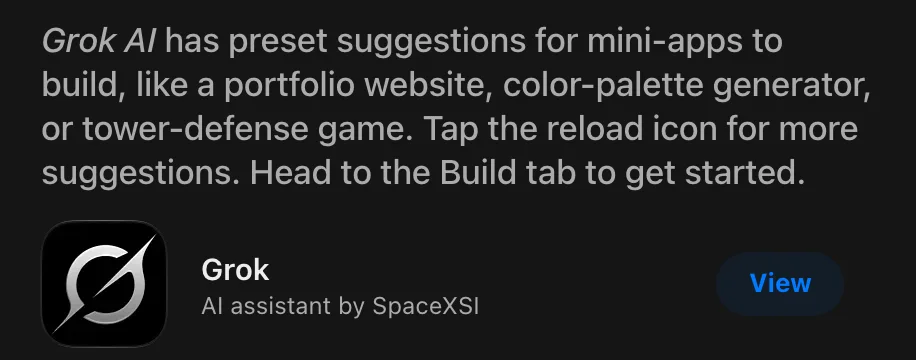
Grok has preset ideas for mini-apps. Apple lists a portfolio website, a color-palette generator and a tower-defense game. You start in Grok's Build tab and tap reload for more ideas.
Best for: when you want to build something but don't know what yet.
The catch: Apple's examples are mini-apps again. They're good for playing with an idea.
Apps for a real app or a business site: Replit, Vibecode and Manus
Pick from these three when real customers, a domain or a store listing are involved. Apple's heading is "Take it to the next level". It says these apps give you "even more control over where it's hosted and how it works".
Replit
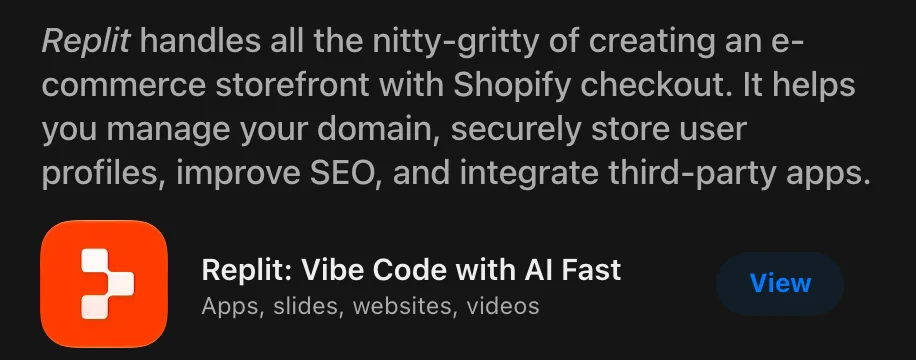
Apple says Replit "handles all the nitty-gritty of creating an e-commerce storefront with Shopify checkout". It also helps with your domain, user profiles, SEO and third-party apps.
Best for: an online shop or a website for your business.
The catch: Replit's phone apps are React Native apps built with Expo, not native Swift. Replit uploads them to App Store Connect, and you finish the listing and submit them yourself. Our Replit comparison links the sources.
Vibecode
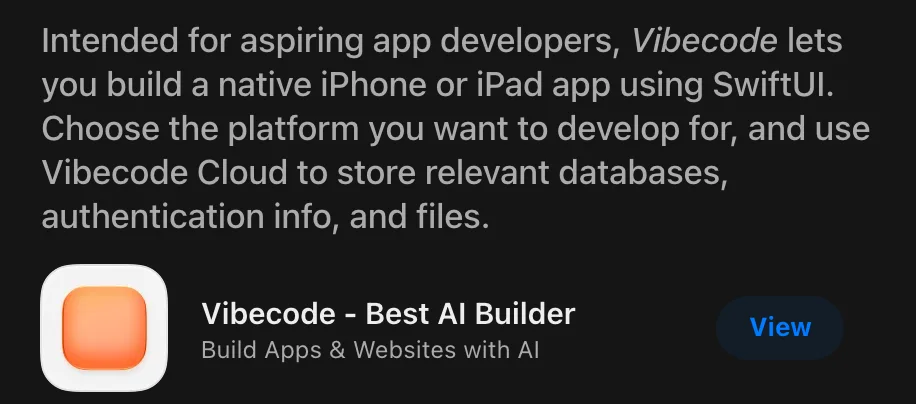
This one is us. Apple's full write-up: "Intended for aspiring app developers, Vibecode lets you build a native iPhone or iPad app using SwiftUI. Choose the platform you want to develop for, and use Vibecode Cloud to store relevant databases, authentication info, and files."
Best for: an iPhone app people download from the App Store.
The catch: publishing an iPhone app takes Apple's Developer Program, which costs $99 a year. And Google Play isn't a built-in step.
Price: your first app build is free for new accounts that sign up with Google or Apple. Paid plans are Plus at $20 a month, Pro at $50 and Max at $200.
Manus
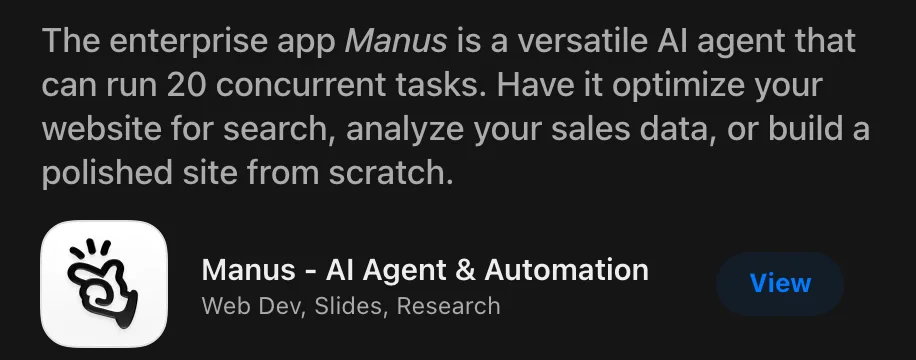
Apple calls Manus "a versatile AI agent that can run 20 concurrent tasks". Its examples: optimize your website for search, analyze your sales data, or build a polished site from scratch.
Best for: handing off business chores and website work.
The catch: Apple calls it an enterprise app. Its examples are websites and data, not phone apps.
Apps that teach you to code: Mimo and Sololearn
These two don't build your app. They teach you what the other seven are doing. Apple's reason: "it's still helpful to know basic HTML and Python."
- Mimo has five-minute lessons and real-time AI feedback.
- Sololearn has a course plan you can customize. Apple says it fits you "if you know a little and want to dive deeper".
You don't need either one to vibe code. They help when you want to read what the agent wrote.
Which vibe coding app should you pick?
Pick by what you want at the end.
- A rough idea you can poke at today: ChatGPT or Grok.
- A small tool for yourself: Claude, or Gemini if you want custom images.
- An online store or business site: Replit.
- A native Swift app, submitted for App Store review for you: Vibecode.
- Site chores and research handed to an agent: Manus.
- To understand the code: Mimo or Sololearn.
Apple's story covers the iPhone apps. If you work on a laptop, our guide to the best vibe coding tools covers Cursor, Claude Code, Lovable and more. New to all this? Start with what vibe coding means.
What Apple wrote about Vibecode
Apple used three phrases about us. Here is what each one means when you build.
"A native iPhone or iPad app using SwiftUI." Your iOS project is a SwiftUI Xcode project. It isn't React Native or a web view. SwiftUI is Apple's own framework for iPhone apps.
"Choose the platform you want to develop for." You pick per project. A native Swift app for iPhone and iPad, a React Native app for iPhone and Android, or a web app.
"Vibecode Cloud." That's the backend: a database, sign-in and file storage. It comes with paid plans. You can connect Supabase or Firebase instead.
You don't need a Mac for any of it. The app runs in a live iOS Simulator streamed to your browser, like this racing game built in Vibecode.
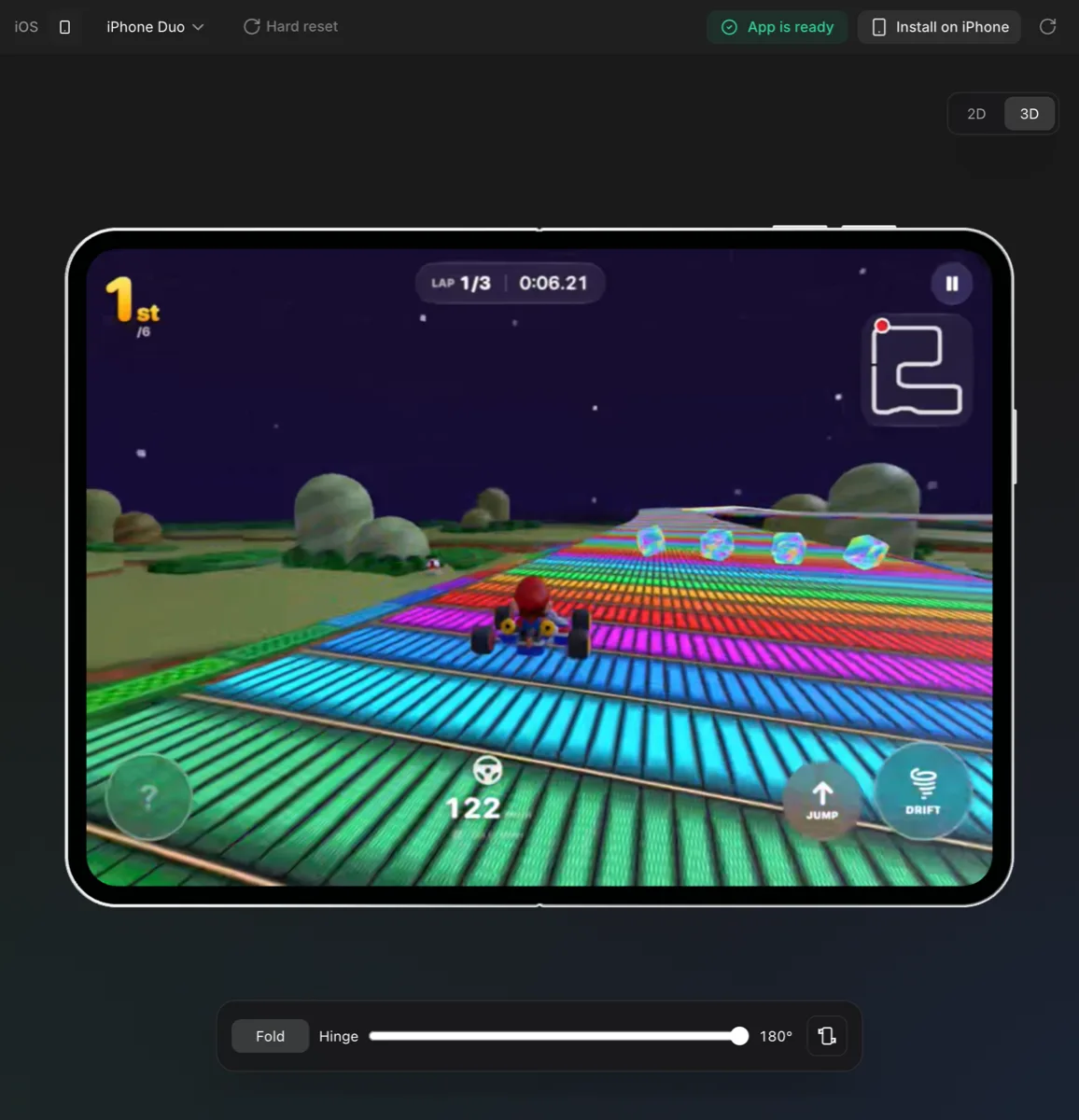
When it's ready, Vibecode builds the app, signs it, uploads it and submits it for App Store review with your Apple Developer account. Our iOS app builder page has the details.
Describe your app and Vibecode builds itDoes Apple allow vibe coding apps on the App Store?
Yes. Apple's own editors recommend nine apps for it in a US App Store story.
It wasn't always this clear. In early 2026, Apple held updates to several vibe coding apps while it reviewed them under App Review Guideline 2.5.2. It approved Vibecode's next update on March 18, 2026.
The Vibecode iPhone app has been on the App Store since June 17, 2025. It was never removed. The dated record is on our App Store status page.
One thing hasn't changed. An app you build still goes through Apple's App Review, like every other app.
How to vibe code an app on your iPhone
Here's how to vibe code an iOS app in Vibecode, on your phone or in a browser.
- Get the app. Download Vibecode from the App Store, or open vibecodeapp.com in a browser.
- Sign up with Google or Apple. Your first app build is free for new accounts.
- Describe your app. Say who it's for, what the main screen shows and what a tap does.
- Try it and ask for changes. One change per message works best.
- Publish. You need Apple's Developer Program ($99 a year) and the Plus plan ($20 a month) or higher.
Not sure what to type? Here is a first prompt you can copy.
A first prompt you can copy · 91 words
Build an iPhone app called Stride, a daily walking tracker.

The Today screen shows a big ring that fills as I get closer to my step goal, with today's steps in the middle. Under it, show distance, minutes walked and a 7-day bar chart. Let me set my goal in Settings. When I hit the goal, play confetti and a short haptic.

Use a clean white design with one bright green accent and rounded cards. Fill it with a week of sample data so every screen looks real from the start.
You can also skip the blank page and remix a template. Either way, you'll have something to tap after your first build.
Describe your app and Vibecode builds itFrequently asked questions
What is the best vibe coding app for iPhone?
It depends on what you're making. For an app people download from the App Store, pick Vibecode. Apple describes it as the app that lets you build a native iPhone or iPad app using SwiftUI. To try an idea fast, ChatGPT or Grok is enough. For an online store, Apple points to Replit.
Can you vibe code on an iPhone?
Yes. All nine apps in Apple's story run on iPhone. In Vibecode you describe your app in the iPhone app or in a browser. It builds the app, runs it and lets you try it.
Are vibe coding apps free on iPhone?
All nine apps in Apple's story were free to download on November 19, 2026. What you pay after that differs by app. In Vibecode, your first app build is free for new accounts that sign up with Google or Apple on the web or the iPhone app. Paid plans start at $20 a month.
Did Apple remove Vibecode from the App Store?
No. The Vibecode iPhone app has been on the App Store since June 17, 2025 (app ID 6742912146) and was never removed. In early 2026 Apple held updates to several vibe coding apps while it reviewed them under App Review Guideline 2.5.2; it approved Vibecode's next update on March 18, 2026, and Vibecode has shipped regular updates since.
Where can I read Apple's vibe coding story?
It's in the US App Store, under the title "Vibe Code a Custom App or Site". We link it in this guide. It may not open if your App Store is set to another country.
Can I publish an app I vibe coded to the App Store?
Yes. For a Swift app, Vibecode builds it, signs it, uploads it and submits it for review with your Apple Developer account. App Store submission is on the Plus plan ($20 a month) and up. Apple's Developer Program costs $99 a year.
Do I need a Mac to vibe code an iPhone app?
Not with Vibecode. Your app runs in a live iOS Simulator streamed to your browser, so you don't need a Mac or Xcode.
About the editorial team
Vishal is a product engineer at Vibecode. Before Vibecode he did product engineering at EarnIn and co-founded Ivella (YC S21), a banking app for couples. He studied computer science at Duke.

More from the Vibecode blog
Tutorial
How to turn a Blink.new project into a mobile app
Rebuild a Blink.new project as a mobile app in Vibecode. Map the Blink SDK calls, connect the backend, and test the new app in TestFlight.
Tutorial
How to move a Draftbit app to Vibecode
Move a Draftbit app to Vibecode by mapping its screens, API requests, and login flow. Test the rebuild before updating your App Store listing.
New to AI app building? Read what vibe coding means or compare the best AI mobile app builders. Have an idea? See if you can vibe code it.